
Tired of the Limited Polestar 4 System? Upgrade Your In-Car Entertainment with MMB Wireless CarPlay – Watch YouTube & Netflix Easily
Introduction
The Polestar 4 is widely recognized as one of the most advanced electric SUVs in the modern automotive market. With its minimalist interior design, large central touchscreen, and intelligent driving systems, it delivers a premium driving experience.
However, despite its technological strengths, many owners quickly discover a limitation: the infotainment system does not fully support flexible streaming entertainment. This becomes especially noticeable when users try to access Polestar 4 with YouTube or Polestar 4 with Netflix functionality during charging stops or long trips.
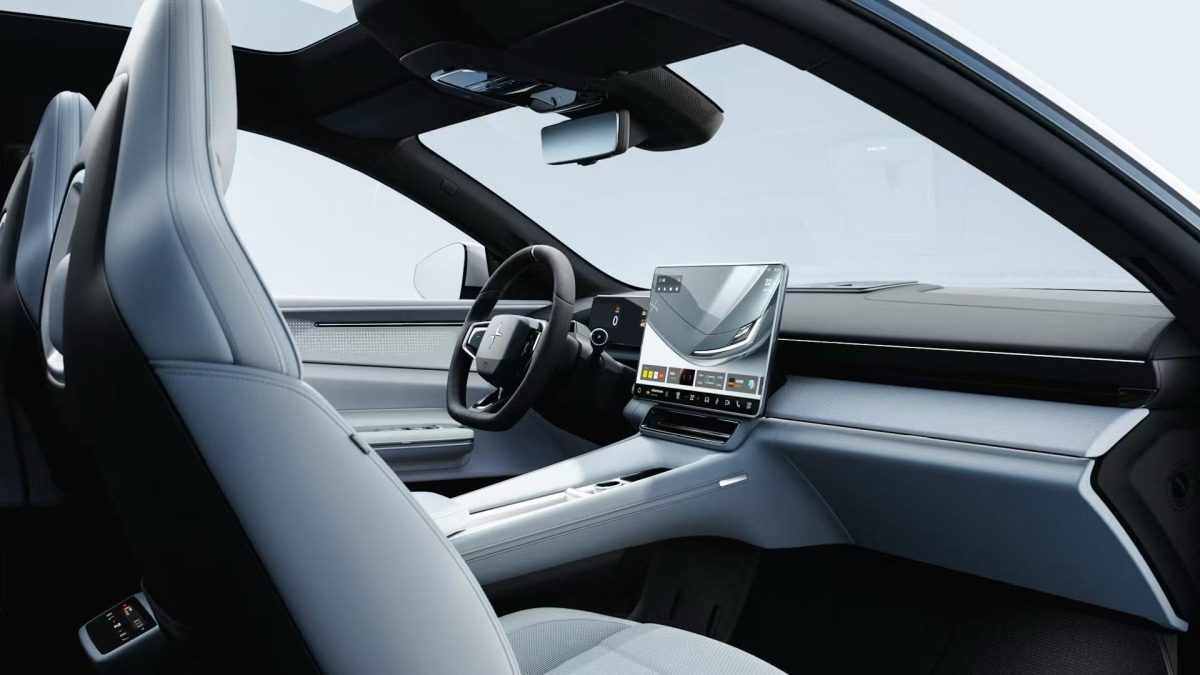
While navigation and vehicle control systems are highly optimized, entertainment flexibility is still restricted due to safety regulations and system design limitations. This is where the MMB Wireless CarPlay AI Box becomes a powerful upgrade solution.
This guide explains how to transform your Polestar 4 into a fully functional entertainment hub with YouTube, Netflix, and Android apps while keeping the original system unchanged.
Why Polestar 4 Factory System Feels Limited
Even though Polestar 4 runs on an advanced Android Automotive-based system, it is still constrained by several structural limitations.
1. Safety Regulations
Automotive manufacturers are required to follow strict driver distraction regulations. These rules limit video playback functions while the vehicle is in motion. According to infotainment safety principles, video content must be restricted during driving to reduce distraction risks Infotainment System Wikipedia.
This directly affects users searching for Polestar 4 with YouTube or Polestar 4 with Netflix, because native playback is restricted.
2. OEM Software Restrictions
Polestar’s system prioritizes navigation, driving assistance, and system stability over entertainment flexibility. As a result:
- YouTube is not natively optimized
- Netflix is limited or blocked
- Third-party video apps are restricted
3. Region-Based App Limitations
Depending on market region, certain streaming services may not be available or are heavily restricted within the factory system.
What is MMB Wireless CarPlay AI Box?
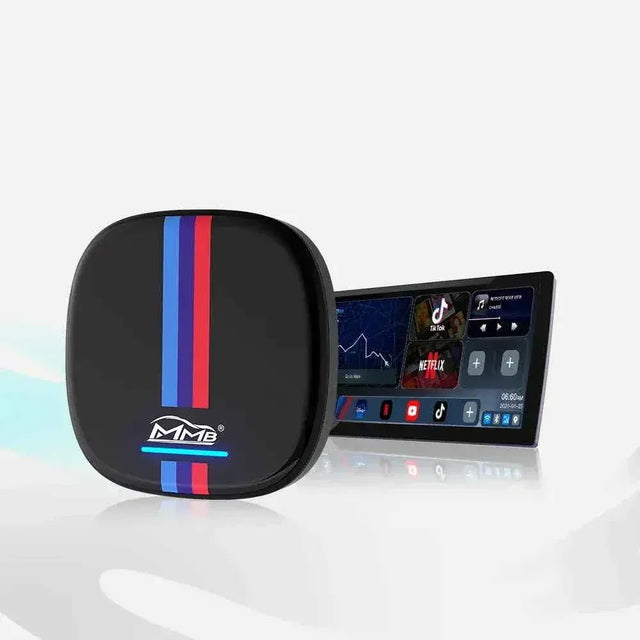
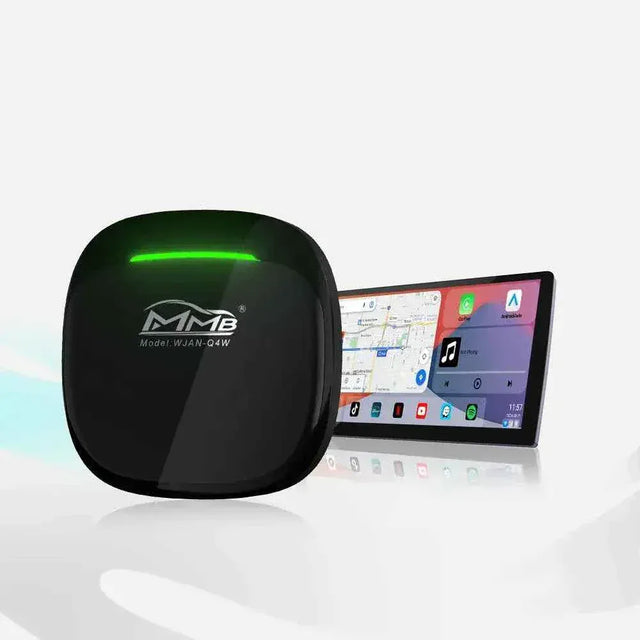
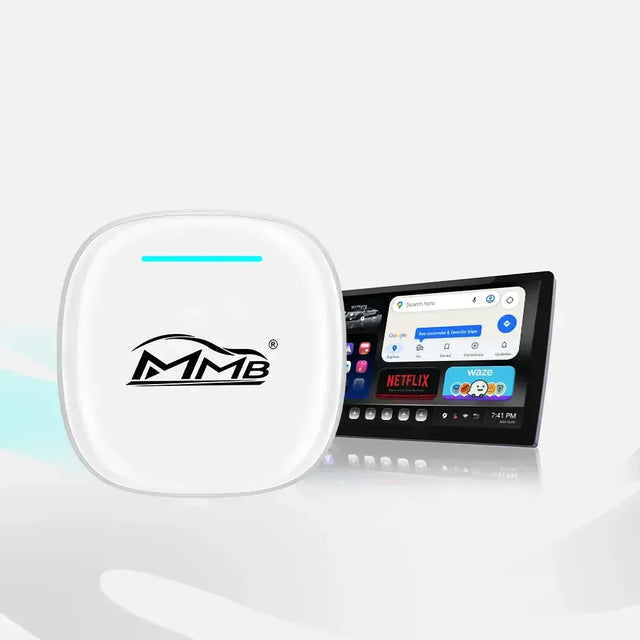
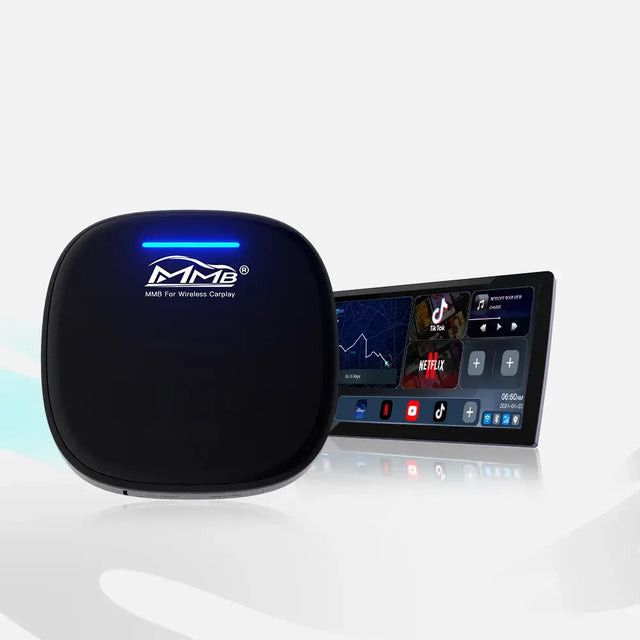
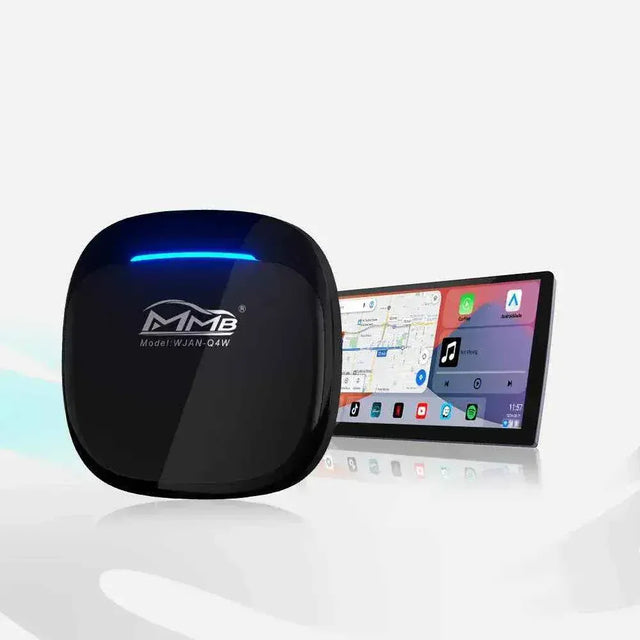
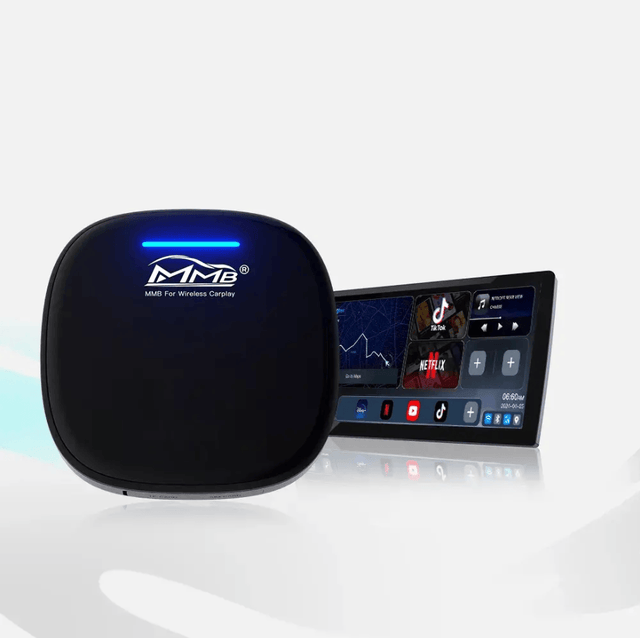
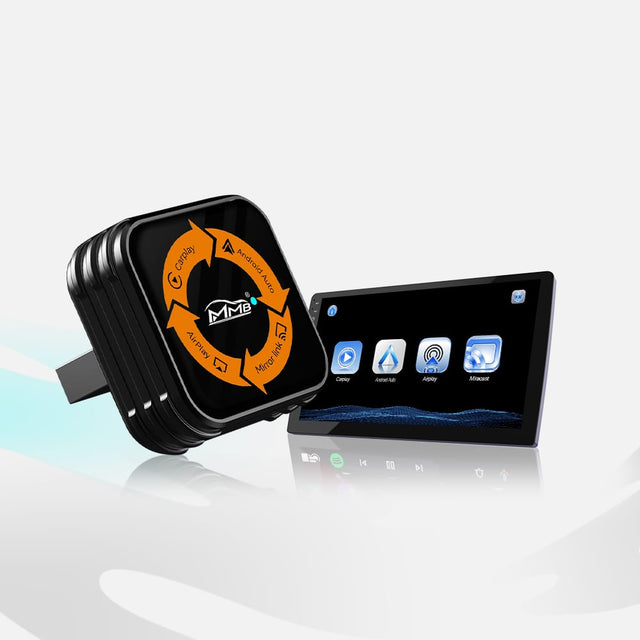
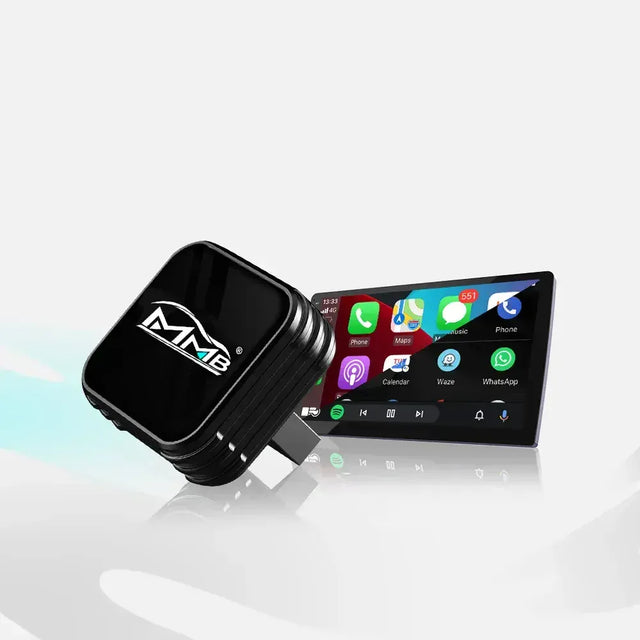
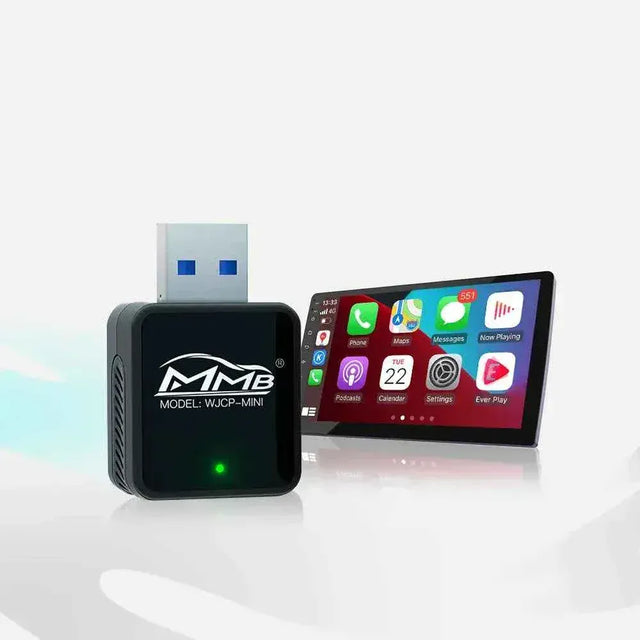
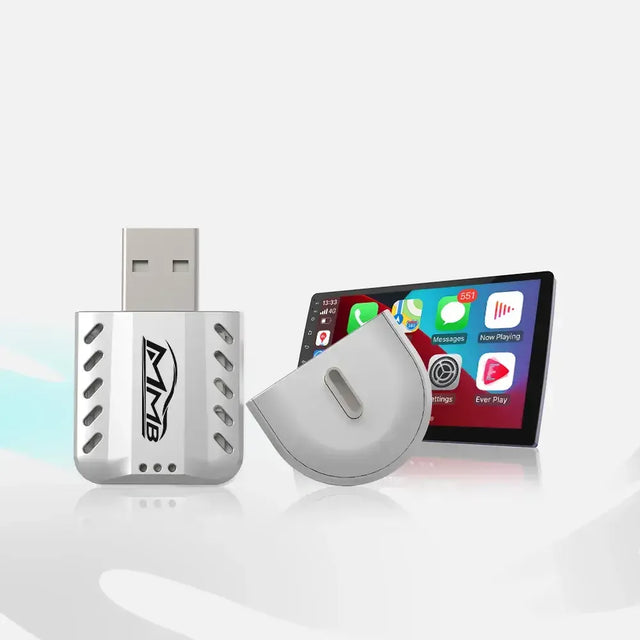
The MMB Wireless CarPlay AI Box is a plug-and-play smart module designed to expand the capabilities of factory infotainment systems.
Instead of modifying the car system, it works through the existing CarPlay interface and converts it into an Android-based smart environment.
You can explore compatible devices here:
MMB CarPlay Shop Collection
Once installed, it enables:
- Full Android OS environment inside car display
- Access to Google Play Store
- Streaming apps like YouTube and Netflix
- Wireless CarPlay + Android Auto support
- Seamless switching between OEM and smart system
This makes it one of the most effective solutions for Polestar 4 with YouTube and Polestar 4 with Netflix upgrades.
Polestar 4 with YouTube Experience
One of the most requested features from drivers is enabling Polestar 4 with YouTube functionality.
With MMB AI Box installed, YouTube becomes fully accessible inside the vehicle display.
Key benefits:
- Watch high-definition videos while parked
- Stream music and entertainment content
- Use educational or travel content during charging
- Smooth playback with touch control support
Unlike OEM limitations, the AI Box removes restrictions and provides a full mobile-like experience inside the car.
Polestar 4 with Netflix Experience
Another major upgrade is enabling Polestar 4 with Netflix functionality.
In factory systems, Netflix is often restricted due to licensing and safety policies. However, with MMB AI Box:
- Netflix runs in full Android environment
- Supports HD and stable streaming
- User-friendly touchscreen interface
- Works during charging breaks or long stops
This transforms Polestar 4 into a mobile entertainment center.
How MMB AI Box Works in Polestar 4 System
1. Plug-and-Play Installation
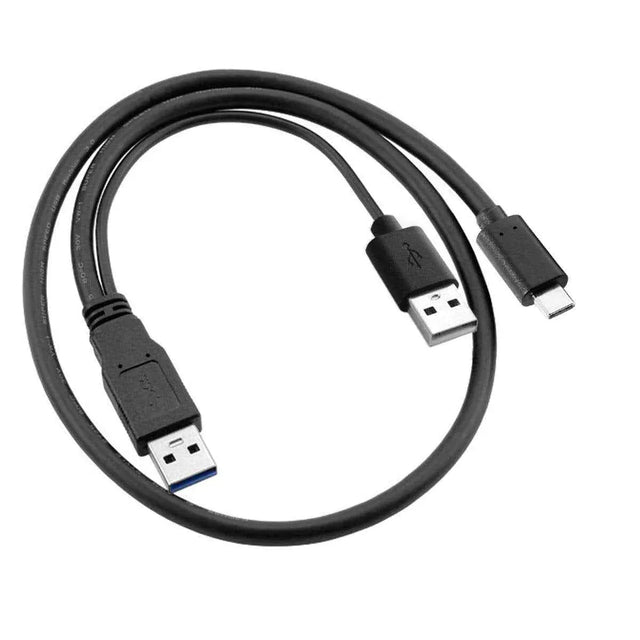
No coding or modification is required. The device simply connects to the USB CarPlay port.
2. Keeps Factory System Intact
You still retain:
- OEM navigation system
- Vehicle settings and controls
- Driver assistance features
3. Adds Android Ecosystem
Once activated, you gain:
- YouTube
- Netflix
- Spotify
- Google Maps
- Full Play Store apps
4. Wireless Operation
After initial setup, the system operates wirelessly for daily use.
Recommended Product
Best compatible upgrade for Polestar owners:
MMB Wireless CarPlay AI Box for Polestar / BYD
Why This Upgrade Is Growing in Popularity
Modern drivers expect more than just navigation. They want full digital entertainment ecosystems inside their vehicles.
According to automotive infotainment research trends, in-car systems are evolving toward smartphone-like functionality integrated into dashboards CarPlay Wikipedia.
This shift explains why demand for Polestar 4 with YouTube and Polestar 4 with Netflix continues to increase globally.
Real User Use Cases
Charging Stop Entertainment
During EV charging, drivers often spend 20–40 minutes waiting. With MMB AI Box:
- Watch Netflix episodes
- Stream YouTube videos
- Browse entertainment apps
Passenger Experience
Passengers can enjoy full entertainment without affecting driving safety.
Long-Distance Travel
Improves comfort during long highway trips with continuous streaming access.
Safety Guidelines
Even with enhanced entertainment capabilities:
- Avoid video usage while driving
- Use passenger entertainment responsibly
- Follow local traffic regulations
Technical Advantages Summary
MMB AI Box provides:
- No hardware modification required
- No warranty impact in most cases
- Instant system switching
- Stable video decoding
- Multi-app support
Conclusion
The Polestar 4 is already a premium EV with advanced technology, but its factory infotainment system still has entertainment limitations.
With the MMB Wireless CarPlay AI Box, drivers can unlock full Polestar 4 with YouTube and Polestar 4 with Netflix functionality, transforming the vehicle into a complete smart entertainment platform.
It is a simple plug-and-play upgrade that significantly enhances the in-car experience without altering the original system.
FAQ
1. Can Polestar 4 play YouTube natively?
No, but MMB AI Box enables full Polestar 4 with YouTube functionality.
2. Can I watch Netflix in Polestar 4?
Not natively, but MMB unlocks Polestar 4 with Netflix support.
3. Does installation require coding?
No, it is fully plug-and-play.
4. Does it affect factory system?
No, OEM system remains unchanged.
5. Can I switch between systems?
Yes, switching is instant and seamless.
BMW AI Box Audio Delay: How to Fix Audio and Video Sync Issues
Why Summer Is the Best Time to Upgrade Your Car with an AI Box
Related Posts

BMW CarPlay Disconnecting at the Same Place? Find Out Why Before You Buy a Fix

BMW CarPlay Apps Missing? Why Your Favorite App Is Not on the Screen

BMW CarPlay Siri Not Working? 7 Fixes for a Frustrating Issue

CarPlay Wrong Location? Find the Cause Before You Replace Anything

My Car Has a Rear Screen. Why Can’t My Kids Watch Video While I Use Navigation?

BYD Wireless CarPlay AI Box: Worried It Won’t Work? Check This First

MMB BMW AI Box Before and After: What Actually Changes on Your Factory Screen?