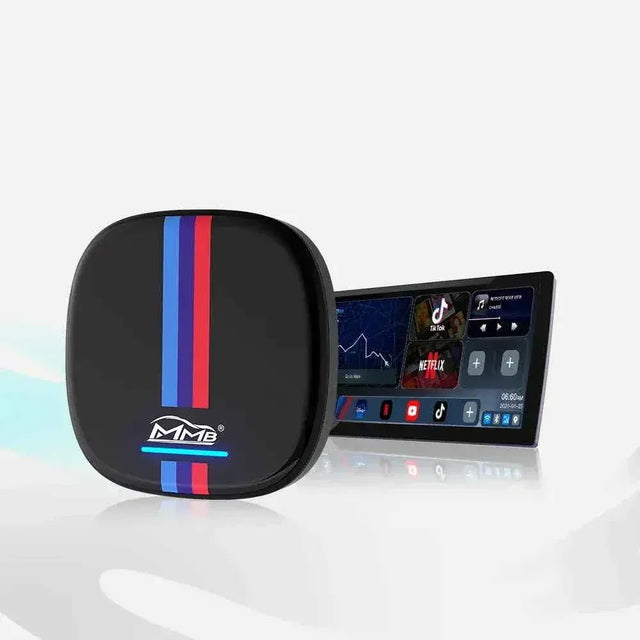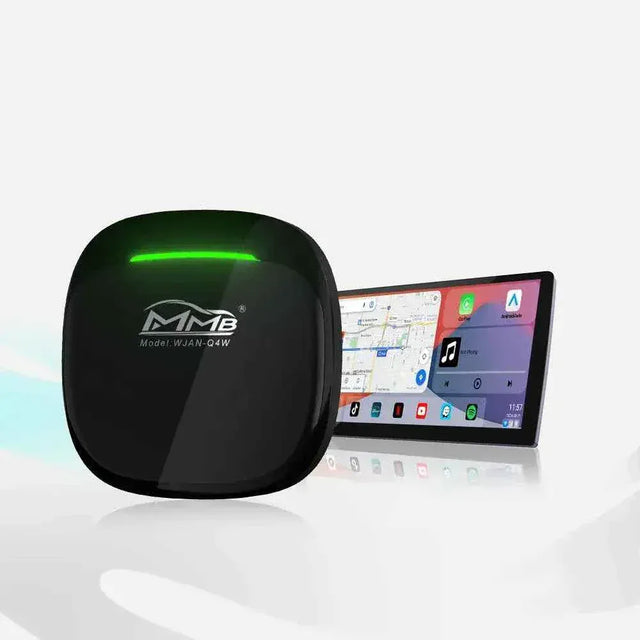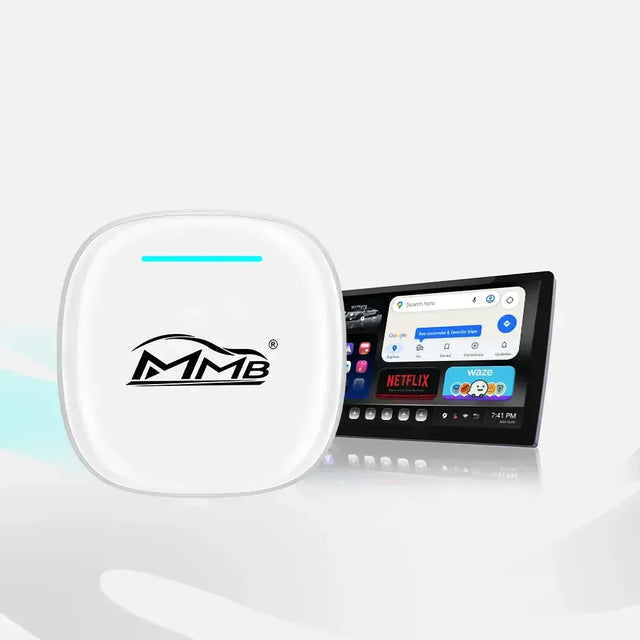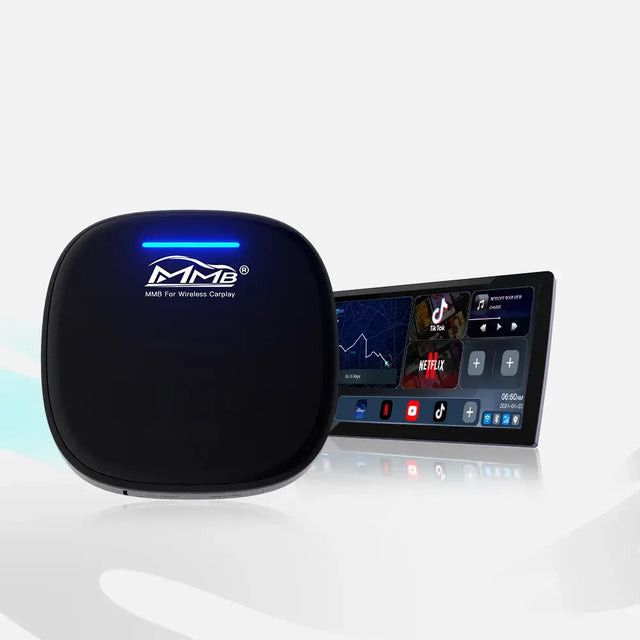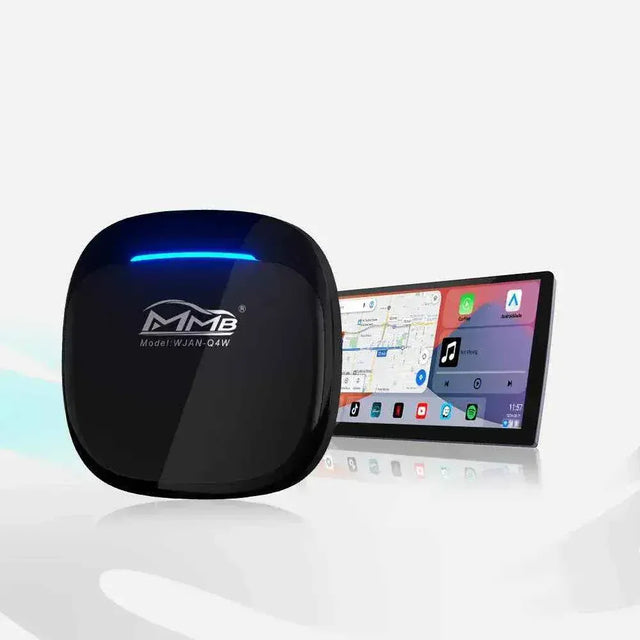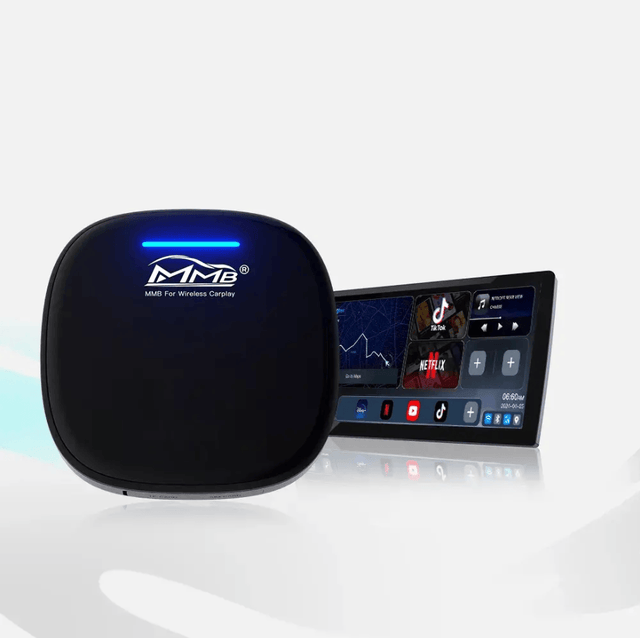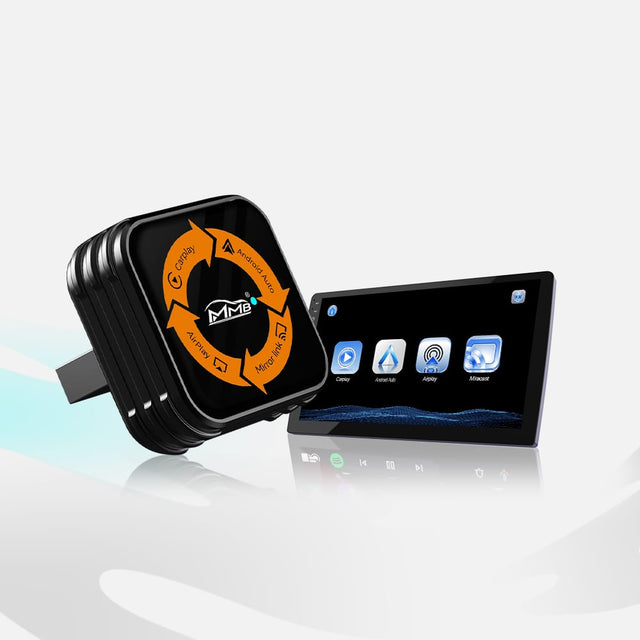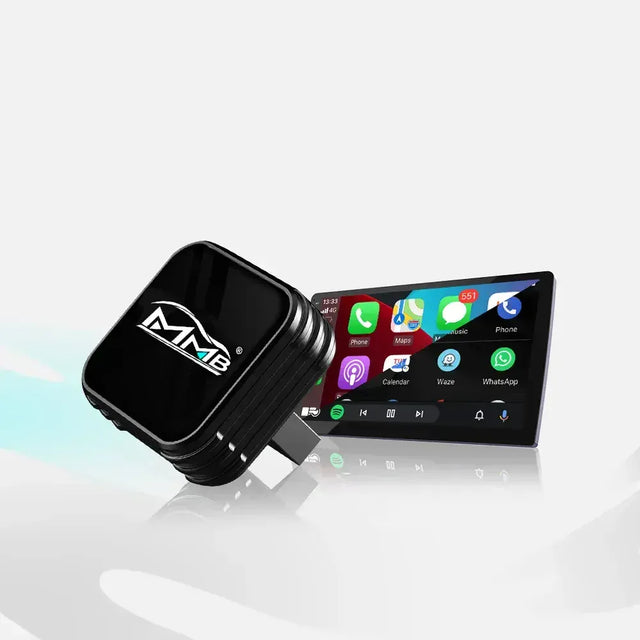

BYD Wireless CarPlay AI Box: Worried It Won’t Work? Check This First
A BYD wireless CarPlay AI box can give your original center screen more to do. You already use wireless Apple CarPlay for maps, calls and music. Now you want compatible Android apps and entertainment on that same display, without replacing the screen.
But there is a reason to pause before checkout: will the box actually work with your BYD?
A BYD wireless CarPlay AI box is not a universal accessory for every vehicle with a BYD badge. The original infotainment system, production year, sales region and working CarPlay connection all matter. This guide helps you check those details before spending money.

BYD Wireless CarPlay AI Box Compatibility Starts With Your Screen
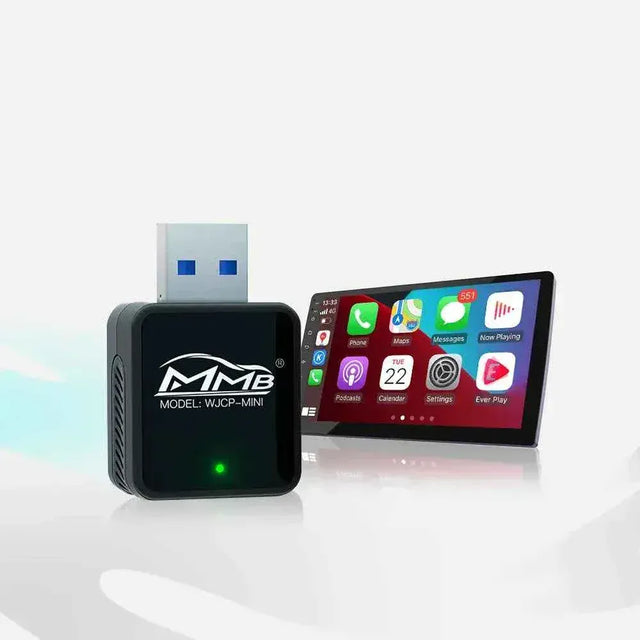
The MMB BYD / Polestar 4 product page describes its box as intended for compatible vehicles equipped with factory wireless Apple CarPlay. The word factory matters: the product relies on a compatible CarPlay system already present in the vehicle.
Before considering a BYD wireless CarPlay AI box, park your car and connect your iPhone normally. Leave the USB cable unplugged. Does the Apple CarPlay home screen appear on the original BYD display? Can you open a supported map or music app from that screen?
If yes, you have shown that wireless CarPlay currently works in your vehicle. Record a short video of this connection. It gives MMB support much stronger evidence than a photo of the dashboard alone.
If your phone only connects for Bluetooth calls or music, you have not completed this test. Bluetooth audio and Apple CarPlay are different functions. A charging USB port also does not prove that CarPlay is available.
Apple’s CarPlay guide explains that vehicles may use USB, wireless CarPlay or both. Test what your own BYD does rather than assuming its connection type from its model name.
Why the MMB Max 5.0 May Be the Wrong Purchase
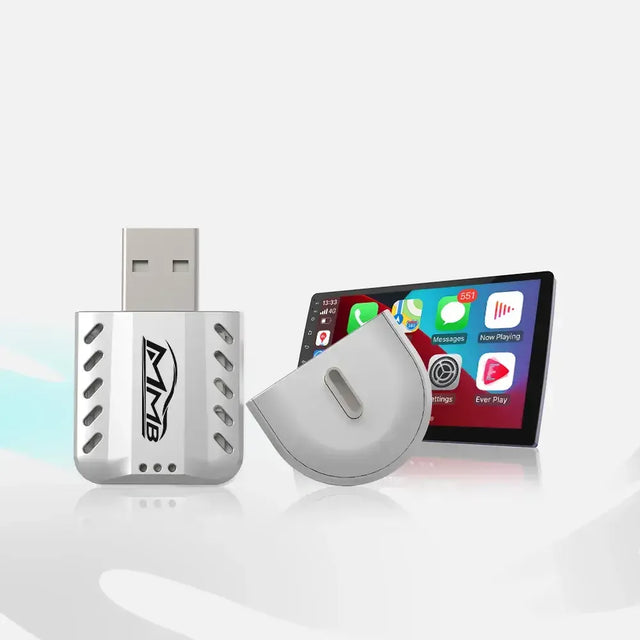
The difference between MMB products is easy to miss. The MMB Max 5.0 page describes that model for compatible vehicles with factory wired CarPlay. The dedicated BYD wireless CarPlay AI box is presented for compatible vehicles with factory wireless CarPlay.
Max 5.0 advertising wireless CarPlay as a feature does not mean it is automatically suitable for a car whose original CarPlay connection is wireless. One phrase describes a product feature; the other describes a vehicle requirement.
If your BYD opens CarPlay without an iPhone cable, start with the dedicated BYD wireless CarPlay AI box and have MMB confirm your exact configuration. The MMB FAQ warns that products for wired and wireless factory systems are not necessarily interchangeable.

Three Checks Before Buying a BYD Wireless CarPlay AI Box
1. Confirm the Original Connection

Show that CarPlay opens on the factory screen while your iPhone is not connected to USB. Include both the phone and center display in a short parked-car video.
If CarPlay currently fails to open, resolve that problem first. Do not buy a BYD wireless CarPlay AI box expecting it to fix an unconfirmed or broken factory CarPlay feature.
2. Identify Your Exact BYD
Write down the vehicle model, production year and country where it was sold. Photograph the original infotainment home screen and, if available, its software-information page.
Why so much detail? A BYD wireless CarPlay AI box must be matched to the system actually installed in your vehicle. Two cars with similar names or appearances may not have identical features in every market or model year.
If your BYD was imported, has an aftermarket screen or has received a major infotainment update, mention that to support. Those details are more useful than simply saying, “I drive a BYD.”
3. Confirm the Product Version and Setup
Ask MMB which specific version is suitable and how it should be connected and powered in your car. “Wireless CarPlay” describes how CarPlay communicates; it does not, by itself, tell you whether the box requires a cable for power. Follow the instructions for your confirmed vehicle and product.
Before ordering a BYD wireless CarPlay AI box, get a clear answer to this question: Does this exact version support my model, year, sales region and factory software?
What Does a Compatible BYD Wireless CarPlay AI Box Add?
For a confirmed vehicle, MMB describes an independent Android 13 multimedia environment on the original display. Its product page lists supported Android apps, navigation and internet-connection options.
That is the reason to consider a BYD wireless CarPlay AI box when your existing CarPlay already handles everyday calls, maps and music. You are shopping for additional supported app choices on the screen you already have, not for an entirely new dashboard display.
Imagine waiting in your parked car while someone finishes an appointment. Instead of holding a phone, you may be able to use a compatible app on the center display. The practical benefit is easier to understand in that moment than in a list of processor specifications.
Keep expectations realistic. Online video requires internet access. Some apps require subscriptions, and availability can vary by region, app version or account. If one particular app is the main reason you want the BYD wireless CarPlay AI box, ask MMB about that app before purchasing. Watch video only while safely parked and where permitted.
What If Your BYD Has an Aftermarket Screen?
An aftermarket screen changes the question. MMB’s FAQ says some aftermarket CarPlay systems may work with its boxes, but compatibility is not guaranteed across different brands and software.
Do not assume an aftermarket display with wireless CarPlay is identical to a supported factory system. Before ordering a BYD wireless CarPlay AI box, send MMB the screen brand and model, a photo of its interface and a video showing how your iPhone connects. Ask for confirmation of that particular combination.
What to Send MMB for a Compatibility Answer
Use this message to make the check easier:
I have a BYD [model], produced in [year] and sold in [country]. Factory Apple CarPlay opens on the original screen without connecting my iPhone by USB. I’ve attached photos of the home screen and a short connection video. Is your BYD / Polestar 4 AI Box compatible with my exact vehicle? Which version should I order, and how is it powered?
If CarPlay does not work wirelessly today, describe what happens instead. Accurate information helps MMB support tell you whether this is the right product or whether you need to solve a different problem first.
The Bottom Line
A good purchase starts with proof, not a guess. Verify that wireless CarPlay works on your original screen. Check your exact model, year and market. Then ask MMB to confirm the version before you order.
That is the sensible way to buy a BYD wireless CarPlay AI box: you know what your vehicle has, what the product is intended to add and which compatibility questions have already been answered.
FAQ
Can a BYD wireless CarPlay AI box add CarPlay to a car without it?
No. MMB describes this product for compatible vehicles that already have factory wireless Apple CarPlay. Ask about another solution if your BYD has no CarPlay.
Is Bluetooth connection enough to confirm compatibility?
No. Bluetooth calls and music are not the same as Apple CarPlay. You should see CarPlay open on the original center screen without connecting your iPhone by USB.
Can I buy MMB Max 5.0 instead?
Do not assume so. Max 5.0 is marketed for compatible factory wired CarPlay vehicles. For a BYD with factory wireless CarPlay, ask MMB to confirm its dedicated wireless-CarPlay product.
Will every app work on the box?
No product page can guarantee every app in every region. Availability may depend on the app provider, your account, subscription and internet connection. Confirm any must-have app before ordering.
How can MMB check my BYD wireless CarPlay AI box compatibility?
Send your exact BYD model, production year, sales region, original-screen photos and a short video showing wireless CarPlay working. Ask support to confirm the specific product version for your vehicle.
MMB BMW AI Box Before and After: What Actually Changes on Your Factory Screen?
My Car Has a Rear Screen. Why Can’t My Kids Watch Video While I Use Navigation?
Related Posts

BMW CarPlay Disconnecting at the Same Place? Find Out Why Before You Buy a Fix

BMW CarPlay Apps Missing? Why Your Favorite App Is Not on the Screen

BMW CarPlay Siri Not Working? 7 Fixes for a Frustrating Issue

CarPlay Wrong Location? Find the Cause Before You Replace Anything

My Car Has a Rear Screen. Why Can’t My Kids Watch Video While I Use Navigation?

MMB BMW AI Box Before and After: What Actually Changes on Your Factory Screen?