
CarPlay Wrong Location? Find the Cause Before You Replace Anything
The map on your car screen says you are driving along the service road. You are actually on the highway beside it. At the next exit, the app tells you to turn too early. Music and calls still work, so the problem does not look like a normal CarPlay disconnection.

A CarPlay wrong location problem does not automatically mean the car screen, phone, or an accessory is broken. Your phone, navigation app, vehicle connection, and surroundings can all affect what you see. The useful first move is to compare the same app on your phone and car screen while safely parked. That single comparison tells you which branch to investigate.
CarPlay Wrong Location: Compare the Two Screens First
Park in a safe place. Open the navigation app on your iPhone, then look at its current-location marker on the CarPlay display. Do not compare two different map apps yet. Check whether both markers point to the same place and whether either one moves when you begin a new route.

If both are wrong, start with the phone, app permissions, and location conditions. If the phone is accurate but the car screen is wrong, check the CarPlay session and any device connected between the phone and vehicle. If one map app is wrong and another is right, investigate the affected app. These patterns narrow the search; they do not prove that one component has failed. The first CarPlay wrong location comparison keeps you from confusing an app issue with a display issue.
Take a screenshot or short parked-car video. A useful CarPlay wrong location report says, “My phone shows the correct street, but the car screen puts me on the parallel road,” not simply, “GPS is bad.”
When the Phone and Car Screen Are Both Wrong
Start with location access on the phone. On iPhone, open Settings → Privacy & Security → Location Services. Confirm that the navigation app is allowed to use your location. For Apple Maps, check Precise Location as well. Apple says Maps needs Precise Location and an internet connection to provide accurate directions.

Google Maps has its own permission. Open its entry under Location Services and check the access allowed. If the app shows a wide pale circle around its blue dot, Google says its estimate is less certain. Follow the app’s accuracy prompts rather than assuming the car has a GPS fault.
A CarPlay wrong location symptom that also appears on the phone will usually not be repaired by replacing a screen. First establish that the phone knows where it is.
Test Again Away From Obstructions
Location can be less accurate in a multistory garage, tunnel, or area surrounded by tall buildings. Google notes that the blue dot may become less certain in such places. Move to an open, safe location and repeat the comparison. CarPlay wrong location in one garage is a different pattern from a problem across the whole city. Record whether the position settles or remains wrong.
If the problem occurs only near one parking structure, that pattern matters. If it happens on open roads in several locations, your support request should say so. Do not try to calibrate the phone or operate a map while driving.
When Only One Map App Is Wrong
Try the same location in Apple Maps and Google Maps while parked. If one app is accurate and the other is not, review the affected app’s permission and update status. Google provides an in-app accuracy and calibration flow for a blue dot that is missing, gray, or surrounded by a wide circle.
Check what is actually wrong. A wrong blue dot means the app’s estimate of your present location is inaccurate. A correct blue dot next to an incorrect business address is a map-data issue. A correct position but wrong arrival time could involve traffic or route information. These are different problems and deserve different fixes.
The phrase CarPlay wrong location often gets used for all three. Describe the specific symptom so you do not spend time changing hardware for a bad place listing.
When the Phone Is Correct but CarPlay Is Wrong
Now compare the connection. Close and reopen the navigation app, then reconnect the phone using your vehicle’s normal wired or wireless CarPlay method. Apple recommends checking the connection, restarting the iPhone and car, and following its CarPlay troubleshooting steps when the feature does not work as expected.
If you use a cable, test the appropriate vehicle data port and a suitable cable. If you use wireless CarPlay, check that the phone’s Bluetooth and Wi-Fi are enabled. Do not delete every pairing or factory-reset the vehicle before you know whether a simple reconnection changes the result.
If CarPlay wrong location started just after an iOS, vehicle, or app update, record the date and version. Timing is useful evidence, but it does not prove the update caused the problem.
Compare the Factory Setup With Any Added Device
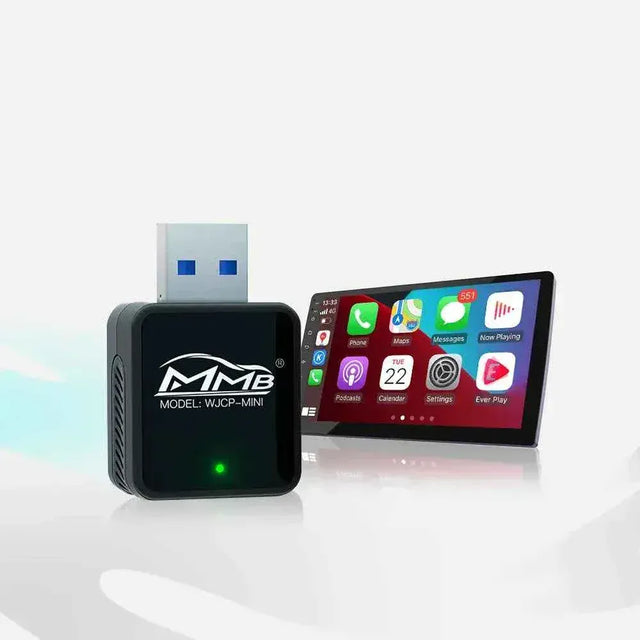
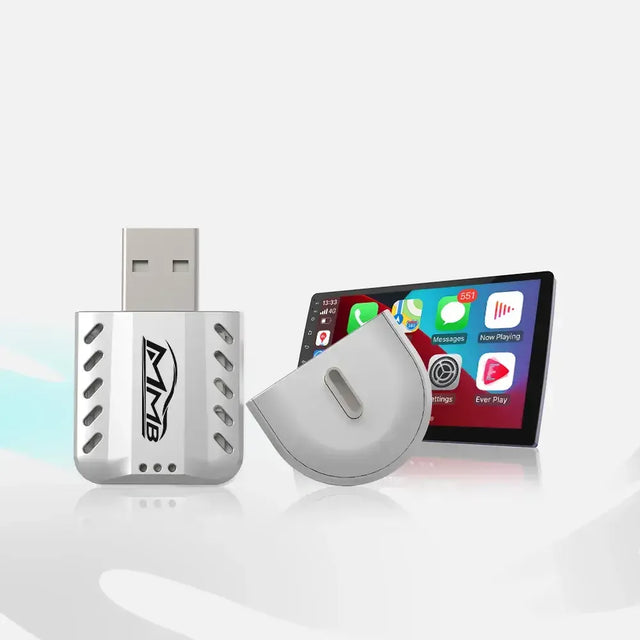
If you normally use a CarPlay adapter or AI Box, temporarily return to the car’s original connection method while parked. Test the same phone and map app in the same location. If factory CarPlay is also wrong, an added device is not the only place to investigate. If the original connection is accurate but the added setup is wrong, that difference is useful for its support team.
Do not buy another accessory to fix CarPlay wrong location before running this comparison. Buying hardware is not a diagnostic test.
If the Map Runs Inside an MMB Device
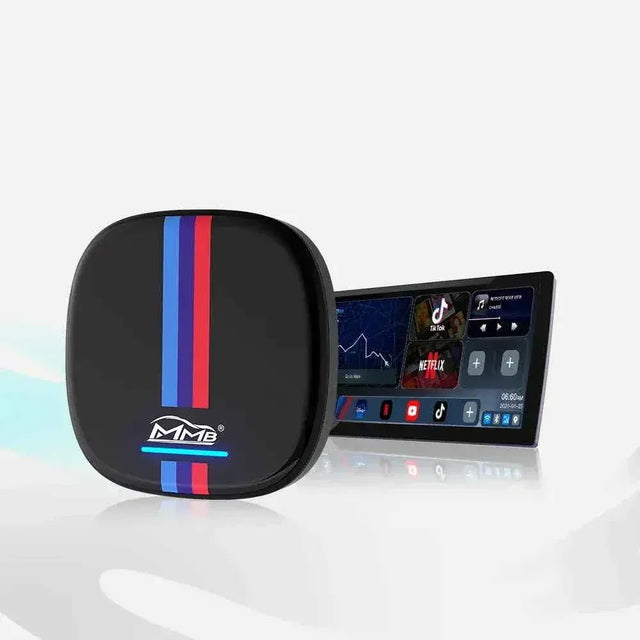
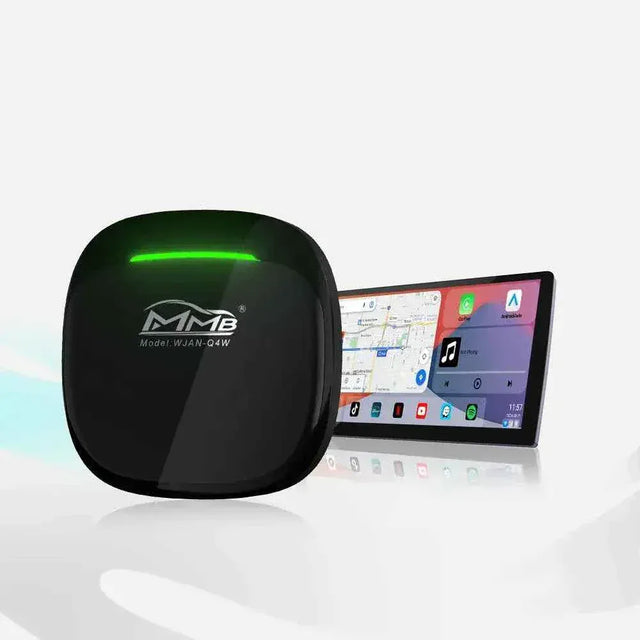
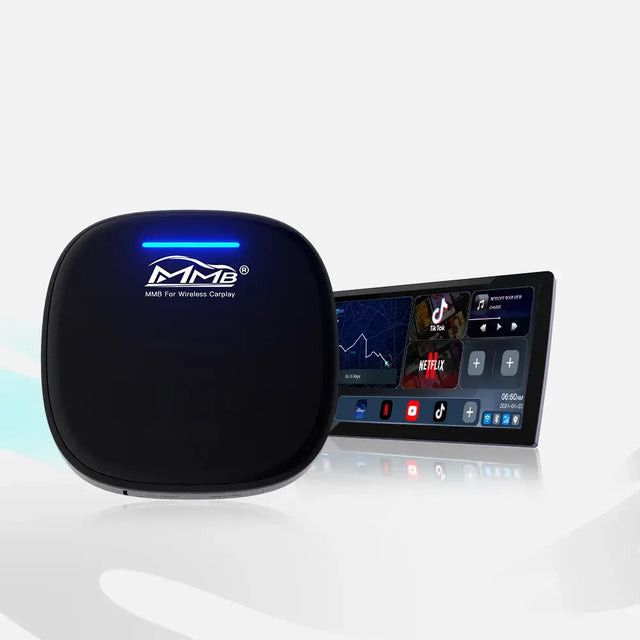
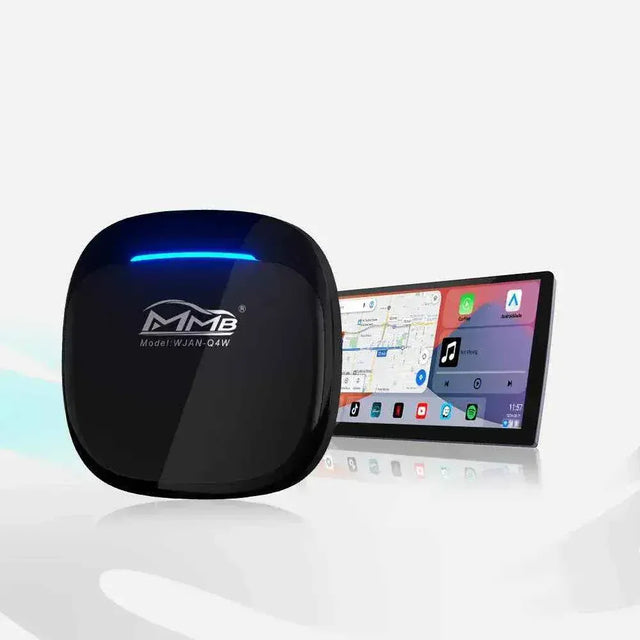
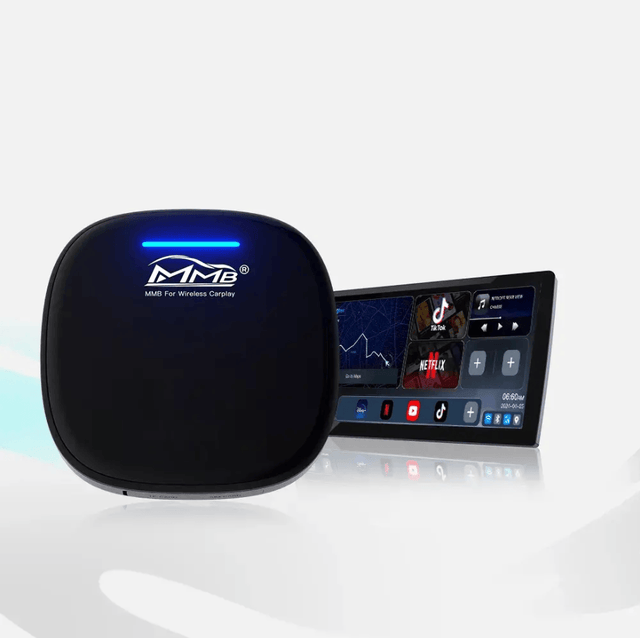
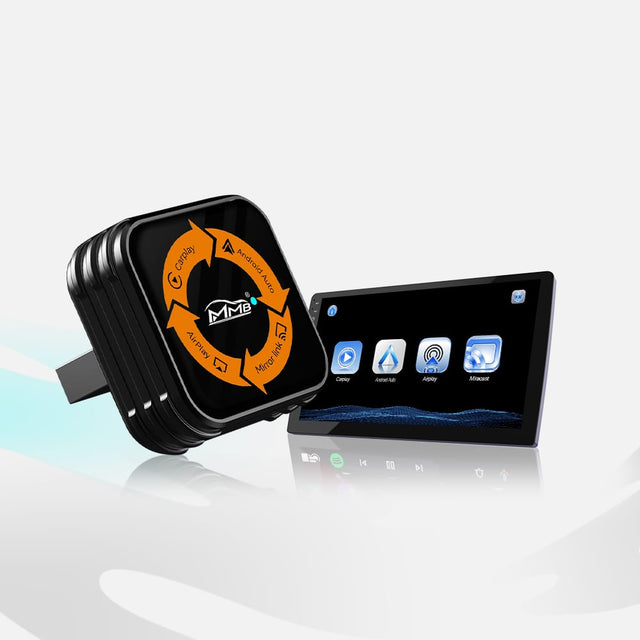
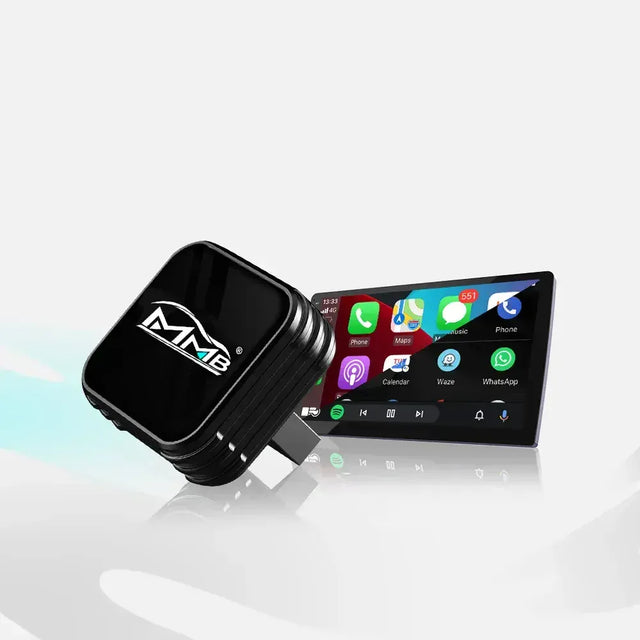
First identify which screen mode you are in. An iPhone map displayed through CarPlay and an Android navigation app running on an MMB box are not necessarily using the same app session or location settings. Some MMB models also list their own GPS capability, so the precise path can vary by model.
If the phone map and factory CarPlay are accurate but an app running in the MMB environment is wrong, check that app’s location permission and network access. Try another navigation app on the same MMB device. If both box apps fail, note that; if only one fails, note its name and version.
This CarPlay wrong location branch does not justify telling every reader to reset or replace an MMB box. Send the exact product model, vehicle details, screenshots, and test results to MMB technical support. They can guide the next step for that device rather than applying a generic firmware file.
What If the Blue Dot Freezes Instead of Jumping?
A frozen position is different from a dot that moves but stays one road away. For CarPlay wrong location cases, note the movement pattern before trying a reset. Check whether the phone itself continues updating as you move. If both screens freeze, focus on the phone, app, and signal. If the phone updates but the vehicle display does not, restart the affected CarPlay session after parking.
Check whether the app has fallen back to a last-known location. Google explains that a gray or missing blue dot can mean it cannot find a current position. That is a stronger clue than the appearance of the route line alone.
For a CarPlay wrong location complaint, include whether the dot is frozen, jumps between streets, or is consistently offset. Those descriptions help support ask the right next question.
What to Record About CarPlay Wrong Location Before Contacting Support
A support team can do more with a comparison than with a single photo. Write down your car make, model, year, iPhone model, iOS version, navigation app, and whether CarPlay is wired or wireless. Note whether the problem happens in open areas as well as garages.
If you use MMB, include its exact model and software version if available. State whether the wrong position occurs in the iPhone CarPlay interface, an Android app on the box, or both. Attach a parked-car video showing the phone and vehicle screen side by side.
When CarPlay wrong location also occurs with the MMB device removed, contact your vehicle manufacturer, Apple, or the map-app provider as appropriate. When it occurs only with the MMB setup, use MMB technical support. The test result should determine where you ask for help.
Do Not Navigate by a Position You Know Is Wrong
If the map repeatedly puts you on the wrong road or suggests an unsafe turn, stop relying on its guidance. Pull over safely, confirm your position another way, and continue only when you have dependable directions. No article, setting, or accessory is worth making a rushed decision at an interchange.
A CarPlay wrong location issue is worth solving because it affects trust in the route, not merely the appearance of a blue dot. Work through the comparison patiently while parked, then test the same route again.
The Bottom Line
Begin with one question: is the phone wrong too? If yes, check permissions, app accuracy guidance, and signal conditions. If no, compare the factory CarPlay session with any added device. If only one app is wrong, focus on that app before touching vehicle settings.
The best fix for CarPlay wrong location might be a permission change, a better signal, an app correction, or a clear support request. You do not need to buy a new product to complete the checks that matter most.
FAQ
Why does CarPlay wrong location happen near a parking garage?
Buildings and covered spaces can make location estimates less accurate. Compare the phone and car screen again in an open area before concluding that hardware has failed.
Can a new AI Box fix the wrong position?
Not reliably. First establish whether the phone and factory CarPlay show the same error. A new box cannot be assumed to repair phone permissions, map data, or weak positioning conditions.
Why is Apple Maps correct but Google Maps wrong?
The apps can have different permissions, settings, and map data. Check Google Maps location access and its blue-dot accuracy guidance before changing the vehicle setup.
What if the map is correct on my phone but wrong in an MMB app?
Record which MMB model and app you use, compare it with factory CarPlay, and send both results to MMB support. The phone and the box may be running separate navigation sessions.
Should I reset my car for a CarPlay wrong location issue?
Not as a first step. Make the phone-versus-screen comparison and try the connection steps appropriate to your vehicle before considering broader resets.
My Car Has a Rear Screen. Why Can’t My Kids Watch Video While I Use Navigation?
BMW CarPlay Siri Not Working? 7 Fixes for a Frustrating Issue
Related Posts

BMW CarPlay Disconnecting at the Same Place? Find Out Why Before You Buy a Fix

BMW CarPlay Apps Missing? Why Your Favorite App Is Not on the Screen

BMW CarPlay Siri Not Working? 7 Fixes for a Frustrating Issue

My Car Has a Rear Screen. Why Can’t My Kids Watch Video While I Use Navigation?

BYD Wireless CarPlay AI Box: Worried It Won’t Work? Check This First

MMB BMW AI Box Before and After: What Actually Changes on Your Factory Screen?