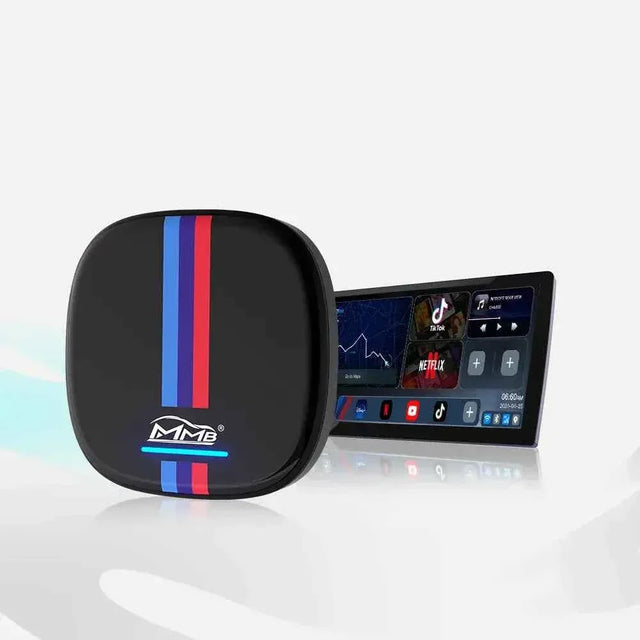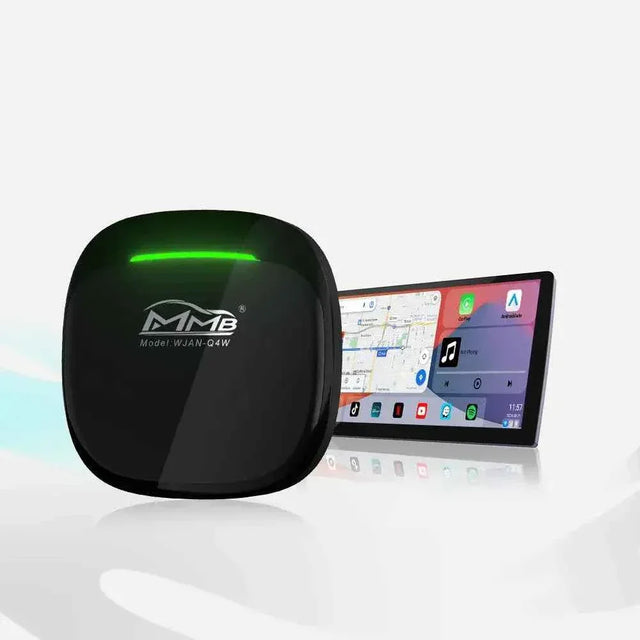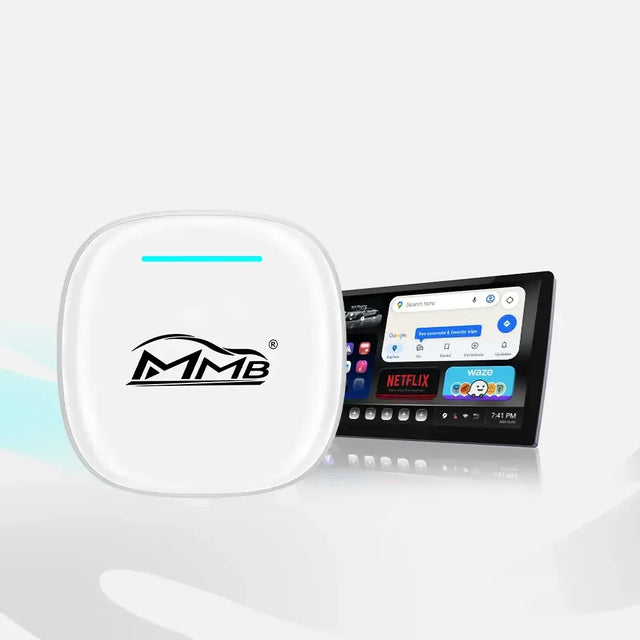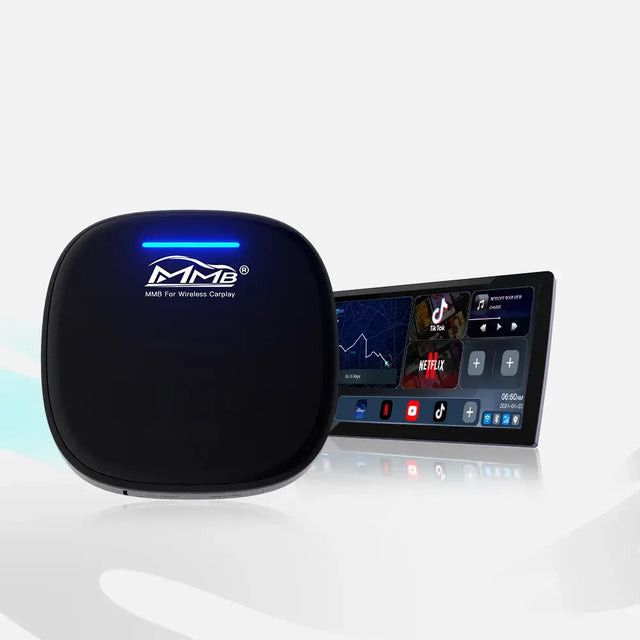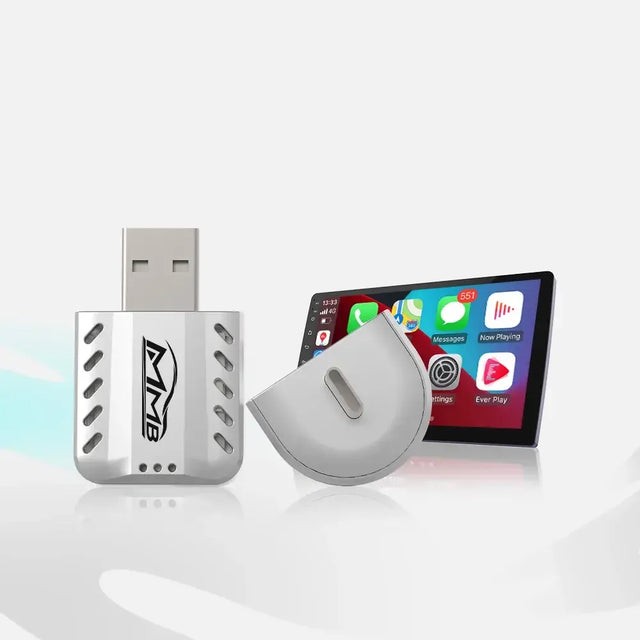

MMB BMW AI Box Before and After: What Actually Changes on Your Factory Screen?
Your iPhone connects wirelessly, the map looks good, and music plays through your BMW’s factory display. So why consider another device? Because the question is not whether CarPlay works. It is whether the screen does everything you want during the moments you actually use the car.
Maybe you wait in your BMW between appointments. Maybe you charge the car on a long trip. Your phone has the apps you want, but they do not all appear in the familiar CarPlay interface. You do not want to replace the dashboard screen or commit to a complicated installation just to make parked time more enjoyable.
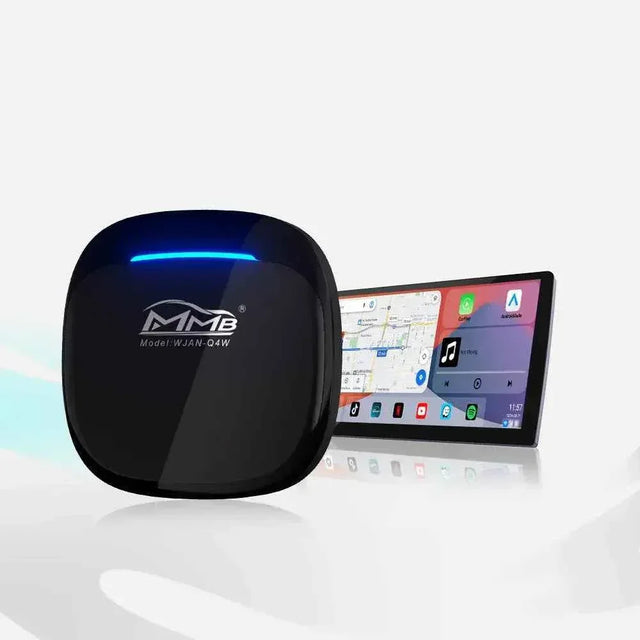
That is where the MMB BMW AI Box enters the conversation. It is a separate Android-based multimedia system designed for selected BMW vehicles that already have factory wireless Apple CarPlay. It uses the original center display, not the instrument cluster and not a replacement screen. The useful question is not simply, “Does it have Netflix?” It is: What changes in my BMW, what stays the same, and will I actually use the difference?
Before the MMB BMW AI Box: What Your Factory Wireless CarPlay Already Does Well

Keep the good parts of your current setup in view. Apple explains that CarPlay brings supported navigation, calling, messaging, and audio functions to a compatible vehicle display. If you primarily use maps, podcasts, and calls, your existing system may already be enough.
Buying an AI Box will not make a missing factory CarPlay feature appear. It is also not a repair for a broken BMW connection. The MMB BMW AI Box should extend a working system, not serve as a repair.
Before comparing anything, park your car and run one simple test: disconnect your iPhone’s USB cable, connect as you normally do, and confirm that CarPlay appears on the original center screen. Bluetooth audio or a USB charging port alone is not the same thing. The MMB FAQ says the BMW-specific box requires a compatible factory wireless CarPlay setup, so check your exact model, year, and screen before ordering.
The MMB BMW AI Box is most relevant to a driver who likes the existing display but wants a second, more flexible app environment. It does not turn Android apps into native iPhone CarPlay apps. The two interfaces serve different purposes.
After the MMB BMW AI Box: Three Changes You Can Actually Use

1. More App Choices on the Original Center Screen
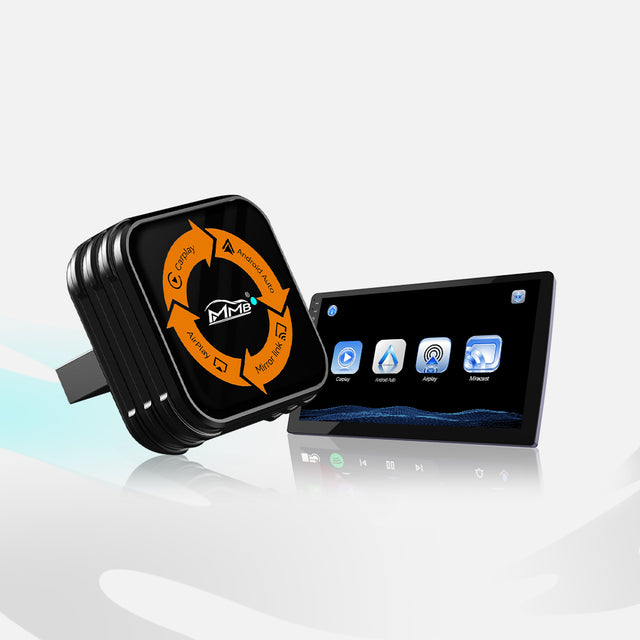
With the MMB BMW AI Box, a compatible factory center display can show the box’s Android-based interface. The BMW product listing describes Google Play access and apps such as YouTube, Netflix, music services, and navigation tools. Instead of asking whether an app appears in Apple’s CarPlay grid, you can explore compatible Android apps through the box.
That is a meaningful difference when you have one particular app in mind. It is also why you should name that app before buying. “Google Play available” does not guarantee that every app installs, works comfortably with a rotary controller, supports your region, or permits playback on every software version. Some services require a separate subscription or login.
Ask MMB about a must-have app rather than assuming that a logo on a product image is a promise. For many buyers, this is the real reason to choose the MMB BMW AI Box over a basic wireless adapter: it adds an app environment, not merely a different way to connect a phone.

2. A More Useful Screen While Safely Parked
Picture the 25 minutes before a school pickup or a stop at a charging station. Your BMW’s screen is right there, but you may still reach for your phone to use a video or another Android app.
After adding a compatible MMB BMW AI Box, supported apps can be used on the larger original center display while the car is safely parked. You keep the familiar dashboard rather than balancing a phone against the steering wheel or replacing the screen simply for more app choices.
The experience still depends on internet access. The BMW product page lists Wi-Fi and SIM-card connectivity. Online streaming needs a working data connection, and an app subscription is separate from the box. A weak mobile signal can make video buffer even when the device itself is operating normally. If video is your deciding feature, test the MMB BMW AI Box with the connection you expect to use.
This is parked-time entertainment, not a reason to watch a show while driving. The U.S. National Highway Traffic Safety Administration identifies interaction with entertainment systems as a possible driving distraction. Set up and watch video only when safely parked, and follow local rules.
3. The BMW Dashboard Does Not Have to Be Replaced
The MMB BMW AI Box is designed to work with the existing factory display. Its product page describes plug-and-play setup without cutting vehicle wiring or replacing the screen. For someone who likes the original BMW interior, that matters as much as the app list.
It also means you should distinguish the two systems. Your factory iDrive menus, vehicle settings, radio, and camera, where equipped, belong to the original BMW system. The Android app interface belongs to the box. The MMB FAQ says users can return to the original car interface, but the exact switching method and button behavior may depend on the vehicle configuration.
Before ordering the MMB BMW AI Box, ask for a demonstration of that control on a comparable iDrive system. The MMB BMW AI Box also does not promise that an Android navigation app will appear in the instrument cluster or head-up display. Its advertised benefit is on the compatible original center screen. Check any cluster or HUD requirement separately before ordering.
MMB BMW AI Box Before and After at a Glance
- Apps: Before, you use the apps supported by your BMW’s CarPlay setup. After, you can access a separate Android-based app environment through a compatible MMB box.
- Parked time: Before, you may use your phone for an app that is not available on the car display. After, supported apps may be available on the center display with the necessary internet connection and account.
- Dashboard: Your original screen remains in place. The box does not require a replacement center display.
- Controls: Your current iDrive operation is familiar. After adding the box, confirm how the controller, buttons, touchscreen, or optional remote work with the apps you want.
- Compatibility: The box does not add factory CarPlay to a BMW that never had it.
This MMB BMW AI Box before-and-after comparison is a buying guide, not a claim that every BMW will show identical screens or app performance. The strongest before-and-after proof is a short recording from the same supported vehicle showing factory CarPlay, the MMB home screen, one desired app, and the return to iDrive. Judge the MMB BMW AI Box by those screens rather than a stock render.
What Setup Really Requires
The word “wireless” can be confusing. For this BMW-specific product, the vehicle must already support factory wireless CarPlay. For the WJAN-BM-Q4W model discussed here, MMB’s technical confirmation is that its USB connection supplies power; it does not mean your BMW must have factory wired CarPlay. Follow the instructions for the exact device version supplied with your order.
A sensible first-day check is straightforward. Confirm factory CarPlay works before adding the box. Power the MMB BMW AI Box as directed, follow its on-screen setup, connect an internet source if you want online apps, and try one app that matters to you. Then return to the original BMW menu and test the radio or another familiar factory function. Do all setup while parked. A complete MMB BMW AI Box check includes returning to the original menu, not just opening one new app.
The product page lists operation through compatible factory touch functions, controllers, or buttons. If your BMW screen is not touch-sensitive, consider whether the iDrive knob will be comfortable for your chosen apps; MMB also mentions an optional remote. A product can connect successfully yet feel awkward if you expect every third-party Android app to behave like a native iDrive menu.
Is It Worth Buying for Your BMW?
The MMB BMW AI Box may be worth considering if your BMW already launches wireless CarPlay, you want particular Android apps on the factory center display, and you expect to use those apps while parked.
It is a weaker purchase if your current CarPlay covers everything you do, your BMW has no working factory CarPlay, or your only goal is to fix a fault in the original connection. Those are different problems, and buying the wrong product will not make them disappear.
Before paying, send MMB your BMW model and year, a photo of the original screen, and a short video showing that factory CarPlay connects wirelessly. Name the app you most want to use, say whether your screen is touch-sensitive, and ask which control method applies to your car. You can check the compatible vehicles list, but a broad model-year list is not a guarantee for an individual vehicle.
Once the match is confirmed, review the MMB BMW AI Box product page. If anything remains unclear, contact MMB support before ordering. That small step gives you a clearer picture of what the “after” will look like in your own BMW.
FAQ
Does the MMB BMW AI Box add CarPlay to a BMW that does not have it?
No. This BMW-specific box is intended for compatible vehicles with factory wireless Apple CarPlay. A BMW with no CarPlay needs a different solution.
Will I lose my original BMW menus and radio?
The MMB BMW AI Box does not replace the original screen or factory infotainment system. Still, verify how to return to iDrive and test the original functions important to you on your specific vehicle.
Do I need mobile data to use the MMB BMW AI Box?
Online video, app downloads, and live online services need an internet connection. The product lists Wi-Fi and SIM-card options, but a data plan and any app subscription are separate.
Why is there a USB cable if my BMW CarPlay is wireless?
For the WJAN-BM-Q4W BMW box discussed here, MMB’s technical confirmation is that USB supplies power. The requirement for factory wireless CarPlay is separate. Follow the instructions for the exact model shipped to you.
Can I control every Android app with the iDrive knob?
Do not assume that. Compatible factory controls can operate the box, but a touch-oriented third-party app may be less convenient with a rotary controller. Ask MMB about your must-have app and whether the optional remote would help.
Can I watch video while driving?
Do not watch video while driving. Use video features only while safely parked and follow local law.
Worried About Privacy? Remove Accounts from MMB AI Box Before Returning or Selling It
مشاركات ذات صلة

Worried About Privacy? Remove Accounts from MMB AI Box Before Returning or Selling It

Worried About BMW MMB AI Box Factory Features? Will Your Camera, Radio and Buttons Still Work?

MMB BMW AI Box: More Apps for Your BMW, But Will Your Reverse Camera Still Work?

MMB AI Box Warranty: 5 Easy Steps If It Stops Working

BMW CarPlay HUD Not Showing? 5 Easy Checks Before You Buy an MMB Box

MMB BMW AI Box No Sound? 5 Checks for Frustrating Silence