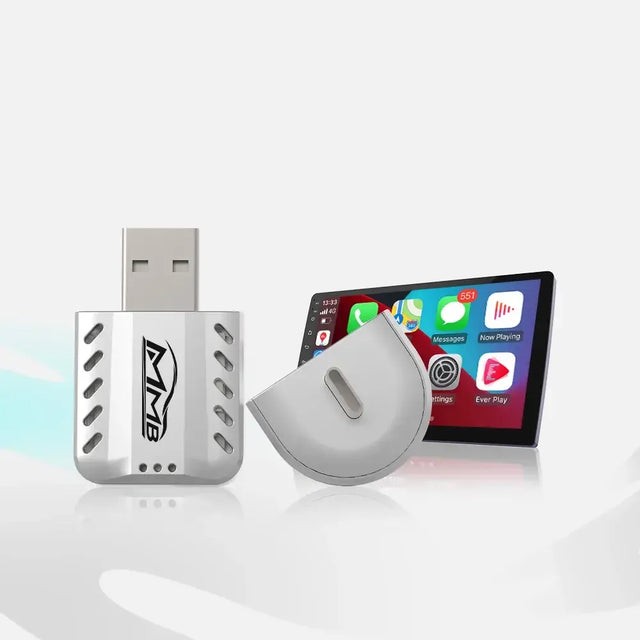

MMB AI Box Warranty: 5 Easy Steps If It Stops Working
You connect your MMB AI Box and wait for the factory screen to respond. Nothing appears. You try again, then wonder whether you bought the wrong version, damaged the device, or will have to solve the problem alone.
The short answer is that MMB offers setup and technical support. Its published MMB AI Box warranty provides 12 months of limited coverage for confirmed hardware faults. But a box that does not connect is not automatically defective. Compatibility, the original CarPlay connection, the cable, and the device itself may each need a different response.
This article explains the support path and warranty boundaries rather than repeating every fix in MMB’s existing troubleshooting guide. You will know what to do first, what evidence to send, and what to expect if a hardware problem is confirmed.
Before Setup: Confirm the Right MMB Box
An AI Box is not a dashboard retrofit kit. MMB’s FAQ says a compatible box does not require removing trim, cutting factory wires, or coding the vehicle. That removes a major installation worry, but it does not remove the need to choose the correct product.
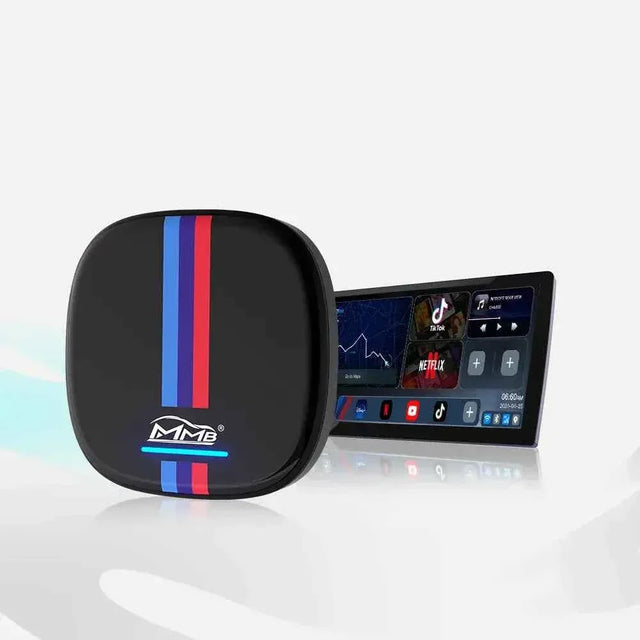
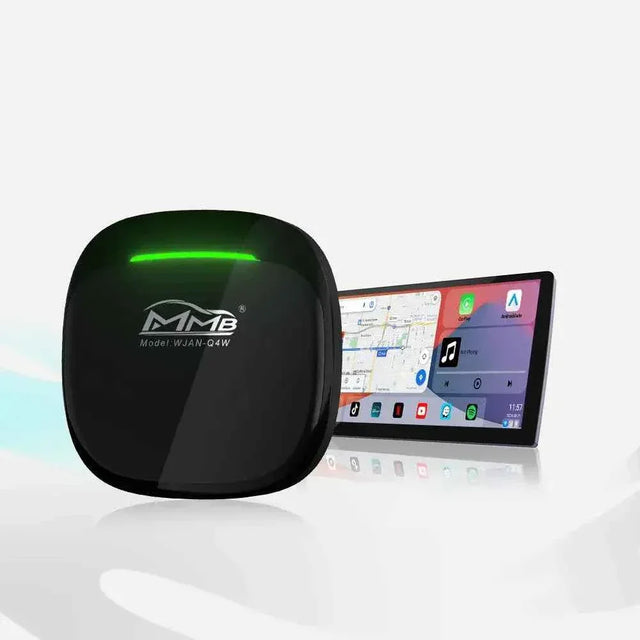
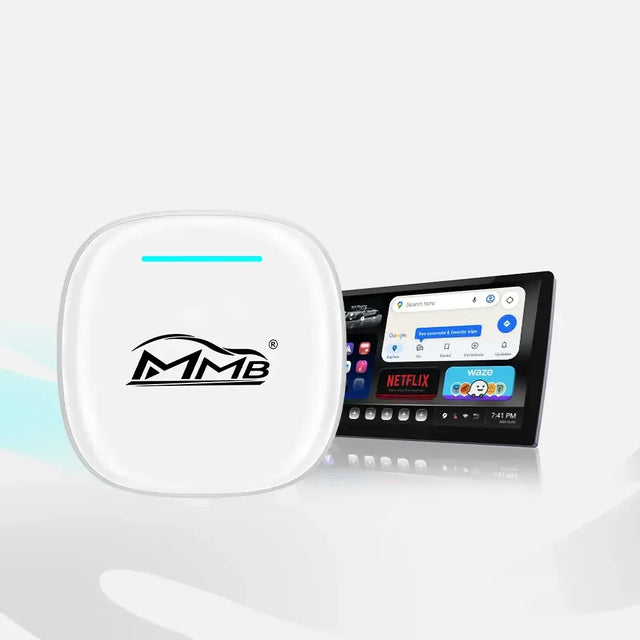
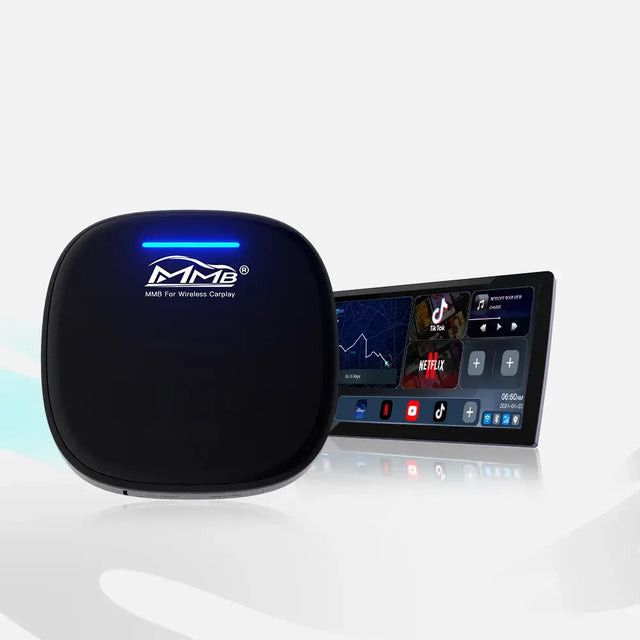
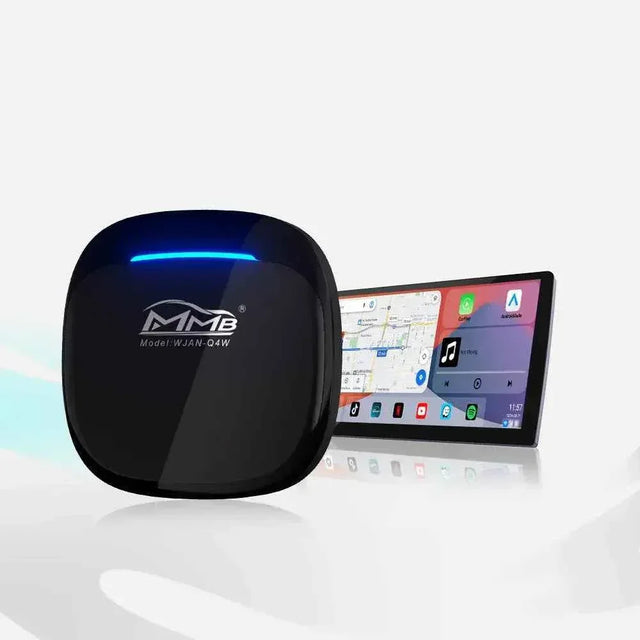
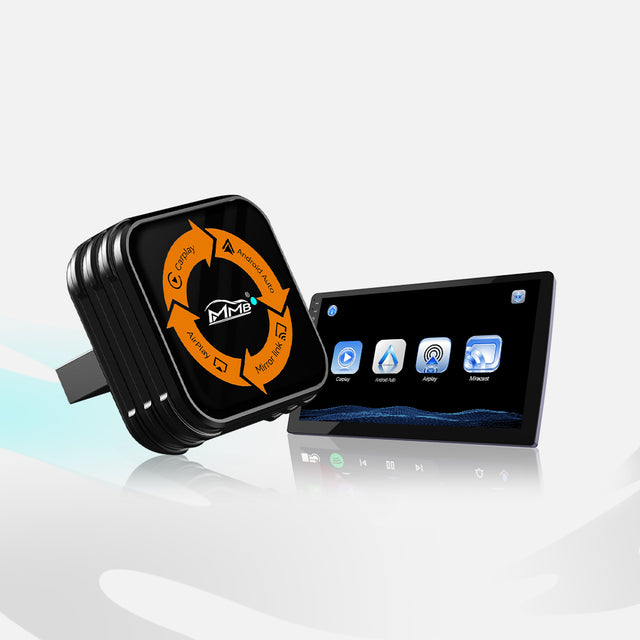
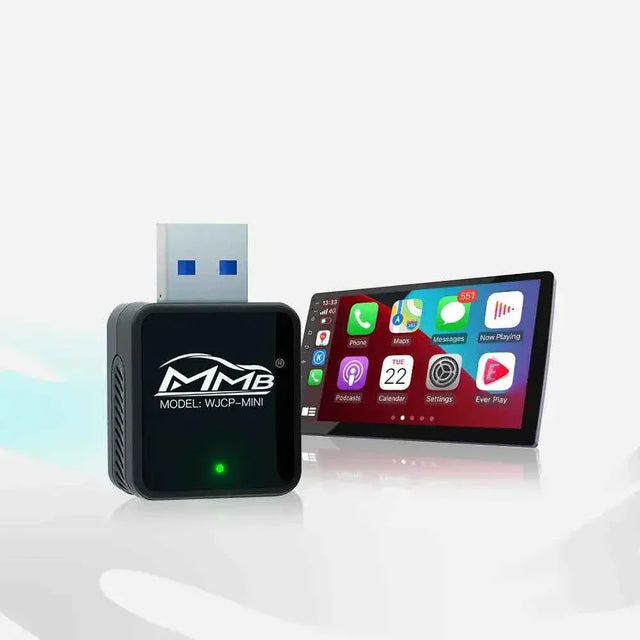
MMB sells models for factory wired CarPlay, factory wireless CarPlay, and selected BMW and MINI vehicles.

The dedicated BMW AI Box is described for compatible vehicles that already have factory wireless Apple CarPlay. A screen and Bluetooth connection alone do not prove your car meets that requirement. If factory CarPlay has never worked in the vehicle, an AI Box cannot create it by itself.
The MMB AI Box warranty cannot solve a mismatch between a box designed for wired CarPlay and a vehicle that requires a different version. Before buying, send MMB the car model and year, a photo of the original screen, and whether CarPlay normally starts by cable or wirelessly. Confirming fitment now can prevent an unnecessary MMB AI Box warranty question later.
If It Does Not Work on Day One, Who Helps?
Do not immediately assume that the product has failed. Record what happens: no power light, power but no picture, a frozen startup screen, no sound, or one app that will not open. A specific symptom helps the support team decide what to check.

If the vehicle’s original CarPlay also fails with the box disconnected, the problem may be in the car or phone connection. Apple recommends checking vehicle compatibility, the cable or USB port for wired CarPlay, and Bluetooth and Wi-Fi for wireless CarPlay. These are useful comparison checks, not a reason to dismantle the AI Box.
MMB says its support team helps with setup, compatibility, usage questions, and troubleshooting. Its contact page lists email support and says the team typically responds within one business day during published weekday hours. That is a typical response, not a promise that every fault will be repaired within a day.
The MMB AI Box warranty becomes relevant after the basic cause is clearer. If a connector is visibly damaged, the box becomes unusually hot, or an update fails, stop experimenting and ask support for model-specific instructions. Do not install firmware meant for a different box.
What Does the MMB AI Box Warranty Cover?
The published MMB AI Box warranty is a 12-month limited warranty. If MMB confirms a hardware fault within that period, its policy says it may provide repair, replacement, or other support depending on the case. A black screen or failed connection alone does not prove a hardware fault.
For example, a box that once worked but now will not power on deserves a support assessment. Tell MMB which cable and connection you used, whether the car’s original CarPlay still works, and when the failure began. A short video is more informative than saying, “It broke.”
An MMB AI Box warranty claim should include your order number, exact product model, symptom, and a short video. MMB’s exchange policy asks for these details. If a product-quality fault is confirmed, the policy says MMB covers return shipping for that confirmed issue. Wait for approval and the correct return address before mailing the device.
What If I Physically Damaged the Box?
Tell support what happened and send clear photos. The published return policy excludes products damaged by misuse, unauthorized modification, or improper installation from ordinary refunds. That is different from a confirmed manufacturing fault.
The MMB AI Box warranty is not accidental-damage insurance. Do not assume a free replacement for a bent connector, cracked housing, liquid exposure, or an unauthorized modification. But do contact support: the team can assess your specific case and tell you what options are available. Hiding visible damage only slows that conversation.
How Is a Return Different From a Warranty Claim?
MMB’s return policy allows customers to request a return within 30 calendar days of delivery if its conditions are met. The product must be in the required condition and returned with its original packaging, cables, accessories, manuals, and other included parts. Proof of purchase and prior approval are required.
An MMB AI Box warranty claim is different: it concerns a confirmed hardware fault within the limited-warranty period. The 30-day return period should not be described as a 12-month right to return a used box for any reason.
The policy also distinguishes return shipping costs. MMB says it pays return shipping for a confirmed faulty device or quality issue. If the reason is a change of mind, wrong purchase, or compatibility information not confirmed before ordering, the customer may be responsible for shipping. Confirming the correct model before checkout reduces this risk.
Five Steps to Get Useful Help
- Stop if something is wrong physically. Do not force a connector, open the device, or modify it after an update failure.
- Identify the exact model. Photograph the model label and confirm whether your car has factory wired or wireless CarPlay. An MMB AI Box warranty assessment needs the exact product, not just the words “AI Box.”
- Record the symptom. Make a short video. If possible, show whether factory CarPlay works while the MMB device is disconnected.
-
Contact MMB. Use the contact page or email
mmb@carplaymmb.com. Send your order number, vehicle model and year, product model, video, and the checks you have already performed. - Follow the case-specific instructions. Do not ship the box before MMB approves the return and gives you the correct address.
A useful message is:
“My order number is [number]. My car is a [year] [model] with factory [wired/wireless] CarPlay. My MMB model is [model]. The box [describe the symptom]. Factory CarPlay [works/does not work] without it. I have attached a video. Please advise whether this needs troubleshooting or an MMB AI Box warranty assessment.”
Keep the replies and any return approval. A clear record helps both you and support if the case proceeds to repair, replacement, or another resolution.
Buy With a Clear Support Plan
The most reassuring promise is not that an electronic device can never fail. It is knowing who to contact, what the policy covers, and what information will help resolve a problem. Check compatibility before ordering, keep the box label and order number, and follow only the instructions for your exact model.
For BMW and MINI, review the dedicated BMW AI Box product page and confirm factory wireless CarPlay. For other vehicles, use MMB’s FAQ to identify the correct version. If a genuine hardware fault is confirmed, the MMB AI Box warranty gives you a defined path to ask for help. If the problem is setup or compatibility, the support team can address that question without pretending it is a hardware defect.
Frequently Asked Questions
Will MMB help if my AI Box does not work?
Yes. MMB lists after-sales help for setup, compatibility, and troubleshooting. Send your order number, exact product model, vehicle details, and a short video so support can identify the next step.
Does the MMB AI Box warranty mean an automatic replacement?
No. The MMB AI Box warranty is limited to confirmed hardware faults during its 12-month period. MMB may offer repair, replacement, or other support after assessing the case.
Is damage during setup covered?
Do not assume so. The return policy excludes damage from misuse, unauthorized modification, or improper installation from ordinary refunds. Describe the damage honestly and ask MMB to assess it. The MMB AI Box warranty is not a blanket promise to cover accidents.
Can I return a box that does not fit my car?
You may request a return within 30 calendar days of delivery if the policy’s condition and approval requirements are met. You may have to pay return shipping if compatibility was not confirmed before ordering.
Should I mail the box back immediately?
No. Contact support first. MMB says unapproved returns may not be accepted. Follow the instructions and address given for your specific case.

BMW CarPlay HUD Not Showing? 5 Easy Checks Before You Buy an MMB Box
MMB BMW AI Box: More Apps for Your BMW, But Will Your Reverse Camera Still Work?
مشاركات ذات صلة

Worried About BMW MMB AI Box Factory Features? Will Your Camera, Radio and Buttons Still Work?

MMB BMW AI Box: More Apps for Your BMW, But Will Your Reverse Camera Still Work?

BMW CarPlay HUD Not Showing? 5 Easy Checks Before You Buy an MMB Box

MMB BMW AI Box No Sound? 5 Checks for Frustrating Silence

MMB Max Ultra Phone Switching: 6 Smart Rules for Two Drivers

MMB Max 5.0 Phone Switching: 5 Checks for Frustrating Mix-Ups