
CarPlay MMB: The Easiest Way to Unlock More From Your Car Screen
If your car already supports Apple CarPlay, you might think you’re getting the full experience. Navigation works. Music works. Calls work.
But after a while, many drivers realize something’s missing.
No video apps. Limited multitasking. Very little freedom.
That’s where CarPlay MMB comes in.
Instead of replacing your car’s system or dealing with complicated installs, CarPlay MMB offers a much simpler way to turn your factory screen into a smarter, more flexible infotainment system.
What Exactly Is CarPlay MMB?
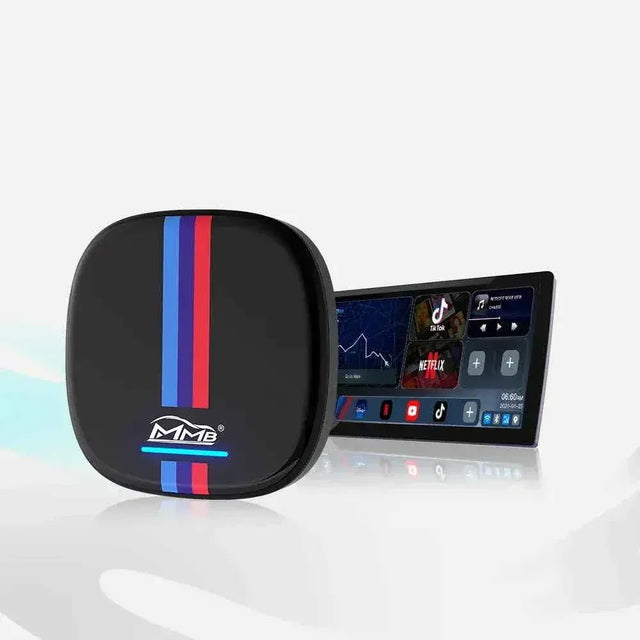
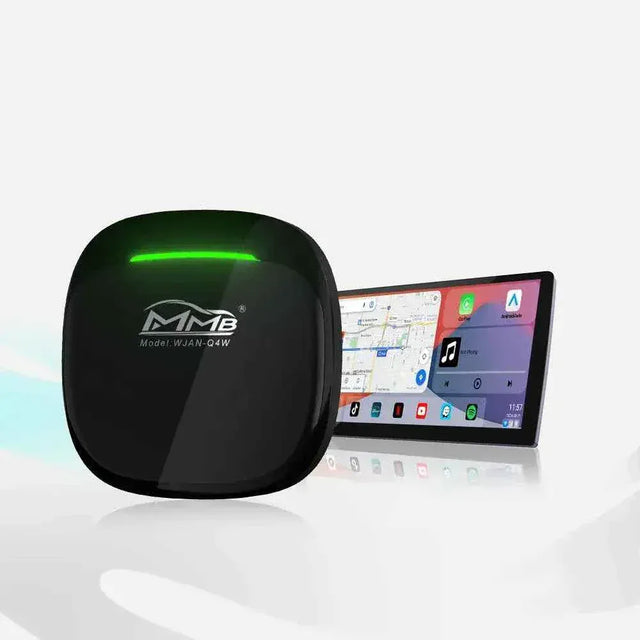
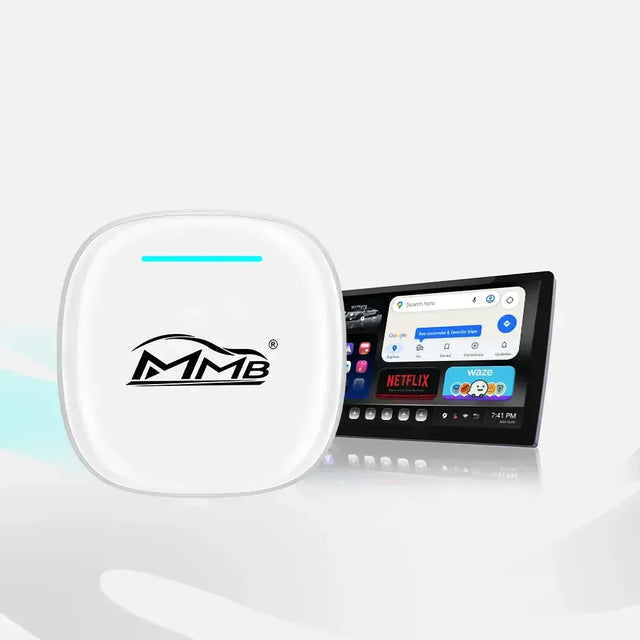
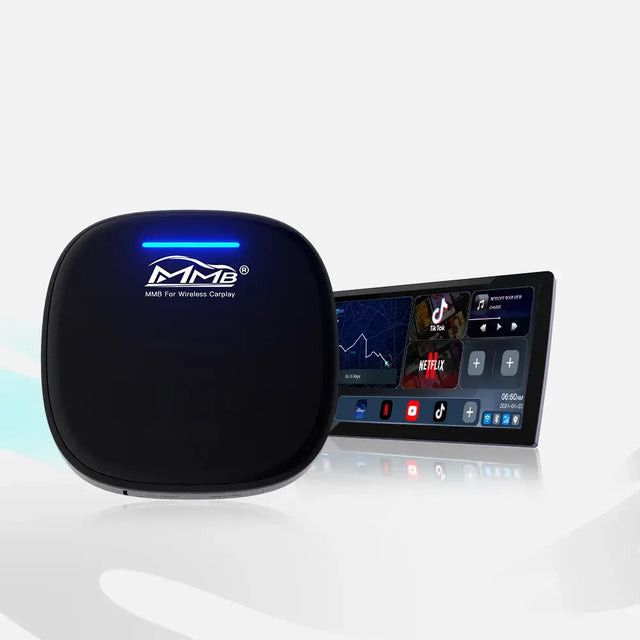
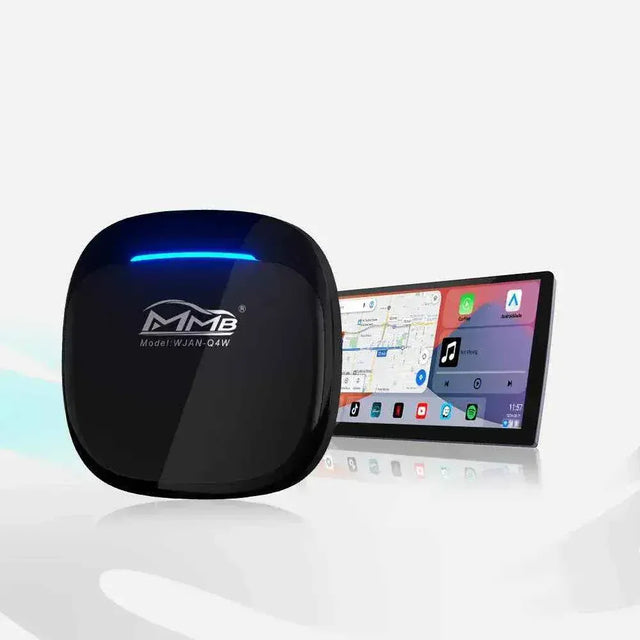
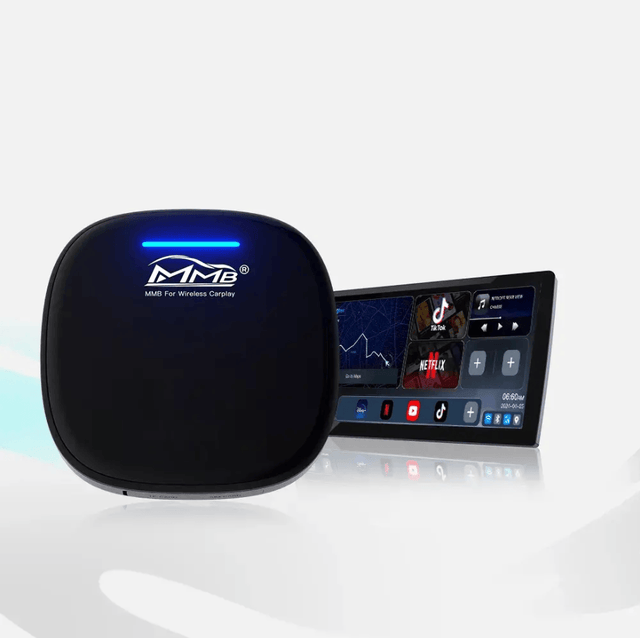
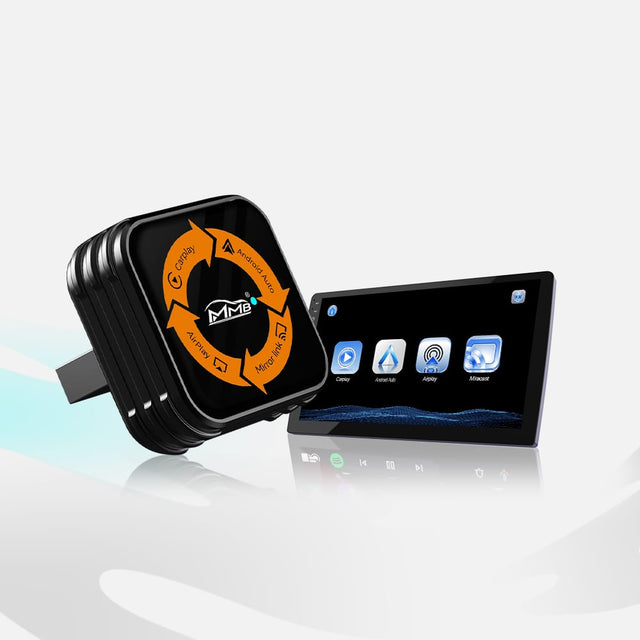
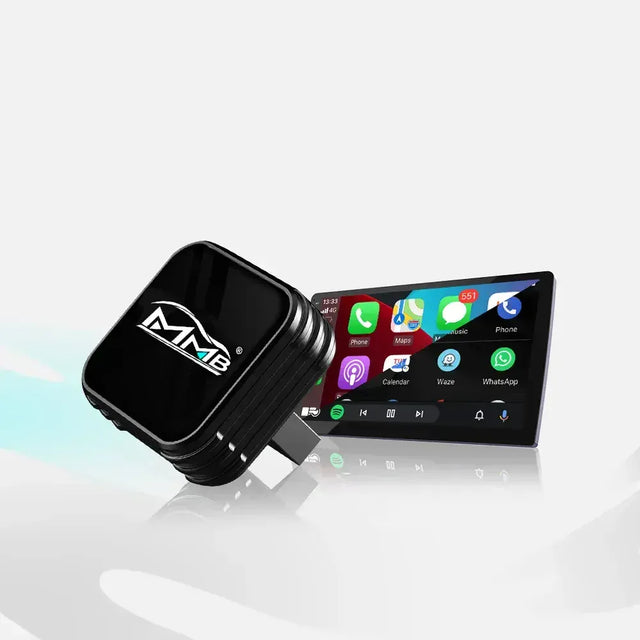
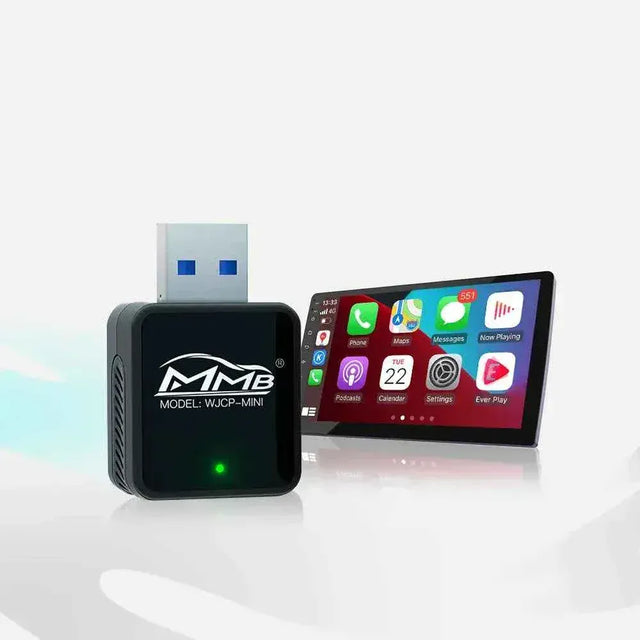
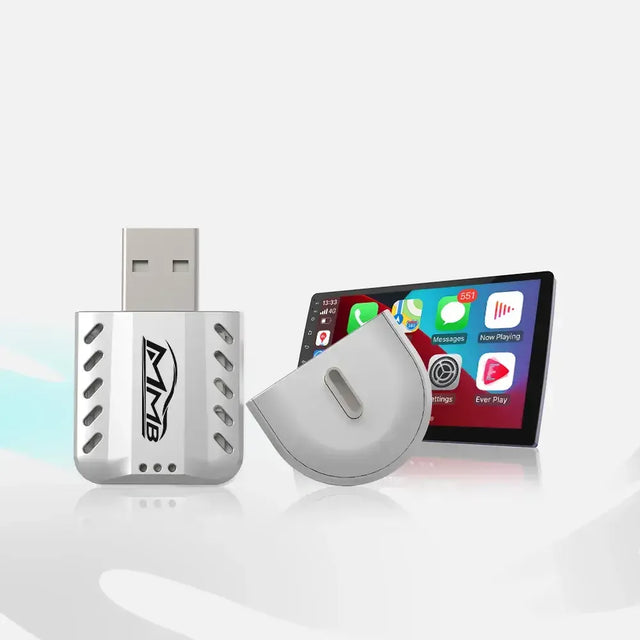
CarPlay MMB is an AI Box designed for cars with factory Apple CarPlay.
You plug it into your car’s USB port, and it runs its own system through the existing CarPlay interface. Your original screen, controls, and layout stay exactly the same—but what you can do on that screen changes completely.
No dashboard removal.
No wiring.
No permanent modification.
Just plug it in and go.
Why Car Owners Are Switching to CarPlay MMB
Most factory infotainment systems are designed to be safe and stable—but also very restricted. CarPlay MMB exists for drivers who want more freedom without turning their car into a DIY project.
A Real Plug-and-Play Upgrade
One of the biggest reasons people choose CarPlay MMB is how easy it is to use.
There’s no installation process in the traditional sense. If you know how to plug in a cable, you already know how to use it.
Once connected, it boots automatically when you start the car.
Keeps Everything OEM
This is a big deal for a lot of drivers.
Your steering wheel controls still work.
Your touchscreen still works.
Your factory system stays untouched.
CarPlay MMB doesn’t replace anything—it simply adds another layer of functionality on top of what you already have.
Built for Daily Driving, Not Just Tech Demos
CarPlay MMB isn’t just about “cool features.” It’s about making daily driving more enjoyable.
Whether you’re commuting, road-tripping, or waiting in the car, having a smarter screen makes a noticeable difference.
What Can You Do With CarPlay MMB?
This is usually the point where drivers realize why an AI Box makes sense.
With CarPlay MMB, your car screen becomes more than just a navigation display. You can:
-
Run apps directly on the car screen
-
Switch smoothly between CarPlay and the AI system
-
Use navigation and entertainment side by side
-
Enjoy a faster, more modern interface
It feels less like a locked-down car system and more like a smart device that actually adapts to your lifestyle.
Will CarPlay MMB Work With My Car?
Compatibility is simple—and that’s intentional.
If your vehicle:
-
Has factory Apple CarPlay (wired or wireless)
-
Uses a USB port for CarPlay
Then it’s compatible.
This includes many popular models from brands like BMW, BYD, and other mainstream manufacturers. No coding, no region restrictions, no special setup.
CarPlay MMB for BMW Drivers
BMW owners are some of the biggest fans of CarPlay MMB.
BMW’s infotainment systems are smooth and premium, but they’re also tightly controlled. CarPlay MMB lets BMW drivers enjoy more flexibility without losing the OEM look and feel.
That’s why it’s often chosen as a smarter alternative to full head-unit replacements.
Is CarPlay MMB Safe to Use?
Yes.
CarPlay MMB does not modify your vehicle’s ECU or factory software. It runs independently through the CarPlay interface, which means:
-
No permanent changes
-
No impact on vehicle warranty
-
Easy to remove at any time
For many drivers, that peace of mind is just as important as the features themselves.
Who Is CarPlay MMB Really For?
CarPlay MMB is a great fit if you:
-
Already use Apple CarPlay and want more from it
-
Don’t want invasive car modifications
-
Value simplicity and flexibility
-
Spend a lot of time in your car
If you’ve ever thought, “My car screen could do way more than this,” you’re probably the target user.
Final Thoughts: Is CarPlay MMB Worth It?
CarPlay MMB isn’t about turning your car into something it’s not.
It’s about unlocking the potential that’s already there.
For drivers who want a smarter, more open in-car experience—without the hassle of replacing factory hardware—CarPlay MMB is one of the easiest upgrades you can make.
👉 Explore all CarPlay MMB products here:
https://carplaymmb.com
Is Wireless CarPlay Worth It in 2026?
New Year, Smarter Drives: Upgrade Your Car with MMB in 2026
Related Posts

BMW CarPlay Disconnecting at the Same Place? Find Out Why Before You Buy a Fix

BMW CarPlay Apps Missing? Why Your Favorite App Is Not on the Screen

BMW CarPlay Siri Not Working? 7 Fixes for a Frustrating Issue

CarPlay Wrong Location? Find the Cause Before You Replace Anything

My Car Has a Rear Screen. Why Can’t My Kids Watch Video While I Use Navigation?

BYD Wireless CarPlay AI Box: Worried It Won’t Work? Check This First

MMB BMW AI Box Before and After: What Actually Changes on Your Factory Screen?