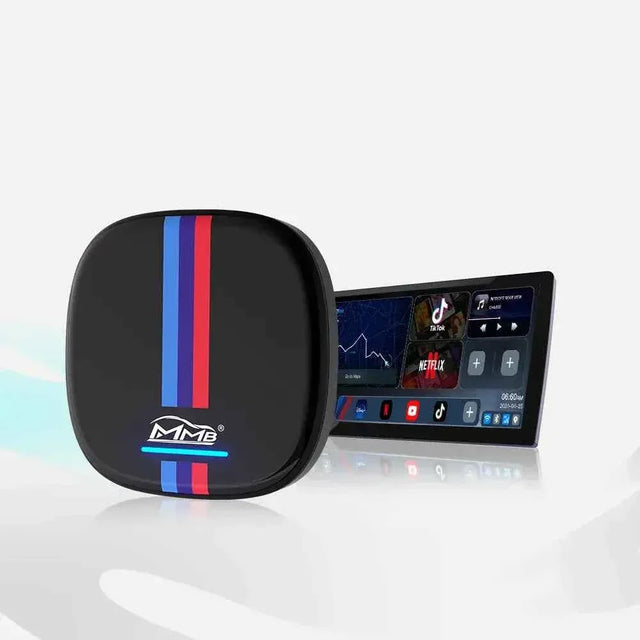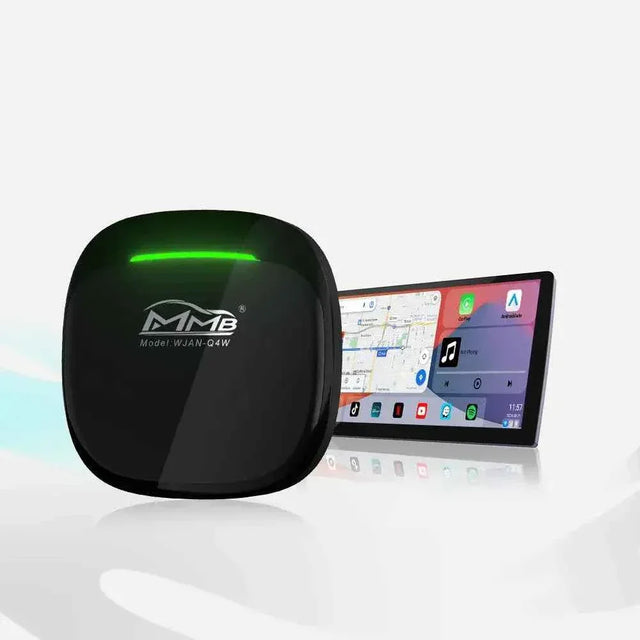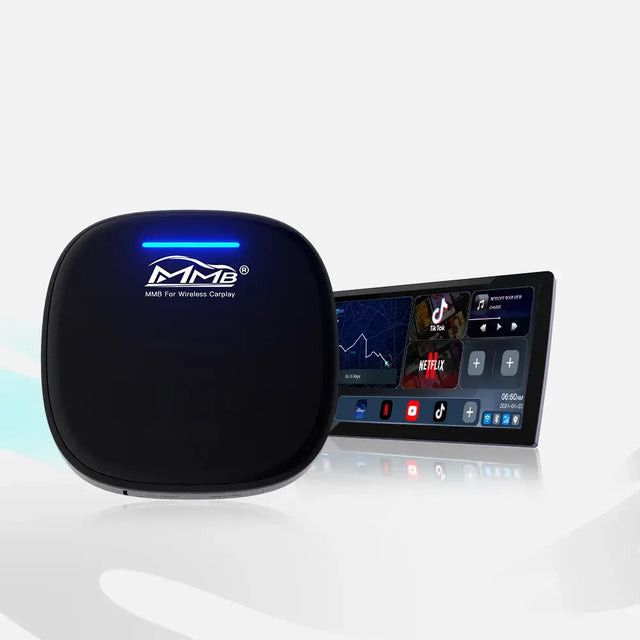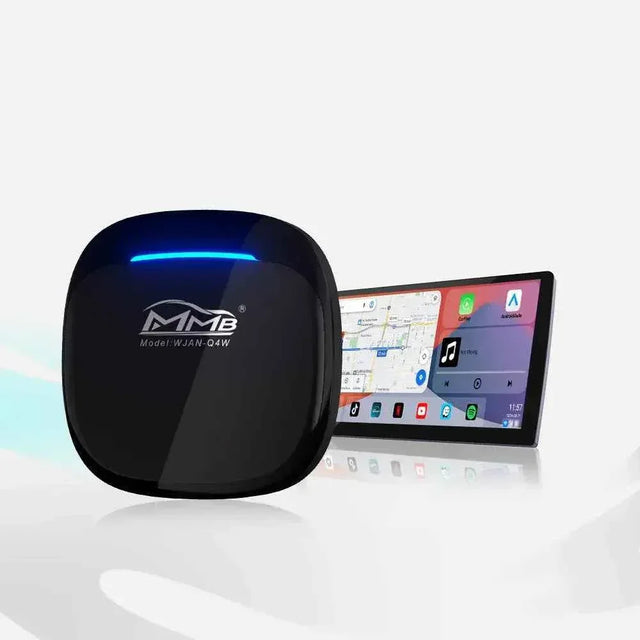

MMB BMW AI Box No Sound? 5 Checks for Frustrating Silence
You can see the map moving on your BMW's original screen. Spotify shows the next track, and the progress bar keeps advancing. Yet the cabin is silent. You turn the volume knob, tap the screen, and wonder whether the box has failed.
That is a frustrating moment, especially if the display and controls seem normal. But a working picture does not confirm that the correct audio source has reached the speakers. An MMB BMW AI Box no sound problem is easier to solve when you first separate a vehicle-wide audio fault from a box-only or app-only fault.
This guide is for owners using the MMB BMW AI Box with a compatible factory BMW system. The product page specifies BMW and MINI vehicles already equipped with factory wireless Apple CarPlay. If your car never had that feature, an AI Box cannot create it. If factory CarPlay has stopped working, diagnose that connection before blaming or replacing the box.
Before the Five Checks, Run the Factory-Audio Test

Park the car. Return to the original iDrive interface and play an ordinary factory source, such as FM radio. Then, if your BMW normally supports it, disconnect the box and connect the iPhone to factory wireless CarPlay the way you did before installing MMB. Test one song and a navigation voice prompt. Record which sources make sound.
This two-minute split test gives an MMB BMW AI Box no sound report a useful starting point:
| What you hear | What it suggests | Next step |
|---|---|---|
| Radio, factory CarPlay, and MMB are all silent | The issue is not limited to the box | Check the vehicle's audio system and ask BMW or an installer for help |
| Radio and factory CarPlay work, but MMB is silent | Focus on the MMB connection, selected source, settings, or apps | Follow the five checks below |
| MMB music plays, but navigation prompts do not | The entire audio path is probably not dead | Check guidance volume and the navigation app |
| One MMB app is silent, but another plays | The problem may be app-specific | Check that app's playback and mute settings |
These results narrow the possibilities; they do not diagnose a failed component by themselves. If the factory radio is silent too, repeatedly resetting your iPhone will not be a sensible first response. If only the box is silent, replacing BMW speakers is equally premature.
An MMB BMW AI Box no sound diagnosis starts with this distinction, not with a firmware download.
MMB BMW AI Box No Sound: Five Checks in the Right Order
1. MMB BMW AI Box No Sound? Confirm the Active Audio Source

Look at the original iDrive audio screen, not only the Android app shown through the box. Is the car set to the source or connected device you expect? If a second phone was previously paired, check which device is currently active for media playback. A song's progress bar shows that the app is running; it does not tell you which audio path the vehicle selected.
For MMB BMW AI Box no sound, the active media device matters more than the phone name visible on a playback screen.
BMW's Bluetooth audio FAQ explains that Bluetooth music can be enabled or disabled for a device and selected under Media. Its CarPlay setup guidance also distinguishes Apple CarPlay from the Bluetooth audio and phone-call functions. The exact menu words vary by iDrive version, so follow the options actually displayed in your car.
If the MMB BMW AI Box no sound symptom started after someone else used the car, note whether another phone or source has taken priority. Change one selection, retest the same song, and keep a record of the result. Do not select a random AUX input merely because a generic CarPlay article mentions AUX; that may not be the route your BMW and box use.
2. Test Media, Navigation, and Call Volume Separately
While a song is playing, raise the car's media volume to a comfortable level. Then start a navigation prompt while safely parked and adjust the volume during the prompt. Finally, test a call if it is safe and convenient. A BMW can treat these audio events differently, so one silent category does not prove all output has failed.
When MMB BMW AI Box no sound affects music and guidance, testing each volume during actual playback helps distinguish a muted category from a missing audio route.
Also inspect the music app's own mute or output control. BMW notes that Bluetooth playback volume can depend on the connected device. That does not mean every MMB setup should use Bluetooth audio; it means the selected device and its volume are worth verifying when that route is part of your configuration.
Write down the pattern: "music silent, guidance audible," "guidance silent, music audible," or "everything silent." Those three descriptions lead to different support questions. A vague MMB BMW AI Box no sound message does not.
3. Compare a Box App With Factory CarPlay

Open a music app installed on the MMB Android system and play a familiar track. Then return to the BMW's factory CarPlay connection without the box and play a track from the iPhone. Use the same car volume and, where possible, the same song. You are comparing two paths, not trying to prove that a screen animation equals working audio.
An MMB BMW AI Box no sound symptom confined to Android apps points to a different branch than silence in both the box and factory CarPlay.
If native MMB apps are silent while factory CarPlay sounds normal, the next checks should focus on the box's current connection and configuration. If both are silent but FM still works, look at the vehicle's selected media function and the phone-to-car connection. If only iPhone CarPlay fails, use Apple's CarPlay troubleshooting steps, which cover wireless Bluetooth and Wi-Fi settings, restarting the car and phone, and re-pairing when needed.
A failure limited to factory CarPlay is different from MMB BMW AI Box no sound with the box's own Android apps, even when both appear on the same screen.
This comparison is the heart of an MMB BMW AI Box no sound investigation. It protects you from buying another device to fix a problem that may be in the original connection, and it gives MMB support a reproducible test instead of a guess.
4. Rule Out an App-Only Problem Before Resetting the Box
Try a second audio app on the MMB system. If Spotify is silent but another music or video app has sound, inspect Spotify's selected output, mute state, account, and app version. If both apps are silent, compare a local sound or another supported media source if one is available on your box.
If MMB BMW AI Box no sound began after updating one app, record that app's name and version before changing any car settings.
If MMB BMW AI Box no sound affects just one app, changing vehicle-wide settings could hide the simpler explanation.
The site's general MMB troubleshooting guide recommends testing another application when only one app lacks sound. That is more informative than immediately performing a factory reset, which can remove saved accounts, Wi-Fi networks, apps, and settings.
Do not confuse complete silence with delayed audio. The separate BMW AI Box audio-delay article discusses synchronization settings for sound that already plays. It does not establish that switching to its suggested mode fixes an MMB BMW AI Box no sound case. Ask support to verify the setting for your specific box before changing it.
5. Restart Carefully, Then Ask for Model-Specific Help
If the first four checks do not restore sound, note the current settings, exit to the factory BMW interface, and restart the box and infotainment system according to the instructions for your exact model. Retest factory radio, factory CarPlay, and one MMB app in that order. Change only one setting at a time so you can tell what made a difference.
If the MMB BMW AI Box no sound issue disappears, write down which step restored audio so you can recognize the pattern if it returns.
If MMB BMW AI Box no sound appeared after an iPhone, iDrive, or MMB update, record the version and date for support.
Avoid installing firmware from a video about another MMB product. The MMB troubleshooting guide warns against using firmware for a different model and recommends contacting support if the device stopped working after an update. A wrong update can turn a sound issue into a box that will not start.
If the MMB BMW AI Box no sound issue remains, contact MMB support. Send your order number, BMW model and year, box model, iDrive version if known, and a short parked-vehicle video. Show the MMB app playing silently, then show whether FM radio and factory CarPlay produce sound. Include the result of the navigation-prompt and second-app tests. This evidence lets support advise on your actual configuration instead of sending a generic reset list.
What This Means If You Have Not Bought the Box Yet
A silent factory CarPlay connection is not a reason to buy an AI Box as a repair device. MMB's BMW product page says the dedicated box is for compatible BMW and MINI vehicles with factory wireless CarPlay. Confirm that your original wireless CarPlay starts and plays sound before ordering. If it does not, resolve that factory issue first.
If your original system works and you want supported Android apps on the factory screen, the MMB BMW AI Box may be a suitable upgrade after a compatibility check. The MMB FAQ asks unsure buyers to send the vehicle model, year, and a photo or video of the original CarPlay connection. That pre-purchase check is more valuable than a blanket promise that a new box will fix every audio problem.
An MMB BMW AI Box no sound concern should lead to a specific answer: which source is silent, which still works, and which device is actually sending audio. Once those facts are clear, the next step becomes smaller and safer.
FAQ
Why does the music timer move if there is no sound?
The app can continue playback on the screen even when the vehicle is listening to a different audio source or an output is muted. For MMB BMW AI Box no sound, test factory radio, factory CarPlay, and one MMB app separately before assuming the box hardware is defective.
Can the MMB BMW AI Box cause sound to disappear from every factory source?
Do not assume that from the symptom alone. If FM radio and factory CarPlay are also silent with the box disconnected, ask BMW or a qualified installer to assess the vehicle's original audio system. Report exactly when the silence began.
What if music works but Google Maps has no voice?
Check the navigation app's guidance settings and raise the vehicle volume while a spoken prompt is occurring. The MMB BMW AI Box no sound test should distinguish guidance audio from media audio.
Should I change Audio Mode to Mode 3?
Not as a universal fix for silence. MMB's Mode 3 article addresses audio and video delay. Record your current setting and ask MMB support whether a mode change is appropriate for your specific BMW box and software version.
Can MMB BMW AI Box no sound start after an update?
Yes, the timing is useful evidence, but it does not prove the update caused the fault. Record whether the iPhone, iDrive, MMB firmware, or a single app was updated. Then repeat the factory-radio and factory-CarPlay tests before contacting support.
Will buying an MMB box fix factory CarPlay with no audio?
It is not a guaranteed repair. The BMW-specific MMB box requires a compatible factory wireless CarPlay system. Make sure the original connection works, including audio, before buying the box for additional multimedia features.
What should I send MMB support?
Send the order number, exact box model, BMW model and year, iDrive version if known, and a short video showing the silent playback. State whether factory radio, factory CarPlay, MMB music, navigation prompts, and calls have sound. Those details make an MMB BMW AI Box no sound report actionable.
MMB Max Ultra Phone Switching: 6 Smart Rules for Two Drivers
BMW CarPlay HUD Not Showing? 5 Easy Checks Before You Buy an MMB Box
Related Posts

Worried About BMW MMB AI Box Factory Features? Will Your Camera, Radio and Buttons Still Work?

MMB BMW AI Box: More Apps for Your BMW, But Will Your Reverse Camera Still Work?

MMB AI Box Warranty: 5 Easy Steps If It Stops Working

BMW CarPlay HUD Not Showing? 5 Easy Checks Before You Buy an MMB Box

MMB Max Ultra Phone Switching: 6 Smart Rules for Two Drivers

MMB Max 5.0 Phone Switching: 5 Checks for Frustrating Mix-Ups