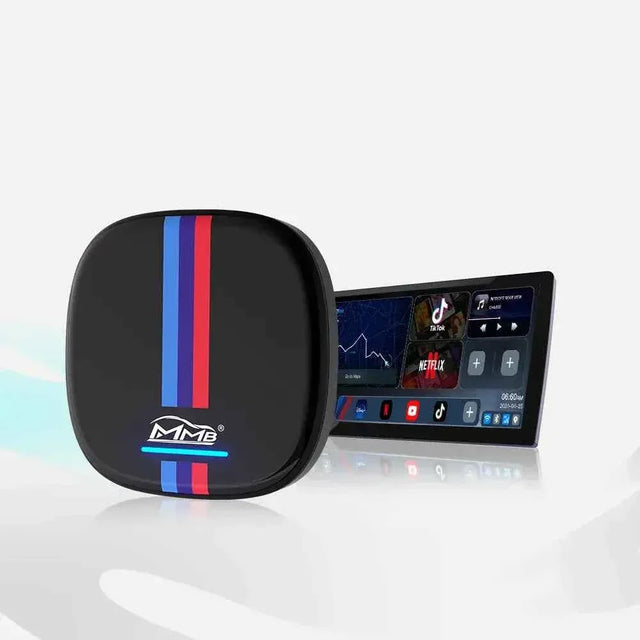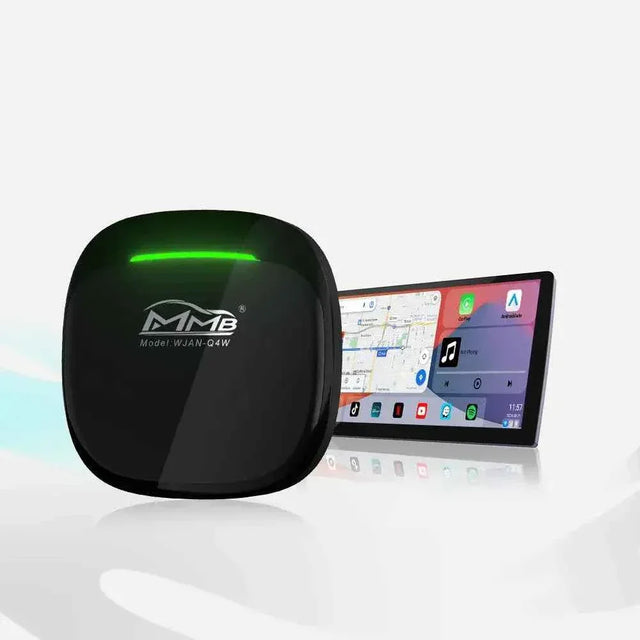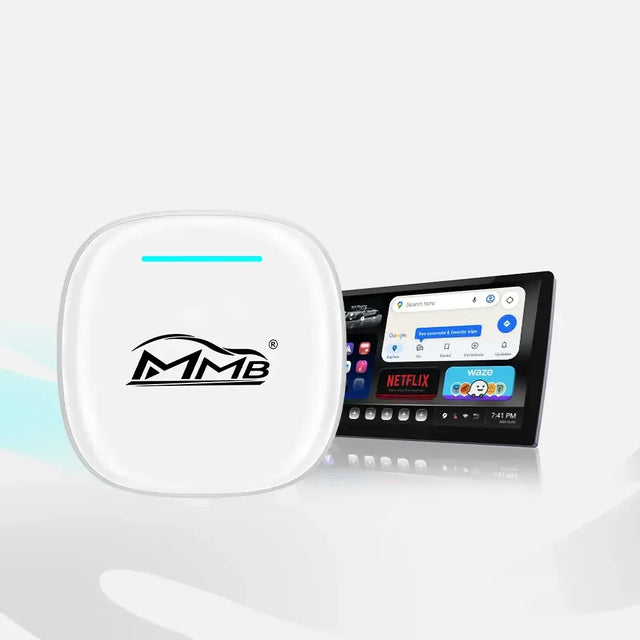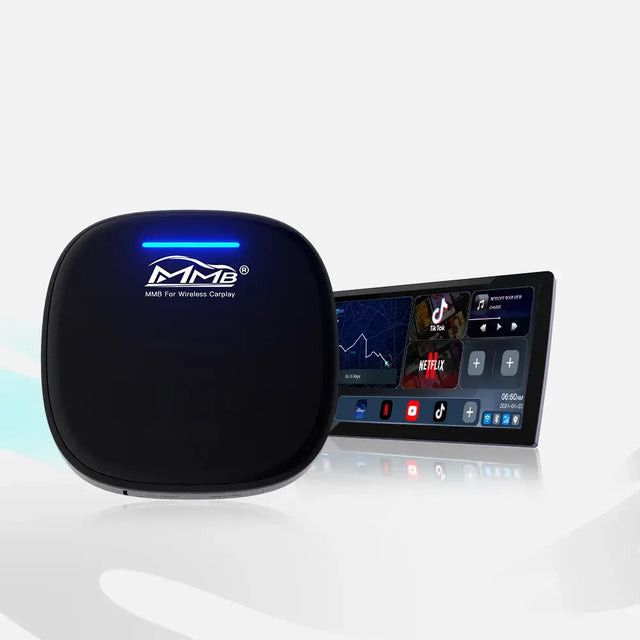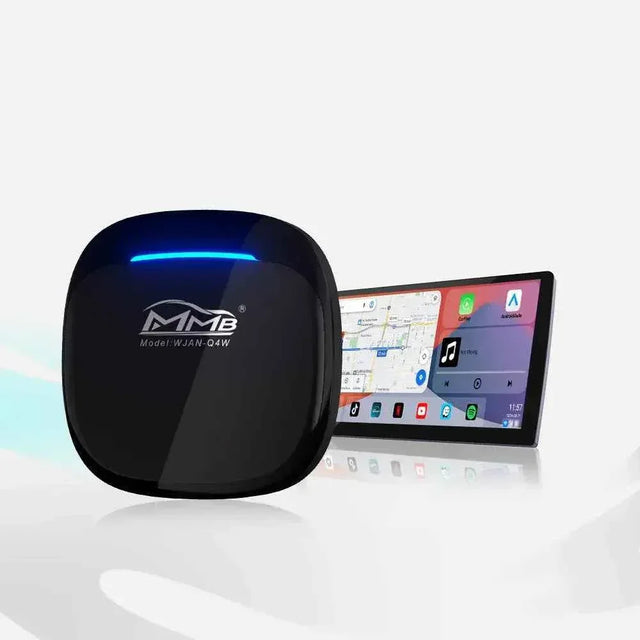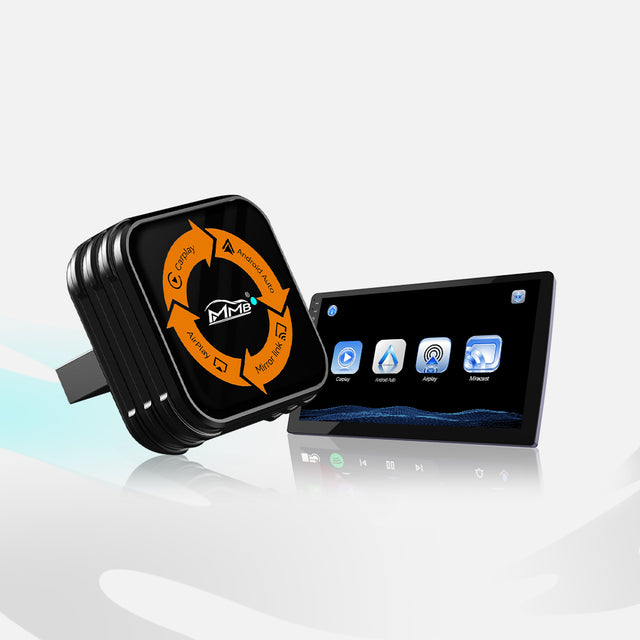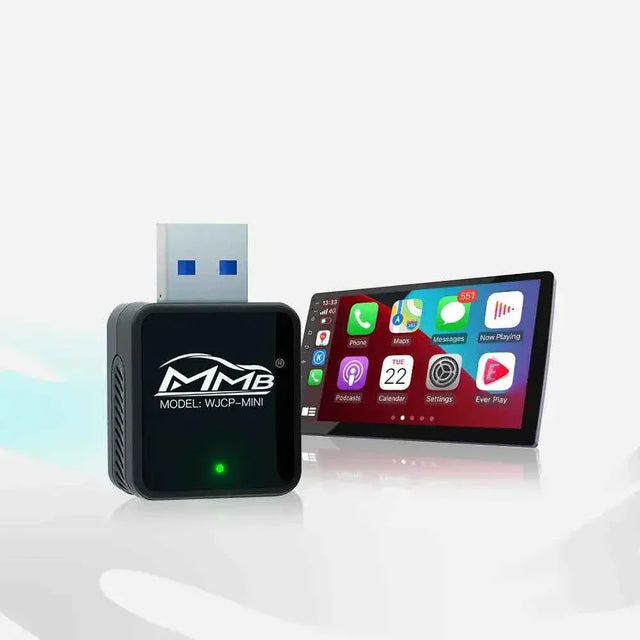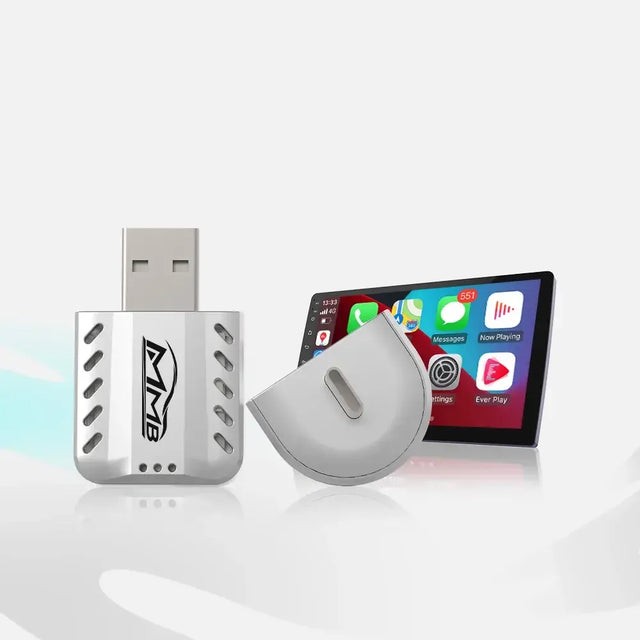

MMB BMW AI Box: More Apps for Your BMW, But Will Your Reverse Camera Still Work?
The MMB BMW AI Box can put Android apps and entertainment on a compatible BMW’s original center display. But if you use the reverse camera every day, your first question is probably not “Which apps can I download?” It is “Will my camera, parking sensors and iDrive still behave as I expect?”
Here is the honest answer: the MMB BMW AI Box is designed for compatible BMW and MINI vehicles that already have factory wireless Apple CarPlay. It does not replace the original screen or camera hardware. MMB says setup does not require cutting factory wires or coding the vehicle. However, that description alone cannot guarantee identical behavior for every camera view, parking package or button in every BMW. The useful solution is to compare your own car before and after setup.
Start With the Requirement Many Buyers Miss

Before considering factory features, prove that wireless CarPlay already works. With the box disconnected, connect your iPhone to the BMW without a USB cable and open the CarPlay home screen on the original center display. Bluetooth calls or music alone are not enough. If CarPlay has never opened in the car, ask MMB about compatibility before ordering; an AI Box does not create missing factory CarPlay.
Apple’s wireless CarPlay instructions explain the phone-side checks. Your iPhone needs the appropriate wireless settings, and the car must support CarPlay. The word “wireless” describes the original iPhone-to-BMW CarPlay connection. The MMB BMW AI Box itself still uses the supplied USB connection described on its product page. That distinction prevents customers from buying the wrong type of box or expecting a completely cable-free installation.
Five Checks Before You Decide Whether the MMB BMW AI Box Fits
1. Make a Baseline Video of Your BMW’s Original Functions
Park safely before testing. Open your native BMW menu and record the functions you already have: reverse-camera image, parking-sensor display and sounds, radio or other audio sources, iDrive controller, touchscreen if fitted, and steering-wheel buttons. A short video is more reliable than a memory of what the screen “usually” does.
This baseline matters because similar-looking BMWs can have different equipment. BMW’s Park Distance Control guidance says activation and additional camera views depend on the vehicle configuration. Before asking whether the MMB BMW AI Box changed a feature, establish that the feature was present and working without it.
2. Confirm the Exact Vehicle, System and Region
A model name and year are a starting point, not a complete fitment check. Note the production year, market or sales region, iDrive or BMW Operating System version, original CarPlay connection, and whether the factory screen is touch-sensitive. Photograph the main menu and take a short clip showing CarPlay opening without an iPhone cable.
MMB’s FAQ asks uncertain BMW buyers to send their model, year, iDrive photo and connection details. Send those before ordering the MMB BMW AI Box, especially if your car has optional parking equipment or an unusual screen. If support confirms a suitable version, keep that response with your order information. Do not use a video of another BMW as your only compatibility evidence.
3. Check the Reverse Camera and PDC Separately

After setting up the compatible MMB BMW AI Box, repeat the original test while its interface is visible. In a safe stationary setting, follow the car’s normal procedure to display its reverse camera or parking view. Observe whether the camera image appears, then check parking-sensor graphics and audible warnings separately.
A working camera picture does not automatically prove that sensor warnings or optional surround views are behaving correctly. Conversely, an audible alert does not confirm every view is available. Do not drive close to an object simply to trigger a sensor. If something seems different, switch back to the native BMW menu and repeat the same check with the box disconnected. This comparison helps isolate the symptom without assuming the MMB BMW AI Box damaged a factory system.
4. Try the Controls You Use Every Day

The MMB BMW AI Box product page lists operation through compatible OEM touch functions, controllers and buttons. Test the iDrive knob for selection and back navigation. Check the original touchscreen if your car has one. Try volume, track and voice controls separately while parked.
Be precise about the result. Your factory radio controls, original CarPlay controls and controls inside a third-party Android app are not necessarily identical. Apple explains that CarPlay can use built-in controls such as a touchscreen or rotary knob, but that does not promise every Android app will respond to every BMW button. MMB suggests an optional remote for some non-touchscreen setups. The goal is to discover whether the apps you want are comfortable to use in your specific car.
5. Return to the BMW Interface and Compare Again
When you finish testing the new apps, go back to the original BMW interface. Check vehicle settings, audio sources, camera view and any parking displays you rely on. Then disconnect the MMB BMW AI Box and verify the baseline again. If both states match your original video, you have a much stronger basis for your decision than a generic claim that “all factory features are preserved.”
If a feature works only when the box is removed, capture a short video of both states. If it fails even with the box removed, the issue may be with the vehicle’s original system. Either way, do not start rewiring or install firmware meant for another product.
What the Box Adds, and What It Does Not
The MMB BMW AI Box is for drivers who want more multimedia options on a compatible factory center screen. It is not a reverse-camera retrofit, a new parking-sensor kit or a way to add CarPlay to a BMW that never had the required factory wireless connection. An app on the center screen also does not automatically appear in the instrument cluster or head-up display.
This distinction protects the customer as well as the product. A good buying decision asks three separate questions: Does the BMW already have the feature? Does it work normally without the box? What changes, if anything, when the box is connected? Answers from your own car are more valuable than blanket promises about every BMW model.
If Something Changes, Ask for a Specific Diagnosis
If you notice a missing camera view, parking alert or control response, stop using the affected feature until you understand the difference. Park safely, repeat the test in the native BMW interface, disconnect the box, and repeat it once more. If the problem persists without the box, consult BMW guidance or a qualified technician. If it occurs only with the MMB BMW AI Box connected, contact MMB technical support.
Send your order number, exact vehicle model and year, iDrive version, region, box model, and a short video showing both results. A clear comparison lets support investigate compatibility or settings. It is more useful than saying “the camera is broken,” and it avoids risky trial-and-error changes to the dashboard.
Buy With Evidence, Not a Universal Promise
The MMB BMW AI Box is worth considering when your BMW already runs factory wireless CarPlay and you want more apps on its original center screen. Confirm fitment, record your original functions, ask about any feature that matters to you, and test again after installation. For the product specifications and available versions, see the MMB BMW AI Box product page.
That process does not promise identical results for every BMW. It gives you something better: a clear way to check the exact car you own before relying on claims made for a different model or software version.
Frequently Asked Questions
Will the MMB BMW AI Box Replace My Reverse Camera?
No. It is an external multimedia box, not camera hardware. Check whether your original camera view switches normally on your specific vehicle after setup.
Will My Parking Sensors Still Appear?
Parking sensor graphics and sounds depend on the BMW’s equipment and settings. Compare them with your baseline before and after connecting the box. Ask MMB about your exact configuration if anything changes.
Does the MMB BMW AI Box Require Wired or Wireless Factory CarPlay?
The dedicated BMW product page specifies compatible BMW and MINI vehicles with factory wireless Apple CarPlay. Bluetooth audio alone does not qualify. The device itself still connects using its supplied USB cable.
Can I Operate It Without a Touchscreen?
MMB lists compatible factory controllers and buttons, but some Android apps may be easier with the optional remote. Test the apps and controls you intend to use while parked.
What Should I Send Before Ordering?
Send your BMW model, production year, region, iDrive version, a photo of the original menu and a short video of factory wireless CarPlay working. Mention any reverse-camera, PDC or control function you especially want to keep.
MMB AI Box Warranty: 5 Easy Steps If It Stops Working
Worried About BMW MMB AI Box Factory Features? Will Your Camera, Radio and Buttons Still Work?
Related Posts

Worried About BMW MMB AI Box Factory Features? Will Your Camera, Radio and Buttons Still Work?

MMB AI Box Warranty: 5 Easy Steps If It Stops Working

BMW CarPlay HUD Not Showing? 5 Easy Checks Before You Buy an MMB Box

MMB BMW AI Box No Sound? 5 Checks for Frustrating Silence

MMB Max Ultra Phone Switching: 6 Smart Rules for Two Drivers

MMB Max 5.0 Phone Switching: 5 Checks for Frustrating Mix-Ups