
لماذا يتجه المزيد من مالكي سيارات BMW إلى صناديق أندرويد الذكية في عام 2026
يُعد نظام المعلومات والترفيه الخاص بمصنع BMW قويًا - ولكن في عام 2026، بدأ العديد من السائقين يشعرون بحدوده.
بينما يلبي نظاما Apple CarPlay و Android Auto الاحتياجات الأساسية مثل الملاحة والموسيقى، إلا أنهما لا يوفران التجربة الذكية الكاملة التي يتوقعها السائقون العصريون. لهذا السبب أصبحت صناديق الذكاء الاصطناعي التي تعمل بنظام Android أحد أسرع الترقيات نموًا بين مالكي سيارات BMW.
ما هو صندوق الذكاء الاصطناعي (BMW Android AI Box)؟
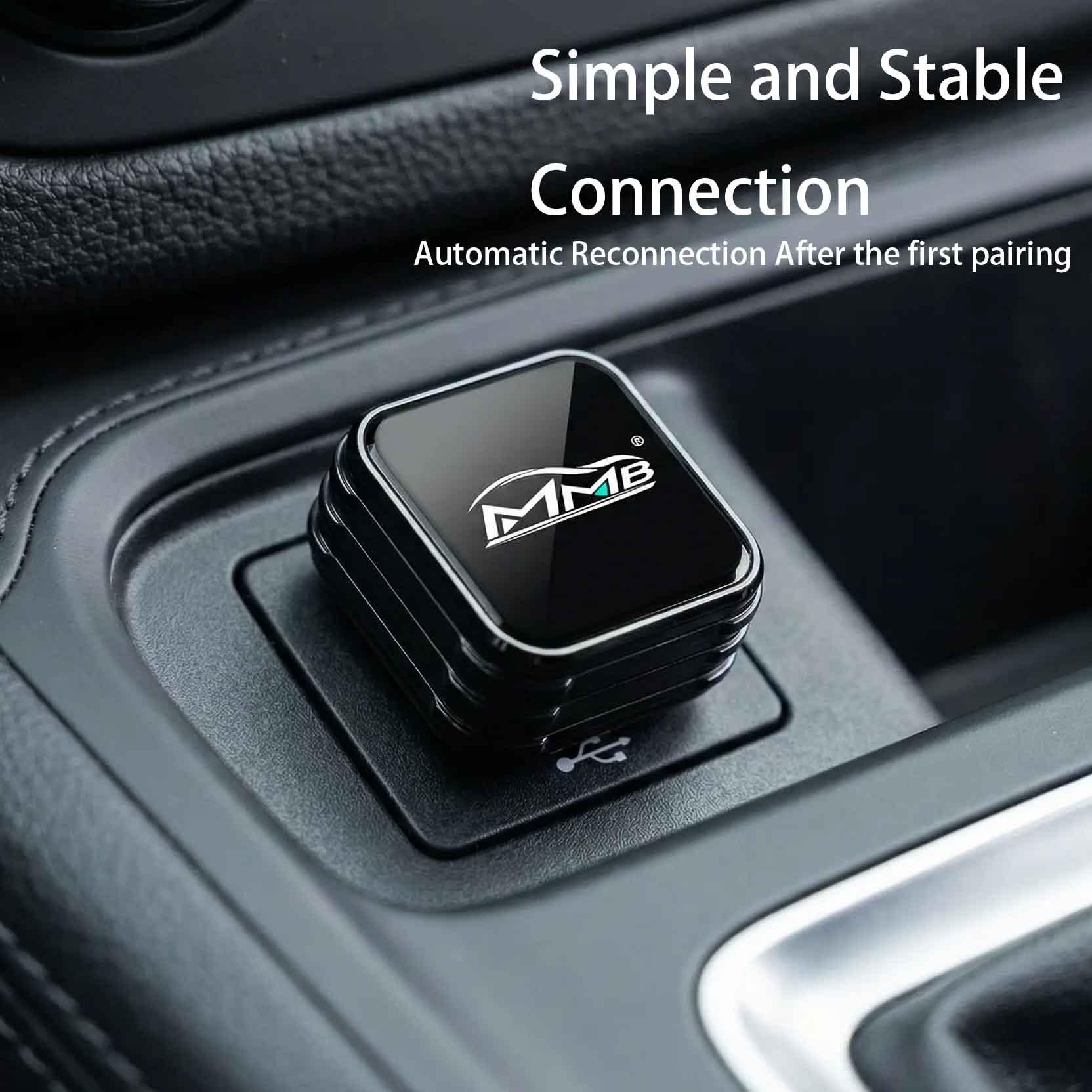
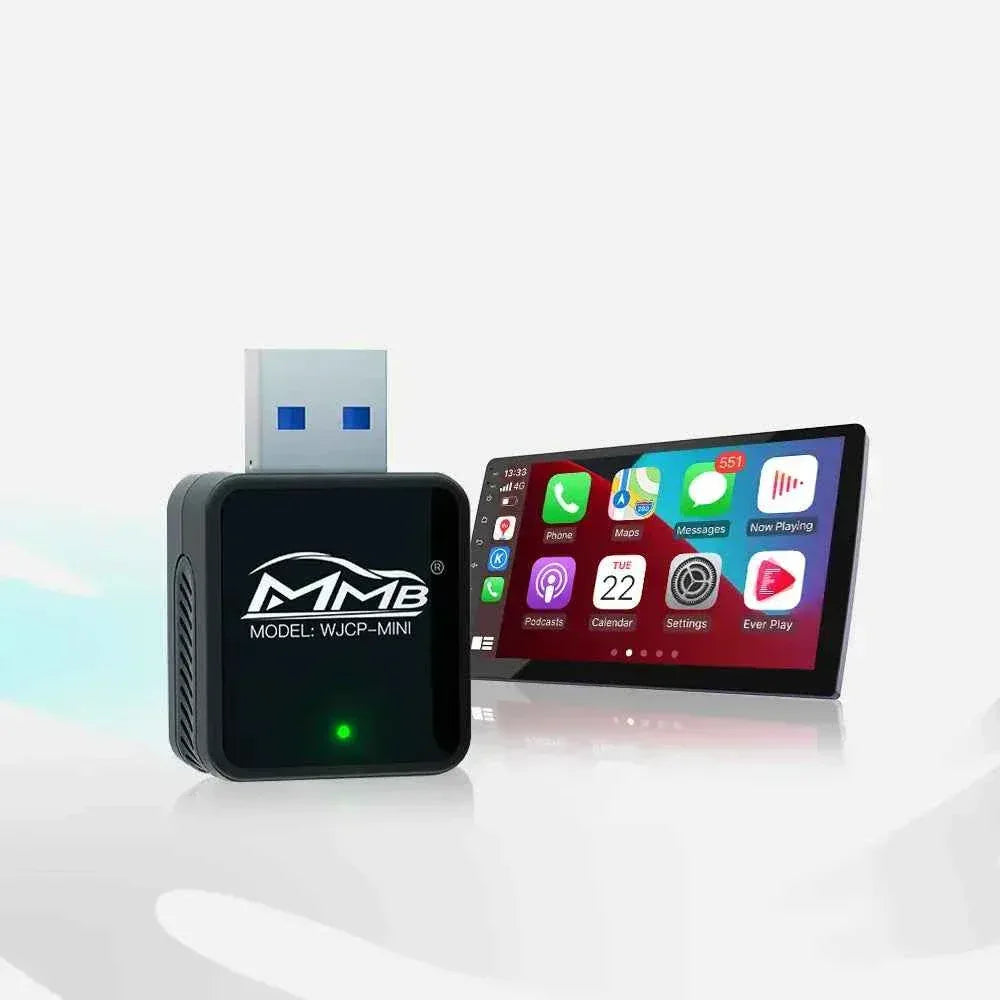
صندوق الذكاء الاصطناعي (BMW Android AI Box) هو جهاز وسائط متعددة يعمل بنظام التوصيل والتشغيل، يتصل بنظام CarPlay السلكي الخاص بسيارتك، ويحول شاشة BMW الأصلية إلى نظام Android كامل.
بدلاً من الاقتصار على نظام Apple البيئي، ستحصل على:
-
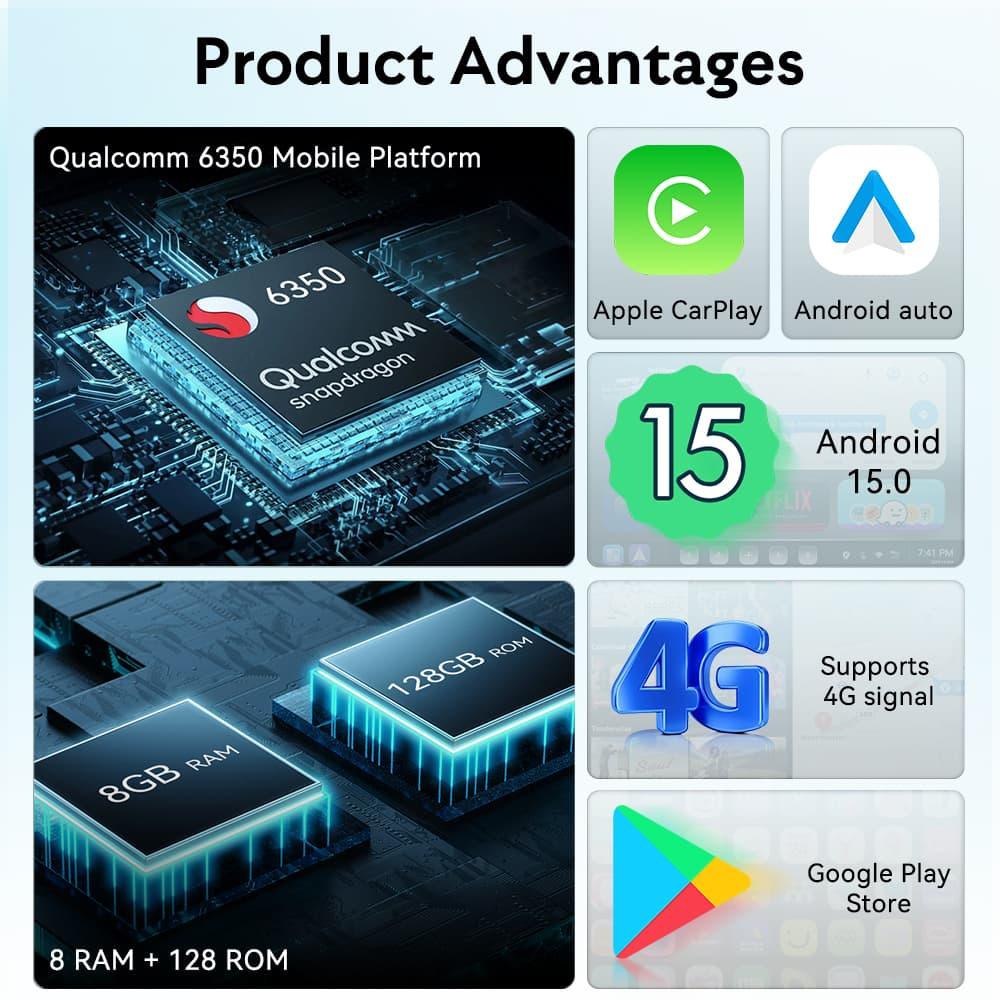
وصول كامل إلى متجر Google Play
-
دعم يوتيوب ونتفليكس وبرايم فيديو
-
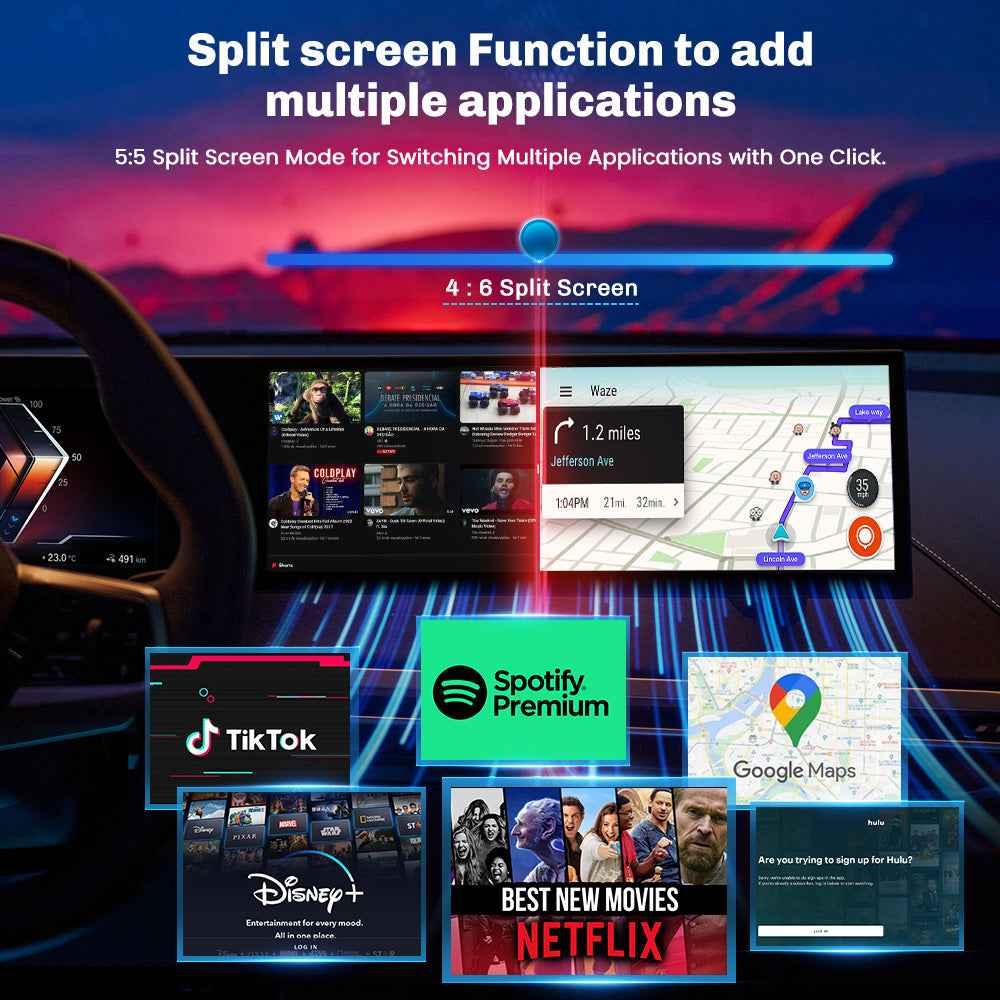
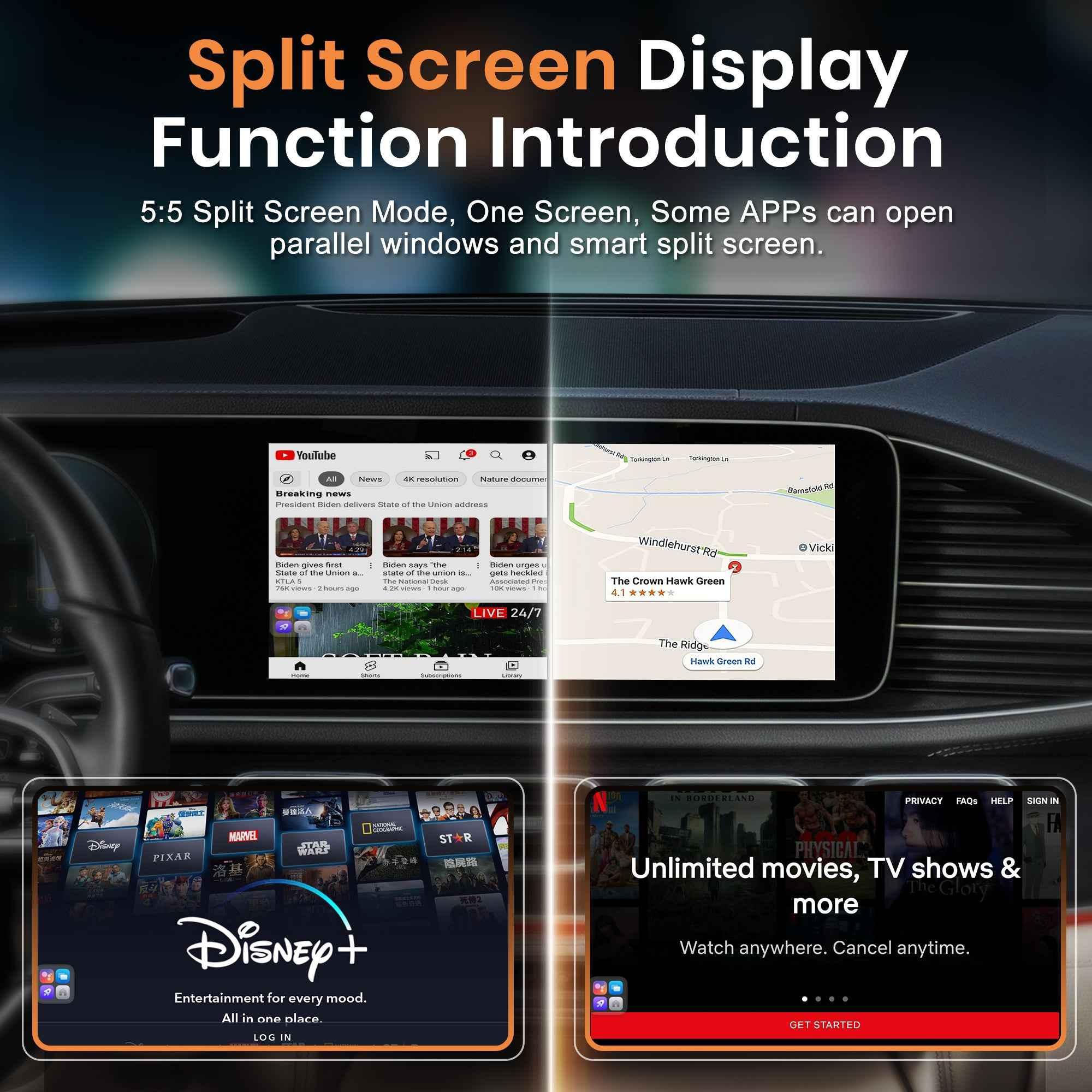
تعدد المهام بتقسيم الشاشة
-
CarPlay و Android Auto لاسلكيان
-
خيارات تخزين موسعة
-
أداء معالجة أسرع
لا حاجة للبرمجة. لا تعديلات دائمة. ما عليك سوى التوصيل والترقية.
المشكلة مع نظام CarPlay المدمج في سيارات BMW
نظام iDrive من BMW سلس، لكنه لم يُصمم ليكون مركز ترفيه متكامل.
دعم محدود للتطبيقات
يقيد CarPlay بث الفيديو وتطبيقات الطرف الثالث.
لا يوجد تعدد مهام حقيقي
لا يمكنك تشغيل يوتيوب وخرائط جوجل في شاشة مقسمة حقيقية على غرار أندرويد.
لا يوجد تخصيص للنظام
أنت مقيد بهيكل واجهة Apple.
بالنسبة للعديد من سائقي سيارات BMW - خاصة أولئك الذين يقومون برحلات طويلة أو يتنقلون يوميًا - يبدو هذا مقيدًا.
تعرّف على صندوق MMB BMW Multimedia AI Box
إذا كنت تبحث عن ترقية مستقرة وعالية الأداء مصممة خصيصًا لأنظمة BMW، فإن صندوق MMB BMW Multimedia Box مصمم لهذا الغرض بالضبط.
👉 اطلع على المنتج هنا:
https://carplaymmb.com/products/mmb-bmw-multimedia-box
لماذا يختار مالكو BMW منتجات MMB
على عكس صناديق الذكاء الاصطناعي العامة، تركز MMB على التوافق والاستقرار والأداء السلس لأنظمة BMW iDrive.
مع صندوق MMB BMW Multimedia Box، ستحصل على:
-
توافق محسن مع نظام BMW iDrive 6 / 7 / 8
-
نظام أندرويد مُحدَّث لأداء أسرع للتطبيقات
-
تبديل سلس بين CarPlay و Android Auto اللاسلكيين
-
تشغيل فيديو موثوق به دون تأخير كبير
-
تركيب سهل (توصيل وتشغيل) في دقائق
يحافظ على واجهة BMW الأصلية مع إطلاق العنان لقوة Android الكاملة عند الحاجة.
حالات الاستخدام الواقعية
الرحلات الطويلة
بث YouTube أو Netflix للركاب أثناء استخدام الملاحة.
التنقل اليومي
تشغيل خرائط جوجل في شاشة مقسمة أثناء تشغيل سبوتيفاي.
سفر العمل
حوّل شاشة BMW الخاصة بك إلى واجهة إنتاجية كاملة.
الاستخدام العائلي
ابقِ الركاب مستمتعين أثناء وقت الانتظار أو محطات الشحن.
التركيب: أسهل مما يعتقد معظم الناس
يقلق العديد من مالكي سيارات BMW بشأن التركيب المعقد. يتصل صندوق MMB BMW Multimedia مباشرة عبر منفذ USB الأصلي لنظام CarPlay.
-
لا قطع لأسلاك
-
لا حاجة لبرمجة من الوكيل
-
قابل للإزالة بالكامل
افصله في أي وقت وسيعود نظامك إلى وضع المصنع.
هل يستحق صندوق الذكاء الاصطناعي (AI Box) كل هذا العناء في عام 2026؟
إذا كنت تستخدم الملاحة والموسيقى فقط، فقد يكون CarPlay المصنع كافيًا.
ولكن إذا كنت تريد:
-
بث الفيديو
-
تطبيقات أندرويد كاملة
-
تعدد مهام أسرع
-
تجربة قيادة أكثر ذكاءً
فإن الترقية تحدث فرقًا ملحوظًا.
يوفر صندوق MMB BMW Multimedia Box طريقة فعالة من حيث التكلفة لتحويل شاشة BMW الخاصة بك دون استبدال الوحدة الرئيسية بأكملها.
أفكار أخيرة
تشتهر BMW بتميزها الهندسي - ويجب أن يكون نظام المعلومات والترفيه الخاص بك متطورًا مثل تجربة القيادة الخاصة بك.
في عام 2026، يتوقع السائقون أكثر من مجرد الوصول المحدود إلى التطبيقات. يتوقعون المرونة والترفيه والتحكم.
إذا كنت مستعدًا لفتح المزيد من إمكانيات شاشة BMW الخاصة بك، استكشف صندوق MMB BMW Multimedia Box هنا:
👉 https://carplaymmb.com/products/mmb-bmw-multimedia-box
قم بترقية BMW الخاصة بك. قم بترقية قيادتك.

الحل الأمثل لرحلات الطريق: إبقاء الركاب مستمتعين باستخدام CarPlay MMB
ما هو جهاز CarPlay MMB Box؟ قم بترقية سيارتك إلى القيادة الذكية اللاسلكية
مشاركات ذات صلة

Afraid of BMW MMB Box Battery Drain? What BMW Drivers Should Know Before Parked Streaming

Worried MMB Too Complicated? 7 Easy Things First-Time Users Should Know

Worried Your Car Screen Is Too Old for MMB? 7 Signs It May Still Work

Worried About MMB Mobile Hotspot? 7 Things Drivers Should Know Before Streaming

Parked Car Between Appointments: 7 Reasons MMB Makes Waiting Feel Better

Long Drive Alone: Why the Car Feels Different When Nobody Is Beside You

MMB AI Box Buying Guide: 7 Checks Before You Order