
How to Add Netflix and YouTube to BMW iDrive?
Modern BMW interiors look premium, but many factory iDrive systems still feel limited when it comes to entertainment. Most BMW screens are great for navigation, music, and vehicle settings, but they usually cannot run apps like Netflix, YouTube, TikTok, or Google Play directly.
This is why more BMW owners are upgrading with a BMW AI Box. A BMW AI Box can transform the factory BMW iDrive screen into a smart Android entertainment system while keeping the original screen, original controls, and OEM-style interior.
In this guide, we’ll explain how a BMW AI Box works, how it adds Netflix and YouTube to BMW iDrive, and why it has become one of the most popular BMW entertainment upgrades in 2026.

What Is a BMW AI Box?
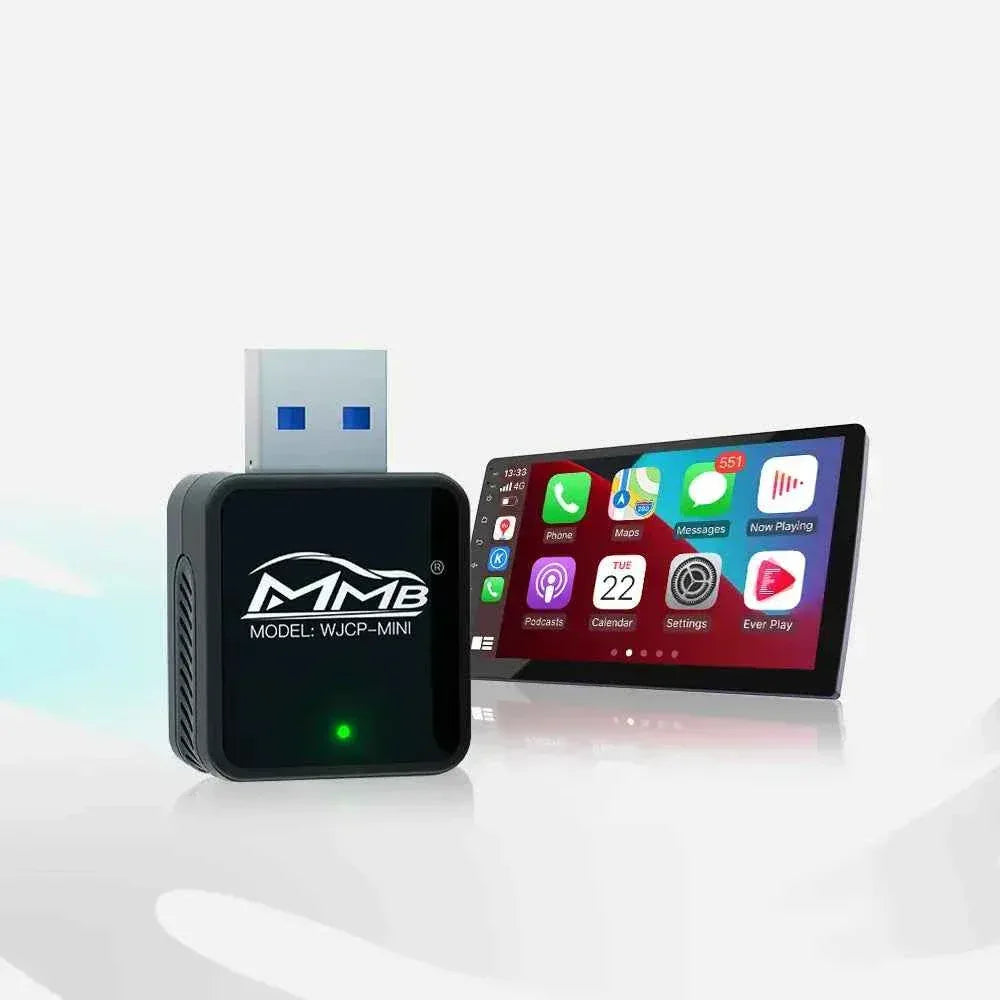
A BMW AI Box is a compact Android-powered multimedia device designed to work with BMW iDrive systems. Unlike a basic wireless CarPlay adapter, a BMW AI Box adds a full Android interface to the factory BMW display.
With a BMW AI Box, BMW owners can access apps such as:
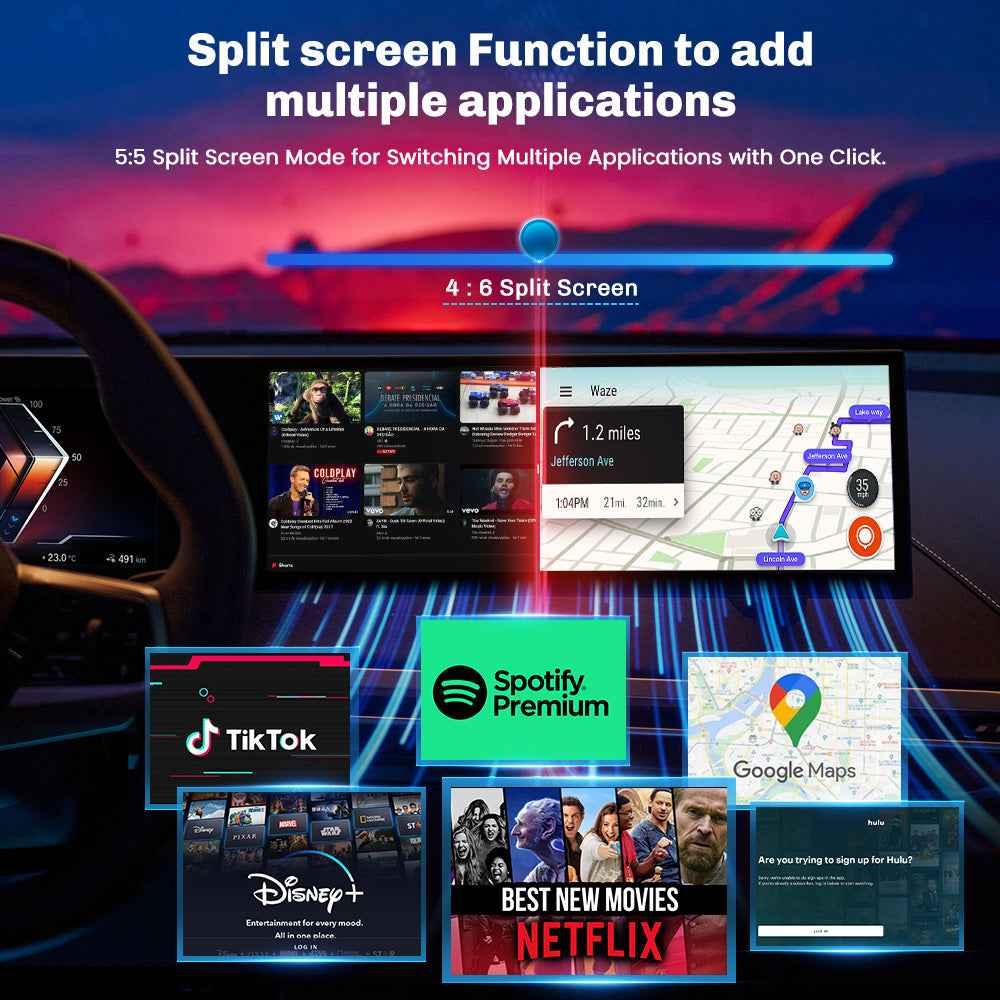
- Netflix
- YouTube
- Spotify
- Google Maps
- TikTok
- Google Play Store
- Wireless Apple CarPlay
- Wireless Android Auto
This makes the BMW AI Box a powerful upgrade for drivers who want more than standard factory CarPlay.
Why BMW iDrive Does Not Support Netflix and YouTube by Default
BMW iDrive is designed mainly for driving-related functions such as navigation, Bluetooth, music playback, vehicle settings, and phone connectivity. Because of software restrictions and safety limitations, most factory BMW systems do not allow video streaming apps to be installed directly.
That means many BMW owners search for terms like BMW Netflix upgrade, BMW YouTube upgrade, BMW entertainment upgrade, or BMW CarPlay AI Box when they want to unlock more features.
A BMW AI Box solves this problem by adding an Android-based system through the factory CarPlay connection. It gives BMW owners a smarter multimedia experience without replacing the original display.
How Does a BMW AI Box Work?
A BMW AI Box usually connects through the vehicle’s original wired Apple CarPlay port. Once connected, the BMW iDrive system recognizes the AI Box as a CarPlay device.
The process is simple:
- Connect the BMW AI Box to the factory USB or Type-C CarPlay port.
- The AI Box boots into its Android system.
- The BMW iDrive screen displays the Android interface.
- You can open Netflix, YouTube, Spotify, Google Maps, and other apps.
Most BMW AI Box systems keep the original BMW screen, original steering wheel buttons, and factory controls. This is why many BMW owners prefer a BMW AI Box instead of replacing the entire screen.
BMW AI Box Features BMW Owners Care About
A good BMW AI Box is not just about watching videos. It improves the whole in-car experience.
1. Netflix and YouTube on BMW iDrive
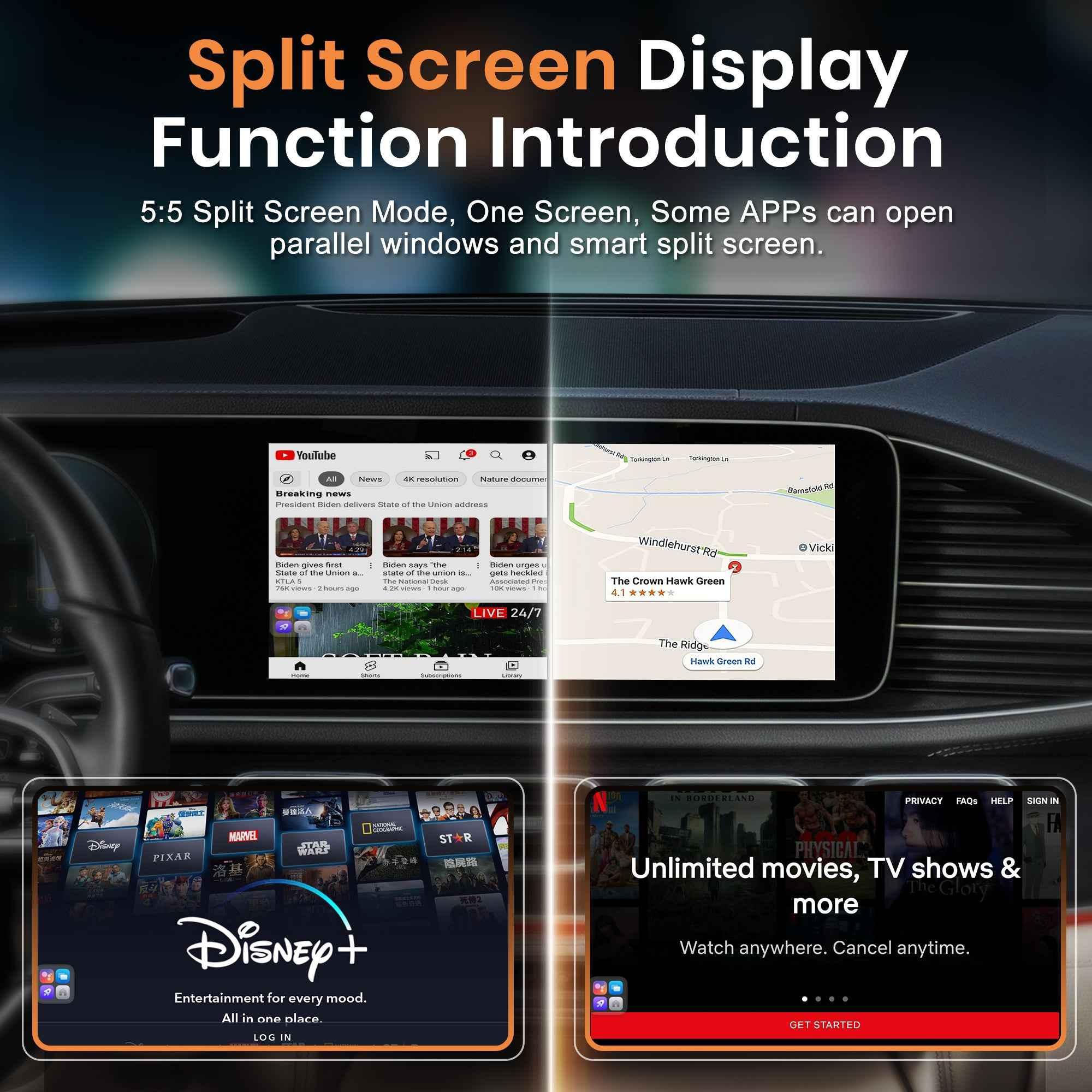
The biggest reason many customers buy a BMW AI Box is to watch Netflix and YouTube on the factory BMW screen. This is useful when parked, waiting, charging, camping, or during road trips for passengers.
2. Wireless Apple CarPlay
Many BMW drivers are tired of plugging in a cable every time they start the car. A BMW AI Box can provide Wireless CarPlay BMW functionality, making daily driving cleaner and more convenient.
3. Wireless Android Auto
For Android phone users, a BMW AI Box can also support Wireless Android Auto. This allows Google Maps, calls, messages, and music apps to work more smoothly inside BMW iDrive.
4. Android Apps and Google Play
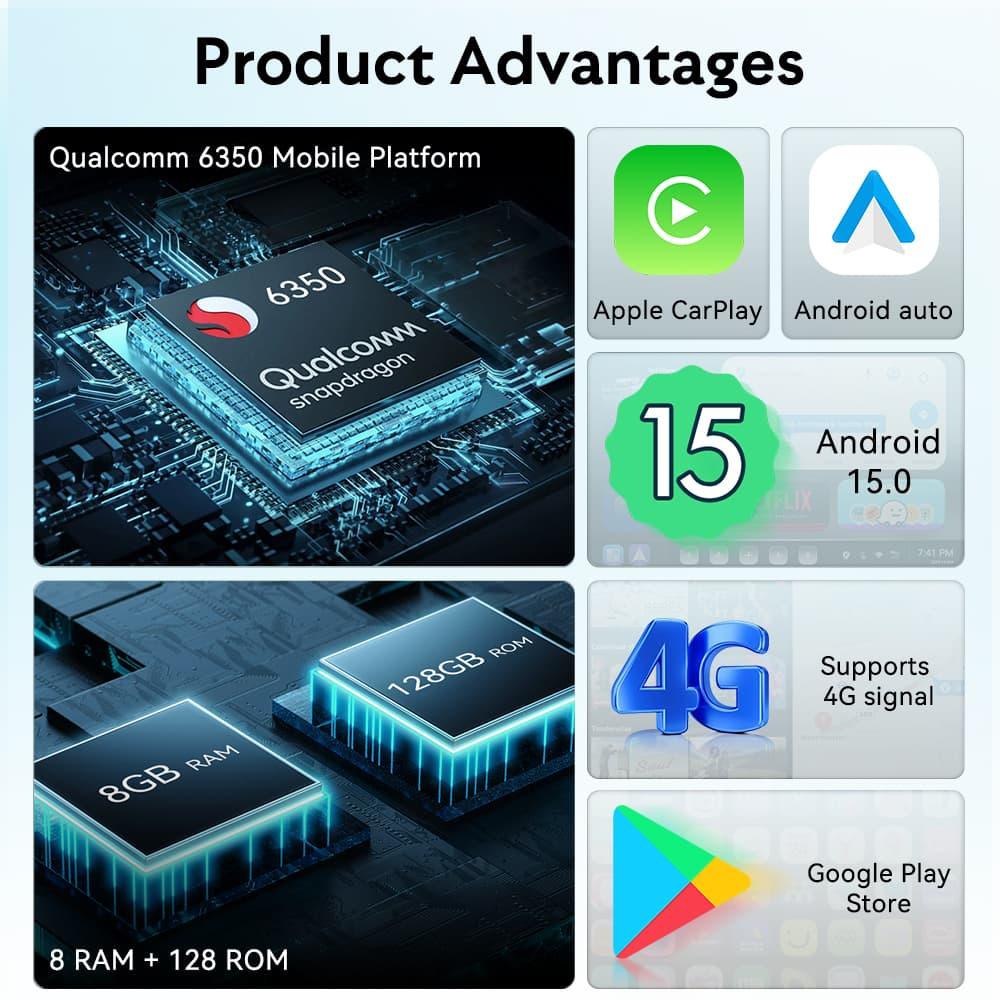
A premium BMW AI Box gives access to Android apps through Google Play Store. This is what separates an AI Box from a normal wireless CarPlay adapter.
5. Better BMW Entertainment Upgrade
If you want a complete BMW entertainment upgrade, an AI Box is one of the easiest ways to add modern media apps to your factory display.
BMW AI Box vs Wireless CarPlay Adapter
Many drivers confuse a BMW AI Box with a basic wireless CarPlay adapter, but they are not the same.
| Feature | Wireless CarPlay Adapter | BMW AI Box |
|---|---|---|
| Wireless CarPlay | Yes | Yes |
| Wireless Android Auto | Some models | Yes |
| Netflix | No | Yes |
| YouTube | No | Yes |
| Android Apps | No | Yes |
If you only want wireless CarPlay, a basic adapter may be enough. But if you want Netflix, YouTube, Android apps, and a full smart entertainment experience, a BMW AI Box is the better choice.
Which BMW Models Can Use a BMW AI Box?
A BMW AI Box is commonly used on BMW models that support factory wired Apple CarPlay. Popular BMW models include:
- BMW F30 3 Series
- BMW F10 5 Series
- BMW G20 3 Series
- BMW G30 5 Series
- BMW X3
- BMW X5
- BMW X6
- BMW M Series
Compatibility depends on your BMW iDrive system, model year, and whether your vehicle has factory wired CarPlay. For BMW models without CarPlay, a retrofit interface may be required first.
Best BMW AI Box for Netflix and YouTube
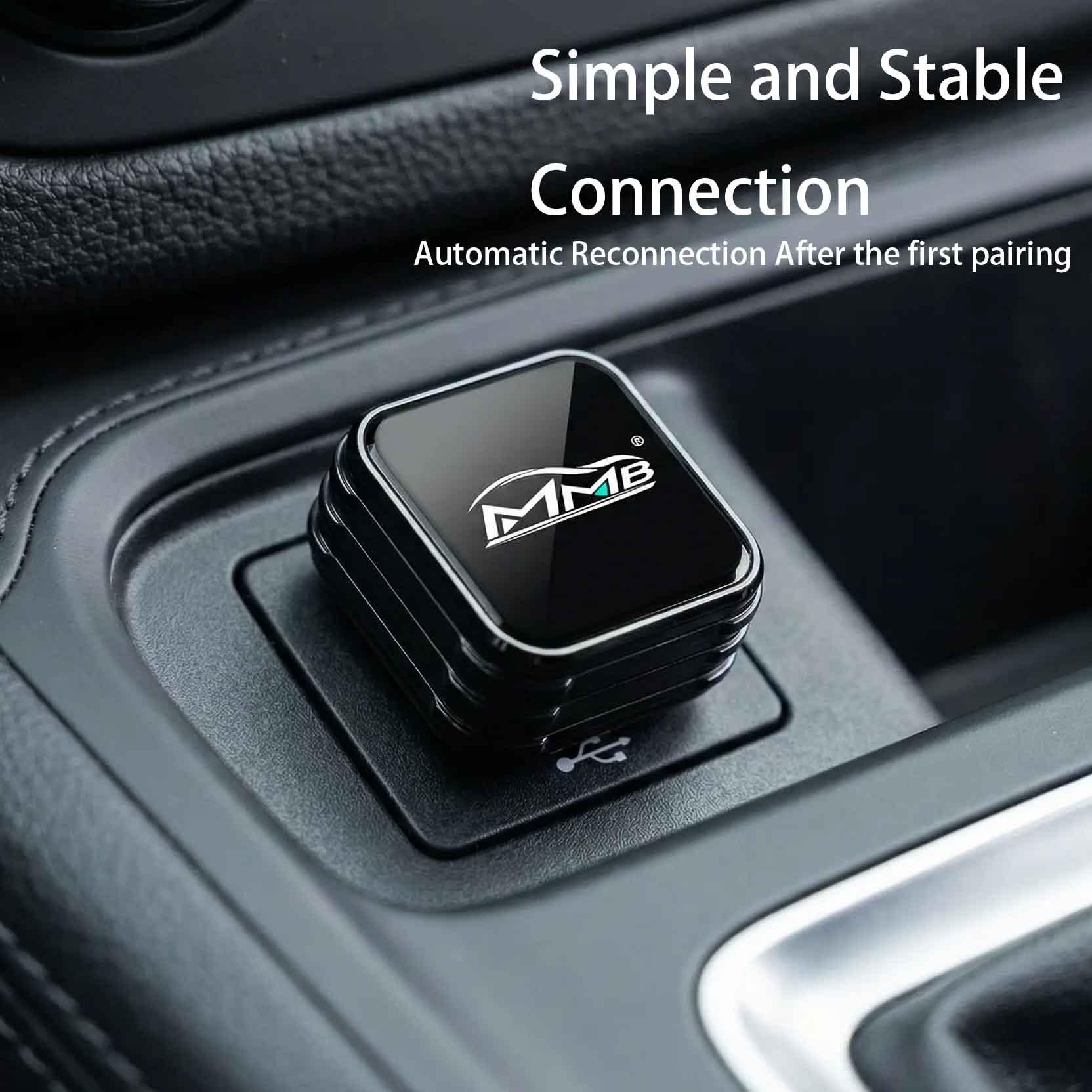
For BMW owners who want a dedicated solution, the MMB BMW AI BOX is designed for BMW multimedia upgrades. It helps add Netflix, YouTube, Wireless CarPlay, Android Auto, and Android apps to compatible BMW iDrive systems.
This is a strong option for customers searching for a BMW AI Box for Netflix, BMW AI Box for YouTube, or BMW CarPlay AI Box.
For non-BMW vehicles, you can also explore the MMB AI Multimedia Box collection for more vehicles .
What If Your Older BMW Does Not Have CarPlay?
Some older BMW CIC and early NBT vehicles do not come with factory CarPlay. In this case, you may need a CarPlay retrofit module before using certain AI Box features.
For older BMW models without CarPlay, you can consider a Joyeauto BMW retrofit solution: Joyeauto BMW Wireless CarPlay Interface .
This type of retrofit can help older BMW owners add Wireless CarPlay, Android Auto, and modern smartphone connectivity to their factory screen.
Real BMW Driving Scenarios for a BMW AI Box
Road Trips
During long-distance driving, passengers can enjoy YouTube travel vlogs, Netflix shows, music apps, and navigation tools through the BMW AI Box.
Traffic Jams
A BMW AI Box makes stop-and-go traffic less boring by giving access to Spotify, podcasts, news videos, and YouTube content while parked or waiting.
Waiting Inside the Car
Whether you are waiting outside school, at a charging station, in a parking lot, or during a break, a BMW AI Box turns the BMW interior into a smarter entertainment space.
Family Travel
For families, a BMW AI Box can keep passengers entertained with cartoons, movies, YouTube, and music during longer trips.
Is It Safe to Watch Netflix or YouTube in BMW iDrive?
A BMW AI Box is mainly intended for parked use and passenger entertainment. Drivers should always follow local laws and avoid watching video content while driving.
The best use cases are:
- Parked breaks
- Charging stops
- Passenger entertainment
- Waiting periods
- Road trip rest stops
Final Thoughts: Is a BMW AI Box Worth It?
If you want to add Netflix and YouTube to BMW iDrive, a BMW AI Box is one of the best upgrade solutions available in 2026.
Compared with traditional screen replacements, BMW AI Box systems offer Wireless CarPlay, Android Auto, streaming apps, Google Maps, Spotify, TikTok, and smart entertainment features while keeping the original BMW interior design.
Whether you drive a BMW F30, G20, X5, X3, or another compatible model, upgrading with a BMW AI Box can completely transform your driving experience.
Upgrade Your BMW With MMB BMW AI BOX
Add Netflix, YouTube, Wireless CarPlay, Android Auto, and smart entertainment features to your compatible BMW iDrive system.
Never Miss a Live Match: How to Stream the FIFA World Cup on Your Factory Car Screen
BYD Carplay AI Box: Turn Your Factory Wireless CarPlay into a Full Android System
Related Posts

Afraid of BMW MMB Box Battery Drain? What BMW Drivers Should Know Before Parked Streaming

Worried MMB Too Complicated? 7 Easy Things First-Time Users Should Know

Worried Your Car Screen Is Too Old for MMB? 7 Signs It May Still Work

Worried About MMB Mobile Hotspot? 7 Things Drivers Should Know Before Streaming

Parked Car Between Appointments: 7 Reasons MMB Makes Waiting Feel Better

Long Drive Alone: Why the Car Feels Different When Nobody Is Beside You

MMB AI Box Buying Guide: 7 Checks Before You Order