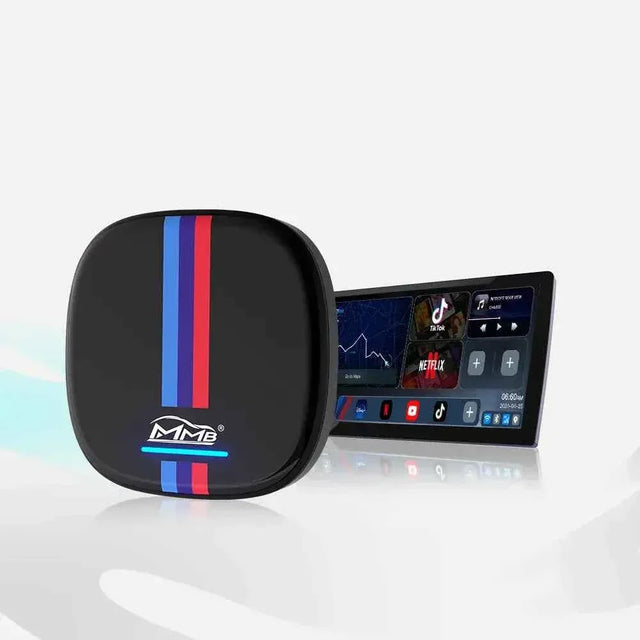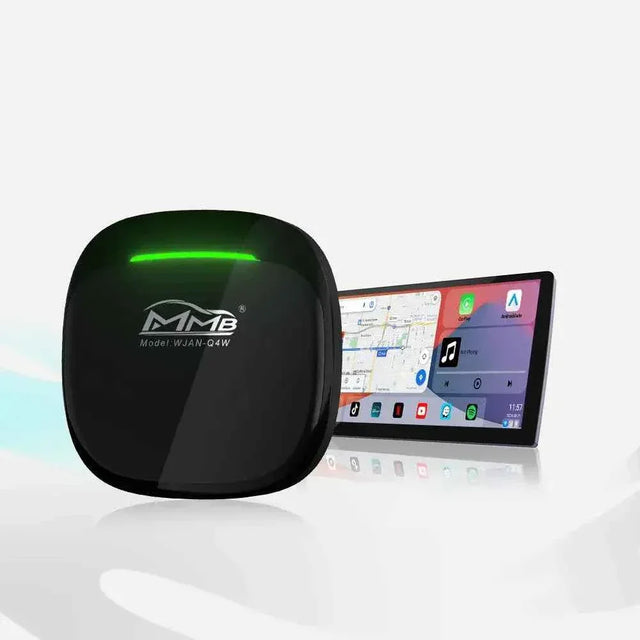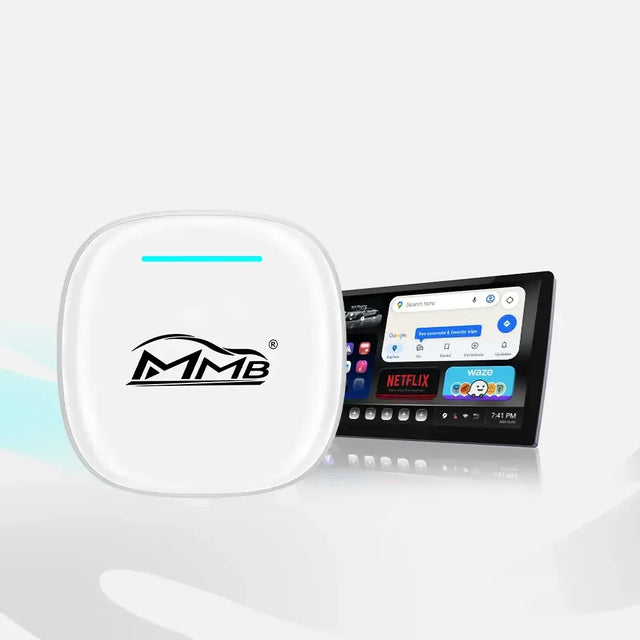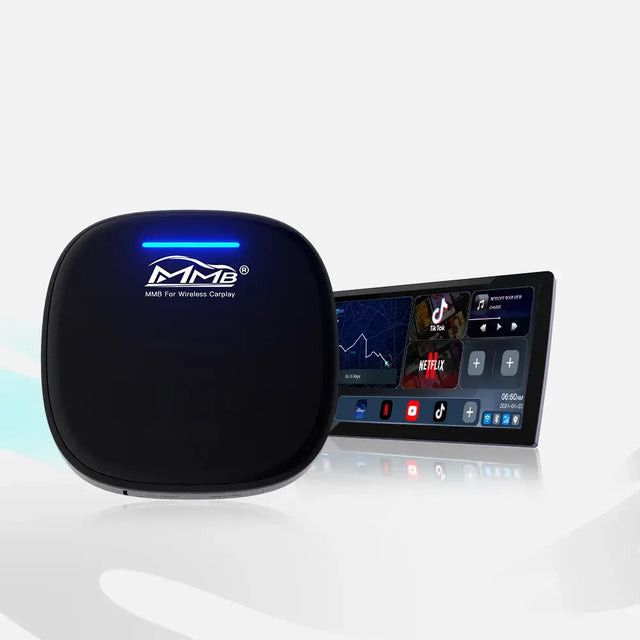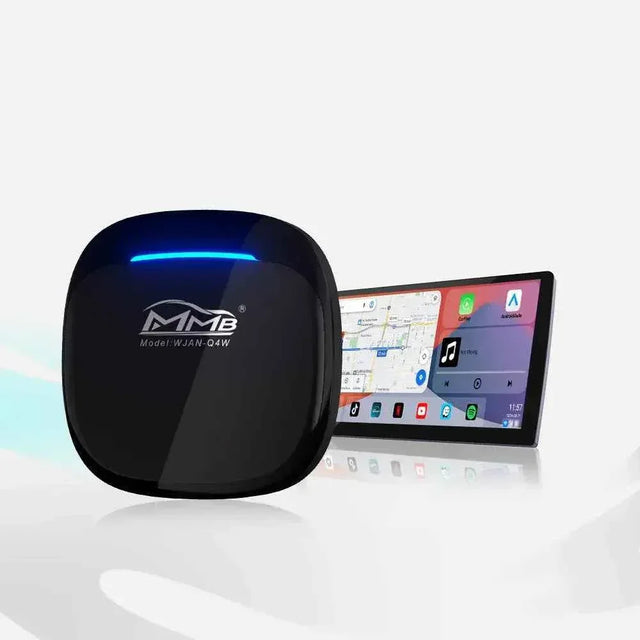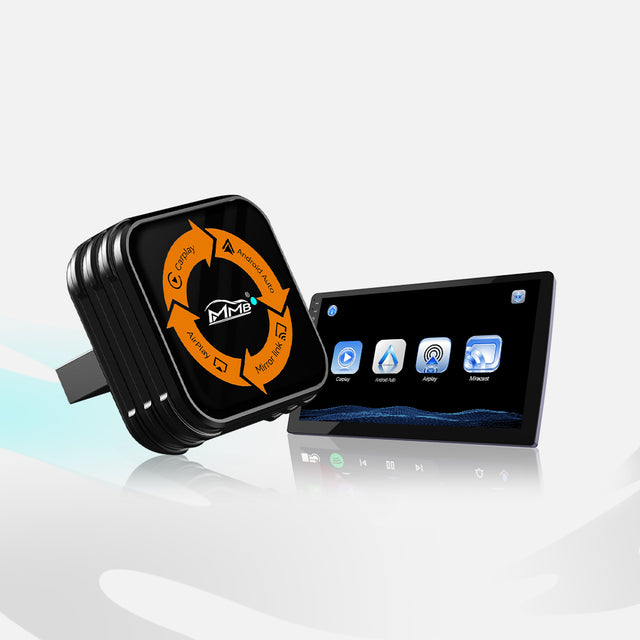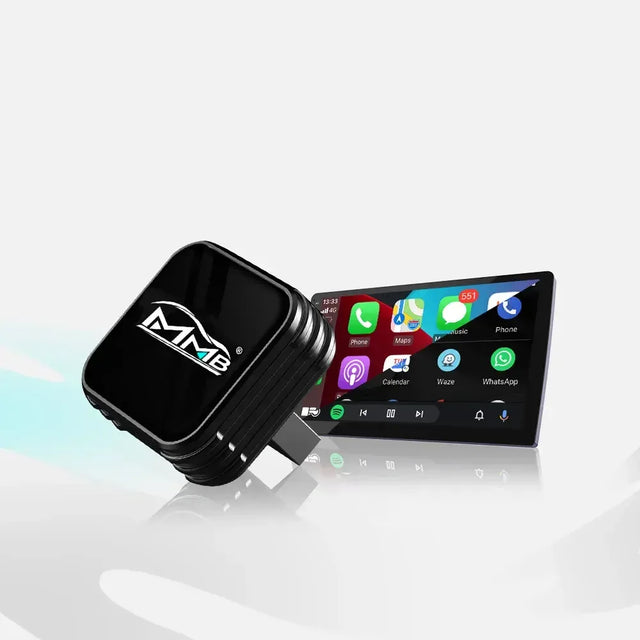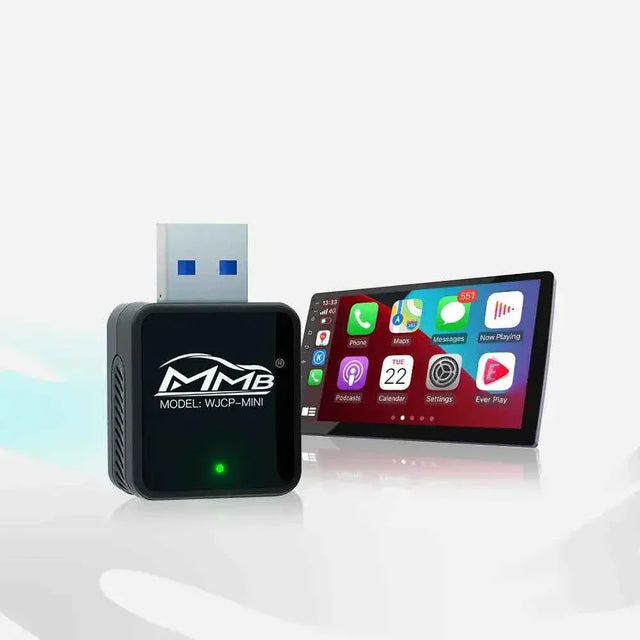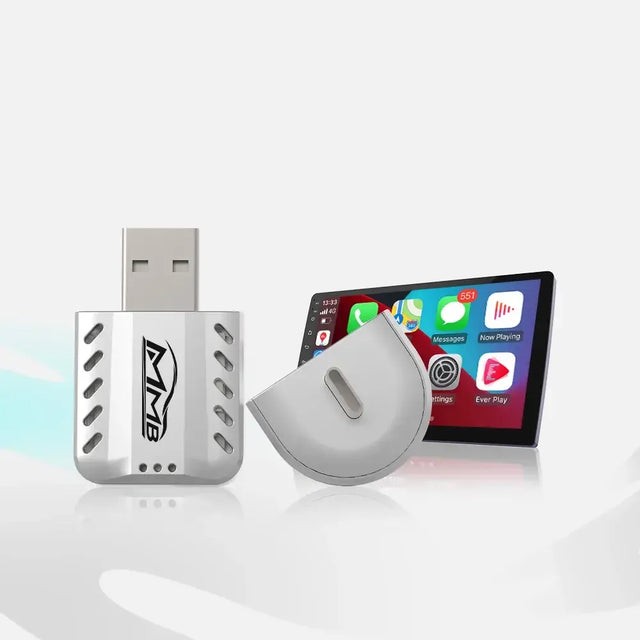


BYD Carplay AI BOX & POLESTAR 4 Carplay AI BOX
Transform your factory wireless CarPlay screen into a full Android 13 entertainment system. Watch YouTube, Netflix, Disney+, Spotify, Google Maps and install apps directly on your vehicle display.
✓ Only compatible with vehicles equipped with factory wireless Apple CarPlay.

Compatible with Factory Wireless CarPlay Vehicles
This BYD Carplay AI BOX is designed specifically for vehicles equipped with factory wireless Apple CarPlay. Compatible with BYD, POLESTAR 4, DENZA D9 and many other wireless CarPlay vehicles.

Independent Android 13 System
Unlike a traditional wireless adapter, this AI Box creates a separate Android 13 operating system on your original car screen. Install apps, stream videos, browse the web and enjoy a smarter driving experience.

Watch YouTube, Netflix and More
The POLESTAR 4 Carplay AI BOX allows you to enjoy YouTube, Netflix, Disney+, IPTV, Spotify and other streaming services directly from your vehicle display.

Built-in GPS, 4G SIM and WiFi
Built-in GPS, 4G SIM support, WiFi connectivity and Bluetooth 5.0 provide stable navigation, entertainment and online access while driving.

SIM Card & TF Card Expansion
Supports Nano SIM card networking and Micro TF card expansion, allowing more storage and independent internet access.

Product Specifications
| Product | BYD Carplay AI BOX / POLESTAR 4 Carplay AI BOX |
| Compatibility | Factory Wireless Apple CarPlay Vehicles |
| Operating System | Android 13 |
| CPU | Qualcomm Snapdragon 6125 |
| Storage | 4GB+64GB / 8GB+128GB |
| GPS | Beidou / GPS / GLONASS / AGPS |
| Bluetooth | Dual Bluetooth 5.0 |
| Network | 4G SIM / WiFi |
| Video Decoding | 4K H.265 Ultra HD |
| Voltage | 5V / 2A |
| Operating Temperature | -20°C to 70°C |
Vehicle Compatibility
This AI Box only supports vehicles equipped with factory wireless Apple CarPlay. Please verify your vehicle's original system before purchase.
For BMW owners, check our dedicated MMB BMW AI Box (only compatible with BMW).
Looking for more options? Browse our CarPlay AI Box Collection .
If your vehicle does not support CarPlay, please check Joyeauto Wireless CarPlay Interface Modules .


BYD / Polestar 4 AI Box FAQs
Do I need to pay for shipping?
No. We offer free standard shipping on all orders.
How long will it take for my order to arrive?
Orders can be shipped the next day. Estimated delivery time is 3-8 business days.
What if the AI Box doesn't work properly in my car?
Please contact us via WhatsApp (number: +86 138 2354 5728) and provide your order number, vehicle model and year, and a brief description of the problem after connecting the AI Box.
You can apply for a return within 30 calendar days of receiving the product. Please see our return policy for details.
Return and Refund Policy
Is this AI Box compatible with my BYD, Polestar 4, or Danze D9?
This AI Box is designed for BYD, Polestar 4, and Danze D9 models equipped with factory wireless Apple CarPlay. Please check your vehicle's specific infotainment system before ordering.
My iPhone connects wirelessly via the adapter. Is this factory-installed wireless CarPlay?
Unplug your current adapter and try wirelessly connecting your iPhone to your car's infotainment system. If Apple CarPlay only turns on when the adapter is plugged in, your current setup does not meet the requirements for factory-installed wireless CarPlay.
Will it work if my car only has wired Apple CarPlay or Android Auto?
This version requires factory-installed wireless Apple CarPlay. If your car only has wired CarPlay or Android Auto, please tell us your car model and year so we can help you find a suitable MMB product.
Is it compatible with non-factory CarPlay screens or aftermarket modules?
This version is designed for factory-installed wireless Apple CarPlay for your car's infotainment system. If you have replaced your screen or installed a CarPlay module, please contact us before ordering to confirm your setup.
Which region's version should I choose?
Please select the version corresponding to the region where you use the AI Box. If you are using it in the United States or Canada, please select US/CA. If you are using it in Europe, Asia, Australia, the Middle East, or South America, please select another listed version. Both options in the purchase selector come with 8 GB of RAM and 128 GB of storage.
Can I watch YouTube or Netflix without purchasing a SIM card?
Yes. Simply connect the AI Box to your phone's Wi-Fi hotspot. Streaming requires an internet connection, and some apps require an account or subscription. You can also watch videos while parked.
Can I use the AI Box if I have an Android phone?
You can connect the AI Box to the internet using your Android phone's Wi-Fi hotspot. Your vehicle still needs to have wireless Apple CarPlay pre-installed. If you only have an Android phone and want to confirm initial setup or wireless Android Auto support, please contact us before ordering.
How do I set up the AI Box?
Connect the AI Box using the provided cable and then follow the prompts in the quick start guide and on your vehicle's display screen.