
Afraid of BMW MMB Box Battery Drain? What BMW Drivers Should Know Before Parked Streaming
Many BMW drivers love the idea of turning the factory iDrive screen into a smarter entertainment space. During a lunch break, school pickup, charging stop, road trip rest, or time between appointments, the car can become a quiet place to relax.
But before ordering, one concern often appears: BMW MMB Box battery drain.
That question is reasonable. A BMW MMB Box, factory screen, iDrive system, USB connection, Wi-Fi hotspot, speakers, and vehicle electronics all need power. If the BMW is parked and the engine is off, drivers naturally want to know whether streaming YouTube, Netflix, music, or other apps could drain the battery.
The short answer is: the BMW MMB Box is designed for convenient multimedia use, but parked streaming should still be used wisely. BMW MMB Box battery drain depends on your BMW model, battery condition, USB power behavior, iDrive power mode, and how long you use the system while parked.
This guide explains what BMW drivers should know before parked streaming.
What BMW MMB Box Battery Drain Really Means
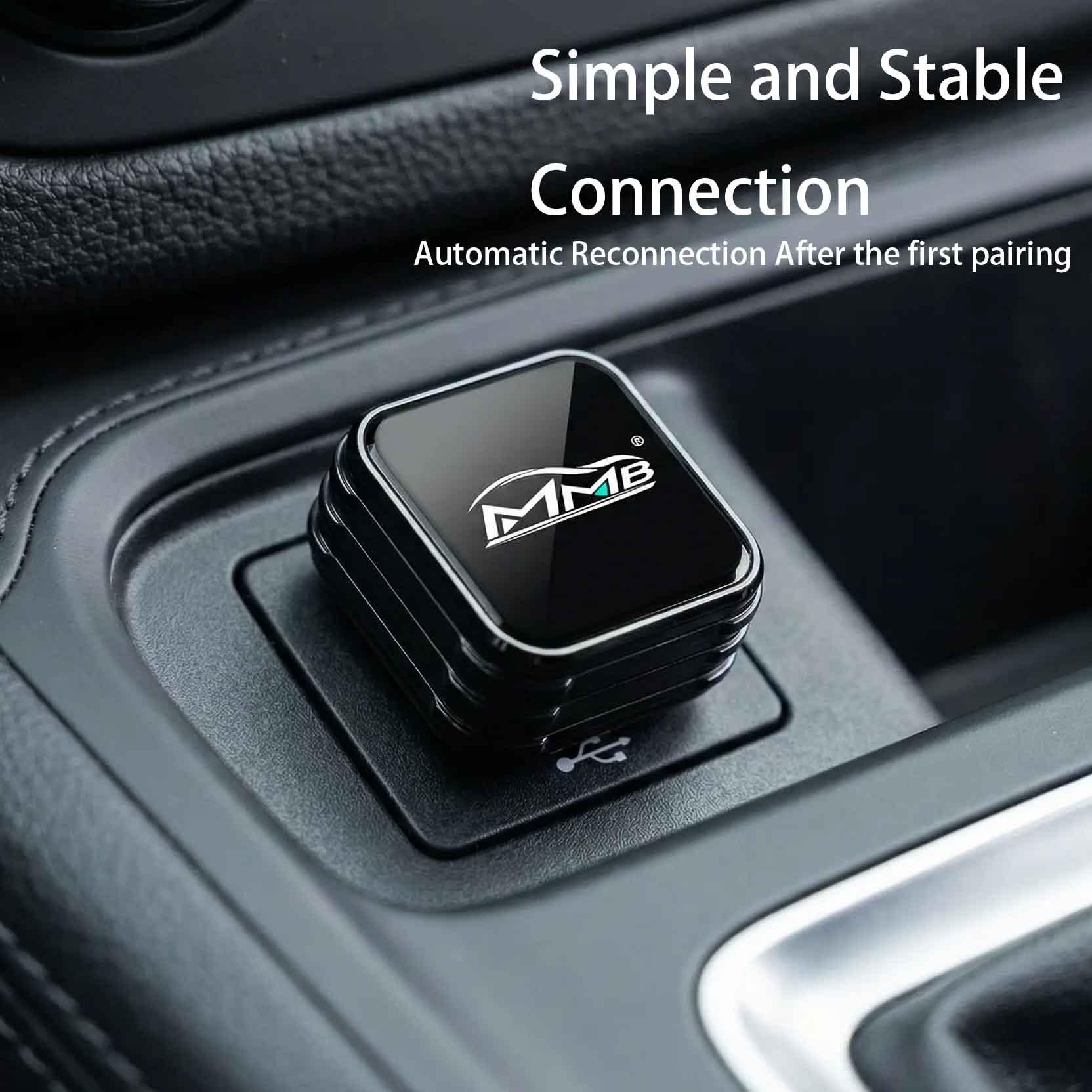
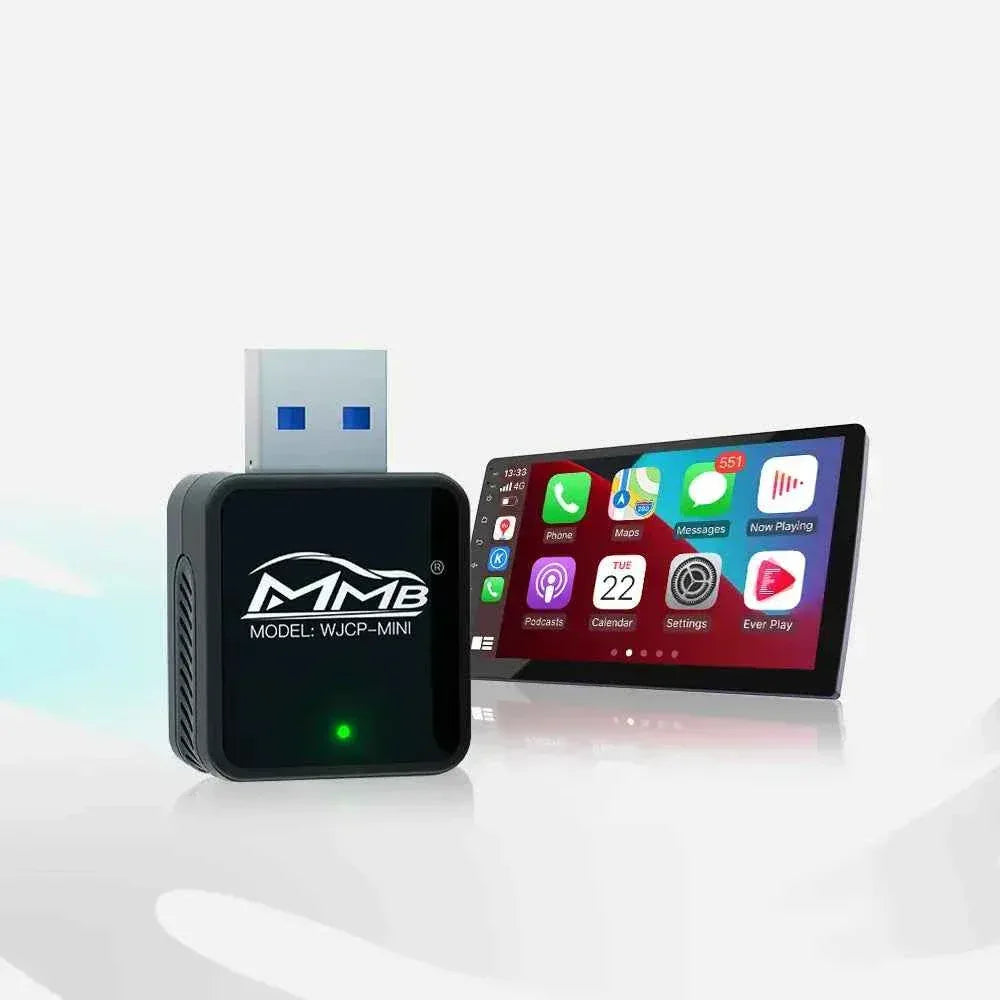
The MMB BMW Multimedia Box is made for BMW drivers who want more entertainment options through the factory screen. Instead of only using standard CarPlay functions, the BMW MMB Box can help turn the iDrive display into a more flexible multimedia experience.
For BMW owners, this matters because the factory screen is already in the right place. You do not want to hold a phone, mount a tablet, or add a messy extra display. You want the original BMW screen to do more.
Apple explains that CarPlay is designed to bring iPhone features such as maps, calls, messages, and music to the car display in a more integrated way through Apple CarPlay. The BMW MMB Box builds on that in compatible BMW vehicles by making parked entertainment more practical.
However, the device does not create power by itself. It uses the vehicle’s existing power path. That is why BMW MMB Box battery drain depends mostly on how your BMW manages power when parked.
Why BMW MMB Box Battery Drain Worries BMW Drivers
BMW Owners Often Use the Car as a Waiting Space
Many BMW drivers do not want to watch videos while driving. They want to use the BMW MMB Box while parked.
Common situations include school pickup, lunch breaks, road trip rest stops, client appointments, shopping waits, and charging breaks for BMW plug-in hybrid or EV models.
These are real-life use cases. The worry is not whether the BMW MMB Box is useful. The worry is whether BMW MMB Box battery drain could become a problem during these waiting moments.
BMW Power Modes Can Feel Confusing
BMW vehicles may behave differently depending on model year, iDrive generation, ignition state, accessory mode, and USB power behavior. Some systems turn off quickly after the car is locked. Some keep accessories active for a short time. Some drivers may leave the screen on without realizing how long the car has been in accessory mode.
AAA explains that using electronics while the engine is off can drain a car battery because the battery is mainly needed to start and support the vehicle’s electrical systems AAA.
So the real question is not “Does the BMW MMB Box use power?” Every electronic device uses power. The better question is how to reduce BMW MMB Box battery drain during parked use.
7 Safe Tips to Reduce BMW MMB Box Battery Drain
1. Know Whether Your BMW USB Port Turns Off
Before worrying too much about BMW MMB Box battery drain, test your BMW.
Turn off the vehicle, lock it, and wait several minutes. Then check whether the USB port, screen, or MMB device stays powered. In many cars, power will shut down automatically after a period of time. If your BMW keeps USB power active for longer, unplugging the device after use may be a smart habit.
This simple test tells you more than guessing.
2. Keep Parked Streaming Sessions Reasonable
A short parked viewing session is different from watching a full movie with the vehicle fully off.
If you are using the BMW MMB Box for 10 to 30 minutes during a break, the situation is usually more reasonable than leaving the iDrive screen, audio system, Wi-Fi hotspot, and accessories running for hours.
BMW MMB Box battery drain becomes more relevant when the screen and electronics stay active for a long time. Use the device for realistic waiting moments, not as a long-term replacement for a home screen.
3. Pay Attention to Battery Age
A healthy BMW battery can handle normal accessory use better than an old or weak battery. If your BMW already gives battery warnings, starts slowly, or has electrical messages, parked streaming may make the weakness more noticeable.
An automotive battery supports starting and vehicle electrical functions, and battery condition affects reliability Automotive Battery - Wikipedia.
If you are worried about BMW MMB Box battery drain, ask first whether your BMW battery is already near the end of its life.
4. Avoid Long Accessory Mode Use
Accessory mode can feel harmless because the engine is not running, but the car may still power the iDrive screen, speakers, USB port, control modules, and other systems.
Consumer Reports notes that accessory use and plugged-in devices can contribute to battery drain when the vehicle is not being driven Consumer Reports.
For BMW drivers, the lesson is simple: do not leave the car in accessory mode for too long just to stream. This is one of the easiest ways to reduce BMW MMB Box battery drain.
5. Use a Stable Internet Connection
The BMW MMB Box needs internet for streaming apps. Many drivers use a mobile hotspot. If the signal is weak, apps may buffer, reload, and keep the session running longer than expected.
A stable hotspot makes parked streaming smoother and reduces wasted time. It does not remove all power use, but it helps you finish what you want to watch or listen to without unnecessary delays.
Before ordering, check the MMB Compatibility List to make sure your BMW is a good match.
6. Lower Brightness and Volume While Parked
Your BMW iDrive screen and audio system also use power. If you are parked, you may not need maximum brightness or high volume.
Lowering brightness and keeping volume reasonable can reduce overall accessory load. It also makes the experience more comfortable at night, in parking lots, or during quiet breaks.
This is a small habit, but small habits help reduce BMW MMB Box battery drain during parked use.
7. Unplug the BMW MMB Box if the Car Will Sit for Days
If you drive your BMW every day, the risk is different from someone who parks the car for a week or longer.
If your BMW will sit unused for several days, unplug the BMW MMB Box. This is especially useful if your vehicle keeps some USB power active after shutdown.
It is a simple step, but it gives peace of mind and helps avoid unnecessary BMW MMB Box battery drain.
Does BMW MMB Box Battery Drain Happen When the Car Is Off?
It depends on whether your BMW continues to supply USB power after shutdown.
If the USB port turns off, the BMW MMB Box should also power down. If the USB port stays active, the device may continue drawing a small amount of power until the car cuts power or the device is unplugged.
That is why testing your own BMW matters. BMW MMB Box battery drain is not exactly the same for every BMW because power management can vary by model and system.
Is the BMW MMB Box Safe for Parked Streaming?
Yes, the BMW MMB Box can be a practical parked entertainment upgrade when used responsibly. The key is to use it in the right situations.
It is ideal for reasonable waiting moments: lunch breaks, short rest stops, charging waits, school pickup, and time between appointments. It is not meant to encourage watching video while driving, and it should not be used in a way that ignores battery warnings.
If you are unsure whether your BMW supports the product, start with the MMB FAQs or review the BMW product page before buying.
Who Should Consider the BMW MMB Box?
The BMW MMB Box is especially useful for BMW drivers who already like their factory screen but wish it could do more.
You may be a good fit if you often wait in your BMW, want a cleaner setup than a phone mount, prefer the factory iDrive screen, want parked streaming for breaks, and want an entertainment upgrade without changing the dashboard.
For these drivers, the BMW MMB Box is not only about watching video. It is about making parked time feel easier while understanding how to avoid BMW MMB Box battery drain.
Final Thoughts
If you are afraid of BMW MMB Box battery drain, your concern is understandable. A BMW battery is important, and no driver wants a dead battery after watching videos while parked.
But the concern should be managed, not exaggerated. The real answer depends on your BMW’s USB power behavior, battery health, accessory mode, and how long you use the system.
Use the BMW MMB Box for reasonable parked moments. Test whether your USB port turns off. Avoid very long accessory mode sessions. Lower brightness and volume. Unplug the device if the car will sit for days. And most importantly, do not ignore battery warnings.
For many BMW drivers, the BMW MMB Box is not about turning the car into a living room. It is about making the time you already spend parked feel more useful, relaxed, and enjoyable.
FAQ
Will BMW MMB Box battery drain happen every time I use it?
No. BMW MMB Box battery drain depends on your BMW model, battery condition, USB power behavior, power mode, and parked use time.
Can I use the BMW MMB Box while parked?
Yes. The BMW MMB Box is useful for parked entertainment, but use it responsibly and avoid very long sessions with the vehicle fully off.
Should I unplug the BMW MMB Box after use?
If your BMW keeps USB power active after shutdown, unplugging the BMW MMB Box is a smart habit, especially if the car will sit for several days.
Does the BMW MMB Box work with every BMW?
No. Compatibility depends on your BMW system and factory CarPlay setup. Check the BMW product page and compatibility list before ordering.
Is parked streaming safe for the BMW battery?
Short, reasonable parked sessions are usually more practical than long accessory mode sessions. If your BMW shows battery warnings, stop using accessories.
Can an old BMW battery make BMW MMB Box battery drain worse?
Yes. A weak or aging battery has less reserve capacity, so any parked electronics may create problems faster.
Where can I check BMW MMB Box compatibility?
Start with the MMB BMW Multimedia Box, then review the MMB Compatibility List and MMB FAQs.

Related Posts

Worried MMB Too Complicated? 7 Easy Things First-Time Users Should Know

Worried Your Car Screen Is Too Old for MMB? 7 Signs It May Still Work

Worried About MMB Mobile Hotspot? 7 Things Drivers Should Know Before Streaming

Parked Car Between Appointments: 7 Reasons MMB Makes Waiting Feel Better

Long Drive Alone: Why the Car Feels Different When Nobody Is Beside You

MMB AI Box Buying Guide: 7 Checks Before You Order