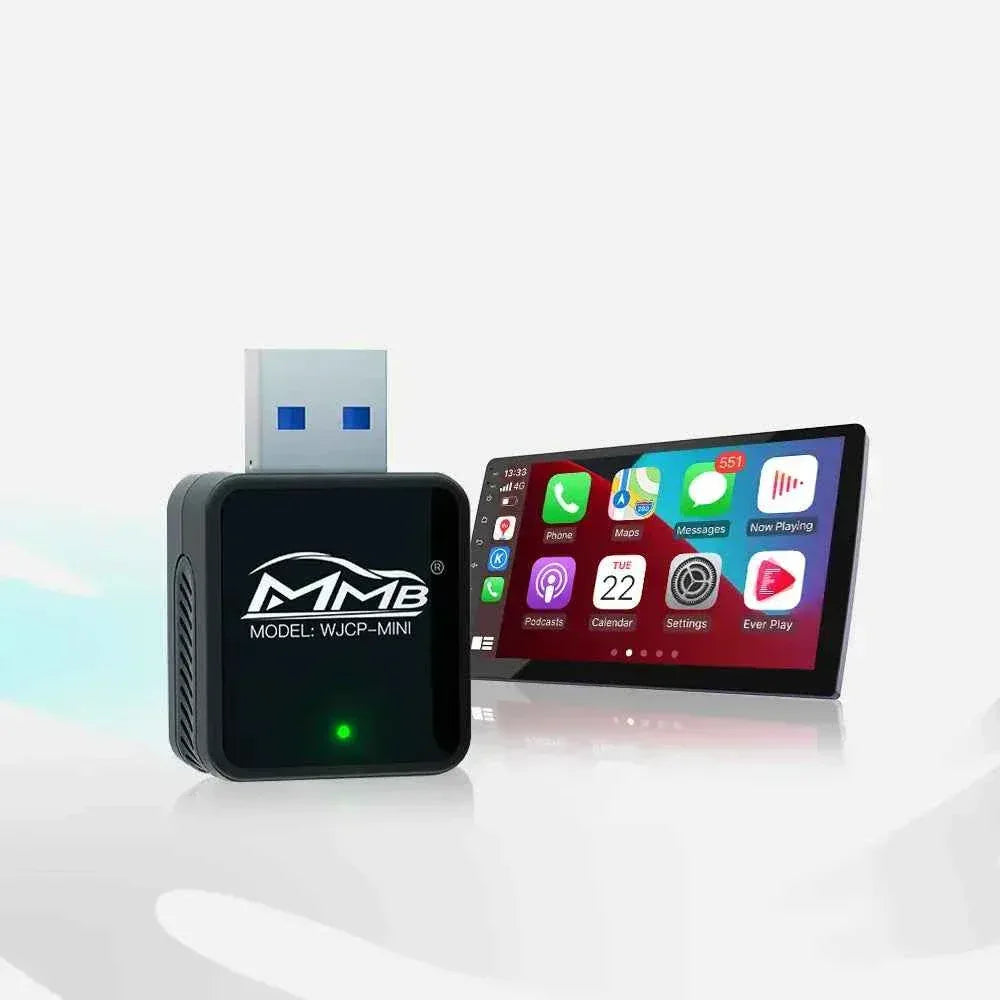

MMB AI Box Buying Guide: 7 Checks Before You Order
Buying an MMB AI Box should feel exciting, but many drivers hesitate before checkout because of one quiet worry: what if I buy the wrong one?
That worry makes sense. You do not want another device sitting unused in a drawer. You want to know whether the box will actually work with your car, connect to your factory screen, support the apps you want, and keep your original system safe.
The good news is that most buying mistakes can be avoided before you order. This MMB AI Box buying guide explains the seven checks that matter most, so you can choose the right product with more confidence.
Why Customers Hesitate Before Buying an MMB AI Box
Most customers are not afraid of the product. They are afraid of choosing the wrong version.
Common worries include:
- Does my car have factory CarPlay?
- Is my CarPlay wired or wireless?
- Do I need the BMW version?
- Can I watch YouTube or Netflix?
- Will it affect my original car system?
- Do I need internet?
- What happens if it does not work?
These questions are normal because vehicle infotainment systems can be confusing. Two cars from the same year may not use the same CarPlay setup. One may have wired CarPlay only. Another may have wireless CarPlay. Some BMW models may need a dedicated product.
That is why the best question is not “Is this device good?” The better question is: which MMB AI Box fits my car?
You can also review the official MMB FAQ page before buying.
1. Check If Your Car Already Has Factory CarPlay
The first check is simple: does your car already have factory CarPlay?
An MMB AI Box is different from a CarPlay retrofit kit. Most MMB products are designed for vehicles that already support factory CarPlay. If your car does not have CarPlay at all, an AI Box may not be the correct first upgrade.
Apple explains that CarPlay lets drivers use iPhone features such as maps, calls, messages and music through a compatible vehicle display. You can learn more from the official Apple CarPlay page and Apple’s CarPlay setup guide.
Quick test: connect your iPhone to the car. If CarPlay opens, your car has CarPlay. If nothing happens, check compatibility before ordering.
2. Check Wired CarPlay or Wireless CarPlay
This is the biggest reason customers choose the wrong product.
If your car uses wired CarPlay, your iPhone needs a USB cable to open CarPlay. If your car uses wireless CarPlay, your iPhone connects without a cable.
These two situations may require different product categories.
For cars with factory wired CarPlay, start with the MMB AI Media Box for Wired CarPlay.
For cars with factory wireless CarPlay, check the MMB AI Media Box for Wireless CarPlay.
Do not guess here. Wired or wireless CarPlay is the most important filter when choosing an MMB AI Box.
3. Check If You Need the BMW Version
BMW owners should be extra careful because some BMW systems require a dedicated solution.
If you drive a BMW, do not buy only by looking at the year. Check the model, iDrive system, screen type and CarPlay connection method. Some BMW owners may need the MMB BMW Multimedia Box instead of a standard MMB AI Box.
If unsure, send your BMW model, year, screen photo and CarPlay connection details before ordering. This small step can prevent a frustrating mismatch.
4. Check Whether You Need Apps or Only Wireless CarPlay
Not every customer needs an AI Box.
If your only goal is to remove the cable from wired CarPlay, a simple wireless adapter may be enough. It is made for one job: turning wired CarPlay into wireless CarPlay.
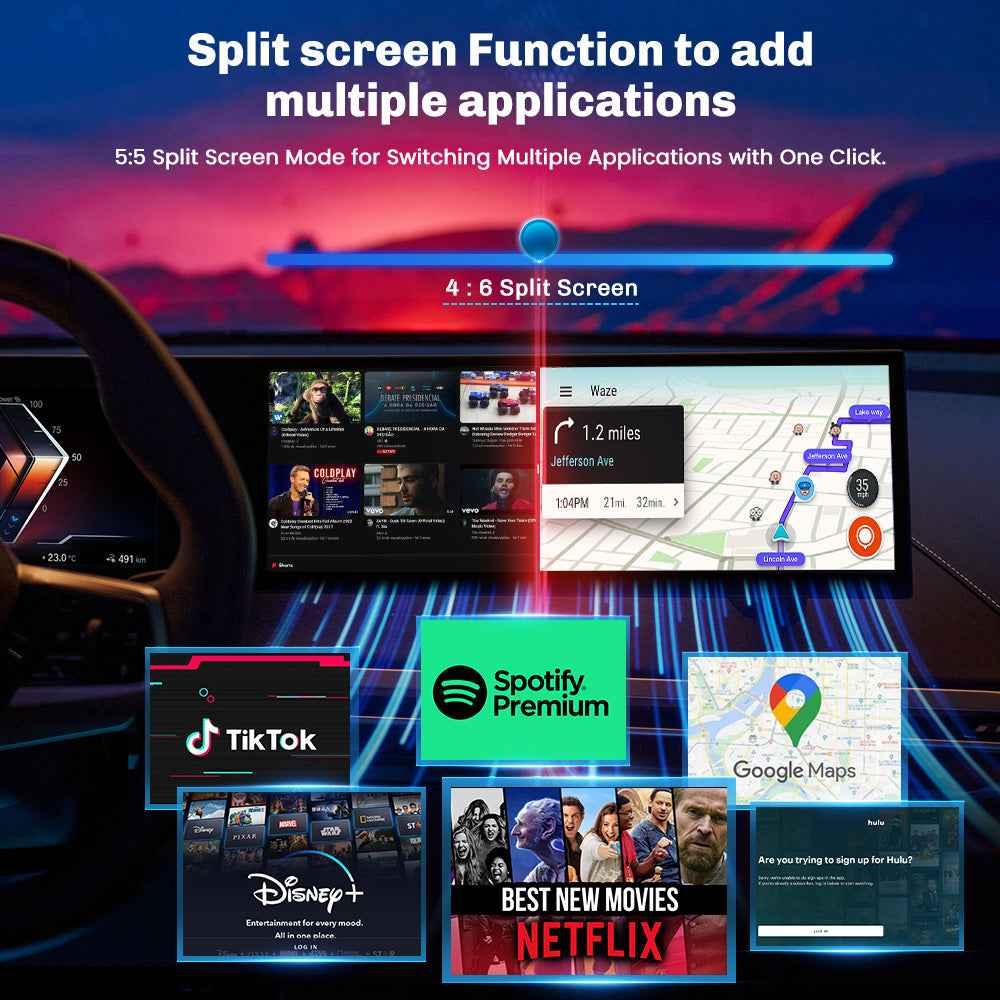
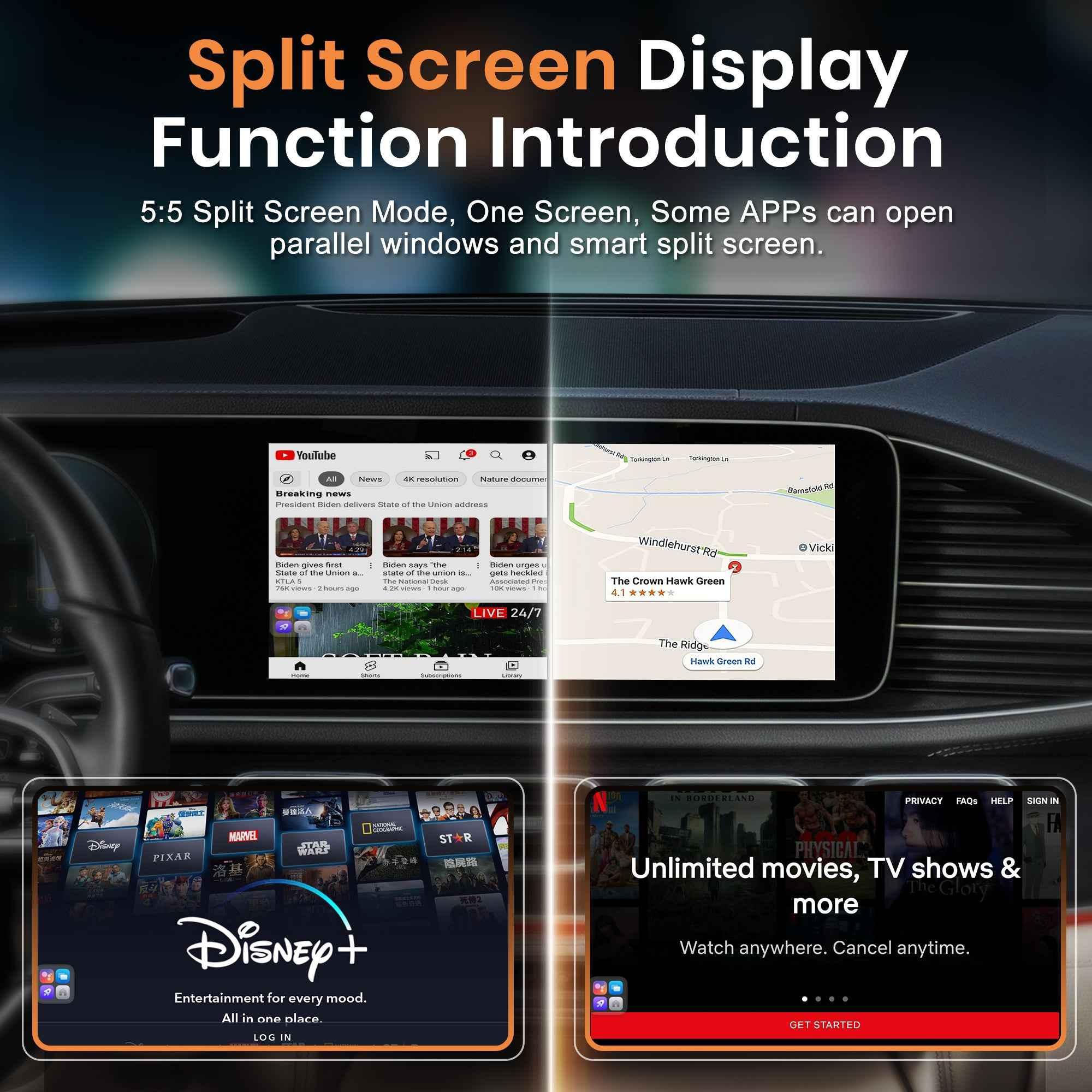
But if you want YouTube, Netflix, Disney+, Android apps, Google Play, browsing or parked entertainment features, then an MMB AI Box is the better choice.
For simple wireless CarPlay needs, browse the Wireless Adapter Series.
For app-based multimedia use, choose an AI Box category instead.
5. Check Internet Requirements
Streaming apps need internet. This sounds obvious, but many buyers forget it.
If you want to use YouTube, Netflix, Disney+ or other online apps, your MMB AI Box needs a network connection. Depending on the model, this may come from Wi-Fi, your phone hotspot or a SIM-supported setup.
Before buying, ask yourself:
- Will I use my phone hotspot?
- Does the model support SIM card use?
- Is my mobile data plan enough?
- Do I need streaming every day?
- Do I want to download apps from Google Play?
Netflix also provides official guidance for downloading TV shows and movies, although availability depends on plan, region, title and device support.
If internet access matters to your use case, confirm it before buying.
6. Check If It Affects the Original Car System
A big customer fear is whether the device will damage or replace the original car system.
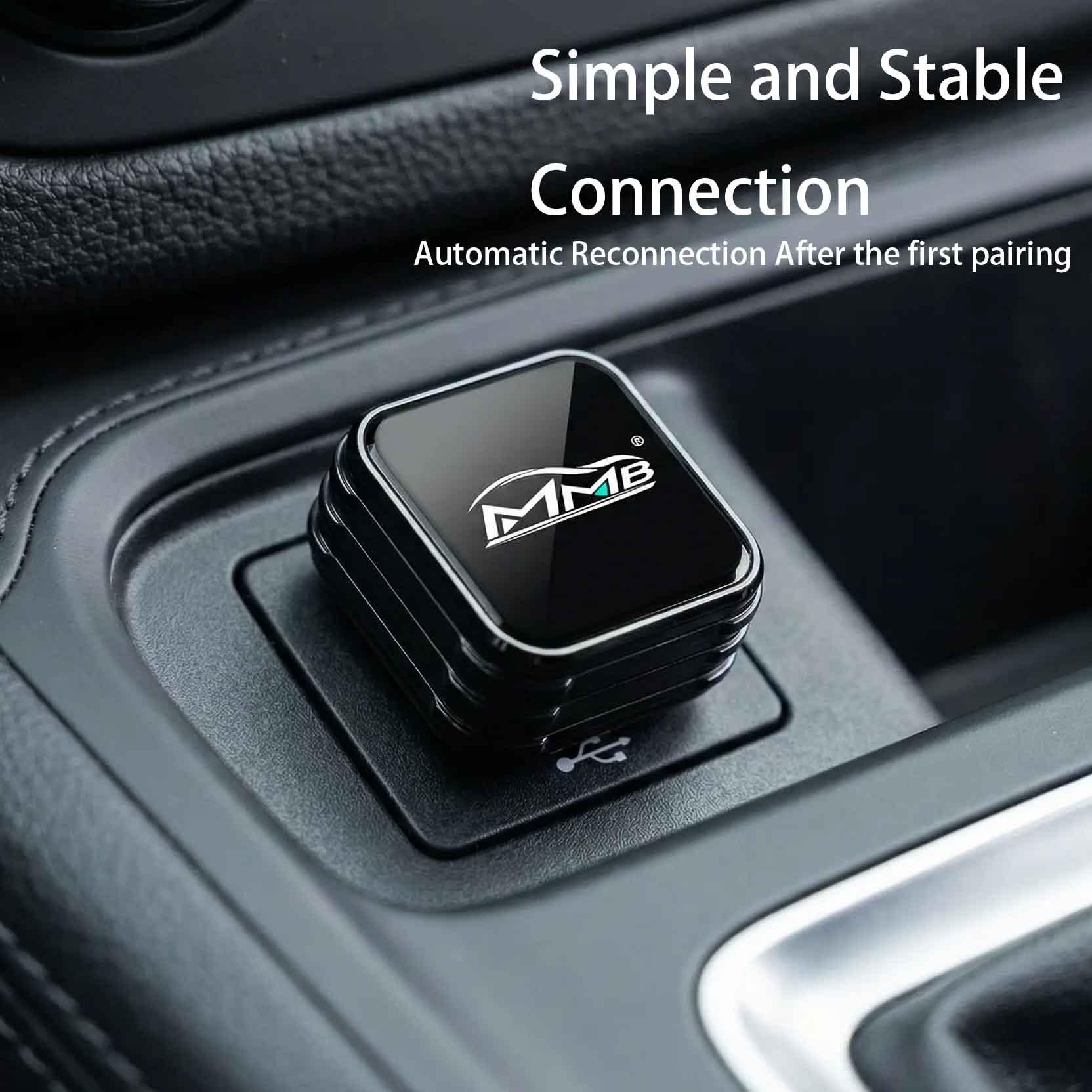
According to MMB’s FAQ, an MMB AI Box is a plug-and-play device. It does not require cutting wires, replacing the factory screen or removing the original infotainment system. The device works through the CarPlay connection, and users can return to the original car interface when needed.
This is exactly why many people prefer it over a full screen replacement.
Still, “plug-and-play” does not mean “buy any model.” The product must match the correct CarPlay system.
7. Check What to Send Before Ordering
If you are unsure, send information before buying. This is the easiest way to avoid a mistake.
Prepare:
- Car brand
- Car model
- Model year
- Factory screen photo
- Whether CarPlay is wired or wireless
- A short video showing how CarPlay connects
- BMW iDrive photo, if you drive a BMW
A short video is especially useful because it shows whether CarPlay starts by cable or wirelessly. That one detail can help support recommend the correct product.
What Happens If You Choose the Wrong MMB AI Box?
Choosing the wrong MMB AI Box may cause the device not to work as expected. It may fail to open, connect slowly, show the wrong interface, or not match your car’s original CarPlay system.
That does not always mean the product is defective. Often, it means the version was not matched correctly.
A few minutes of checking before purchase can save a lot of time after delivery.
Safe Use Reminder
MMB products can support entertainment apps, but video should only be used when the car is safely parked and local laws allow it.
The National Highway Traffic Safety Administration warns that distracted driving can involve visual, manual and mental distraction. Do not watch videos while driving. Use navigation, calls and music when the vehicle is moving.
Final Checklist Before You Order
Before placing your order, confirm these seven points:
- Your car already has factory CarPlay
- You know whether it is wired or wireless CarPlay
- You checked whether BMW needs a dedicated version
- You know whether you need an AI Box or only a wireless adapter
- You understand the internet requirement
- You know the original system will not be replaced
- You sent car details, photos or video if unsure
The goal is not just to avoid buying the wrong box. The goal is to choose the MMB AI Box that fits your car, your screen and the way you actually drive.
FAQ
What is an MMB AI Box?
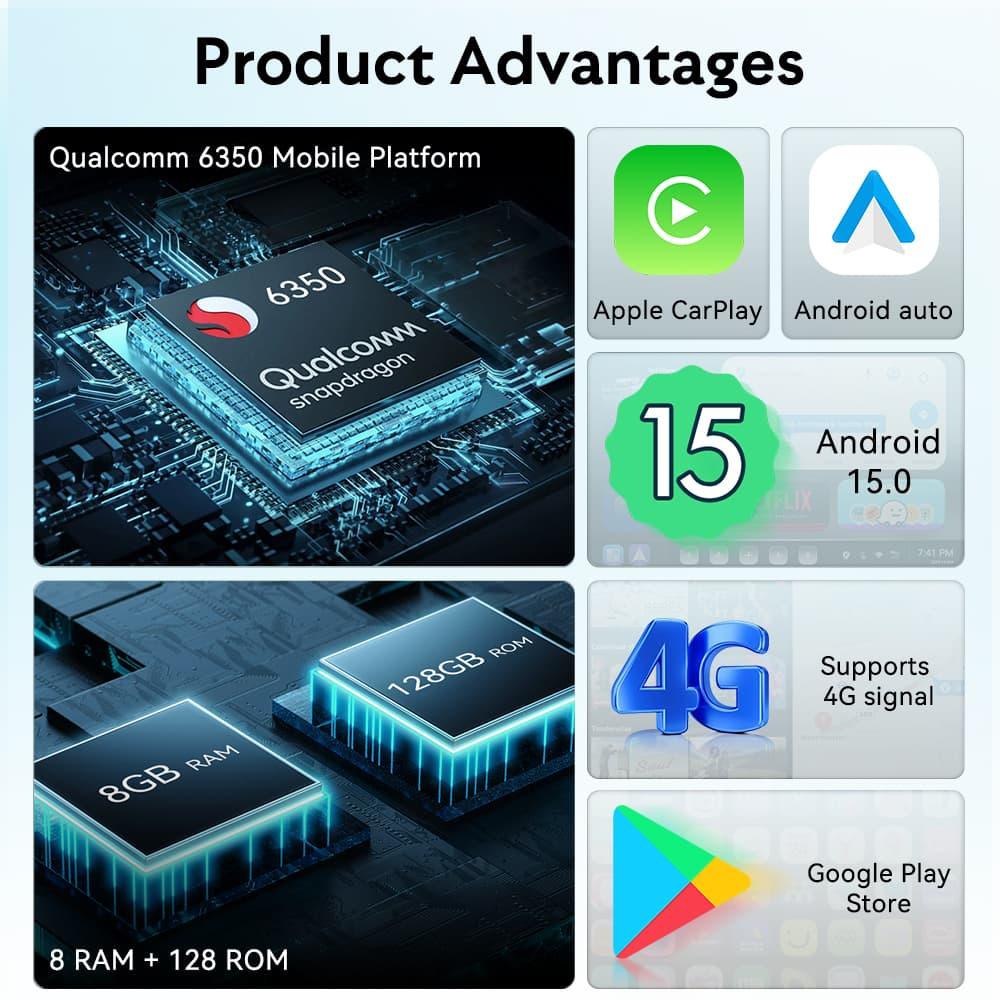
An MMB AI Box is a smart CarPlay device that connects to a compatible factory CarPlay system and adds wireless CarPlay, Android Auto and multimedia app features depending on the model.
How do I know if my car supports MMB AI Box?
Your car usually needs factory CarPlay. First check whether your iPhone can open CarPlay in the vehicle, then confirm whether it connects by USB cable or wirelessly.
Can I use MMB AI Box if my car has no CarPlay?
Usually no. If your car does not have factory CarPlay, you may need a retrofit module or screen upgrade before using an AI Box.
Should I buy the wired or wireless version?
If your iPhone needs a USB cable to open CarPlay, choose a model for factory wired CarPlay. If your car uses wireless CarPlay, choose the wireless CarPlay version.
Do BMW owners need a special MMB product?
Some BMW owners need the dedicated MMB BMW Multimedia Box. Send your BMW model, year, screen photo and CarPlay connection details if unsure.
Is an MMB AI Box the same as a wireless CarPlay adapter?
No. A wireless adapter mainly makes wired CarPlay wireless. An MMB AI Box adds a broader multimedia interface with apps, depending on compatibility.
Does MMB AI Box require internet?
Yes, streaming apps such as YouTube, Netflix and Disney+ require internet. You may use phone hotspot, Wi-Fi or SIM-supported connection depending on the model.
Will MMB AI Box affect my original car system?
No. According to MMB’s FAQ, it works as an external smart device through the CarPlay connection and does not replace the original car system.
What should I send before ordering?
Send your car brand, model, year, factory screen photo and whether your CarPlay is wired or wireless. A short connection video is even better.

Car Lunch Break Entertainment: Why Your Factory Screen Should Do More
Long Drive Alone: Why the Car Feels Different When Nobody Is Beside You
Related Posts

Afraid of BMW MMB Box Battery Drain? What BMW Drivers Should Know Before Parked Streaming

Worried MMB Too Complicated? 7 Easy Things First-Time Users Should Know

Worried Your Car Screen Is Too Old for MMB? 7 Signs It May Still Work

Worried About MMB Mobile Hotspot? 7 Things Drivers Should Know Before Streaming

Parked Car Between Appointments: 7 Reasons MMB Makes Waiting Feel Better

Long Drive Alone: Why the Car Feels Different When Nobody Is Beside You