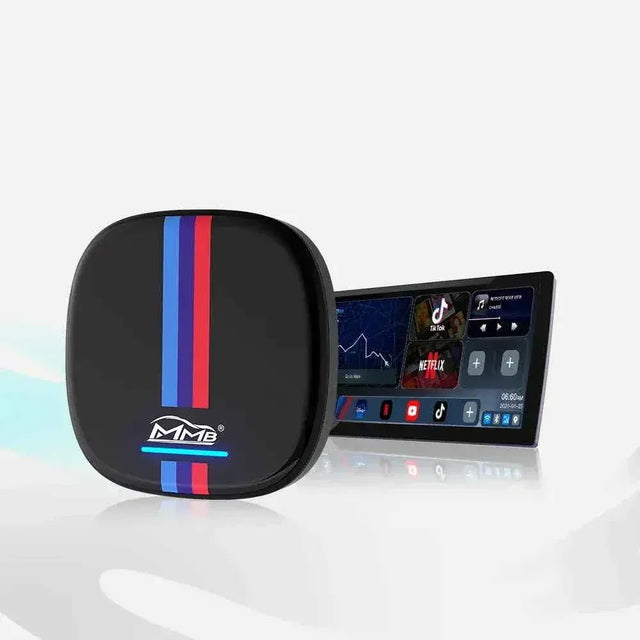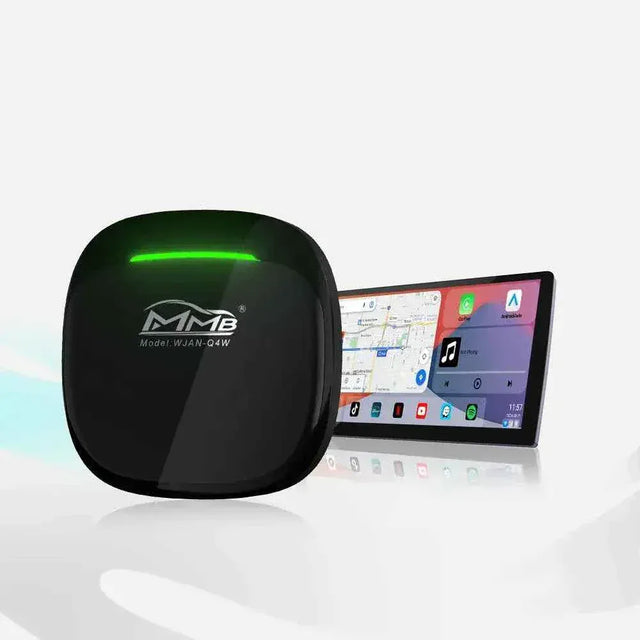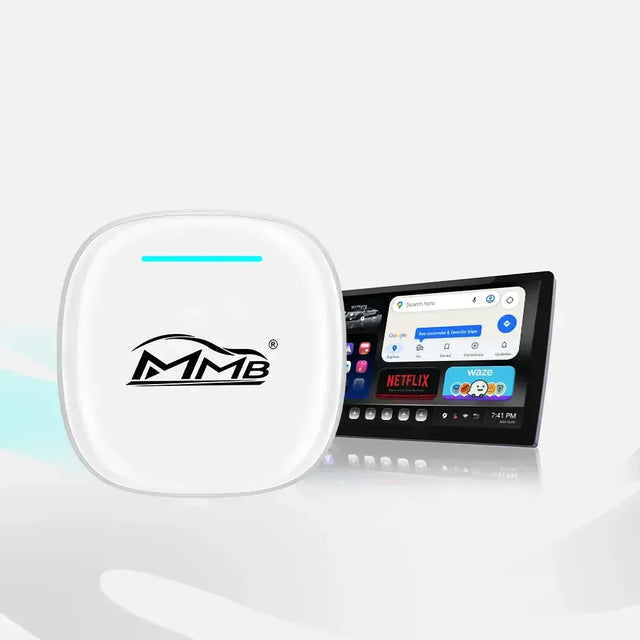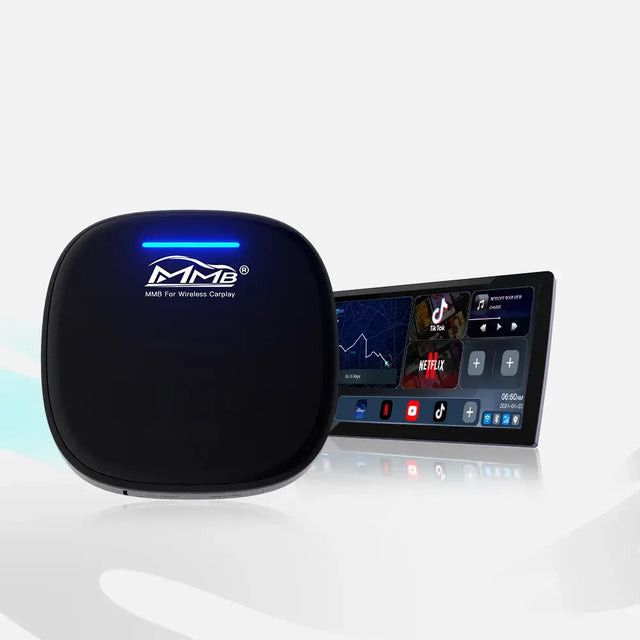

#1 Amazing MMB Max Ultra Panamera Test: Watch Netflix & YouTube Fast
As a Porsche owner, the Panamera represents the pinnacle of executive luxury. However, the factory PCM system often feels a step behind the latest consumer tech. Recently, I upgraded my cabin with the latest MMB Max Ultra, and the results were nothing short of amazing. In this first-person review, we’ll explore how the MMB Max Ultra Panamera setup brings Android 15 and high-speed streaming to your dashboard.

1. The Challenge: Modern Tech in a Luxury Cabin
The Porsche Panamera features a stunning widescreen display, but its native apps are limited. For someone who spends time waiting in the car between meetings or on long road trips, the inability to watch Netflix or use the Google Play Store was a major drawback. I needed a solution that was fast, stable, and perfectly integrated. That is why the MMB Max Ultra Panamera integration is such a game-changer.
2. Unboxing the MMB Max Ultra: 8GB RAM & Android 15
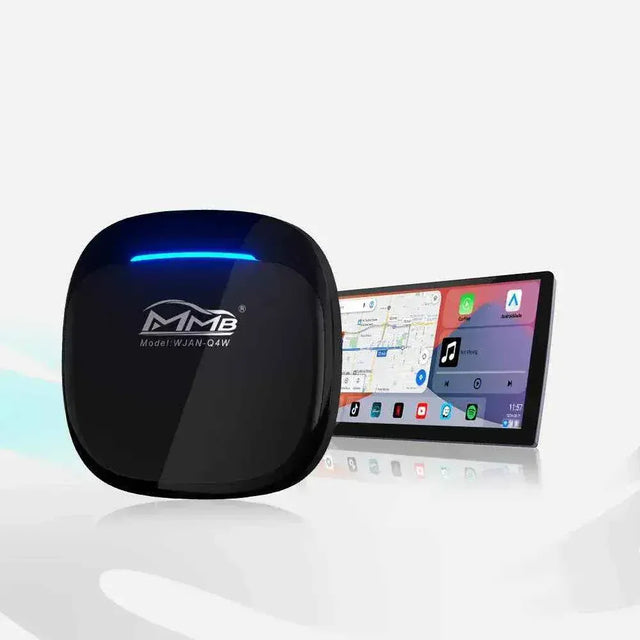
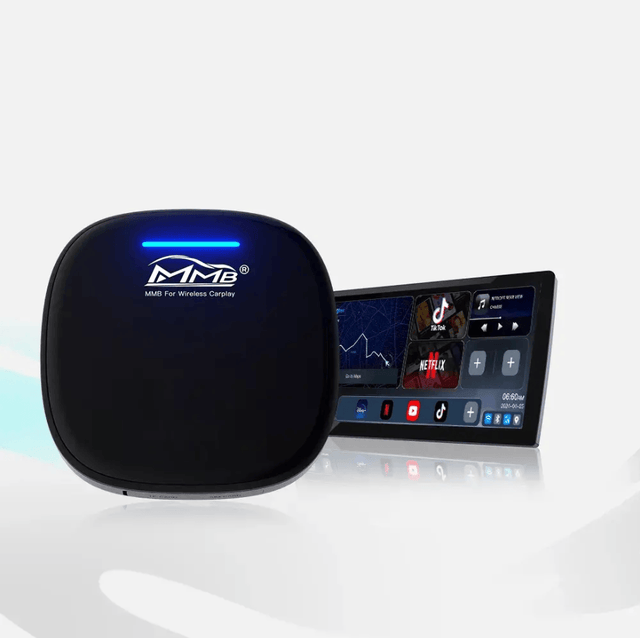
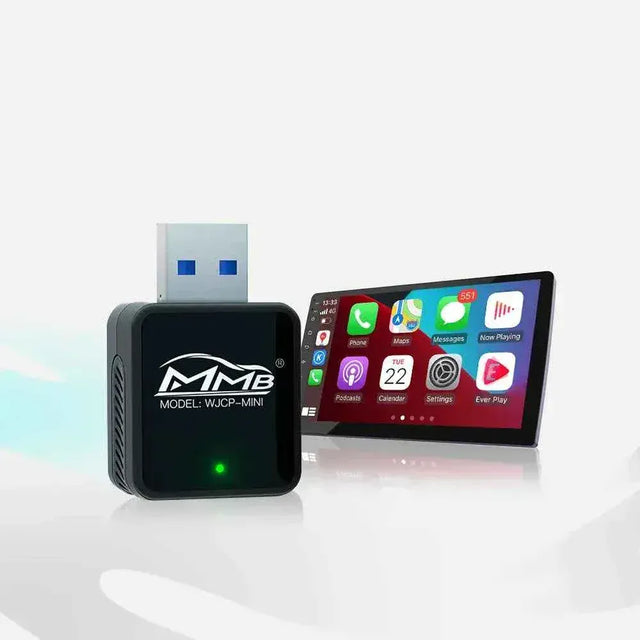
When I first held the MMB Max Ultra, I knew it was different from the cheap dongles found online. This device is a powerhouse. It is one of the few AI boxes on the market running Android 15, offering a clean, intuitive interface specifically redesigned for in-car use.
With 8GB of RAM and 128GB of internal storage, the MMB Max Ultra Panamera experience is incredibly fluid. Apps open instantly, and there is plenty of room to download offline maps or your favorite Spotify playlists.
3. Snapdragon 6350: The Heart of the Experience
The real magic happens under the hood. The MMB Max Ultra is powered by the Qualcomm Snapdragon 6350 chipset. This high-performance processor ensures that the device starts up the moment you ignite your Panamera's engine.
In my testing, the Snapdragon 6350 handled multitasking effortlessly. I could switch from a 4K YouTube video to Google Maps without a single frame drop. For a Porsche driver, this level of performance is non-negotiable.
4. Streaming Netflix, YouTube, and Disney+ on Panamera
The MMB Max Ultra Panamera combination creates a true "mobile cinema." Because it has a built-in App Store, you can download the apps you use most directly onto the car screen.
-
Netflix & YouTube: The Panamera's widescreen is perfect for 21:9 cinematic content. The MMB Max Ultra fills the display beautifully.
-
Smart Voice Assistant: I was able to control my music and navigation using voice commands, which is essential for staying focused on the road while driving a high-performance machine.
5. Wireless CarPlay & Android Auto Convenience
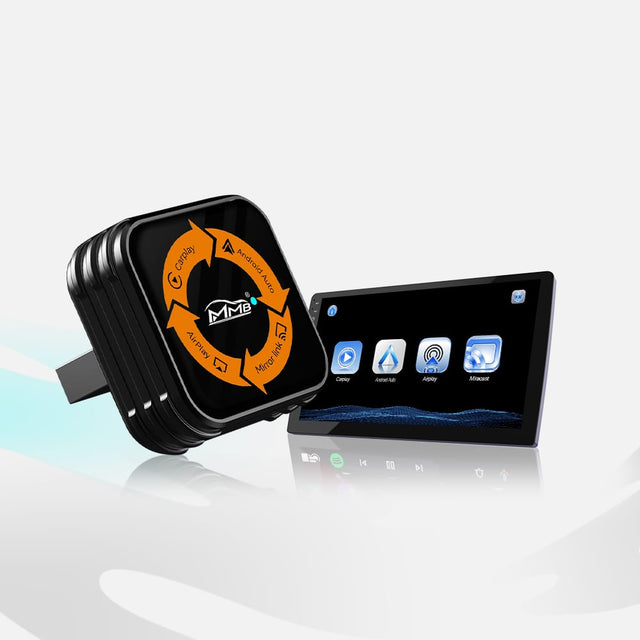
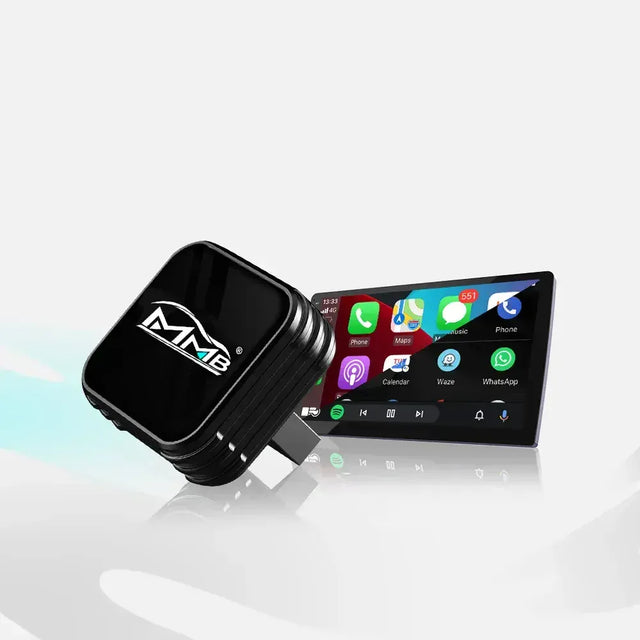
Beyond the entertainment features, the MMB Max Ultra also acts as a wireless bridge. If you prefer the standard interface for daily commuting, it offers Wireless CarPlay and Android Auto.
-
Automatic Connection: It connects automatically when you start the car.
-
No Cables Needed: No more messy wires cluttering your Panamera’s pristine center console.
6. Conclusion: The Ultimate Porsche Upgrade
Is the MMB Max Ultra worth it? If you value your time and your car's potential, the answer is a resounding yes. The MMB Max Ultra Panamera setup is the best and most amazing way to modernize your Porsche.
Why it wins:
-
Android 15 Experience: The most stable and responsive OS available.
-
Qualcomm Snapdragon 6350: Unmatched processing power for an AI box.
-
Entertainment Liberty: Watch your favorite shows anywhere.
Final Verdict: Upgrade your Panamera today and experience the future of driving entertainment.
7 Must-Have Road Trip Essentials: Why MMB AI Box is Your Ultimate Travel Companion
MMB Upgrade Alert: Enjoy Free Premium Shipping on All U.S. Orders Over $150!
Related Posts

BMW CarPlay Disconnecting at the Same Place? Find Out Why Before You Buy a Fix

BMW CarPlay Apps Missing? Why Your Favorite App Is Not on the Screen

BMW CarPlay Siri Not Working? 7 Fixes for a Frustrating Issue

CarPlay Wrong Location? Find the Cause Before You Replace Anything

My Car Has a Rear Screen. Why Can’t My Kids Watch Video While I Use Navigation?

BYD Wireless CarPlay AI Box: Worried It Won’t Work? Check This First

MMB BMW AI Box Before and After: What Actually Changes on Your Factory Screen?