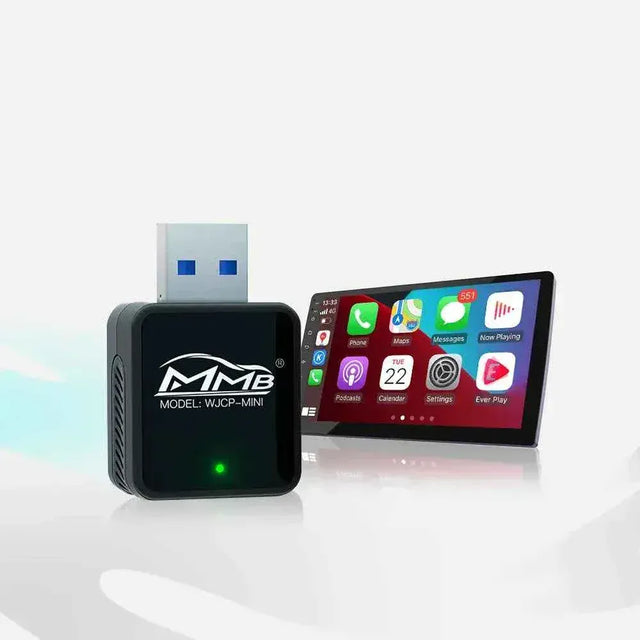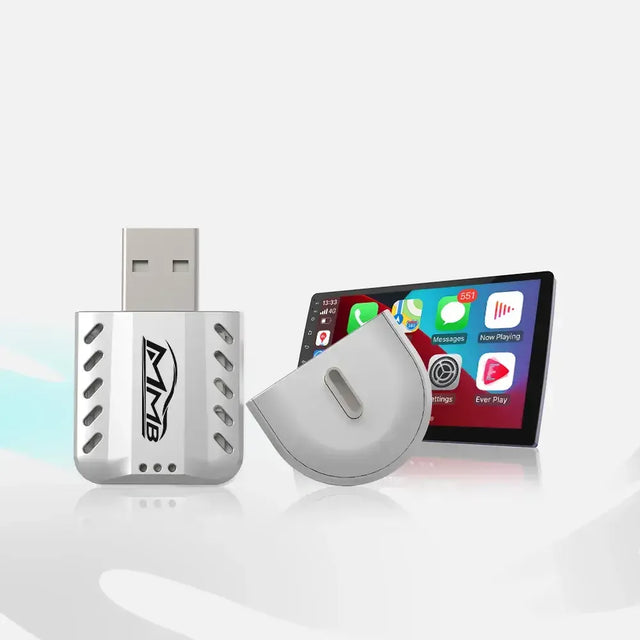

7 Reasons Why MMB BMW AI Box is the Best Multimedia Upgrade for Your iDrive
### Table of Contents
- Introduction to MMB BMW AI Box
- Why BMW Owners Need a Dedicated AI Box
- Key Features of the MMB BMW AI Box
- Installation and Compatibility Guide
- The Connection Between MMB and Joyeauto
- Conclusion and Special Offer
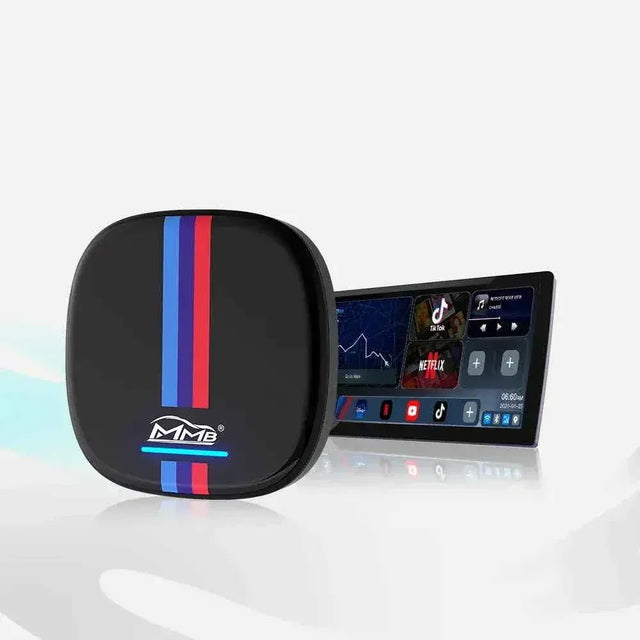
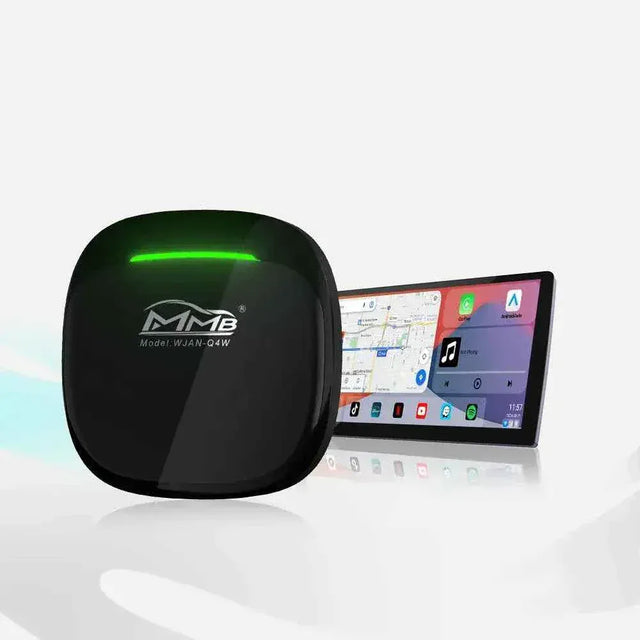
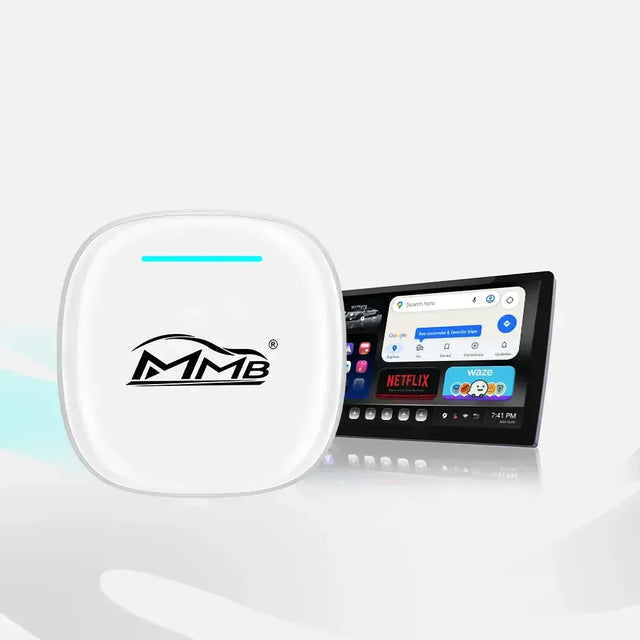
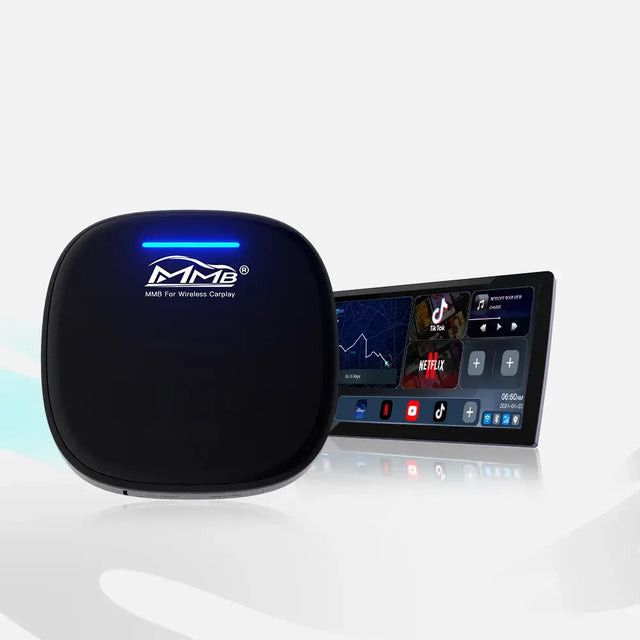
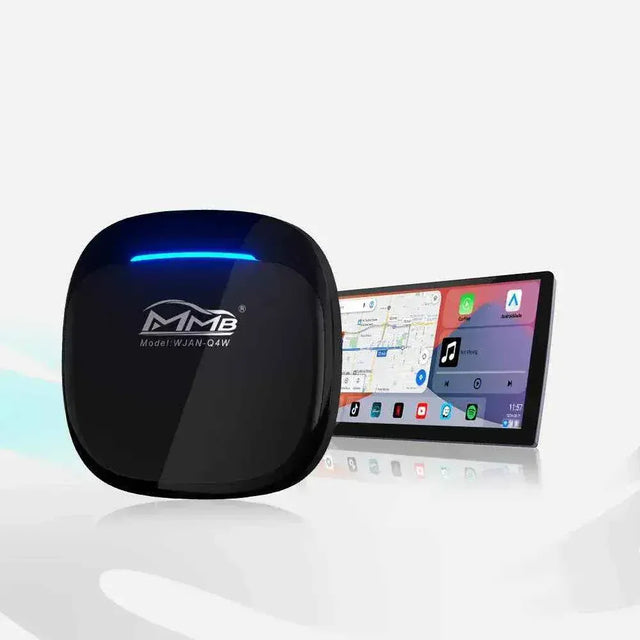
MMB BMW AI Box is the revolutionary hardware you need to transform your BMW's infotainment system into a powerhouse of entertainment and productivity. For years, BMW enthusiasts have been restricted by the closed ecosystem of the iDrive system, which limits users to basic navigation and music apps. However, with the MMB BMW AI Box, those limitations are a thing of the past.
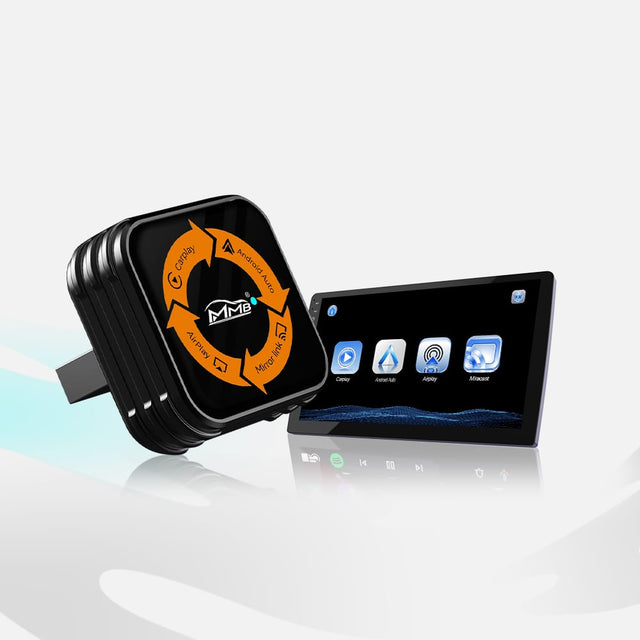
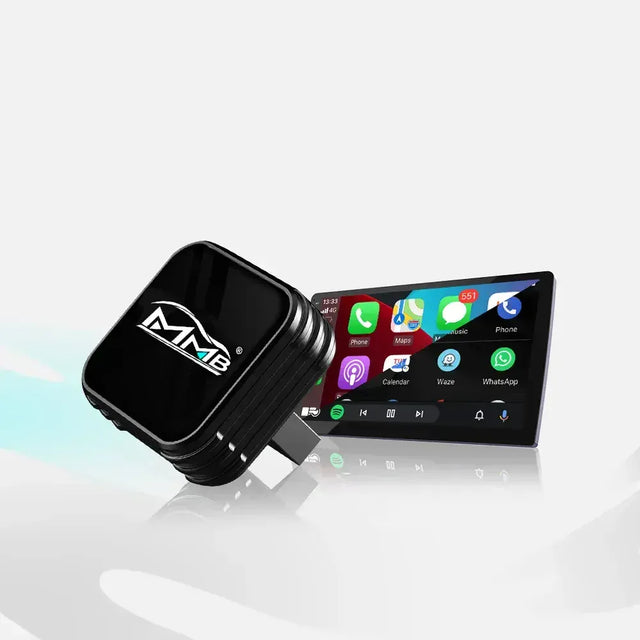
By leveraging the existing Wireless CarPlay protocol, this device allows you to access a full Android interface directly on your dashboard without any hardware modifications. Whether you want to stream high-definition movies or stay connected via social media, the MMB BMW AI Box provides a seamless, lag-free experience tailored specifically for the luxury automotive market.
## Why BMW Owners Need a Dedicated MMB BMW AI Box
Most universal adapters on the market fail when it comes to BMW because they rely on a wired CarPlay connection. Since many modern BMW models (from 2017 onwards) only support Wireless CarPlay, a standard AI Box simply won't work.
The MMB BMW AI Box is engineered with a specific protocol that mimics a wireless iPhone connection. This ensures that the iDrive system recognizes the device instantly, maintaining the high-resolution output of your screen and ensuring that the iDrive controller and steering wheel buttons remain fully functional.

## Key Features of the MMB BMW AI Box
### 1. High-End Video Streaming (YouTube & Netflix)
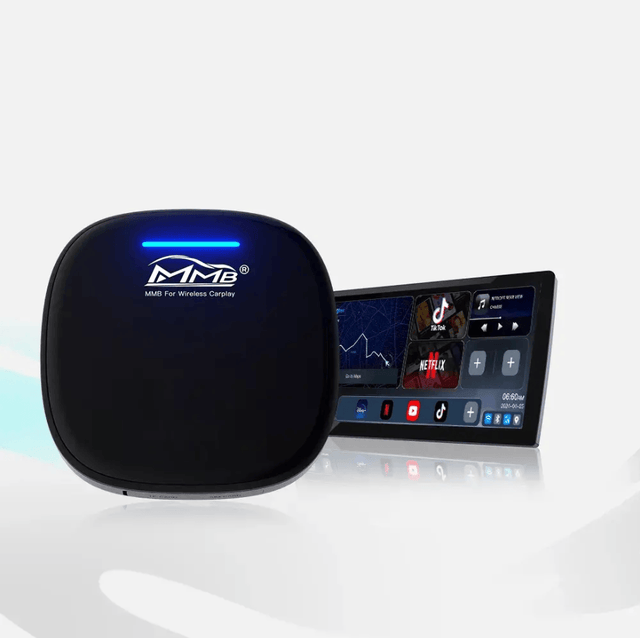
The primary reason customers choose the MMB BMW AI Box is the ability to run video apps. Unlike standard CarPlay, which blocks video for safety, this Android-based system allows passengers to watch 4K content on the go. It’s the perfect solution for long road trips or keeping the family entertained during charging stops.
### 2. Powerful Hardware and Micro SD Support
To handle 4K video and multitasking, the MMB BMW AI Box is equipped with an 8-core processor and significant RAM. If you are traveling through areas with poor cellular reception, you can use the Micro SD card slot to play pre-downloaded movies or high-fidelity FLAC music files.
### 3. 4G LTE and Independent GPS
The device features a built-in SIM card slot, allowing it to function as a standalone tablet. It doesn't just mirror your phone; it is the smart device. With independent GPS, your navigation apps like Waze or Google Maps will be more accurate than ever, even when your phone is tucked away.
## Installation and Compatibility Guide
Setting up your MMB BMW AI Box is remarkably simple. Since it is a "Plug & Play" device, there is no need to visit a mechanic or risk voiding your vehicle's warranty.
- Step 1: Ensure your BMW's Wi-Fi and Bluetooth are active.
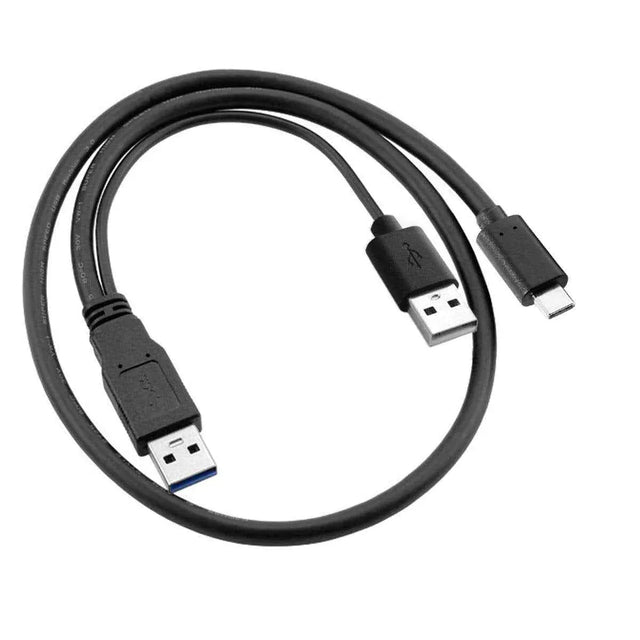
- Step 2: Plug the MMB BMW AI Box into the vehicle's USB-C data port (or connect via the wireless setup menu if your model supports it).
- Step 3: Select "CarPlay" on your iDrive screen, and the MMB Android interface will appear.
This device is compatible with almost all BMW models equipped with OEM Wireless CarPlay, including the 3 Series, 5 Series, X3, X5, and the latest iX electric models.
## The Connection Between MMB and Joyeauto
A common question we receive is about the relationship between our brands. We are proud to confirm that MMB and Joyeauto belong to the same company. While Joyeauto focuses on retrofitting older vehicles with CarPlay interfaces, MMB specializes in AI Box technology for newer cars with existing CarPlay.
By purchasing from our official store, you are getting the combined R&D expertise of both teams, ensuring you receive the most stable firmware and the best professional customer service via WhatsApp.
## Conclusion: Why You Should Buy Today
The MMB BMW AI Box is more than just a gadget; it is an essential upgrade for any modern BMW driver who values freedom and entertainment. It bridges the gap between a traditional car and a smart living space.
### Exclusive Spring Sale Offer
To celebrate our new product launch, we are offering an exclusive discount. Use the code SPRING15OFF at checkout to receive 15% off on orders .
We provide Premium Shipping (DHL/FedEx/UPS) with a 3-5 day delivery window, ensuring that your MMB BMW AI Box arrives quickly and safely. For more information on our shipping policies, please visit our Shipping Info Page.
Der ultimative Leitfaden für MMB & Joyeauto: Vereinheitlichte Lösungen für kabelloses CarPlay und Android AI Box Technologie
7 Must-Have Road Trip Essentials: Why MMB AI Box is Your Ultimate Travel Companion
Related Posts

BMW CarPlay Disconnecting at the Same Place? Find Out Why Before You Buy a Fix

BMW CarPlay Apps Missing? Why Your Favorite App Is Not on the Screen

BMW CarPlay Siri Not Working? 7 Fixes for a Frustrating Issue

CarPlay Wrong Location? Find the Cause Before You Replace Anything

My Car Has a Rear Screen. Why Can’t My Kids Watch Video While I Use Navigation?

BYD Wireless CarPlay AI Box: Worried It Won’t Work? Check This First

MMB BMW AI Box Before and After: What Actually Changes on Your Factory Screen?