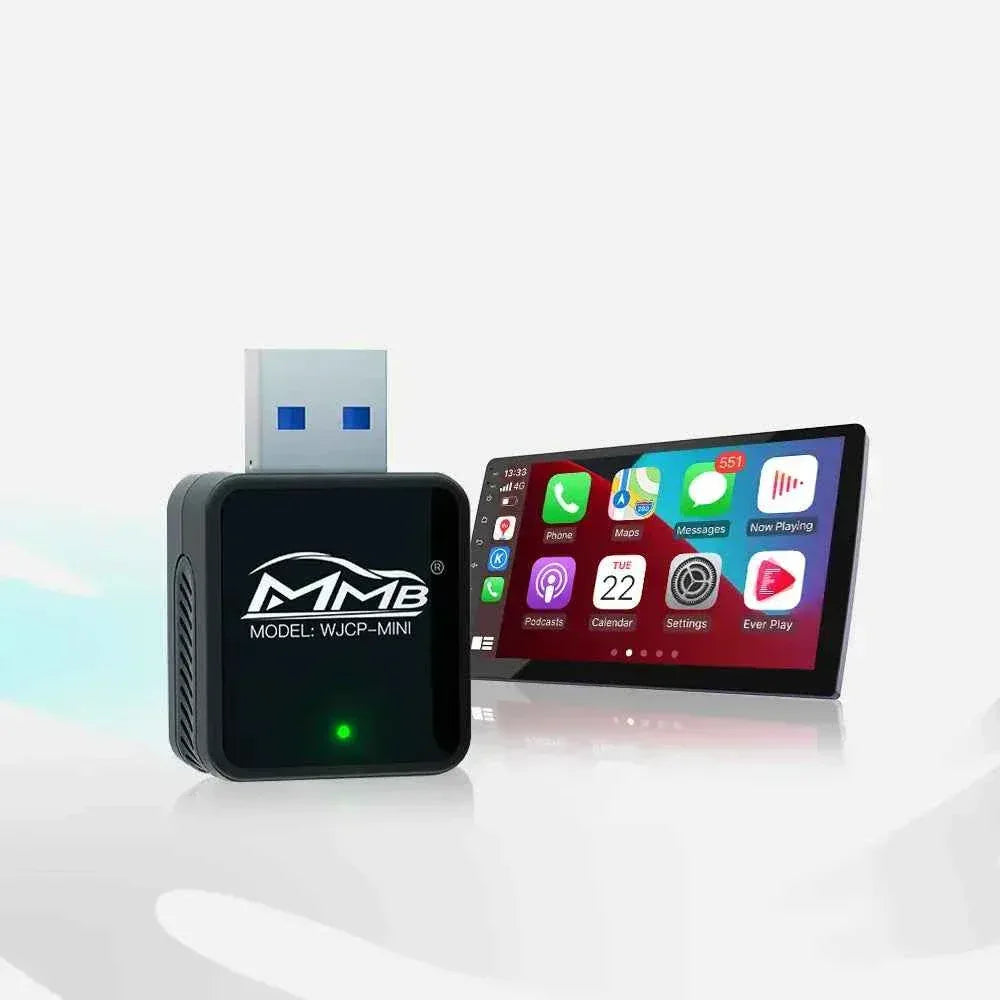

Why More BMW Owners Are Switching to Android AI Boxes in 2026
BMW’s factory infotainment system is powerful — but in 2026, many drivers are starting to feel its limits.
While Apple CarPlay and Android Auto cover basic needs like navigation and music, they don’t provide the full smart experience modern drivers expect. That’s why Android AI Boxes have become one of the fastest-growing upgrades among BMW owners.
What Is a BMW Android AI Box?
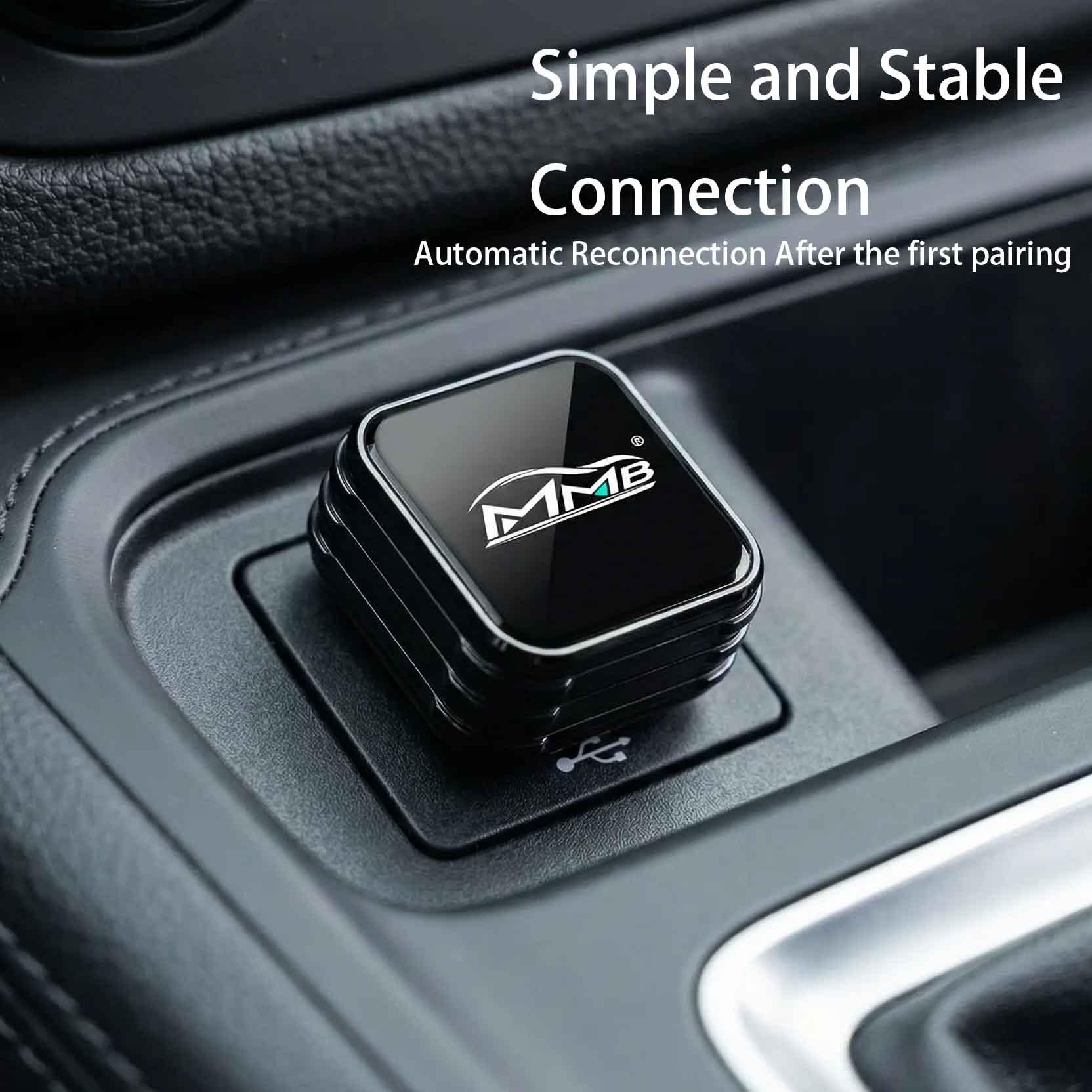
A BMW Android AI Box is a plug-and-play multimedia device that connects to your factory wired CarPlay system and turns your original BMW screen into a full Android system.
Instead of being limited to Apple’s ecosystem, you get:
-
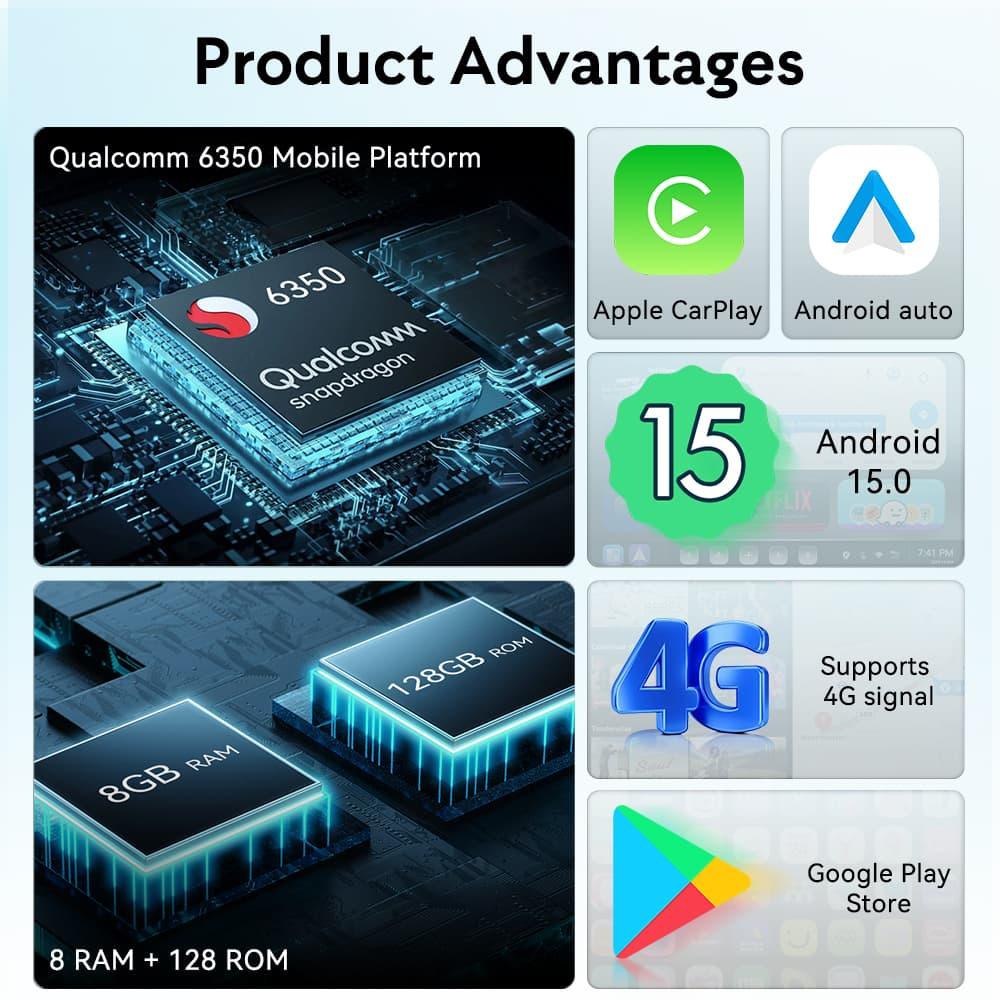
Full Google Play Store access
-
YouTube, Netflix, Prime Video support
-
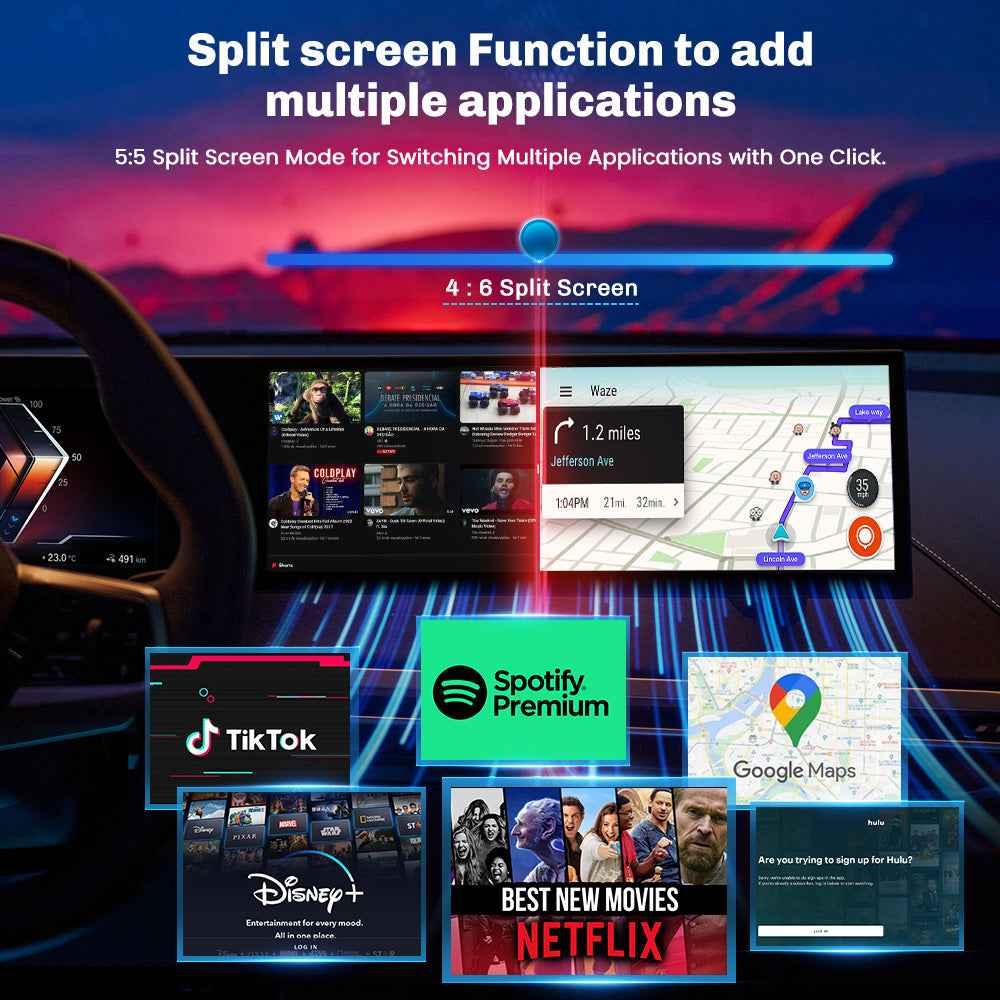
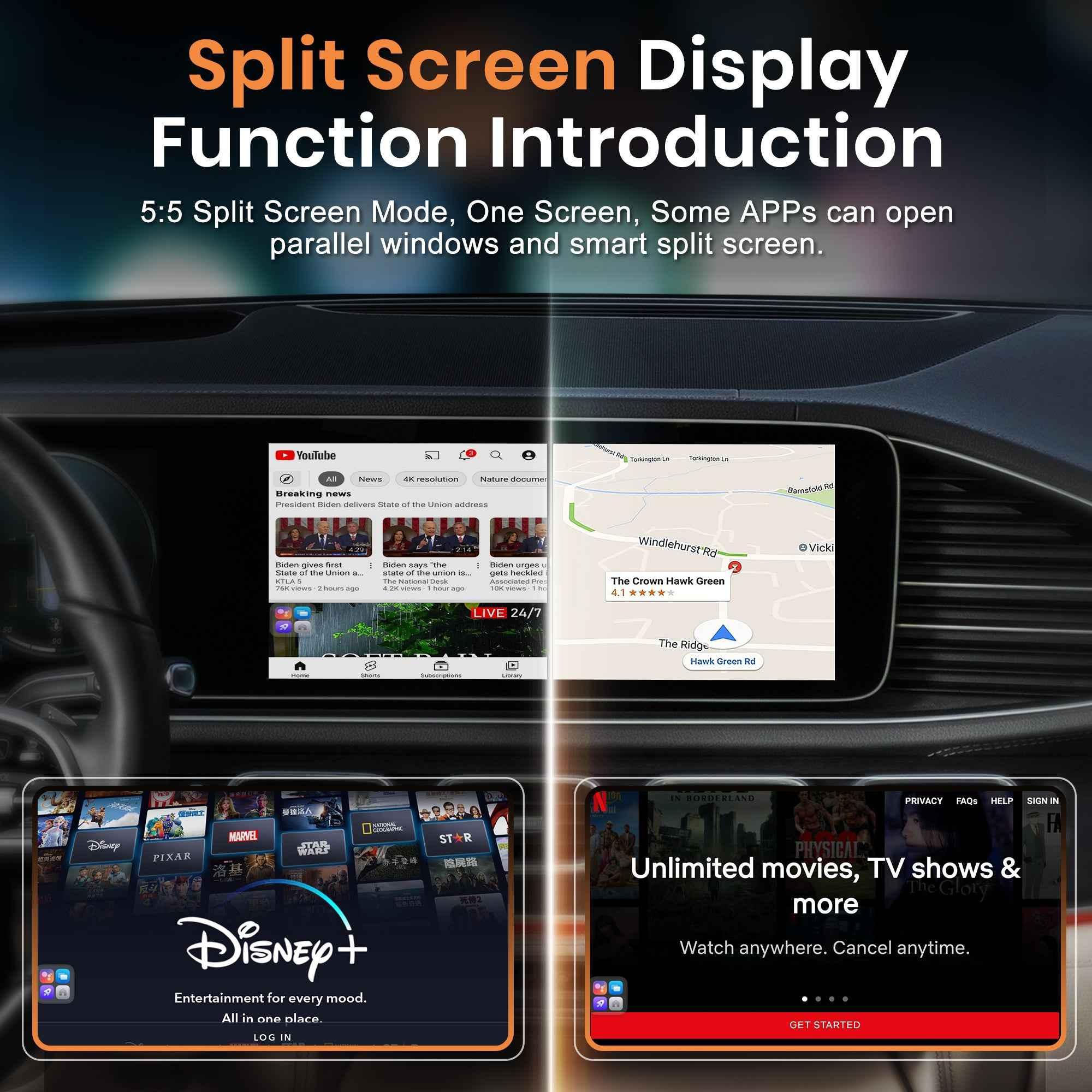
Split-screen multitasking
-
Wireless CarPlay & Android Auto
-
Expanded storage options
-
Faster processing performance
No coding. No permanent modification. Just plug in and upgrade.
The Problem with Factory CarPlay in BMW
BMW’s iDrive system is smooth, but it wasn’t designed to be a full entertainment center.
Limited App Support
CarPlay restricts video streaming and third-party apps.
No True Multitasking
You can’t run YouTube and Maps in real Android-style split screen.
No System Customization
You’re locked into Apple’s interface structure.
For many BMW drivers — especially those taking long road trips or commuting daily — this feels restrictive.
Meet the MMB BMW Multimedia AI Box
If you're looking for a stable, high-performance upgrade designed specifically for BMW systems, the MMB BMW Multimedia Box is built for exactly that purpose.
👉 View product here:
https://carplaymmb.com/products/mmb-bmw-multimedia-box
Why BMW Owners Choose MMB
Unlike generic AI boxes, MMB focuses on compatibility, stability, and smooth performance for BMW iDrive systems.
With MMB BMW Multimedia Box, you get:
-
Optimized compatibility with BMW iDrive 6 / 7 / 8
-
Upgraded Android system for faster app performance
-
Smooth wireless CarPlay and Android Auto switching
-
Reliable video playback without heavy lag
-
Plug-and-play installation in minutes
It keeps your original BMW interface while unlocking full Android power when needed.
Real-World Use Cases
Long Road Trips
Stream YouTube or Netflix for passengers while using navigation.
Daily Commute
Run Google Maps in split screen while playing Spotify.
Business Travel
Turn your BMW screen into a full productivity interface.
Family Use
Keep passengers entertained during waiting time or charging stops.
Installation: Easier Than Most People Think
Many BMW owners worry about complicated installation. The MMB BMW Multimedia Box connects directly through the original CarPlay USB port.
-
No cutting wires
-
No dealership coding
-
Fully reversible
Unplug it anytime and your system returns to factory mode.
Is an AI Box Worth It in 2026?
If you only use navigation and music, factory CarPlay may be enough.
But if you want:
-
Video streaming
-
Full Android apps
-
Faster multitasking
-
A smarter cockpit experience
Then upgrading makes a noticeable difference.
The MMB BMW Multimedia Box offers a cost-effective way to transform your BMW screen without replacing the entire head unit.
Final Thoughts
BMW is known for engineering excellence — and your infotainment system should feel just as advanced as your driving experience.
In 2026, drivers expect more than limited app access. They expect flexibility, entertainment, and control.
If you're ready to unlock more from your BMW screen, explore the MMB BMW Multimedia Box here:
👉 https://carplaymmb.com/products/mmb-bmw-multimedia-box
Upgrade your BMW. Upgrade your drive.

The Ultimate Road Trip Hack: Keeping Passengers Entertained with a CarPlay MMB
What is a CarPlay MMB Box? Upgrade Your Car to Wireless Smart Driving
Related Posts

Afraid of BMW MMB Box Battery Drain? What BMW Drivers Should Know Before Parked Streaming

Worried MMB Too Complicated? 7 Easy Things First-Time Users Should Know

Worried Your Car Screen Is Too Old for MMB? 7 Signs It May Still Work

Worried About MMB Mobile Hotspot? 7 Things Drivers Should Know Before Streaming

Parked Car Between Appointments: 7 Reasons MMB Makes Waiting Feel Better

Long Drive Alone: Why the Car Feels Different When Nobody Is Beside You

MMB AI Box Buying Guide: 7 Checks Before You Order