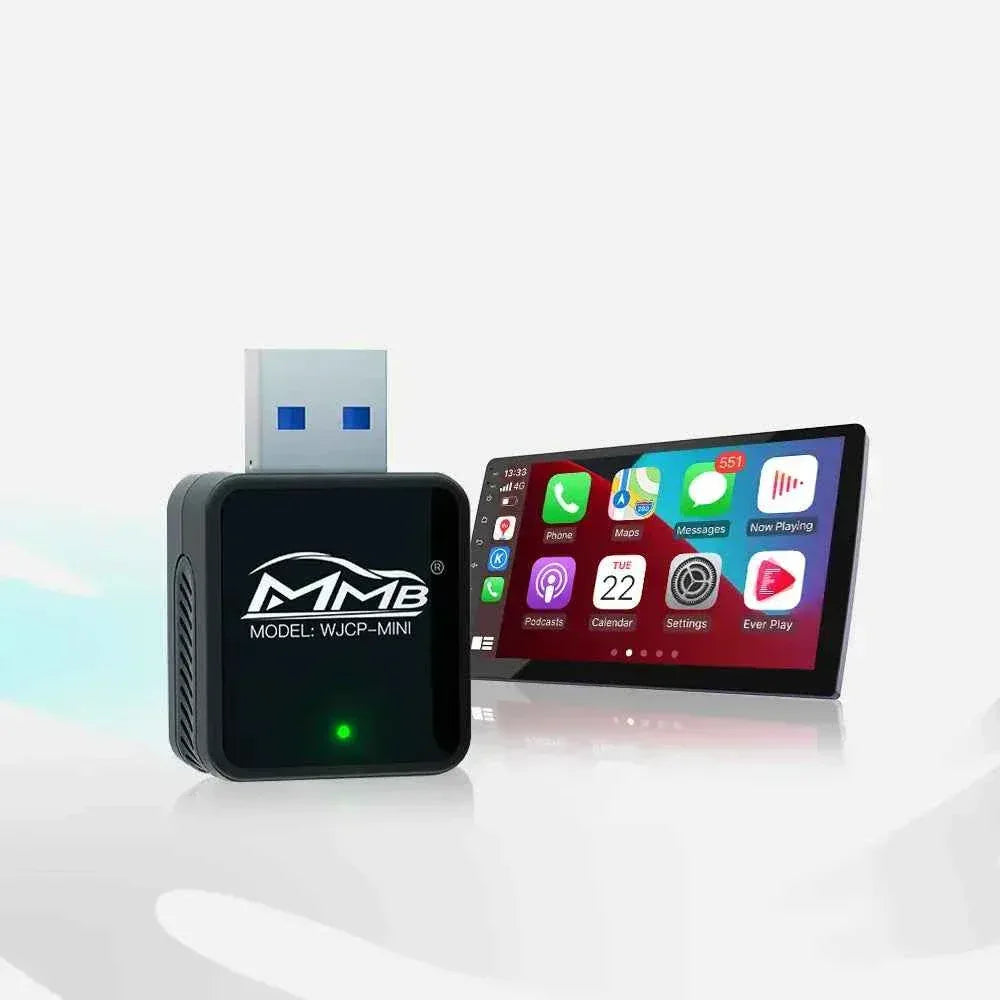

The Ultimate Road Trip Hack: Keeping Passengers Entertained with a CarPlay MMB
Picture this: You’re two hours into a six-hour road trip. The initial excitement has faded. From the back seat comes the dreaded question, repeated for the fifth time: “Are we there yet?” Or maybe your co-pilot is restless, struggling to find entertainment on their phone while also trying to manage navigation for you.
For years, road trippers have relied on handheld devices, messy headrest mounts, or built-in rear entertainment systems that are often clunky and outdated. But what if the solution to passenger boredom was already in your dashboard?
Enter the CarPlay MMB (Multimedia Box)—the ultimate travel hack for transforming your car’s screen into a full-fledged entertainment hub for everyone except the driver.
What is a CarPlay MMB and How Does It Work?
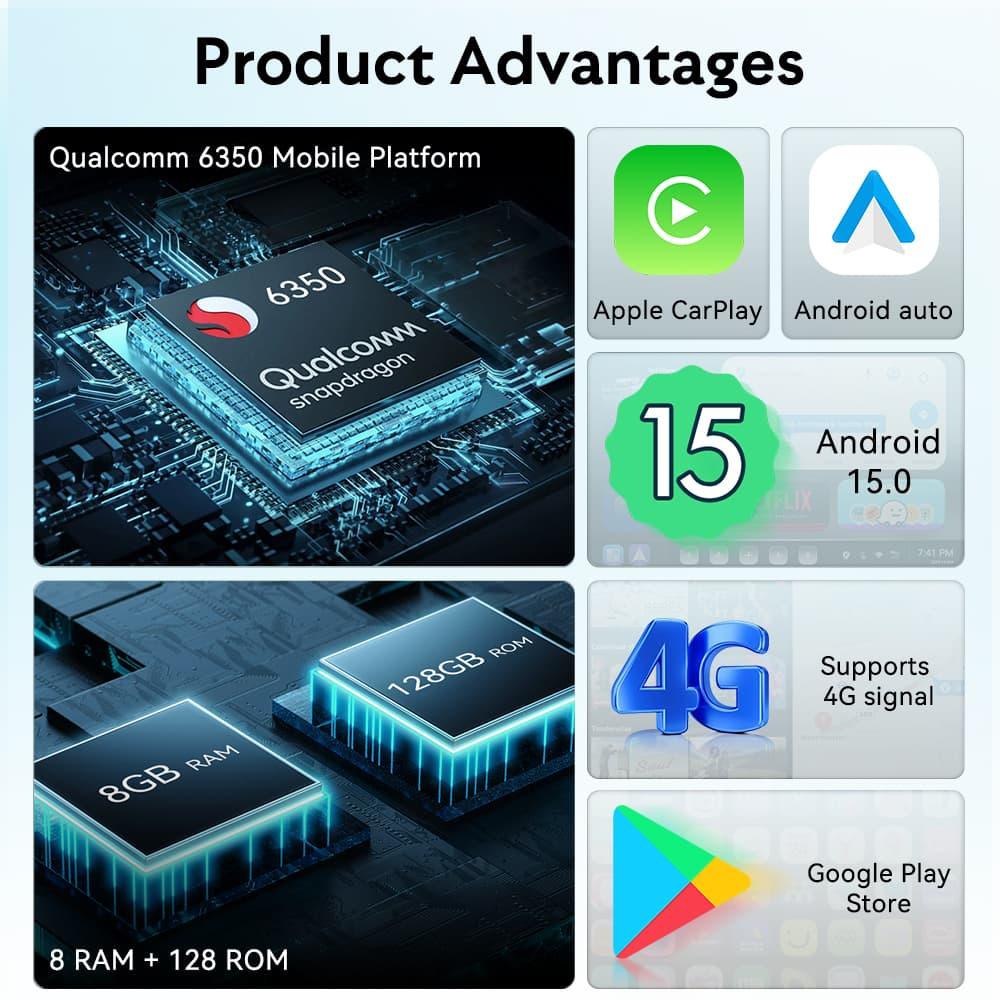
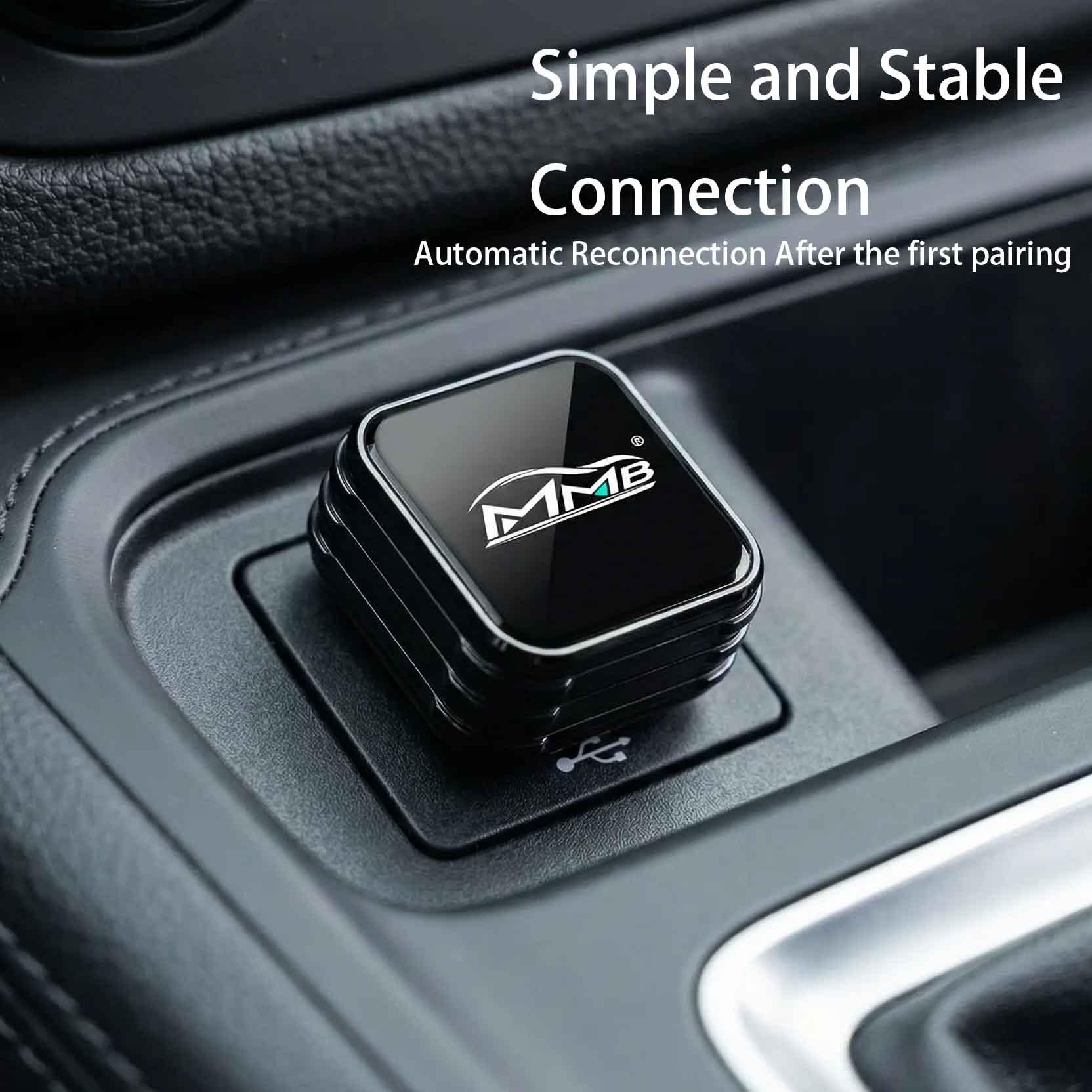
In short, a CarPlay MMB is a small, plug-and-play device that connects to your car’s existing USB port intended for wired CarPlay. Instead of just mirroring your iPhone, it runs its own standalone Android operating system on your car’s display.
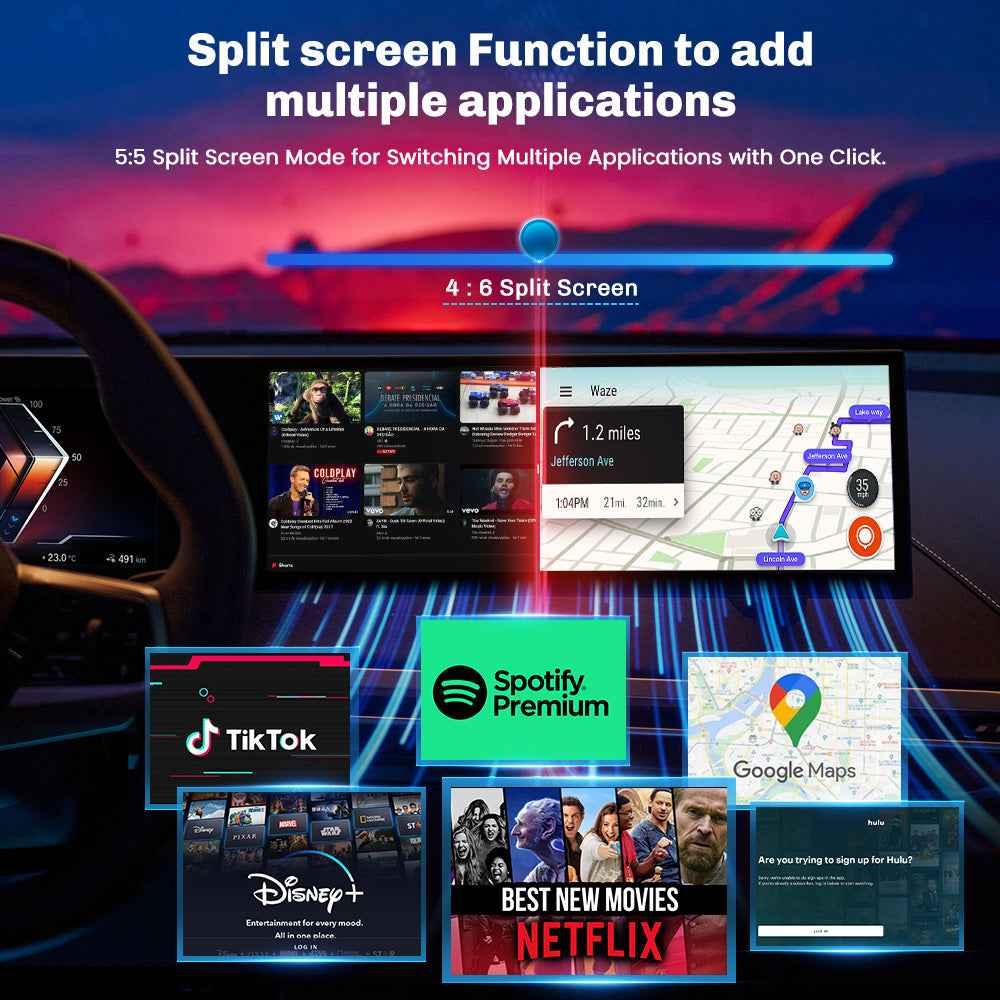
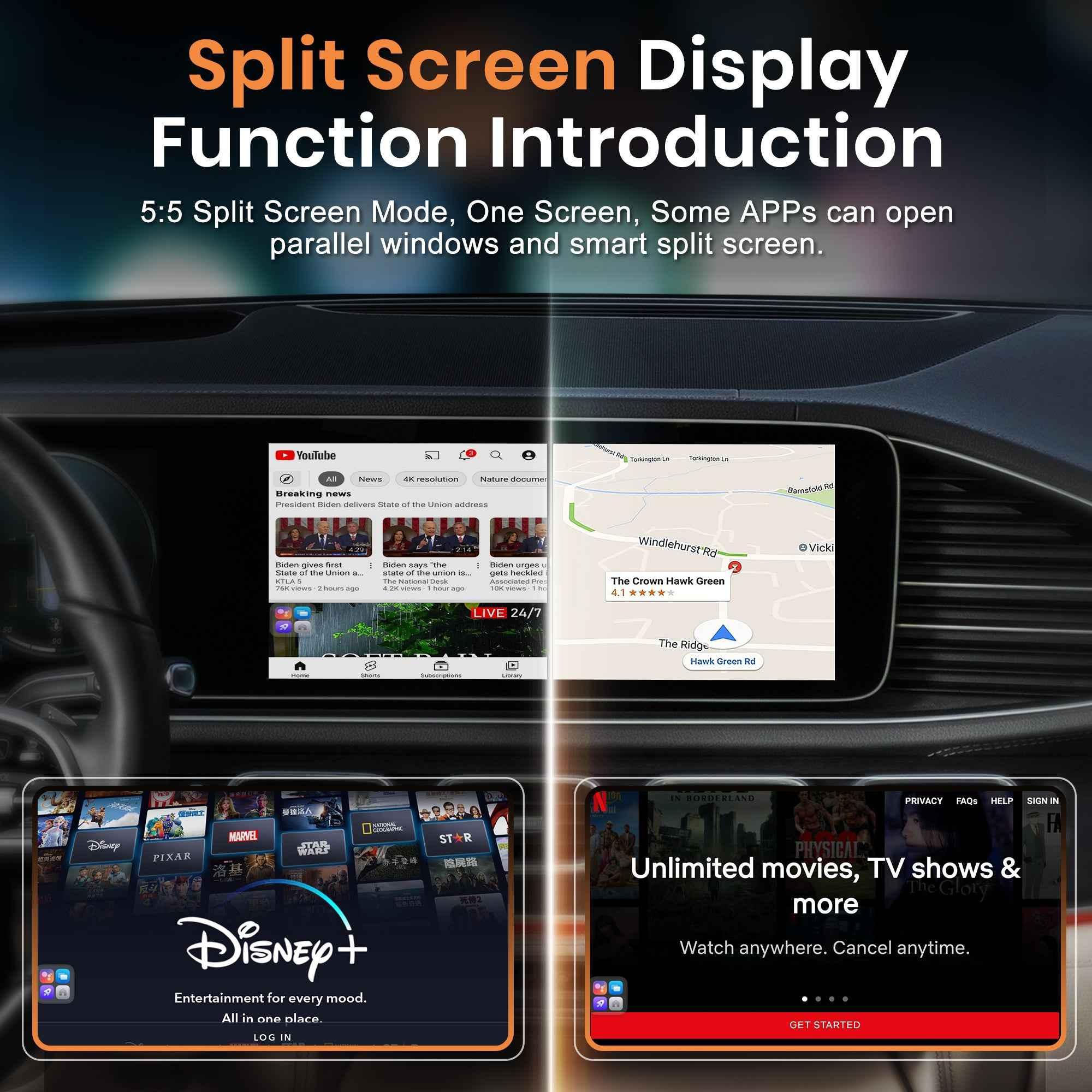
This is the key: because it's a full Android system, it bypasses the limitations of standard CarPlay (which only allows safe, driver-focused apps like navigation and music). With an MMB, you can install and run almost any app from the Google Play Store directly on your dashboard screen.
The Passenger Entertainment Revolution
Here is where the MMB becomes the hero of your long-distance drives. It completely changes the dynamic for passengers:
1. A Movie Theater on Wheels for the Kids (and Everyone Else) Forget about bulky tablets or tangled charging cables for each person. With an MMB, you can stream major platforms directly on the car’s main screen:
-
Netflix: Catch up on the latest shows.
-
YouTube & YouTube Kids: Endless entertainment for all ages.
-
Disney+ / HBO Max / Amazon Prime: Perfect for family movie time during rest stops or long highway stretches.
Imagine your passengers engrossed in a favorite movie, enjoying clear visuals on the large dashboard screen and potentially using Bluetooth headphones (depending on the box and car setup) for personalized audio.
2. Gaming on the Go While the driver must always stay focused, passengers can kill time with a huge variety of casual games available on the Play Store. Some boxes even support connecting wireless game controllers via Bluetooth for a more immersive experience, turning your car into a mobile arcade.
3. Total App Freedom It's not just about video. Passengers can browse the web, check social media, read digital books, or use apps like Spotify and Apple Music with a full visual interface that standard CarPlay doesn't provide. It offers the full tablet experience on your car screen.
How to Use an MMB for Road Trips
Setting up a CarPlay MMB for your next big adventure is simple:
-
Plug and Play: Connect the MMB box to your car's CarPlay USB port.
-
Get Online: The MMB needs an internet connection. You can use your phone as a personal hotspot, insert a 4G/5G SIM card directly into some MMB models for dedicated data, or connect to available Wi-Fi.
-
Download Your Apps: Open the Google Play Store on the MMB interface and download the entertainment apps you want.
-
Enjoy the Ride: Once set up, just launch the apps and let your passengers enjoy the content.
A Crucial Safety Note
It’s vital to remember that video and gaming apps are strictly for passengers or for when the car is safely parked. Driving while distracted is incredibly dangerous. As the driver, your sole focus should be the road. The MMB is a tool to make the journey better for everyone traveling with you. Use these entertainment features responsibly.
The Perfect Upgrade for Modern Travel
A CarPlay MMB is an affordable and non-invasive way to dramatically upgrade your vehicle's capabilities. It takes a screen you already have and unlocks its full potential, making long hours on the road feel significantly shorter. For families and frequent road trippers, it is truly the ultimate hack for keeping everyone happy and entertained from start to finish.
Ready to revolutionize your next road trip? Explore the world of CarPlay MMBs and see how simple it is to upgrade your in-car experience.

Wireless CarPlay vs Wired CarPlay: Pros and Cons
Why More BMW Owners Are Switching to Android AI Boxes in 2026
Related Posts

Afraid of BMW MMB Box Battery Drain? What BMW Drivers Should Know Before Parked Streaming

Worried MMB Too Complicated? 7 Easy Things First-Time Users Should Know

Worried Your Car Screen Is Too Old for MMB? 7 Signs It May Still Work

Worried About MMB Mobile Hotspot? 7 Things Drivers Should Know Before Streaming

Parked Car Between Appointments: 7 Reasons MMB Makes Waiting Feel Better

Long Drive Alone: Why the Car Feels Different When Nobody Is Beside You

MMB AI Box Buying Guide: 7 Checks Before You Order