
كيف تضيف Netflix و YouTube إلى نظام BMW iDrive؟
تبدو التصميمات الداخلية لسيارات BMW الحديثة فاخرة، ولكن العديد من أنظمة iDrive الأصلية لا تزال تشعر بالقيود عندما يتعلق الأمر بالترفيه. تعتبر معظم شاشات BMW رائعة للتنقل والموسيقى وإعدادات السيارة، ولكنها عادةً لا تستطيع تشغيل تطبيقات مثل Netflix وYouTube وTikTok أو Google Play مباشرة.
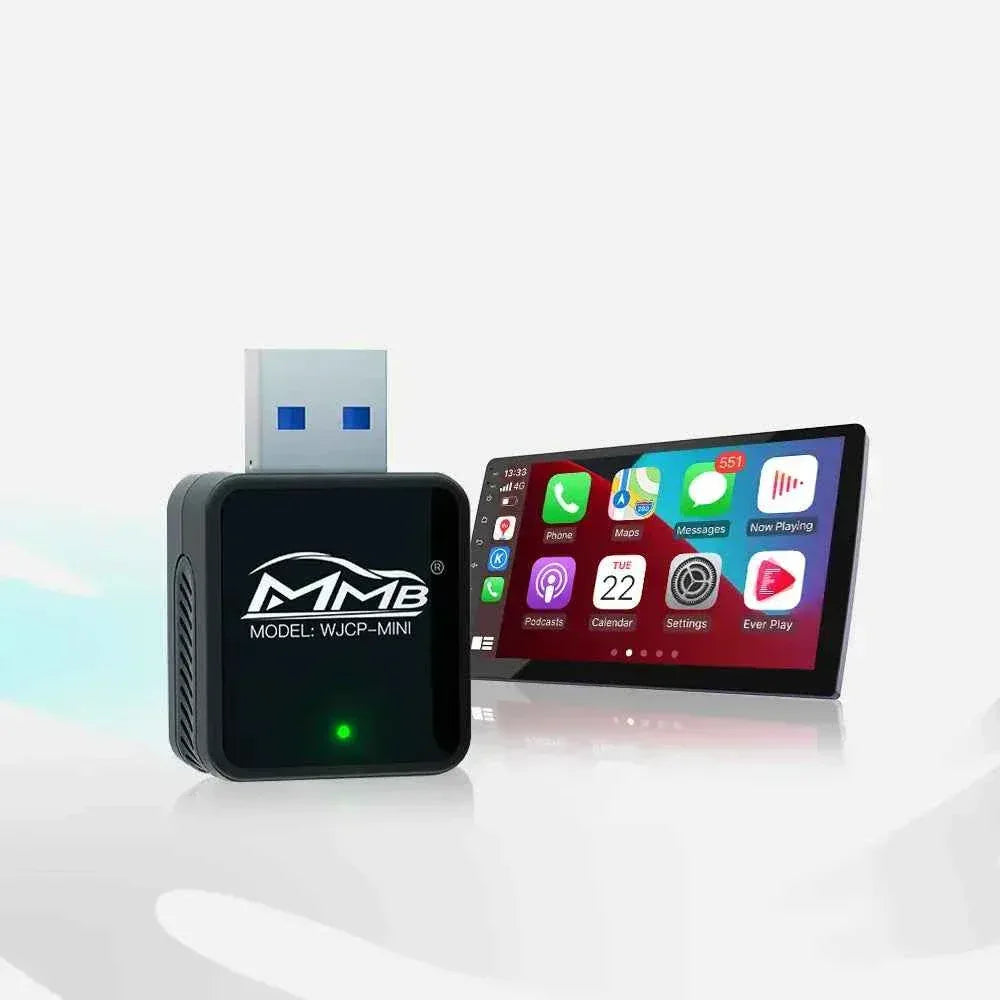
لهذا السبب يقوم المزيد من مالكي BMW بالترقية باستخدام صندوق BMW AI Box. يمكن لصندوق BMW AI Box تحويل شاشة BMW iDrive الأصلية إلى نظام ترفيه ذكي يعمل بنظام Android مع الحفاظ على الشاشة الأصلية، وأدوات التحكم الأصلية، والتصميم الداخلي على طراز OEM.
في هذا الدليل، سنشرح كيفية عمل صندوق BMW AI Box، وكيف يضيف Netflix وYouTube إلى BMW iDrive، ولماذا أصبح أحد أكثر ترقيات ترفيه BMW شيوعًا في عام 2026.

ما هو صندوق BMW AI Box؟
صندوق BMW AI Box هو جهاز وسائط متعددة مدمج يعمل بنظام Android مصمم للعمل مع أنظمة BMW iDrive. على عكس محول CarPlay اللاسلكي الأساسي، يضيف صندوق BMW AI Box واجهة Android كاملة إلى شاشة BMW الأصلية.
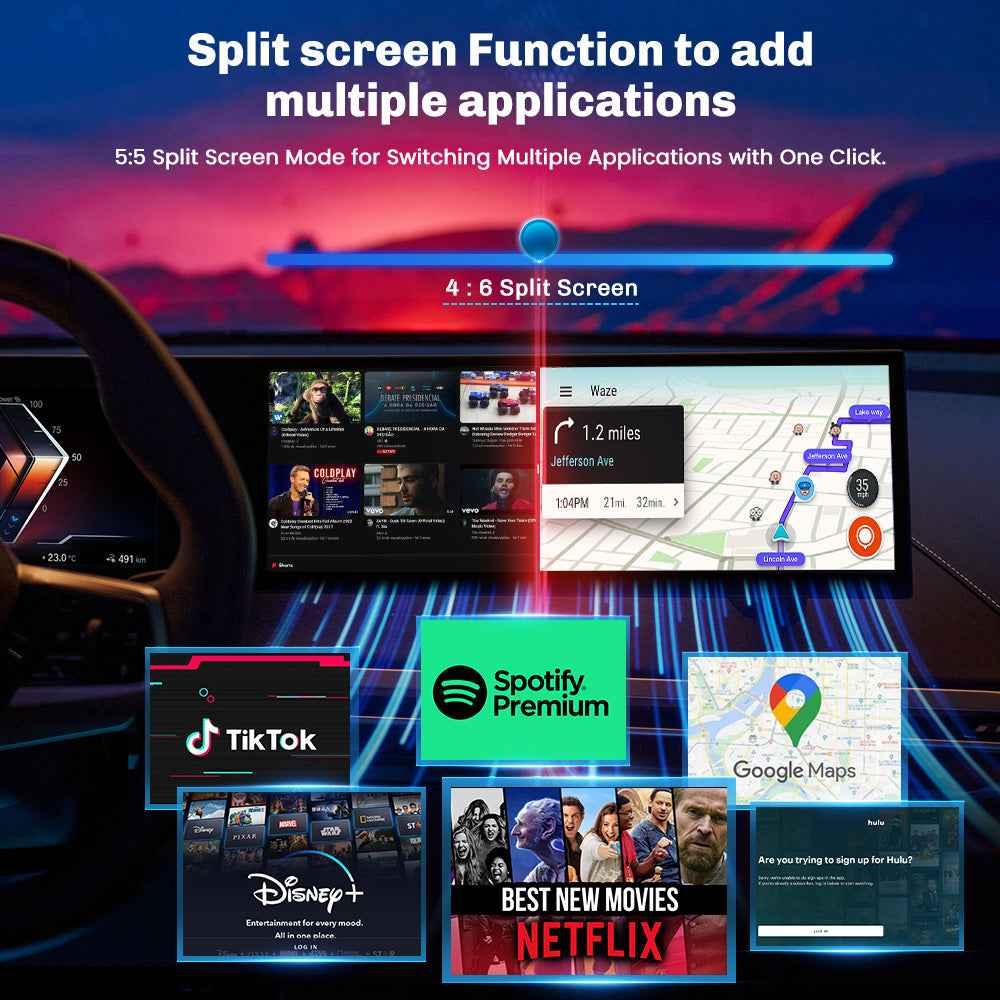
باستخدام صندوق BMW AI Box، يمكن لمالكي BMW الوصول إلى تطبيقات مثل:
- Netflix
- YouTube
- Spotify
- خرائط Google
- TikTok
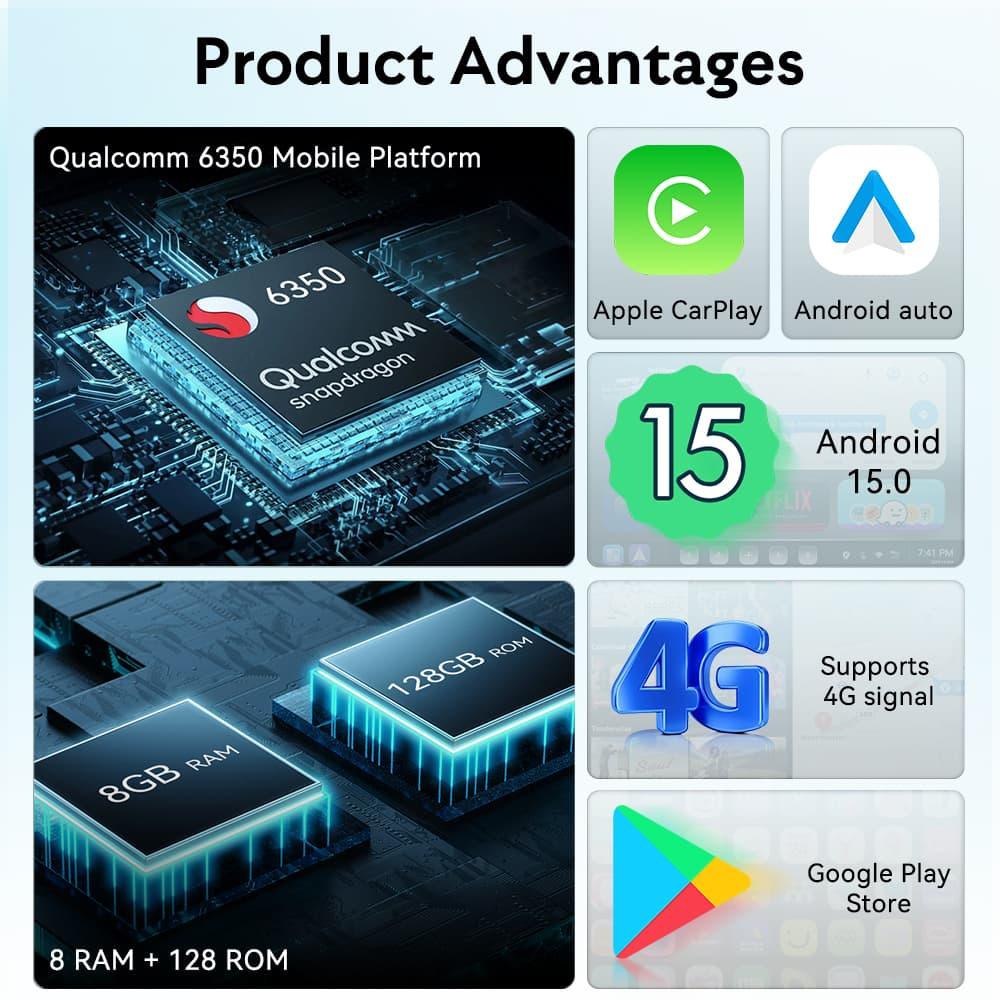
- متجر Google Play
- Apple CarPlay اللاسلكي
- Android Auto اللاسلكي
وهذا يجعل صندوق BMW AI Box ترقية قوية للسائقين الذين يريدون أكثر من CarPlay القياسي في المصنع.
لماذا لا يدعم BMW iDrive Netflix وYouTube افتراضيًا
تم تصميم BMW iDrive بشكل أساسي لوظائف القيادة مثل الملاحة والبلوتوث وتشغيل الموسيقى وإعدادات السيارة واتصال الهاتف. نظرًا لقيود البرامج وقيود السلامة، لا تسمح معظم أنظمة BMW المصنعية بتثبيت تطبيقات بث الفيديو مباشرة.
وهذا يعني أن العديد من مالكي BMW يبحثون عن مصطلحات مثل ترقية BMW Netflix، وترقية BMW YouTube، وترقية ترفيه BMW، أو BMW CarPlay AI Box عندما يرغبون في فتح المزيد من الميزات.
يحل صندوق BMW AI Box هذه المشكلة عن طريق إضافة نظام قائم على Android من خلال اتصال CarPlay الأصلي. إنه يمنح مالكي BMW تجربة وسائط متعددة أكثر ذكاءً دون استبدال الشاشة الأصلية.
كيف يعمل صندوق BMW AI Box؟
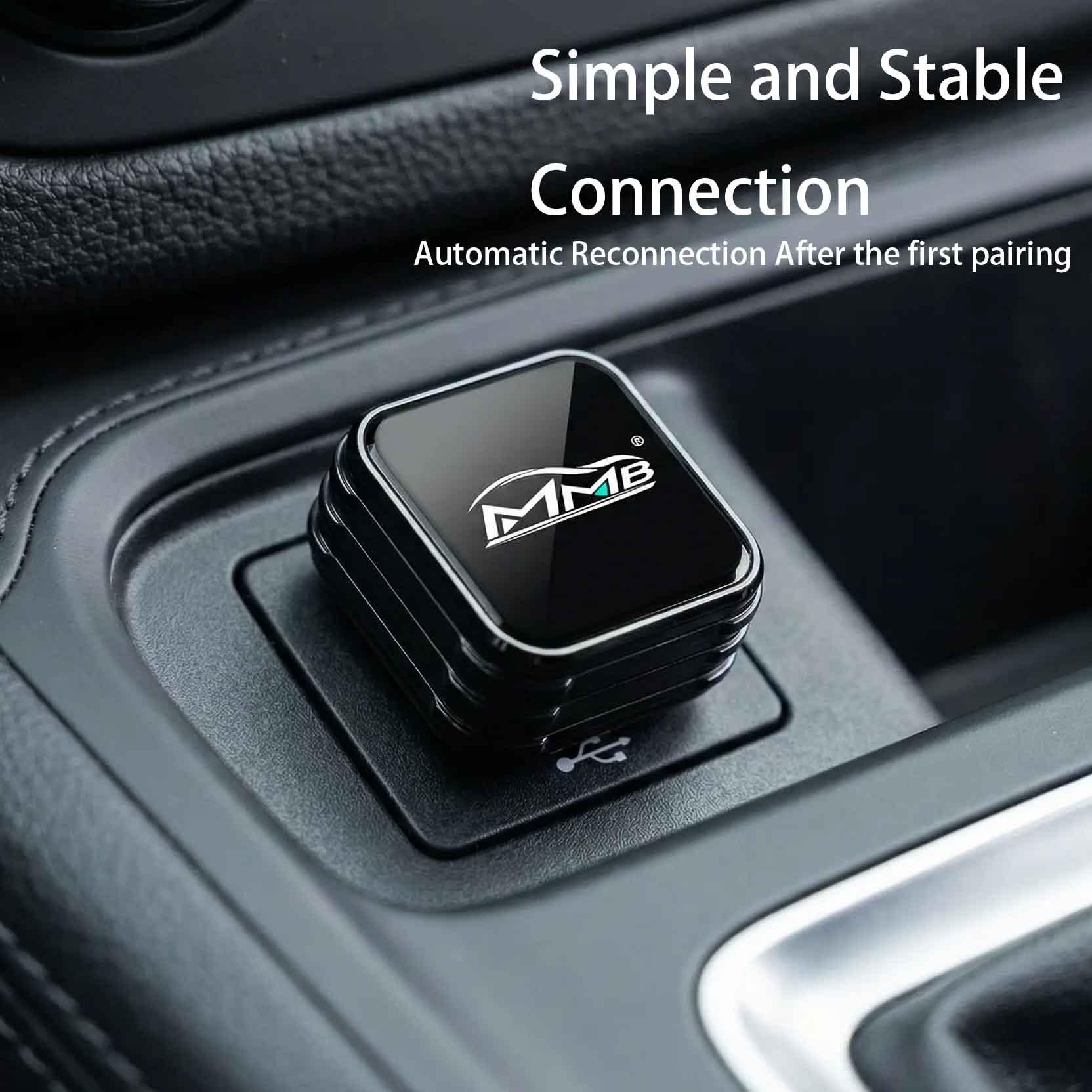
يتصل صندوق BMW AI Box عادةً عبر منفذ Apple CarPlay السلكي الأصلي للمركبة. بمجرد الاتصال، يتعرف نظام BMW iDrive على صندوق AI Box كجهاز CarPlay.
العملية بسيطة:
- قم بتوصيل صندوق BMW AI Box بمنفذ CarPlay USB أو Type-C الأصلي.
- يقوم صندوق AI Box بالتشغيل إلى نظام Android الخاص به.
- تعرض شاشة BMW iDrive واجهة Android.
- يمكنك فتح Netflix وYouTube وSpotify وخرائط Google وتطبيقات أخرى.
تحافظ معظم أنظمة BMW AI Box على شاشة BMW الأصلية وأزرار عجلة القيادة الأصلية وأدوات التحكم في المصنع. وهذا هو السبب في أن العديد من مالكي BMW يفضلون صندوق BMW AI Box بدلاً من استبدال الشاشة بأكملها.
ميزات صندوق BMW AI Box التي يهتم بها مالكو BMW
لا يقتصر صندوق BMW AI Box الجيد على مشاهدة مقاطع الفيديو فحسب. إنه يحسن تجربة السيارة بأكملها.
1. Netflix وYouTube على BMW iDrive
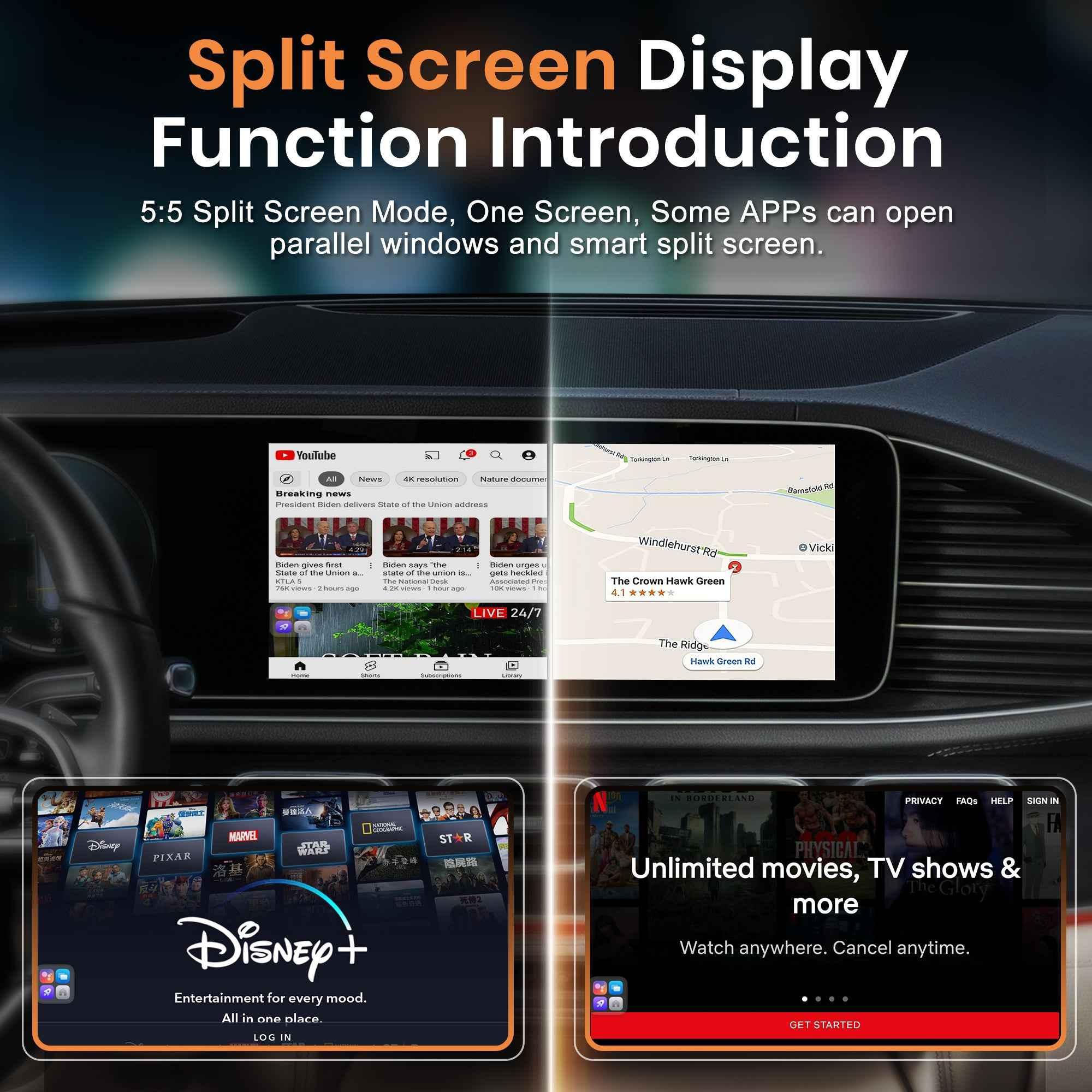
أكبر سبب لشراء العديد من العملاء لصندوق BMW AI Box هو مشاهدة Netflix وYouTube على شاشة BMW الأصلية. وهذا مفيد عند ركن السيارة، أو الانتظار، أو الشحن، أو التخييم، أو أثناء الرحلات البرية للركاب.
2. Apple CarPlay اللاسلكي
تعب العديد من سائقي BMW من توصيل كابل في كل مرة يبدأون فيها تشغيل السيارة. يمكن لصندوق BMW AI Box توفير وظيفة Wireless CarPlay BMW، مما يجعل القيادة اليومية أنظف وأكثر راحة.
3. Android Auto اللاسلكي
لمستخدمي هواتف Android، يمكن لصندوق BMW AI Box أيضًا دعم Android Auto اللاسلكي. وهذا يسمح لخرائط Google والمكالمات والرسائل وتطبيقات الموسيقى بالعمل بسلاسة أكبر داخل BMW iDrive.
4. تطبيقات Android ومتجر Google Play
يوفر صندوق BMW AI Box المتميز الوصول إلى تطبيقات Android من خلال متجر Google Play. وهذا ما يميز صندوق AI Box عن محول CarPlay اللاسلكي العادي.
5. ترقية ترفيه BMW أفضل
إذا كنت ترغب في ترقية ترفيه BMW كاملة، فإن صندوق AI Box هو أحد أسهل الطرق لإضافة تطبيقات الوسائط الحديثة إلى شاشتك الأصلية.
صندوق BMW AI Box مقابل محول CarPlay اللاسلكي
يخلط العديد من السائقين بين صندوق BMW AI Box ومحول CarPlay اللاسلكي الأساسي، لكنهما ليسا متماثلين.
| الميزة | محول CarPlay اللاسلكي | صندوق BMW AI Box |
|---|---|---|
| CarPlay اللاسلكي | نعم | نعم |
| Android Auto اللاسلكي | بعض الموديلات | نعم |
| Netflix | لا | نعم |
| YouTube | لا | نعم |
| تطبيقات Android | لا | نعم |
إذا كنت تريد فقط CarPlay اللاسلكي، فقد يكون المحول الأساسي كافياً. ولكن إذا كنت تريد Netflix وYouTube وتطبيقات Android وتجربة ترفيه ذكية كاملة، فإن صندوق BMW AI Box هو الخيار الأفضل.
ما هي موديلات BMW التي يمكنها استخدام صندوق BMW AI Box؟
يستخدم صندوق BMW AI Box بشكل شائع في موديلات BMW التي تدعم Apple CarPlay السلكي في المصنع. تشمل موديلات BMW الشائعة ما يلي:
- BMW الفئة 3 F30
- BMW الفئة 5 F10
- BMW الفئة 3 G20
- BMW الفئة 5 G30
- BMW X3
- BMW X5
- BMW X6
- BMW الفئة M
تعتمد التوافقية على نظام BMW iDrive الخاص بك، وسنة الطراز، وما إذا كانت سيارتك تحتوي على CarPlay سلكي في المصنع. بالنسبة لموديلات BMW التي لا تحتوي على CarPlay، قد يكون الواجهة اللاسلكية المطلوبة أولاً.
أفضل صندوق BMW AI Box لـ Netflix وYouTube
لمالكي BMW الذين يريدون حلاً مخصصًا، تم تصميم صندوق MMB BMW AI BOX لترقيات وسائط BMW المتعددة. إنه يساعد على إضافة Netflix وYouTube وWireless CarPlay وAndroid Auto وتطبيقات Android إلى أنظمة BMW iDrive المتوافقة.
هذا خيار قوي للعملاء الذين يبحثون عن صندوق BMW AI Box لـ Netflix، أو صندوق BMW AI Box لـ YouTube، أو صندوق BMW CarPlay AI Box.
بالنسبة للسيارات غير BMW، يمكنك أيضًا استكشاف مجموعة MMB AI Multimedia Box لمزيد من المركبات .
ماذا لو كانت سيارتك BMW القديمة لا تحتوي على CarPlay؟
لا تأتي بعض سيارات BMW CIC وNBT المبكرة القديمة مع CarPlay في المصنع. في هذه الحالة، قد تحتاج إلى وحدة CarPlay للترقية قبل استخدام بعض ميزات صندوق AI Box.
لموديلات BMW القديمة بدون CarPlay، يمكنك التفكير في حل Joyeauto BMW للترقية: واجهة Joyeauto BMW Wireless CarPlay .
يمكن أن يساعد هذا النوع من التحديث مالكي BMW القدامى على إضافة Wireless CarPlay وAndroid Auto واتصال الهاتف الذكي الحديث إلى شاشاتهم الأصلية.
سيناريوهات القيادة الحقيقية لـ BMW لصندوق BMW AI Box
الرحلات البرية
أثناء القيادة لمسافات طويلة، يمكن للركاب الاستمتاع بمدونات فيديو السفر على YouTube، وعروض Netflix، وتطبيقات الموسيقى، وأدوات الملاحة من خلال صندوق BMW AI Box.
الاختناقات المرورية
يجعل صندوق BMW AI Box حركة المرور المتقطعة أقل مللاً من خلال توفير الوصول إلى Spotify والبودكاست ومقاطع الفيديو الإخبارية ومحتوى YouTube أثناء ركن السيارة أو الانتظار.
الانتظار داخل السيارة
سواء كنت تنتظر خارج المدرسة، أو في محطة شحن، أو في موقف سيارات، أو أثناء استراحة، فإن صندوق BMW AI Box يحول التصميم الداخلي لسيارة BMW إلى مساحة ترفيه أكثر ذكاءً.
سفر العائلة
للعائلات، يمكن لصندوق BMW AI Box أن يبقي الركاب مستمتعين بالرسوم المتحركة والأفلام وYouTube والموسيقى خلال الرحلات الطويلة.
هل من الآمن مشاهدة Netflix أو YouTube في BMW iDrive؟
يهدف صندوق BMW AI Box بشكل أساسي للاستخدام أثناء ركن السيارة ولترفيه الركاب. يجب على السائقين دائمًا اتباع القوانين المحلية وتجنب مشاهدة محتوى الفيديو أثناء القيادة.
أفضل حالات الاستخدام هي:
- استراحات ركن السيارة
- توقف الشحن
- ترفيه الركاب
- فترات الانتظار
- محطات توقف الرحلة البرية
الأفكار النهائية: هل يستحق صندوق BMW AI Box العناء؟
إذا كنت ترغب في إضافة Netflix وYouTube إلى BMW iDrive، فإن صندوق BMW AI Box هو أحد أفضل حلول الترقية المتاحة في عام 2026.
مقارنة باستبدال الشاشة التقليدي، توفر أنظمة BMW AI Box CarPlay اللاسلكي وAndroid Auto وتطبيقات البث وخرائط Google وSpotify وTikTok وميزات الترفيه الذكية مع الحفاظ على التصميم الداخلي الأصلي لسيارة BMW.
سواء كنت تقود سيارة BMW F30 أو G20 أو X5 أو X3 أو أي طراز متوافق آخر، فإن الترقية باستخدام صندوق BMW AI Box يمكن أن تحول تجربة القيادة الخاصة بك تمامًا.
قم بترقية سيارة BMW الخاصة بك باستخدام MMB BMW AI BOX
أضف Netflix وYouTube وWireless CarPlay وAndroid Auto وميزات الترفيه الذكية إلى نظام BMW iDrive المتوافق.
لا تفوّت أي مباراة مباشرة: كيفية بث مباريات كأس العالم FIFA على شاشة سيارتك الأصلية
صندوق BYD Carplay AI: حوّل نظام CarPlay اللاسلكي الأصلي في سيارتك إلى نظام أندرويد متكامل.
مشاركات ذات صلة

Afraid of BMW MMB Box Battery Drain? What BMW Drivers Should Know Before Parked Streaming

Worried MMB Too Complicated? 7 Easy Things First-Time Users Should Know

Worried Your Car Screen Is Too Old for MMB? 7 Signs It May Still Work

Worried About MMB Mobile Hotspot? 7 Things Drivers Should Know Before Streaming

Parked Car Between Appointments: 7 Reasons MMB Makes Waiting Feel Better

Long Drive Alone: Why the Car Feels Different When Nobody Is Beside You

MMB AI Box Buying Guide: 7 Checks Before You Order