
Car Lunch Break Entertainment: Why Your Factory Screen Should Do More
Car lunch break entertainment is becoming a real daily need for drivers who spend part of the day parked between work, errands, deliveries, school pickup, or appointments. Instead of eating lunch while staring at a small phone screen, many drivers want to use the larger factory screen already built into their car.
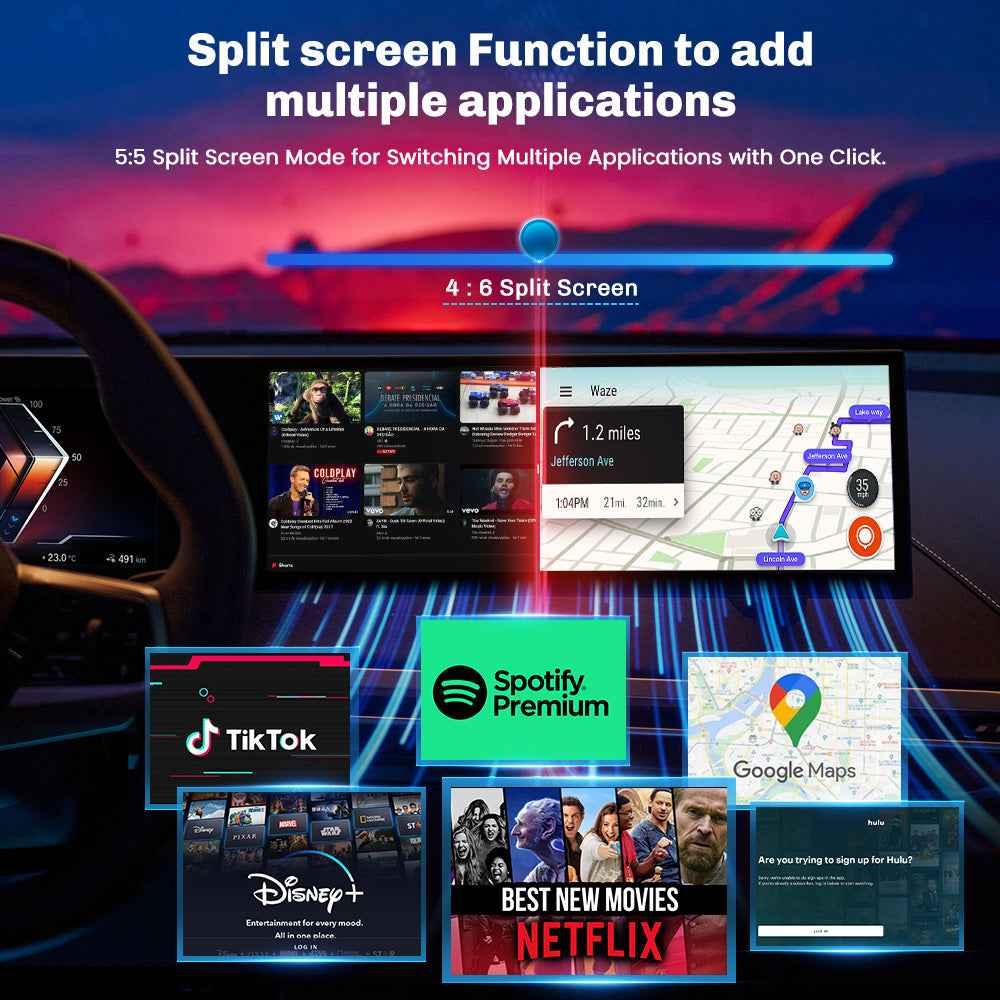
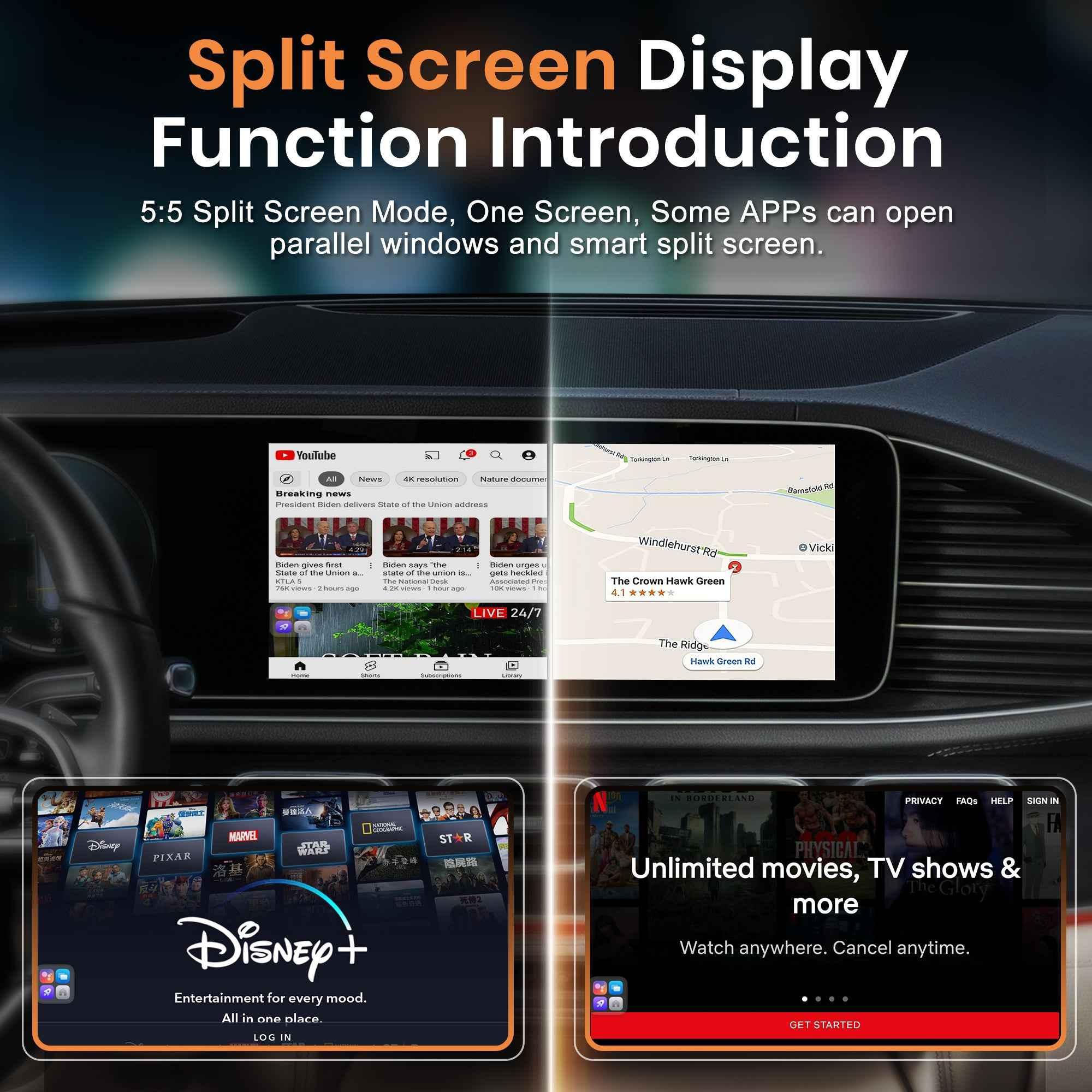
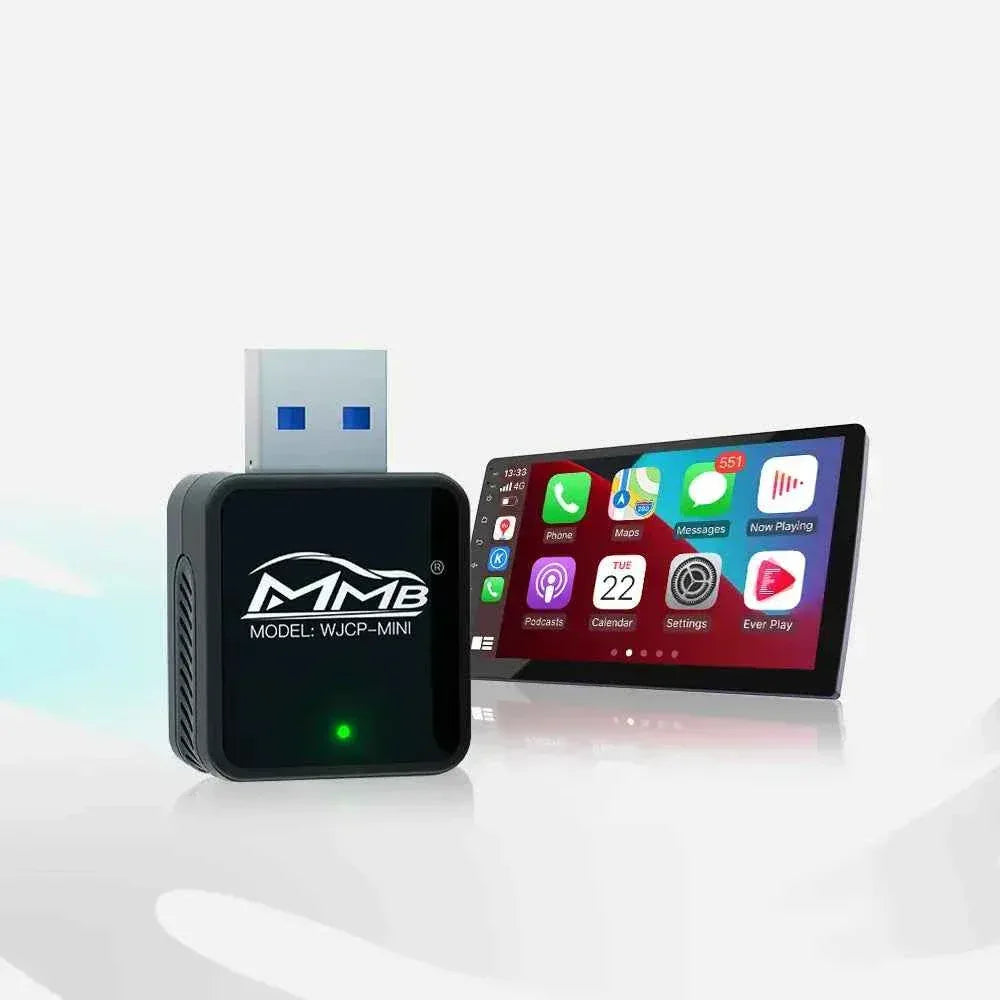
An MMB AI Box can help turn a compatible factory infotainment screen into a private parked entertainment space. While the vehicle is safely parked, you can watch YouTube, continue a Netflix episode, listen to music, check news, or use Android apps without replacing the original car system.
This guide explains how car lunch break entertainment works, why your factory screen is better than your phone for parked breaks, and what to check before choosing an MMB AI Box.
Why Your Car Is Already a Better Lunch Space Than You Think
A parked car gives you something most public spaces do not: privacy.
You can close the door, adjust the seat, control the temperature, play your own audio, and take a real pause before going back into the day. For commuters, sales teams, field workers, rideshare drivers, delivery drivers, and parents, the car often becomes a small personal room.
The problem is not the car. The problem is the screen.
Most factory infotainment systems are built around driving tasks: maps, Bluetooth, radio, vehicle settings, and basic phone connection. That is useful on the road, but during a parked lunch break, it can feel limited.
For many drivers, car lunch break entertainment is not a luxury; it is a better way to use time they already spend parked.
What Makes Car Lunch Break Entertainment Different?
Car lunch break entertainment is not about watching video while driving. It is about using parked time better.
This matters because the needs are different when the car is stopped. When you are driving, you need navigation, calls, music, and simple voice control. When you are parked, you may want a short YouTube video, a Netflix episode, news, sports highlights, music, podcasts, or a browser.
Apple CarPlay is excellent for driving-focused use. Apple explains that CarPlay helps drivers use iPhone features such as directions, calls, messages, and music through a compatible car display. You can read more from the official Apple CarPlay page and Apple CarPlay setup guide.
But standard CarPlay does not normally support video apps like YouTube or Netflix. That is where an Android-based MMB AI Box becomes valuable for parked use.
Why Not Just Use Your Phone?
You can use your phone. Most people already do.
But after a few lunch breaks, the problems become obvious.
The Screen Is Too Small
A phone is fine for quick scrolling. It is not ideal for watching a video while eating, relaxing, or sitting back in the driver’s seat. Your factory infotainment screen is usually larger and already positioned for easy viewing.
With the right device, car lunch break entertainment can feel more natural than holding a phone during every break.
The Audio Feels Weak
Phone speakers are small. Car audio is better for music, podcasts, YouTube, sports commentary, and shows. When the sound comes through the vehicle system, lunch break feels less like killing time and more like a real break.
Your Phone Battery Takes the Hit
Streaming, hotspot use, messaging, and screen brightness can drain your phone quickly. If you rely on your phone for navigation, calls, and payments later in the day, saving battery matters.
It Feels Messy
Holding the phone, propping it up, moving it when food arrives, checking the charging cable, and adjusting volume becomes annoying. A factory screen setup feels cleaner and more natural.
That is why car lunch break entertainment should feel simple, comfortable, and easy to start.
Best Car Lunch Break Entertainment Ideas for Parked Time
Watch YouTube on the Factory Screen
Lunch breaks are perfect for short videos. You can watch a tech review, a cooking video, sports highlights, market updates, comedy clips, travel videos, or a creator you follow.
Instead of holding your phone near your face, the factory screen becomes the viewing area. For people who sit in the car every day, that difference feels bigger than it sounds.
Continue a Netflix Episode While Parked
A 30-minute break is enough for part of an episode or a full short show. Netflix also provides official guidance for downloading TV shows and movies, which can help reduce mobile data use before a workday or road trip.
Availability depends on your Netflix account, region, device support, and internet connection, so it is smart to test your setup before relying on it every day.
Play Podcasts, Music, and Audiobooks
Not every lunch break needs video. Some days you just want food, air conditioning, and something calm in the background.
An MMB setup can also support music, podcasts, and audio apps, depending on your model and app availability. For drivers who spend long hours on the road, audio entertainment can make the day feel less draining.
Check News, Sports, or Quick Updates
A lunch break is also a good time to check headlines, sports scores, or short updates before getting back to work. This kind of content fits the parked car perfectly because it does not require a long commitment.
The best car lunch break entertainment setup should be easy to connect, easy to exit, and safe to use only while parked.
How MMB Makes Car Lunch Break Entertainment Better
The strongest reason to buy an MMB AI Box is not only “it has apps.” The stronger reason is this:
It makes your existing car screen useful during moments when standard CarPlay feels limited.
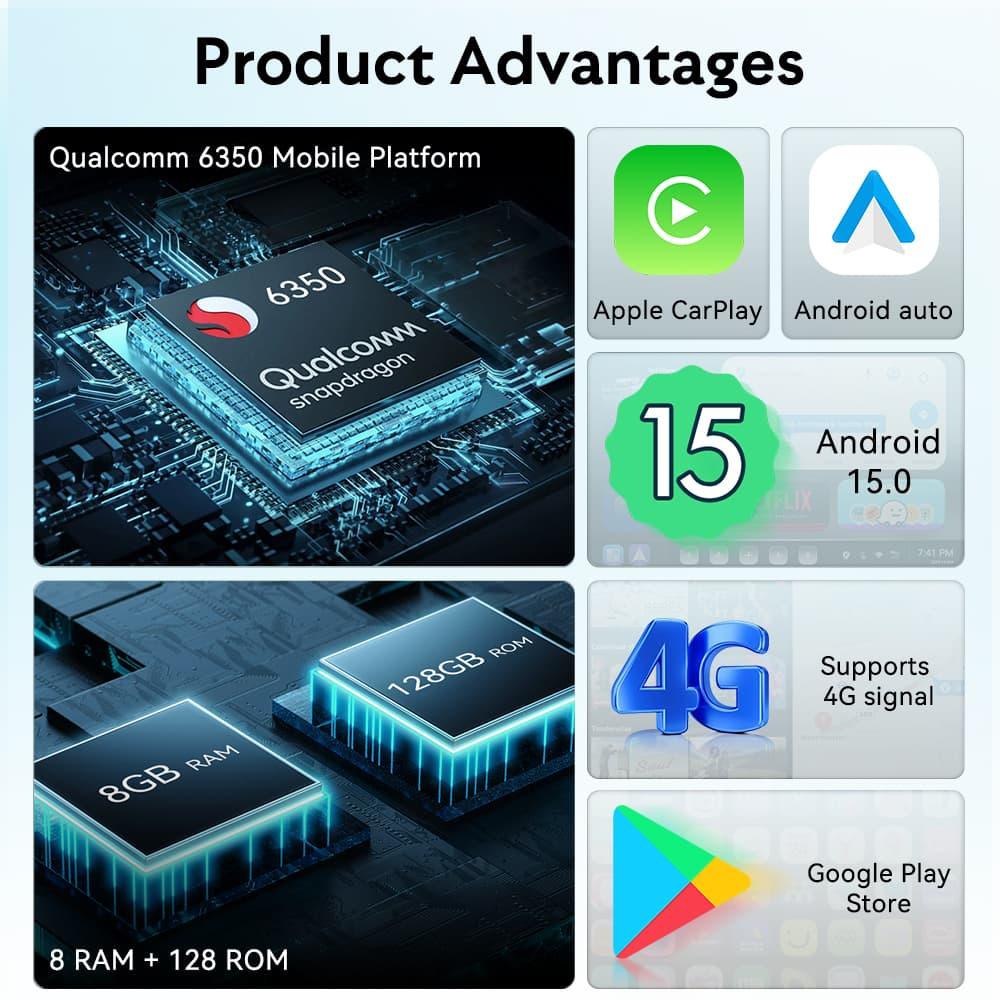
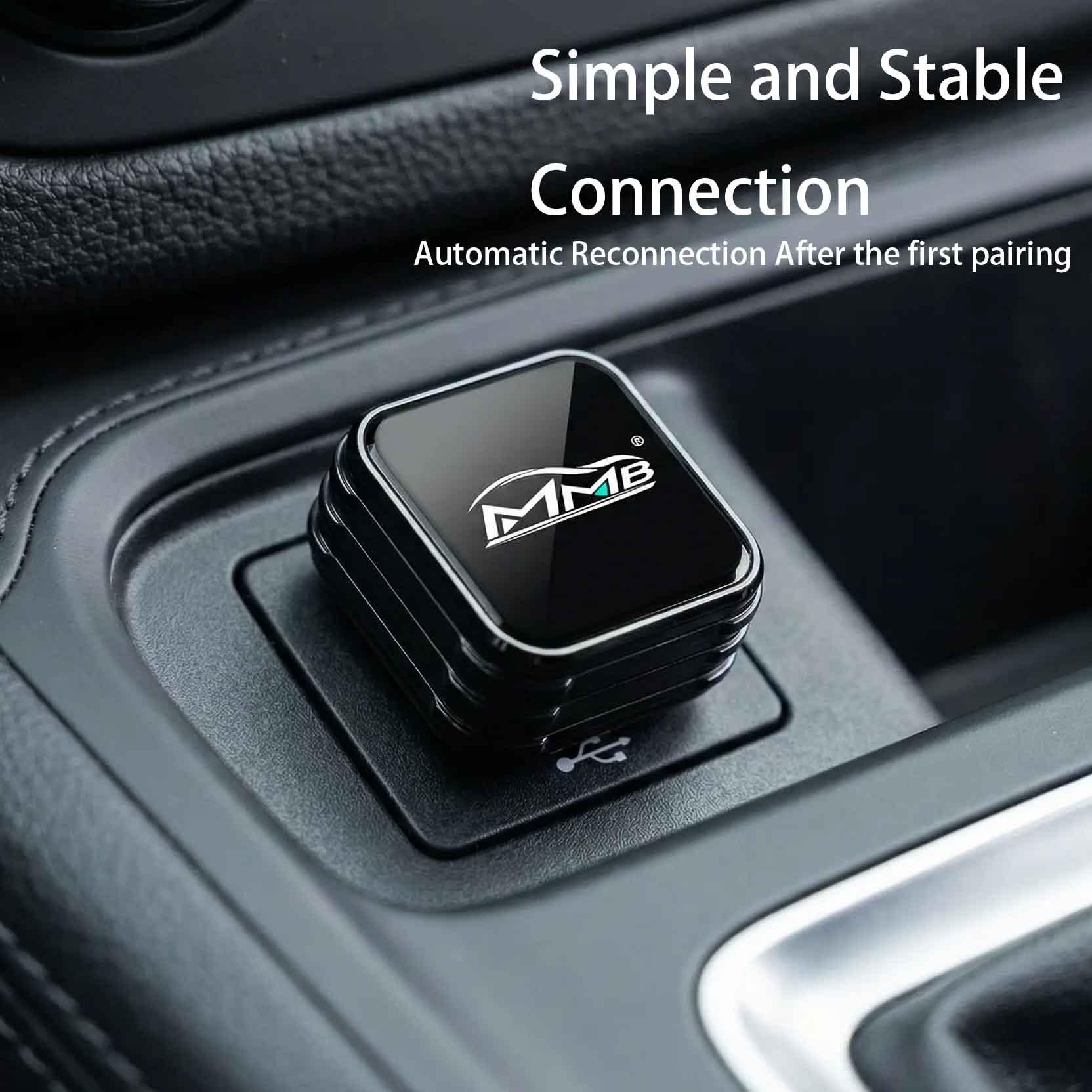
For compatible vehicles, an MMB AI Box connects through the car’s CarPlay system and opens a separate multimedia interface. Depending on the model, it can support wireless CarPlay, Android Auto, YouTube, Netflix, Google Play apps, and more.
If your vehicle has factory wired CarPlay, you can explore the MMB AI Media Box collection. BMW owners can check the MMB BMW Multimedia Box, which is designed for compatible BMW systems.
For users who only want to remove the cable from wired CarPlay and do not need video apps, the Wireless Adapter Series may be a simpler choice.
MMB makes car lunch break entertainment more practical by using the factory screen instead of adding another display.
Car Lunch Break Entertainment Safety Tips
This article is about parked lunch breaks only.
The National Highway Traffic Safety Administration warns that distracted driving can involve visual, manual, and mental distraction. Video should not be used while driving.
Use entertainment apps when the vehicle is safely parked. Before driving again, close the video app and return to navigation, music, calls, or the original vehicle interface.
Who Will Actually Want This?
This type of setup is not for everyone. It is best for people who regularly spend parked time in the car.
It fits:
- Office workers who eat lunch in the car
- Salespeople between appointments
- Delivery and rideshare drivers during breaks
- EV owners waiting during charging
- Parents waiting before pickup
- Road trip drivers at rest stops
- Anyone who wants private downtime without staring at a phone
If your car is only a five-minute commute tool, you may not care. But if your car is part of your daily work rhythm, better screen use can feel surprisingly worth it.
What to Check Before Buying
Before ordering, check whether your vehicle supports the MMB product you want.
Important questions include:
- Does your car have factory wired CarPlay or wireless CarPlay?
- Is your vehicle model supported?
- Do you need a BMW-specific MMB box?
- Do you want YouTube and Netflix, or only wireless CarPlay?
- Will you use a phone hotspot, Wi-Fi, or SIM card?
- Is your screen touch-controlled or knob-controlled?
- Do you need Android Auto as well?
Choosing the right product matters. A simple wireless adapter and a full AI Box are not the same thing.
Before buying, think about how often car lunch break entertainment fits your real daily routine.
Make Lunch Feel Like a Real Break
A better lunch break does not require a new car. It may only require using the screen your car already has.
That is the real value of car lunch break entertainment. It turns a parked car from a place where you scroll on your phone into a small private space where you can eat, relax, watch, listen, and reset.
MMB is not about distracting you while driving. It is about making the moments before and after driving more comfortable.
If you already spend lunch breaks in your car, your factory screen should not sit there doing nothing.
FAQ
What is car lunch break entertainment?
Car lunch break entertainment means using your parked car as a private space for YouTube, Netflix, music, podcasts, news, apps, or route planning during lunch.
Can I watch YouTube on my car screen during lunch?
Yes, if the vehicle is safely parked and your device supports YouTube. Standard CarPlay does not normally include YouTube, but a compatible MMB AI Box can provide app access.
Can I watch Netflix on my factory screen?
Yes, with a compatible setup. Netflix should only be used while parked. App performance may depend on your device, region, account, and internet connection.
Is an MMB AI Box the same as a wireless CarPlay adapter?
No. A wireless CarPlay adapter mainly makes wired CarPlay wireless. An MMB AI Box can add a broader Android-based multimedia interface with apps.
Do I need internet for lunch break entertainment?
Yes, for streaming apps. You can usually use a phone hotspot, Wi-Fi, or SIM-supported device, depending on the MMB model.
Will MMB replace my original car system?
No. In compatible vehicles, it works alongside the original system. You can usually switch back to factory menus, CarPlay, or Android Auto.
Is it safe to watch video in the car?
Only when parked safely and where local laws allow it. Do not watch video while driving.
Is car lunch break entertainment worth it?
Car lunch break entertainment is worth it if you often spend lunch or rest breaks in your parked car and want to use the factory screen instead of watching everything on your phone.
Which MMB product should I choose?
Choose based on your vehicle system and needs. BMW users can start with the MMB BMW Multimedia Box. Other users should compare AI Box options and wireless adapters before ordering.
CarPlay AI Box vs Android Head Unit: Which Upgrade Should You Buy?
MMB AI Box Buying Guide: 7 Checks Before You Order
مشاركات ذات صلة

Afraid of BMW MMB Box Battery Drain? What BMW Drivers Should Know Before Parked Streaming

Worried MMB Too Complicated? 7 Easy Things First-Time Users Should Know

Worried Your Car Screen Is Too Old for MMB? 7 Signs It May Still Work

Worried About MMB Mobile Hotspot? 7 Things Drivers Should Know Before Streaming

Parked Car Between Appointments: 7 Reasons MMB Makes Waiting Feel Better

Long Drive Alone: Why the Car Feels Different When Nobody Is Beside You