
The Future is Here: My Real-World Experience with BMW iDrive 8.0 (and How to Make It Even Better)
Modern BMW interiors have changed dramatically over the last few years, and nothing showcases that transformation better than BMW iDrive 8. The first time I sat inside a BMW equipped with iDrive 8.0, it genuinely felt like stepping into the future.
The giant curved display, minimal dashboard layout, ambient lighting integration, and software-focused cockpit make the cabin feel more like a luxury smart device than a traditional car interior. BMW clearly designed iDrive 8.0 to compete in a world where software matters just as much as engine performance.
After months of daily driving with BMW iDrive 8.0 — including highway trips, traffic jams, city commuting, and long-distance travel — I can confidently say this system is one of the most advanced infotainment platforms available today.
But real-world use also reveals some important limitations.
And interestingly, the best way to unlock the full potential of BMW iDrive 8.0 may not come directly from BMW itself.
First Impressions of BMW iDrive 8.0
Compared to older systems like iDrive 6 and iDrive 7, BMW iDrive 8.0 feels like a huge technological leap.
The interior immediately feels:
- Cleaner
- More futuristic
- More immersive
- More premium
- More software-driven
The curved dual-screen layout is stunning in person. The graphics are crisp, animations are smooth, and the overall interface feels polished and modern. At night, the combination of ambient lighting and digital displays creates one of the best interior experiences in the luxury automotive market.
BMW clearly invested heavily into making the cabin feel digital-first.
And for the most part, they succeeded.
Wireless Apple CarPlay Finally Feels Mature
One of the biggest improvements in BMW iDrive 8.0 is wireless Apple CarPlay integration.
Older BMW systems occasionally suffered from:
- Slow startup times
- Audio lag
- Random disconnects
- Unstable wireless connections
With iDrive 8.0, the experience finally feels refined.
Wireless Apple CarPlay connects quickly, navigation apps work smoothly, and media playback feels nearly instant. Since most drivers mainly use navigation, Spotify, calls, and messaging apps, these improvements matter much more than flashy visual effects.
BMW finally made the infotainment experience feel polished instead of experimental.
BMW Voice Controls Are Actually Useful Now
I used to completely ignore BMW’s voice assistant because previous generations simply weren’t reliable enough.
That changed with BMW iDrive 8.0.
Commands like:
- “Navigate home”
- “Turn on heated seats”
- “Play Spotify”
- “Open the sunroof”
usually work correctly on the first attempt.
During real-world driving, this genuinely improves convenience because you spend less time interacting with menus while keeping your attention on the road.
The Biggest Problem with BMW iDrive 8.0
Despite how futuristic the system looks, daily driving exposes one major weakness.
Too many important controls are hidden inside menus.
Simple adjustments like:
- Climate controls
- Fan speed
- Seat heating
- Drive settings
- Shortcut functions
often require several touchscreen interactions.
While the minimalist design looks beautiful, practicality sometimes suffers. Physical buttons are still faster and easier to use while driving.
This is easily the most common complaint among BMW iDrive 8.0 owners.
Multimedia Features Still Feel Limited
Another issue I quickly noticed was how restricted the multimedia ecosystem still feels despite the advanced hardware.
Depending on software version and region, users may encounter:
- Limited video playback support
- Restricted app availability
- Limited Android flexibility
- Region-based software restrictions
- Fewer entertainment features than expected
The hardware inside modern BMWs is clearly capable of much more.
That’s exactly why many BMW owners are now upgrading their infotainment systems with AI multimedia solutions.
The Upgrade That Completely Changed My BMW Experience
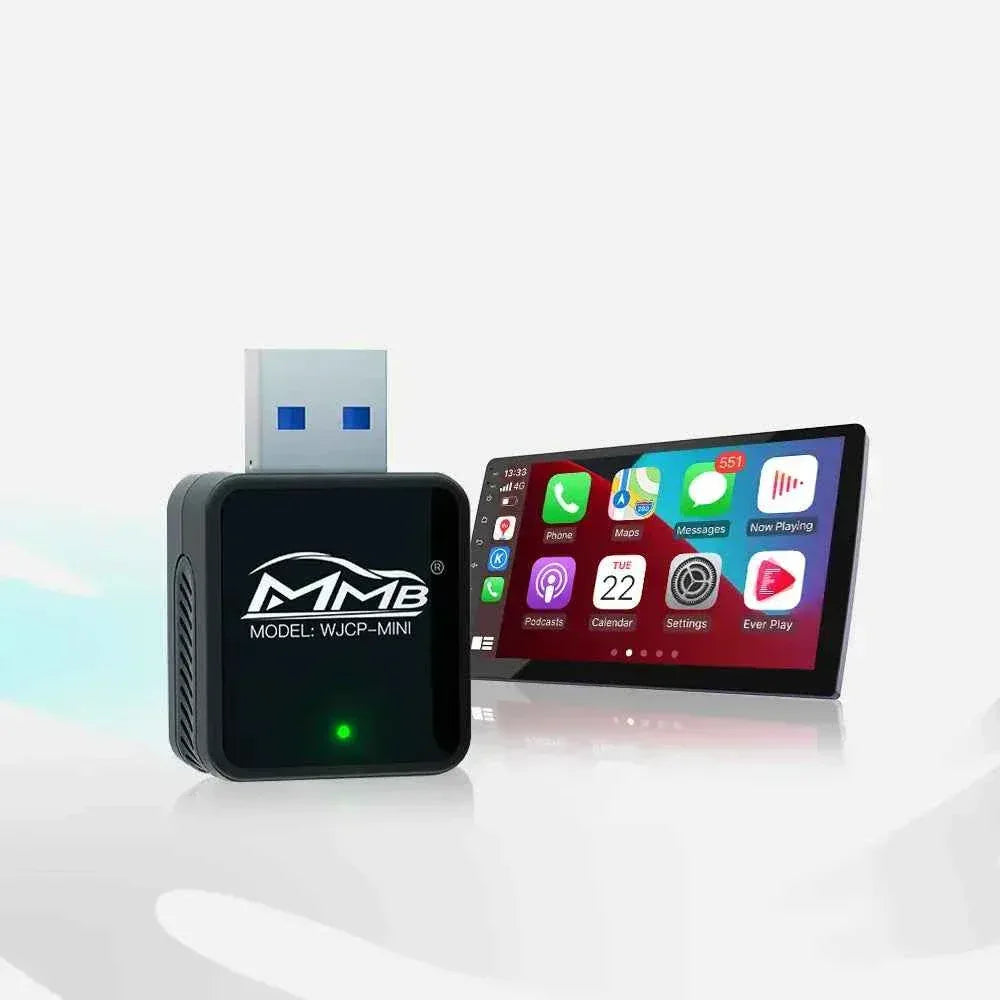
After several months of using the stock system, I eventually tried the MMB BMW 2.0 AI Box — and honestly, it completely transformed the infotainment experience.
Unlike generic Android boxes, the MMB BMW 2.0 is specifically designed for BMW and BMW MINI vehicles that already support wireless Apple CarPlay.
Installation is incredibly simple:
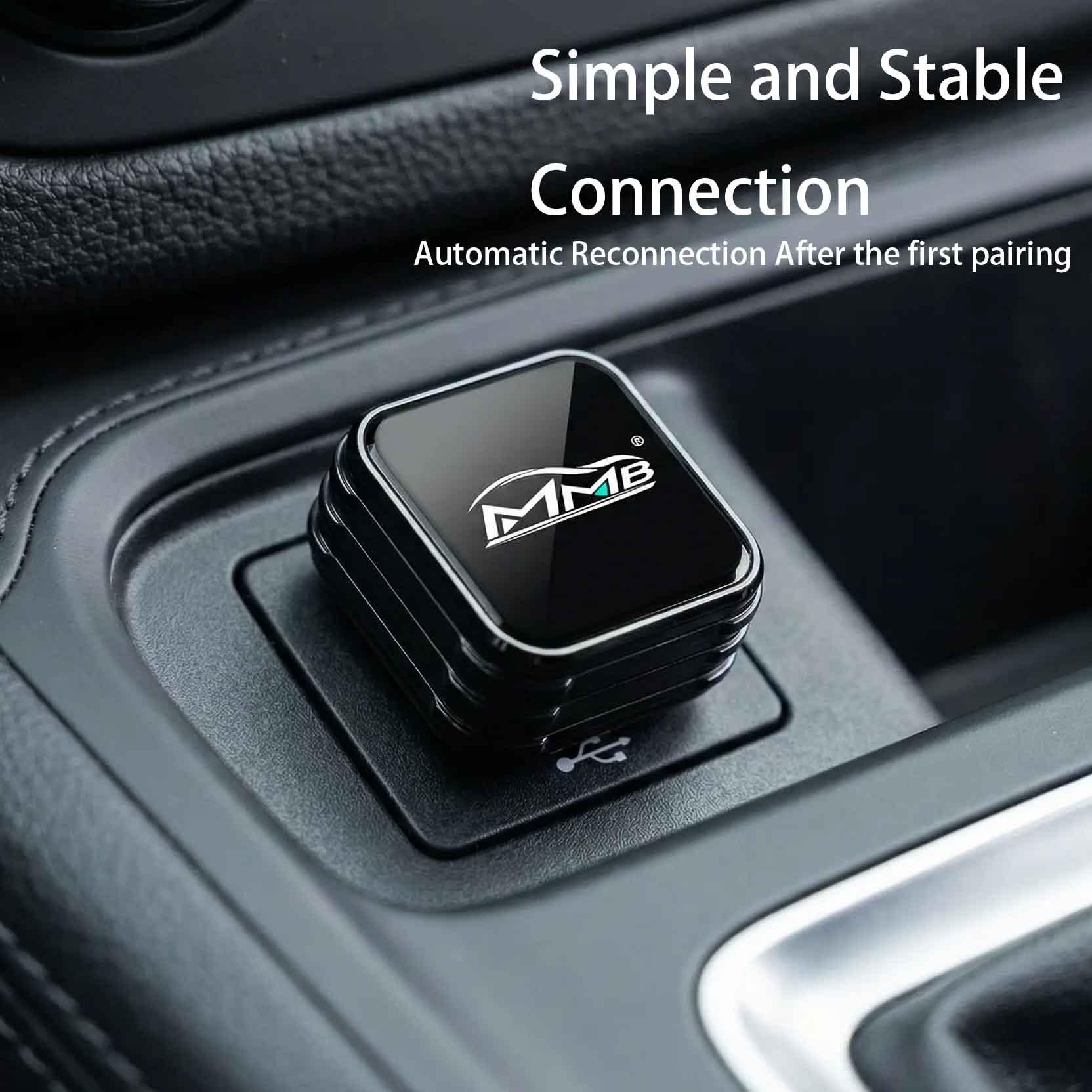
- Plug into the original USB port
- No coding required
- No dashboard disassembly
- OEM-style integration
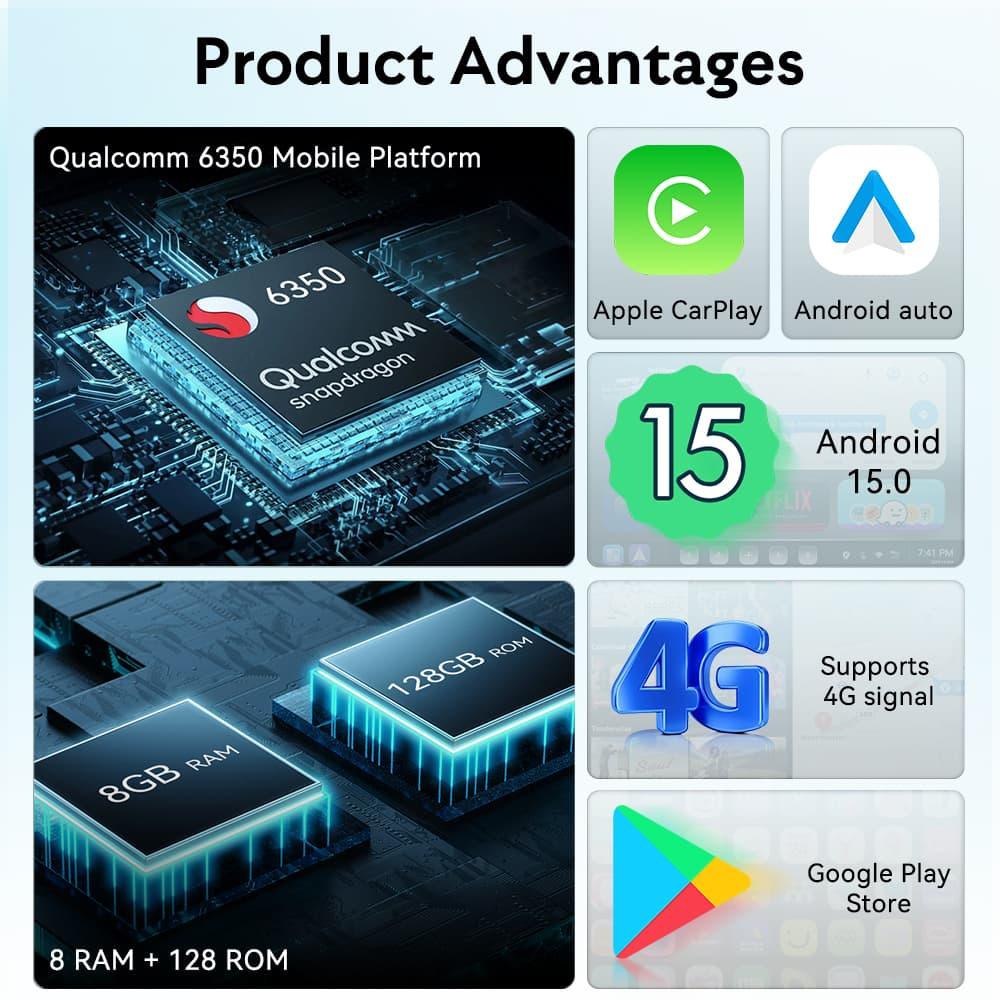
Once connected, the system upgrades your BMW to a full Android 13.0 platform.
The hardware is also surprisingly powerful for an in-car multimedia device:
- Qualcomm 6125 chipset
- 8GB RAM
- 128GB ROM
Compared to cheaper AI boxes, the difference in responsiveness is immediately noticeable.
Apps load faster, multitasking feels smoother, and overall stability is significantly better during daily use.
Why the MMB BMW 2.0 Stands Out
What impressed me most about the MMB BMW 2.0 wasn’t just performance — it was flexibility.
Instead of being limited to BMW’s factory software ecosystem, the system suddenly gains:
- YouTube support
- Netflix streaming
- Google Play Store access
- Android apps
- Expanded navigation options
- Better multimedia capabilities
You can check the full product details here:
MMB BMW Multimedia Box Product Page
Since it supports both Android and iPhone devices, switching between users is seamless.
The built-in 4G SIM and WiFi support also make the system feel much more independent instead of relying completely on phone tethering. Navigation performance is excellent thanks to integrated:
- GPS
- GLONASS
- BEIDOU positioning systems
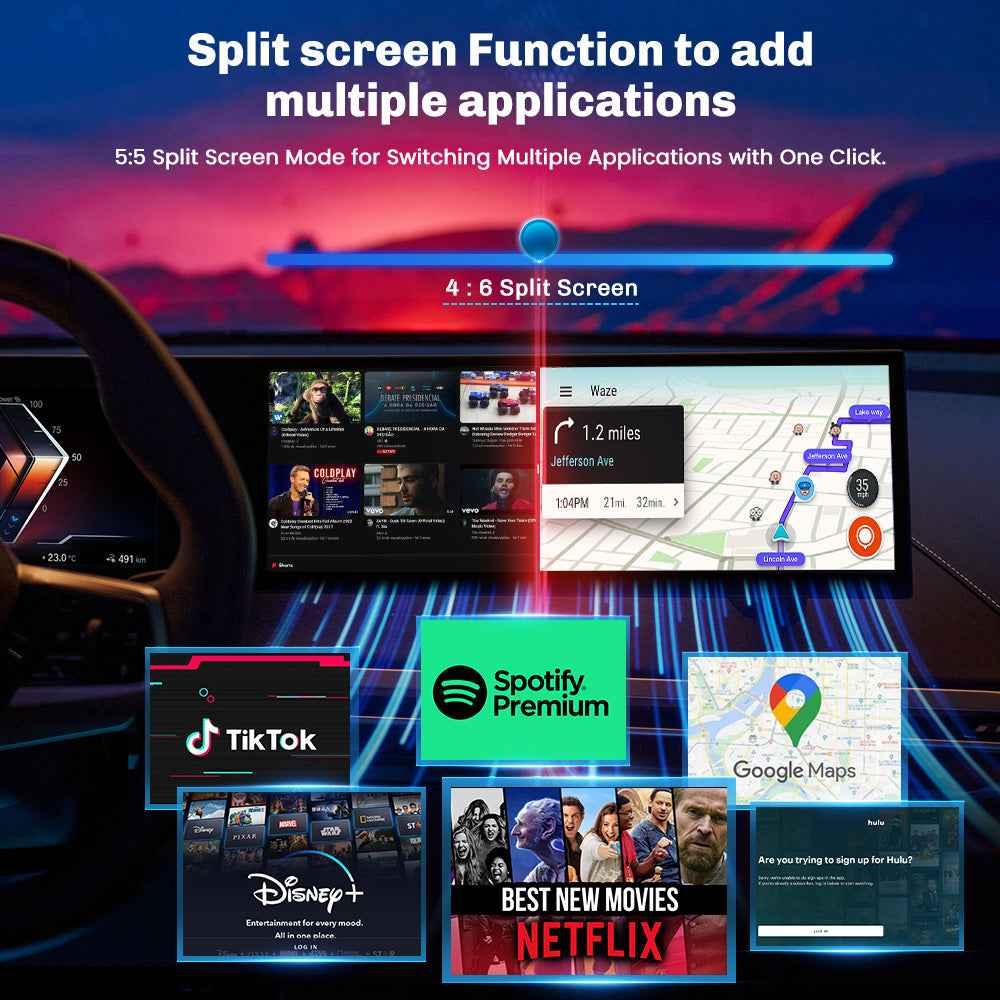
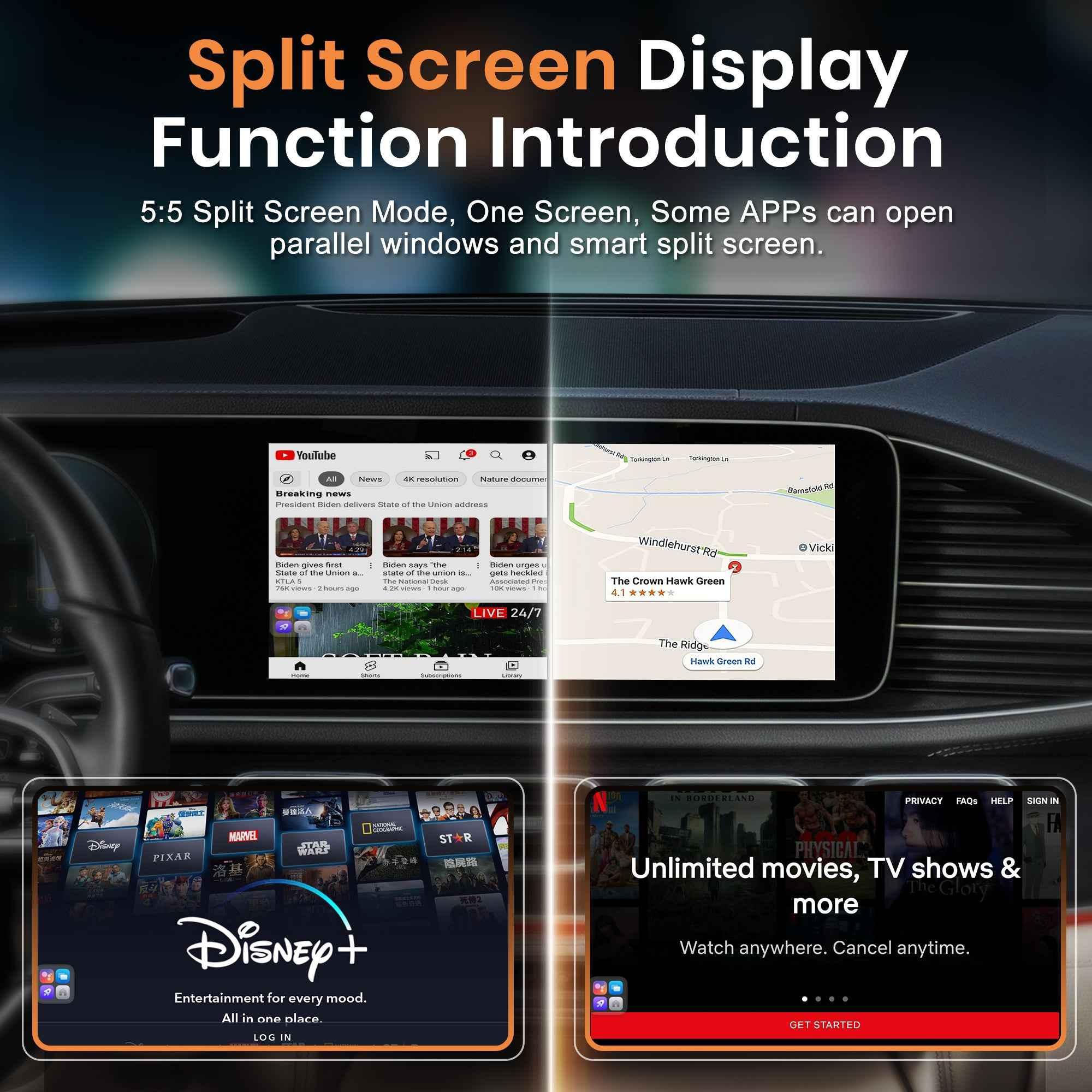
One feature I ended up using constantly was the smart split-screen functionality. Being able to run navigation while simultaneously using entertainment apps makes the entire driving experience feel significantly more modern.
For long road trips, charging stops, or simply waiting in the vehicle, the upgrade makes a massive difference.
What About Older BMWs Without CarPlay?
Not every BMW owner has iDrive 8.0 or factory wireless Apple CarPlay support.
For older BMW models that do not support CarPlay, retrofitting a dedicated CarPlay module is usually the best solution.
A lot of BMW owners choose Joyeauto CarPlay Modules because they offer retrofit CarPlay solutions specifically designed for older BMW systems.
This allows older BMW models to gain:
- Wireless Apple CarPlay
- Android Auto
- Modern smartphone connectivity
- Navigation integration
- Multimedia upgrades
Without replacing the factory screen or destroying the OEM interior appearance.
For older BMW owners, this is honestly one of the best upgrades you can make to modernize the driving experience.
Why More BMW Owners Are Upgrading Their Infotainment Systems
Modern BMW vehicles already have excellent display hardware and premium interiors. In many cases, the biggest limitations come from software restrictions rather than actual hardware capability.
That’s why AI Box and CarPlay retrofit upgrades are becoming increasingly popular among BMW owners who want:
- Better entertainment features
- More app flexibility
- Android functionality
- Expanded multimedia support
- A smarter driving experience
BMW already built the hardware.
Products like the MMB BMW 2.0 simply unlock more of its potential.
Final Thoughts on BMW iDrive 8.0
BMW iDrive 8 is easily one of the most visually impressive and technologically advanced infotainment systems available today. The premium display quality, wireless Apple CarPlay integration, and futuristic interface genuinely make BMW interiors feel next generation.
However, real-world use also reveals several limitations:
- Over-reliance on touchscreen controls
- Limited multimedia flexibility
- Restricted app ecosystems
- Menu-heavy navigation
For drivers who only want navigation and music, the stock system already performs extremely well.
But for users who want full Android functionality, advanced multimedia support, and a smarter entertainment experience, upgrading with the MMB BMW 2.0 AI Box can completely transform the vehicle.
And if you own an older BMW without factory CarPlay support, retrofit solutions from Joyeauto are still one of the best ways to modernize your car without losing the OEM feel.
The future of driving is already here.
BMW iDrive 8.0 proves it.


MMB Upgrade Alert: Enjoy Free Premium Shipping on All U.S. Orders Over $150!
Ultimate Guide: How to Stream the 2026 World Cup in Your Car via MMB CarPlay AI Box
Related Posts

Afraid of BMW MMB Box Battery Drain? What BMW Drivers Should Know Before Parked Streaming

Worried MMB Too Complicated? 7 Easy Things First-Time Users Should Know

Worried Your Car Screen Is Too Old for MMB? 7 Signs It May Still Work

Worried About MMB Mobile Hotspot? 7 Things Drivers Should Know Before Streaming

Parked Car Between Appointments: 7 Reasons MMB Makes Waiting Feel Better

Long Drive Alone: Why the Car Feels Different When Nobody Is Beside You

MMB AI Box Buying Guide: 7 Checks Before You Order