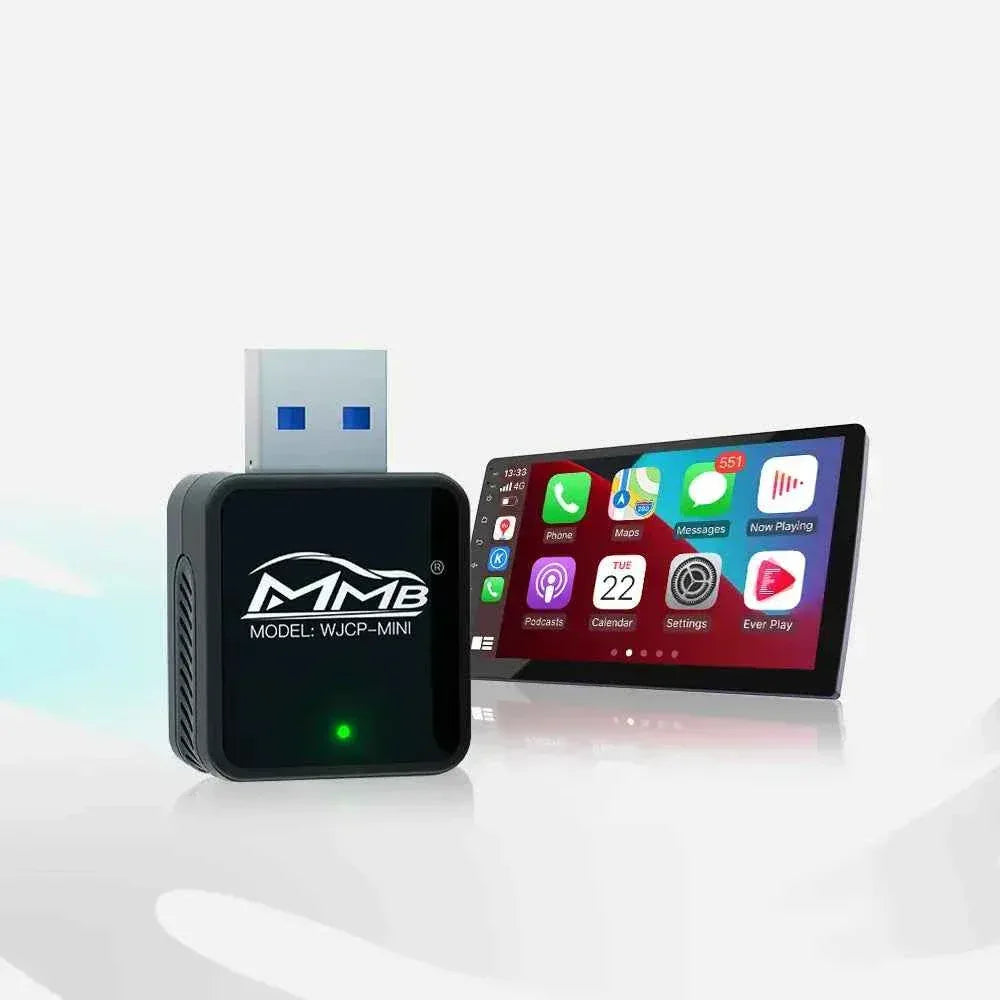

Wireless CarPlay Adapter Guide: Wired-to-Wireless Upgrades That Feel Like a New Car
MMB Official Blog
Wireless CarPlay Adapters Explained: How to Upgrade From Wired to Wireless the Right Way
Wireless CarPlay is no longer a “new car feature”. With the right adapter or AI box, most drivers can upgrade their existing car and enjoy a cleaner, more effortless driving experience.
Why wireless CarPlay has become the new standard
CarPlay and Android Auto changed how drivers interact with their cars. Navigation, music, calls, and messages are now part of everyday driving. But one small inconvenience has remained for years — the cable.
Plugging in your phone every time you drive doesn’t feel like a big problem, until you experience wireless CarPlay. Once the cable is gone, the entire routine feels smoother. You start the car, the system connects automatically, and everything is ready before you even pull out of the parking space.
This is why wireless CarPlay has quickly become the preferred option for many drivers, even in cars that originally only supported wired CarPlay.
What “wired to wireless CarPlay adapter” actually means
A common misunderstanding is that wireless CarPlay requires a new head unit or a brand-new car. In reality, most upgrades work by converting an existing wired CarPlay system into a wireless one.
If your car already supports CarPlay or Android Auto through a USB or Type-C port, a wired-to-wireless CarPlay adapter plugs into that same port and acts as a bridge. Your phone connects wirelessly to the adapter, and the adapter communicates with the car just like a wired connection would.
From the driver’s perspective, nothing changes visually — the same CarPlay interface, the same controls — only without the cable.
Is wireless CarPlay worth it for daily driving?
For drivers who use CarPlay occasionally, wired connections are fine. But for daily commuters, small inconveniences add up over time.
Wireless CarPlay removes several friction points:
- No need to plug in and unplug your phone multiple times a day
- Less wear on charging ports and cables
- A cleaner center console without loose wires
- Faster “get in and go” routine
These are not dramatic changes, but they noticeably improve the overall driving experience. That’s why many drivers say wireless CarPlay is something they didn’t know they needed, until they tried it.
Choosing the right MMB wireless CarPlay solution
At MMB, we design different products because drivers expect different things from their cars. Some want the simplest possible upgrade, while others want their car screen to do more.
 MMB Mini — simple wired to wireless CarPlay adapter
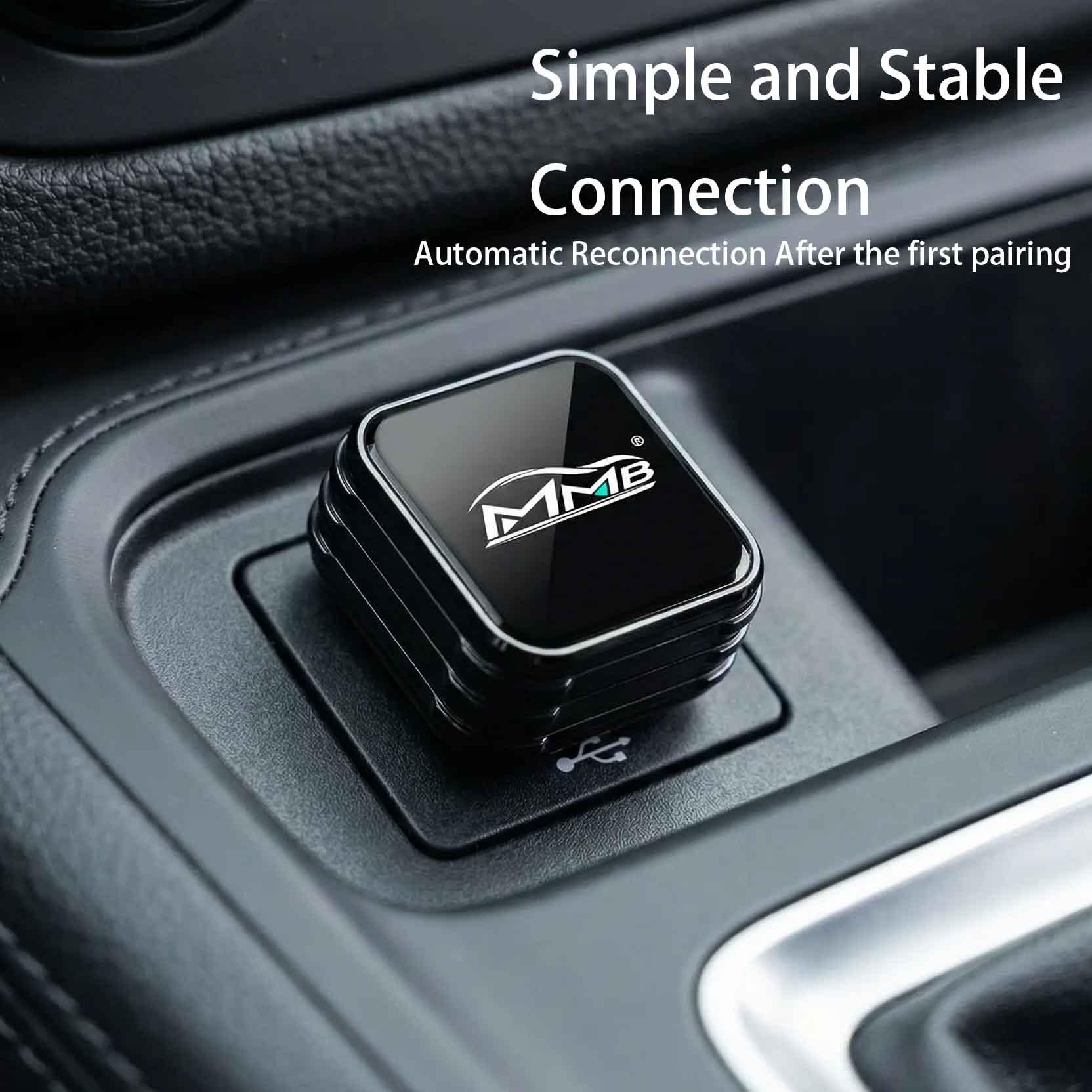
MMB Mini is designed for drivers who want one thing: wireless CarPlay that just works. It focuses on connection stability, fast pairing, and a compact design that stays hidden.
If you already like CarPlay and simply want to remove the cable, this is the most straightforward option.
View MMB Mini
 MMB Mini 2.0 — compact wireless CarPlay upgrade
Mini 2.0 builds on the same idea as the original Mini, with a smaller footprint and an even cleaner installation. It’s ideal if you care about keeping the interior looking factory-original.
View MMB Mini 2.0
 MMB BMW AI Box — designed for BMW iDrive systems
BMW drivers often want upgrades that feel factory-level. The MMB BMW AI Box is designed specifically for BMW iDrive, focusing on smooth integration and long-term stability.
View BMW AI Box
 MMB Max 5.0 — Android AI Box with wireless CarPlay
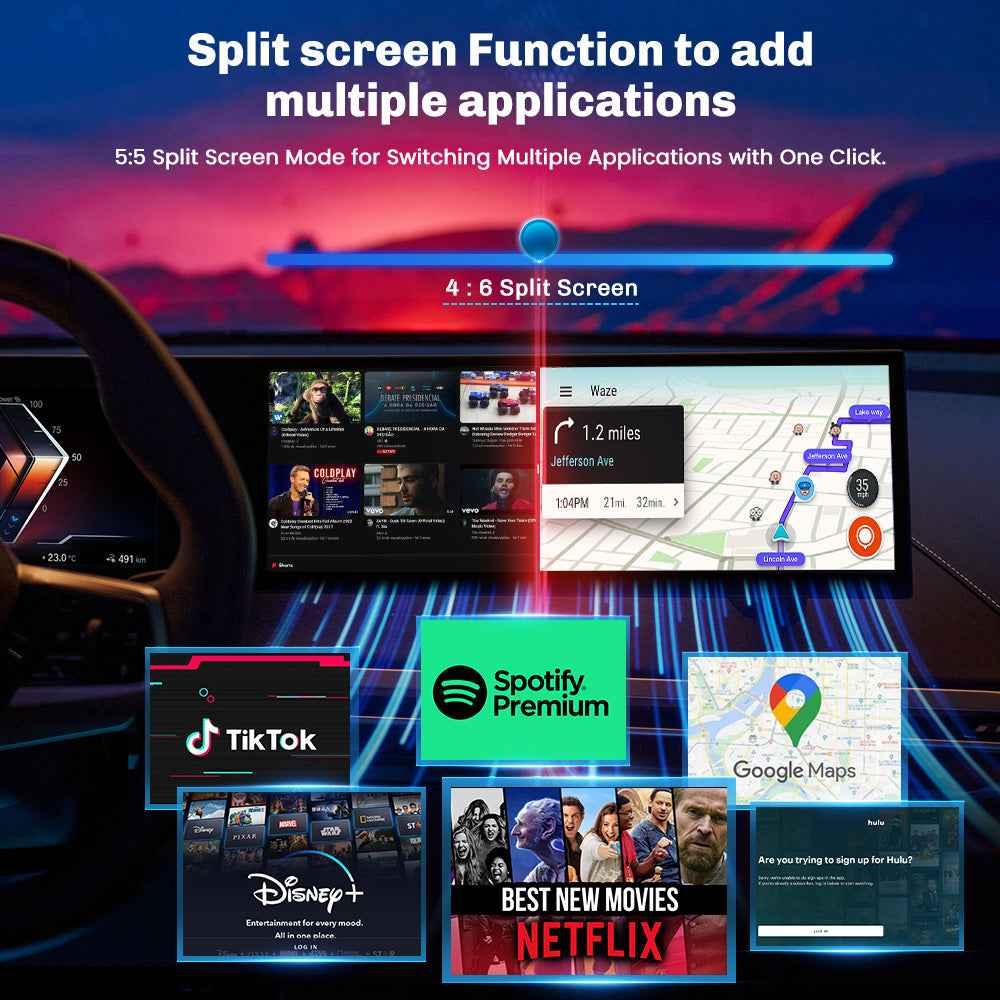
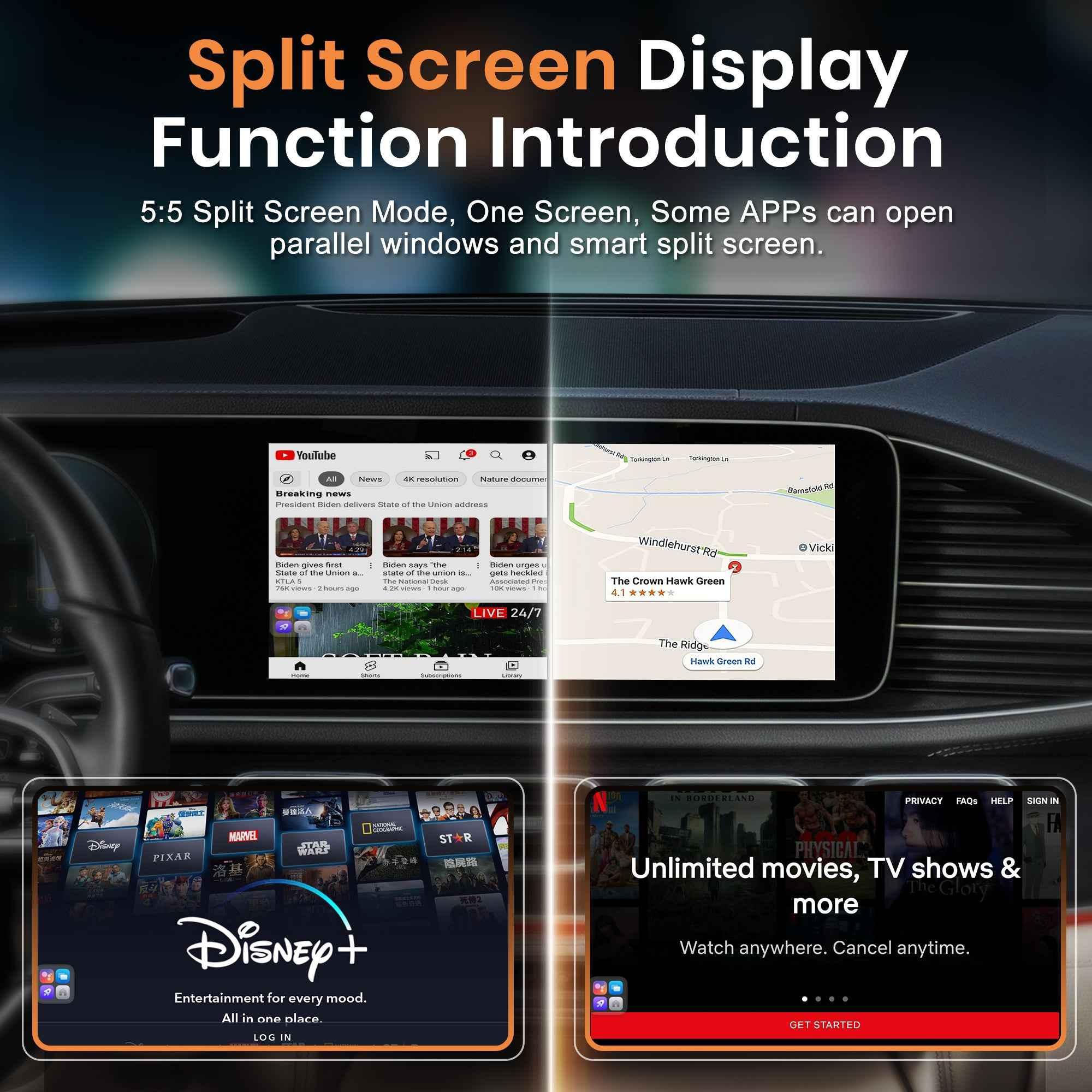
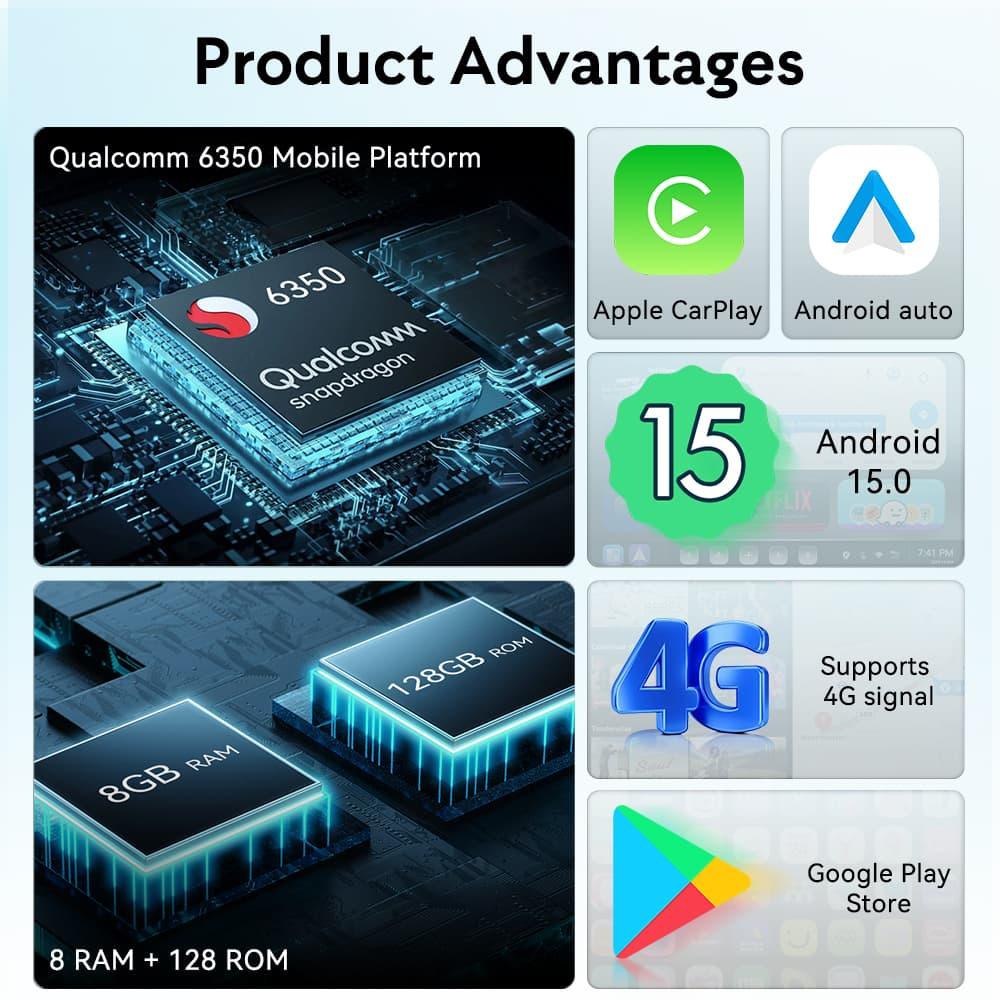
Some drivers want more than CarPlay. Max 5.0 turns your car screen into a full Android system, allowing apps like YouTube and Netflix while still supporting wireless CarPlay and Android Auto.
View Max 5.0
 MMB Max 4.0 — balanced AI Box solution
Max 4.0 is a solid option for drivers who want AI Box features without going all the way to the top tier.
View Max 4.0Final thoughts from MMB
Wireless CarPlay isn’t about changing how you drive. It’s about removing small inconveniences from something you already use every day.
If your car supports wired CarPlay or Android Auto, upgrading is often simpler than expected. You can explore all MMB wireless CarPlay and AI Box solutions at CarplayMMB.com.
BMW Wireless CarPlay Not Working: Causes and Fixes
Can I Add Wireless CarPlay to My Car? Everything You Need to Know
Related Posts

Afraid of BMW MMB Box Battery Drain? What BMW Drivers Should Know Before Parked Streaming

Worried MMB Too Complicated? 7 Easy Things First-Time Users Should Know

Worried Your Car Screen Is Too Old for MMB? 7 Signs It May Still Work

Worried About MMB Mobile Hotspot? 7 Things Drivers Should Know Before Streaming

Parked Car Between Appointments: 7 Reasons MMB Makes Waiting Feel Better

Long Drive Alone: Why the Car Feels Different When Nobody Is Beside You

MMB AI Box Buying Guide: 7 Checks Before You Order