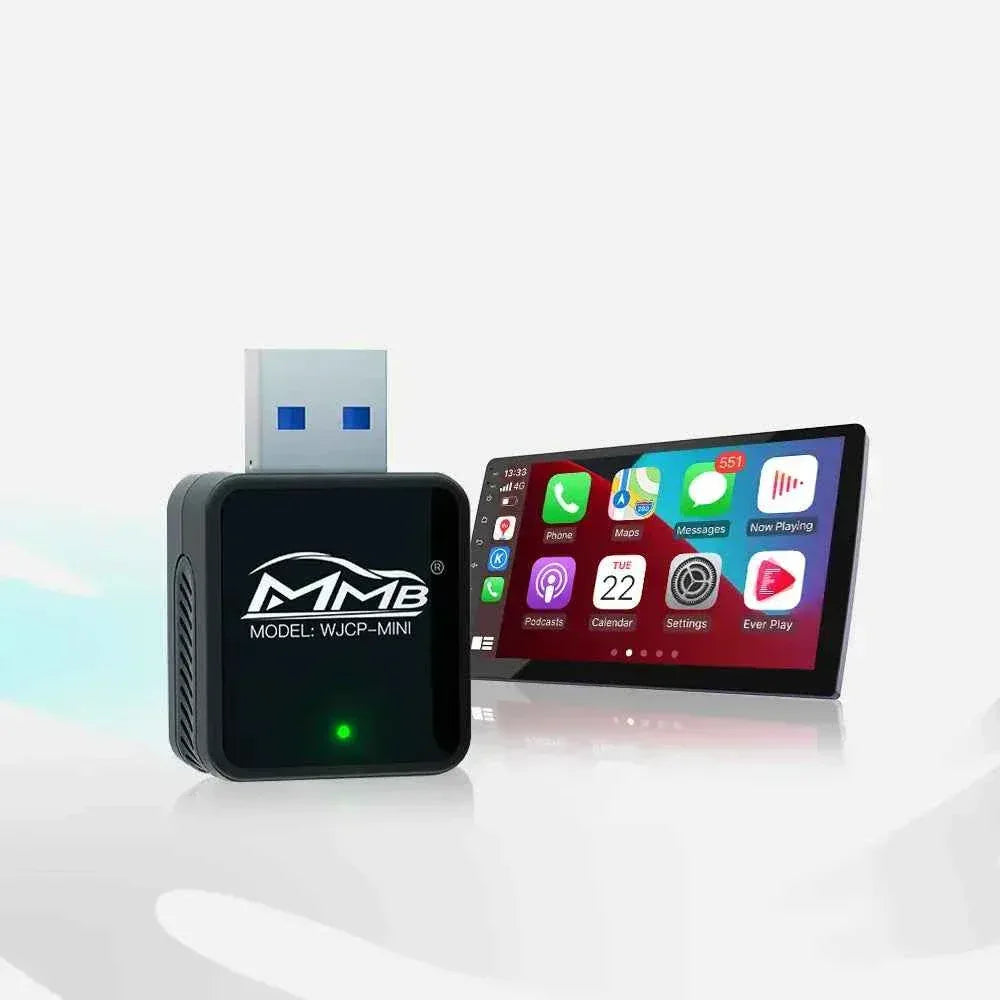

Can I Add Wireless CarPlay to My Car? Everything You Need to Know
If your car already supports Apple CarPlay but only works with a cable, you’re not alone in asking:
Can I add wireless CarPlay to my car?
The answer is yes—and in most cases, it’s much easier than people expect.
You don’t need to replace your car, upgrade your dashboard, or install a new head unit. Let’s walk through how wireless CarPlay works, whether your car is compatible, and the simplest way to add it.
What Is Wireless CarPlay?

Wireless CarPlay allows your iPhone to connect to your car’s infotainment system without a USB cable. Once connected, you can use navigation, music, calls, messages, and Siri directly on your car’s screen—just like wired CarPlay, but automatically and wire-free.
Instead of relying on a physical connection, wireless CarPlay uses Bluetooth and Wi-Fi to establish a fast, stable link when you start your car.
Does My Car Support Wireless CarPlay?
This is where most drivers get confused.
Many vehicles support wired Apple CarPlay by default but do not support wireless CarPlay from the factory. This is common in cars from brands like BMW, Toyota, Honda, Ford, Audi, Volkswagen, and more—especially in older model years or lower trims.
Here’s the key rule:
If your car has factory wired CarPlay, you can usually add wireless CarPlay.
If your car does not support CarPlay at all, wireless adapters will not work.
How Can I Add Wireless CarPlay to My Car?
There are two main ways people attempt this—but only one makes sense for most drivers.
Option 1: Replace the Head Unit
Some drivers replace their factory infotainment system with an aftermarket unit that supports wireless CarPlay.
While this works, it often comes with downsides:
-
High cost
-
Complex installation
-
Possible compatibility issues
-
Risk to warranty or resale value
For most modern vehicles, this option is unnecessary.
Option 2: Use a Wireless CarPlay Adapter (Recommended)
A wireless CarPlay adapter is the simplest and most popular solution.
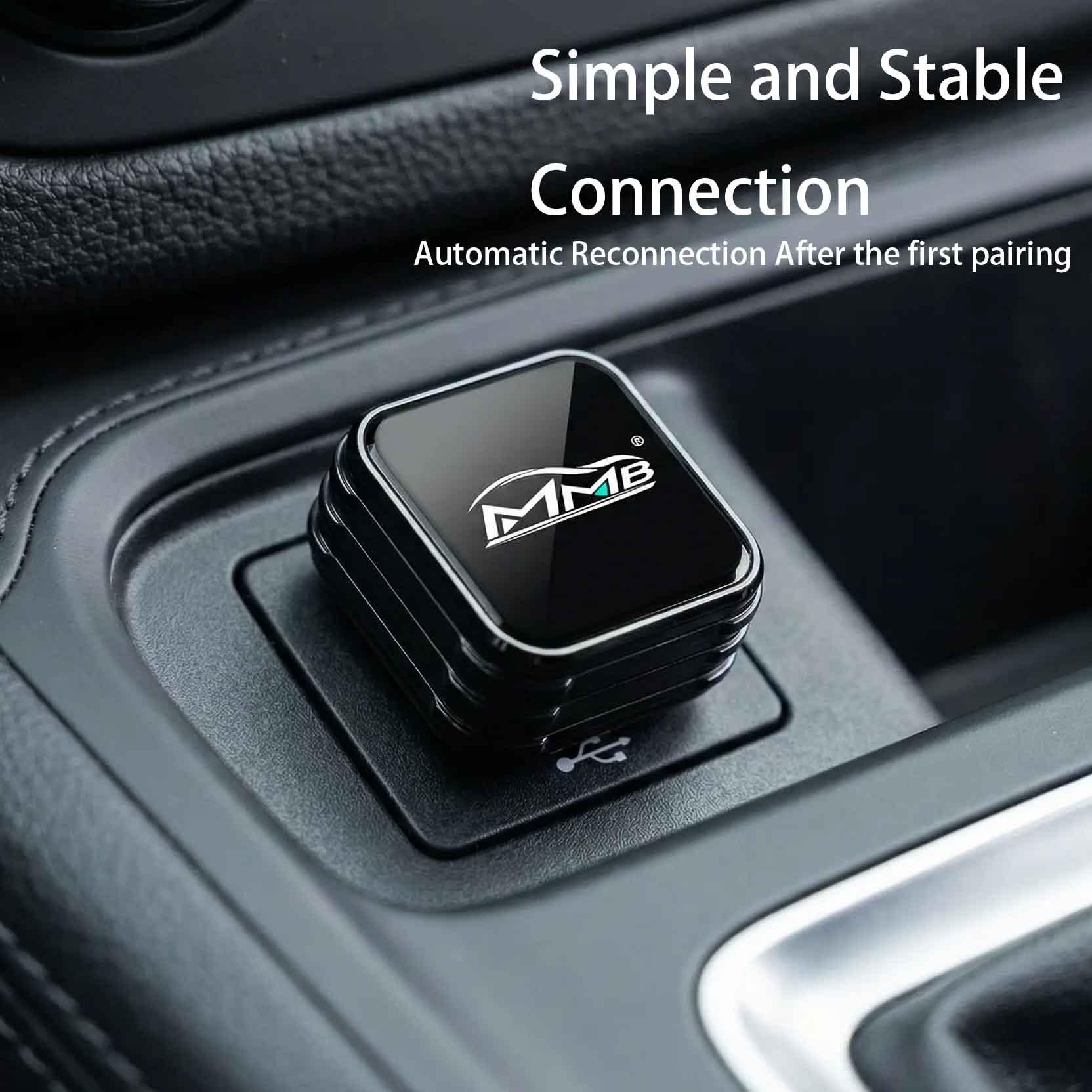
It works by plugging into the same USB port you currently use for wired CarPlay. After a one-time setup, your phone connects automatically every time you start the car.
How it works:
-
Plug the adapter into your car’s USB port
-
Pair your iPhone once
-
Start your car and drive
No cables. No dashboard changes. No technical skills required.
What Are the Benefits of Wireless CarPlay?
Adding wireless CarPlay improves daily driving more than most people expect.
Cleaner, Cable-Free Interior
No more cables cluttering your center console.
Automatic Connection
CarPlay launches as soon as you start the car—your phone can stay in your pocket or bag.
Same CarPlay Features You Already Use
Apple Maps, Google Maps, Spotify, Apple Music, calls, messages, and Siri all work exactly as before.
Less Wear on Your Phone
No repeated plugging and unplugging means less strain on your charging port.
Is Wireless CarPlay Stable?
A common concern is whether wireless CarPlay is reliable.
Modern wireless CarPlay adapters are designed for real-world driving. When used in compatible vehicles, they provide:
-
Smooth navigation
-
Stable audio playback
-
Low-latency response
-
Reliable voice control
For most users, the experience feels nearly identical to wired CarPlay—just more convenient.
Does Wireless CarPlay Also Work with Android Auto?
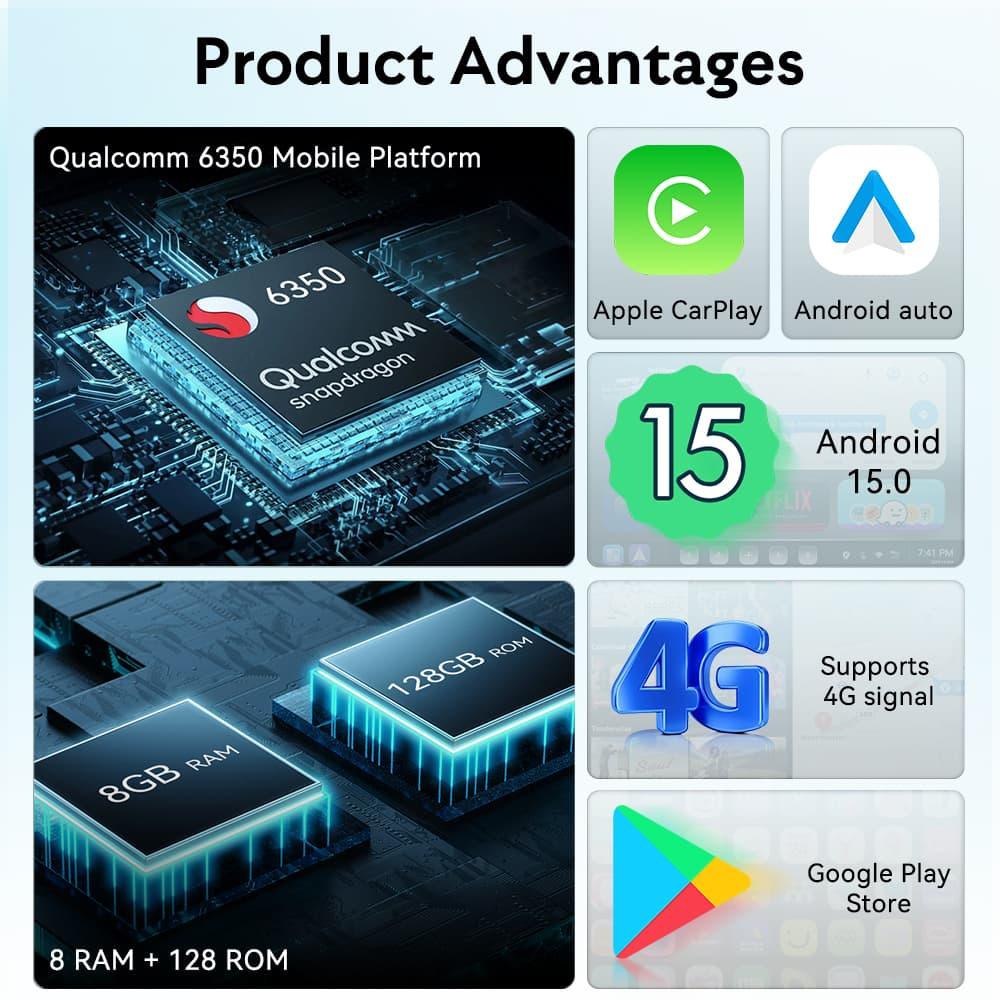
Many wireless adapters now support both wireless CarPlay and wireless Android Auto.
That means:
-
iPhone users get wireless CarPlay
-
Android users get wireless Android Auto
-
One adapter works for multiple drivers
This makes wireless adapters especially useful for shared vehicles or families.
Is Wireless CarPlay Worth It?
If you use CarPlay every day, wireless CarPlay is absolutely worth it.
It doesn’t change what CarPlay does—it changes how effortlessly you use it. Once you get used to getting in the car and driving without plugging in your phone, it’s hard to go back.
Final Answer: Can I Add Wireless CarPlay to My Car?
Yes—if your car already supports wired Apple CarPlay, adding wireless CarPlay is simple, affordable, and does not require replacing your infotainment system.
A wireless CarPlay adapter is the easiest way to upgrade your driving experience and enjoy true cable-free convenience.
Wireless CarPlay Adapter Guide: Wired-to-Wireless Upgrades That Feel Like a New Car
How to Enable Wireless CarPlay in BMW
Related Posts

Afraid of BMW MMB Box Battery Drain? What BMW Drivers Should Know Before Parked Streaming

Worried MMB Too Complicated? 7 Easy Things First-Time Users Should Know

Worried Your Car Screen Is Too Old for MMB? 7 Signs It May Still Work

Worried About MMB Mobile Hotspot? 7 Things Drivers Should Know Before Streaming

Parked Car Between Appointments: 7 Reasons MMB Makes Waiting Feel Better

Long Drive Alone: Why the Car Feels Different When Nobody Is Beside You

MMB AI Box Buying Guide: 7 Checks Before You Order