
Best AI Box for BYD, POLESTAR 4 and DENZA D9 in 2026
Best AI Box for BYD, POLESTAR 4 and DENZA D9 in 2026

As modern electric vehicles continue to evolve, drivers expect more from their infotainment systems than ever before. While vehicles from BYD, POLESTAR 4, and DENZA D9 offer advanced displays and intelligent cockpit technology, many owners still want access to popular entertainment and productivity apps such as YouTube, Netflix, Disney+, Google Maps, Spotify, and more.
This is where an AI Box becomes one of the most popular upgrades in 2026.
If you're searching for the best AI Box for BYD, POLESTAR 4, or DENZA D9, this guide will explain how AI Boxes work, what features to look for, and why more drivers are choosing Android-powered multimedia upgrades for their vehicles.
What Is an AI Box?
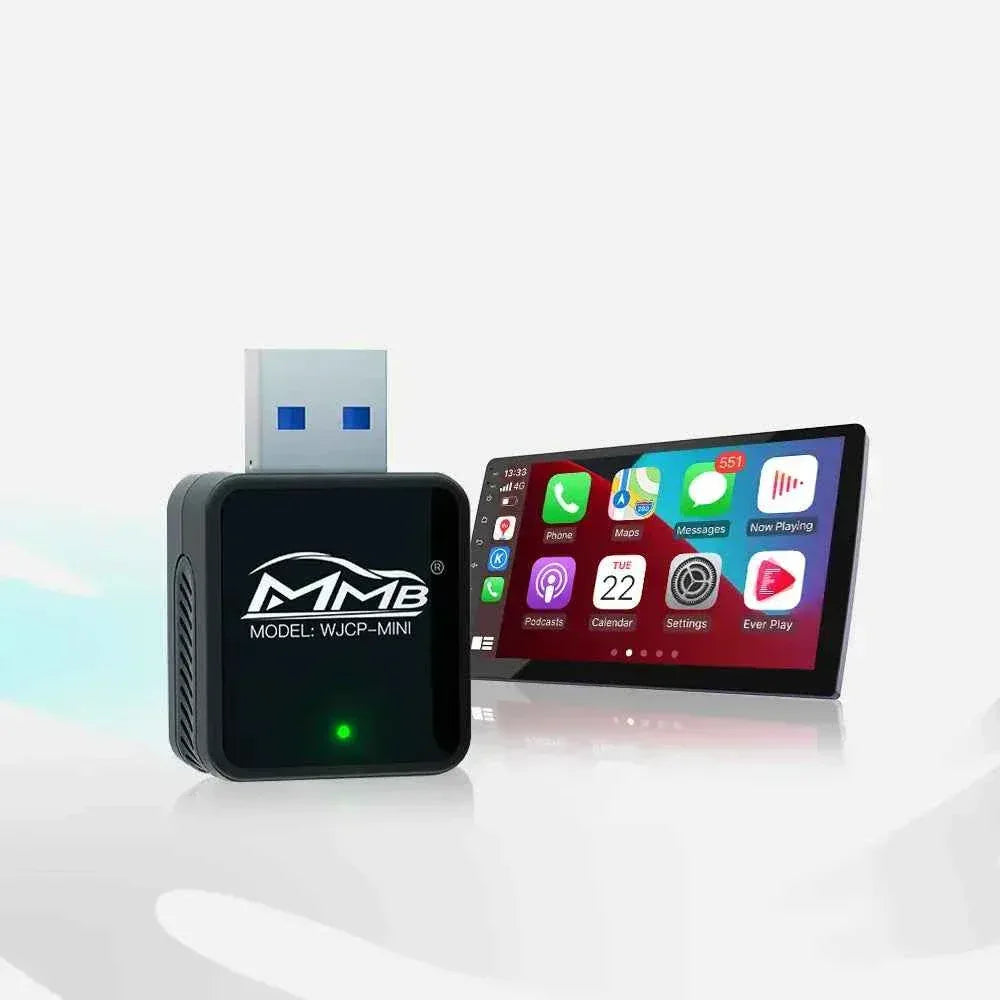
An AI Box is a compact Android-powered device that connects to your vehicle's factory CarPlay system and transforms the original screen into a full Android entertainment platform.
Instead of being limited to standard CarPlay functions, drivers can enjoy:
- YouTube
- Netflix
- Disney+
- Spotify
- Google Maps
- Waze
- TikTok
- Google Play Store
- Screen Mirroring
- Video Streaming Apps
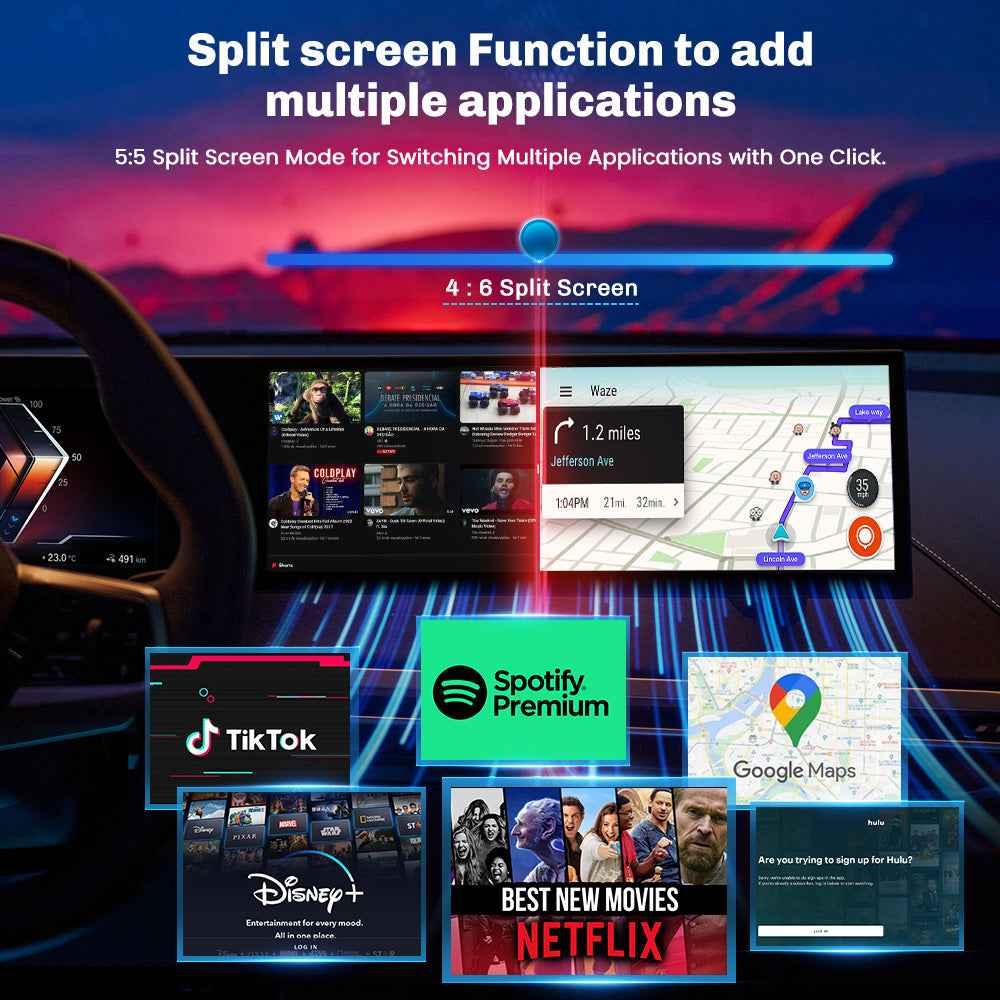
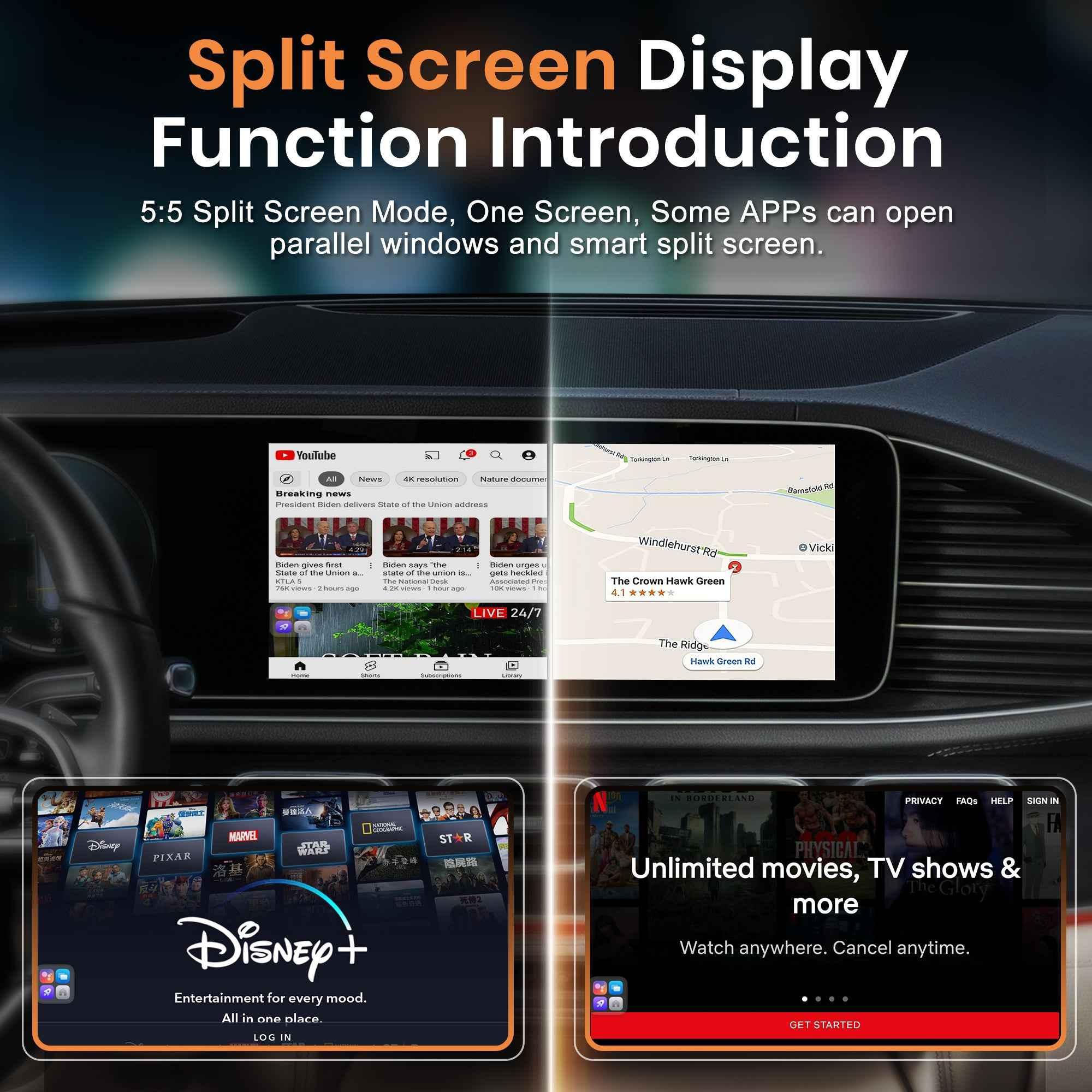
Many AI Boxes also support split-screen functionality, allowing navigation and media apps to run simultaneously.
Unlike replacing the factory head unit, an AI Box preserves the original screen, steering wheel controls, and vehicle functions.
Why BYD, POLESTAR 4 and DENZA D9 Owners Are Choosing AI Boxes
Modern EVs feature large displays and powerful hardware, making them ideal platforms for AI Box upgrades.
Drivers commonly want:
More Entertainment Options
Factory infotainment systems often restrict video playback while parked. An AI Box provides access to streaming apps directly from the vehicle screen.
Better Navigation
Many drivers prefer Google Maps or Waze over built-in navigation systems due to real-time traffic updates and route optimization.
Download Additional Apps
With Android-based AI Boxes, users can install applications directly from the Google Play Store.
Maximize Large Factory Screens
Vehicles like the POLESTAR 4 and DENZA D9 feature large displays that are perfect for streaming media, navigation, and multitasking. The Denza D9 itself includes a large central display and multiple infotainment screens throughout the cabin.
Vehicle Compatibility Requirements
Before purchasing any AI Box, compatibility is critical.
The most important requirement is:
Factory Wireless CarPlay Support
Most modern AI Boxes require the vehicle to support factory Apple CarPlay.
Wireless CarPlay operates through a wireless connection between the vehicle and iPhone, allowing adapters and AI Boxes to communicate with the factory system.
For the BYD, POLESTAR 4, and DENZA D9 solutions offered by MMB, compatibility is designed specifically for vehicles equipped with factory wireless CarPlay.
Check Compatibility
Check Compatibility:
https://carplaymmb.com/products/wireless-carplay-ai-box-for-byd-polestar4
Features to Look for in an AI Box in 2026
Not all AI Boxes deliver the same experience.
When choosing an AI Box, consider the following specifications:
Android Operating System
A modern Android platform ensures better app compatibility and longer software support.
RAM and Storage
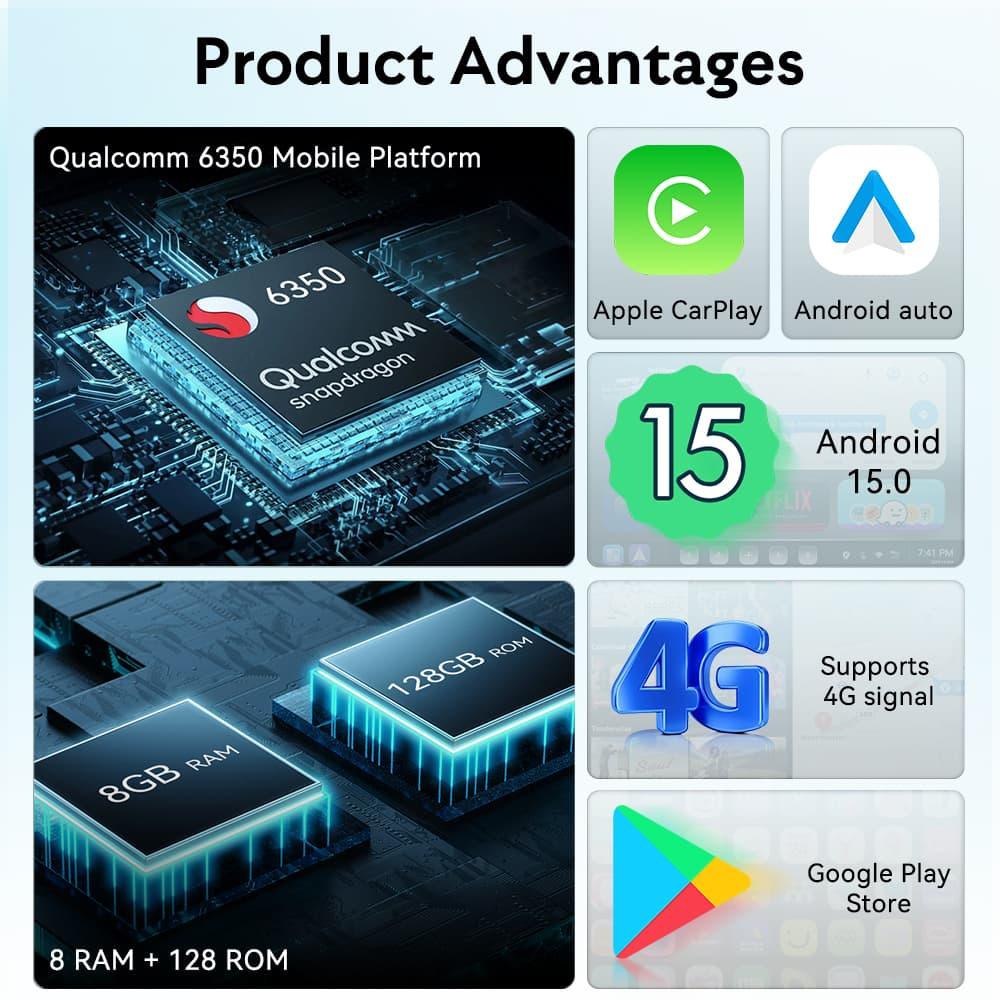
Higher RAM improves multitasking performance, while larger storage allows more apps and downloaded content.
Recommended:
- 4GB+ RAM minimum
- 64GB+ storage
- 128GB preferred for heavy users
Fast Processor
A powerful processor helps reduce:
- App loading times
- Video buffering
- Navigation lag
- System freezes
Wireless Connectivity
Look for:
- Dual-band Wi-Fi
- Bluetooth 5.0+
- Stable wireless CarPlay integration
OTA Updates
Software updates help maintain compatibility with future smartphone and app releases.
Why the MMB AI Box Is a Popular Choice
The MMB AI Box designed for BYD, POLESTAR 4, and DENZA D9 focuses on simplicity and compatibility.
Key benefits include:
- Plug-and-play installation
- Android operating system
- Wireless CarPlay integration
- Wireless Android Auto support
- Google Play Store access
- YouTube and Netflix support
- Google Maps and Waze support
- No modification of factory wiring
- Retains OEM controls
For drivers who want a complete Android experience without replacing the factory infotainment system, it offers a straightforward upgrade path.
Product Page
https://carplaymmb.com/products/wireless-carplay-ai-box-for-byd-polestar4
BYD AI Box Upgrade Benefits
BYD has become one of the world's fastest-growing EV manufacturers and offers advanced intelligent cockpit systems across its lineup.
Adding an AI Box can provide:
- Expanded app compatibility
- Streaming entertainment
- Enhanced navigation options
- Wireless connectivity
- Improved passenger experience
This is especially useful during long trips or charging sessions.
POLESTAR 4 AI Box Upgrade Benefits
The POLESTAR 4 features a premium digital cockpit and large infotainment display.
An AI Box allows owners to take full advantage of that screen by accessing:
- Netflix
- YouTube
- Disney+
- Spotify
- Google Play applications
without replacing any factory hardware.
DENZA D9 AI Box Upgrade Benefits
The DENZA D9 is designed as a luxury MPV with a strong emphasis on passenger comfort and multimedia functionality. It features a large central infotainment display and an advanced cabin entertainment experience.
An AI Box upgrade is particularly attractive for families and business users who want:
- Rear-seat entertainment
- Video streaming
- Music streaming
- Navigation flexibility
- App downloads
during long-distance travel.
AI Box vs Standard Wireless CarPlay Adapter
Many buyers wonder whether they need a Wireless CarPlay adapter or a full AI Box.
| Feature | Wireless CarPlay Adapter | AI Box |
|---|---|---|
| Wireless CarPlay | Yes | Yes |
| Wireless Android Auto | Yes | Yes |
| YouTube | No | Yes |
| Netflix | No | Yes |
| Google Play Store | No | Yes |
| Android Apps | No | Yes |
| Video Streaming | No | Yes |
| Standalone Android System | No | Yes |
If your goal is simply removing the cable, a wireless adapter may be sufficient.
If you want a complete Android entertainment system, an AI Box is the better solution.
Installation Process
Installation is simple:
Step 1
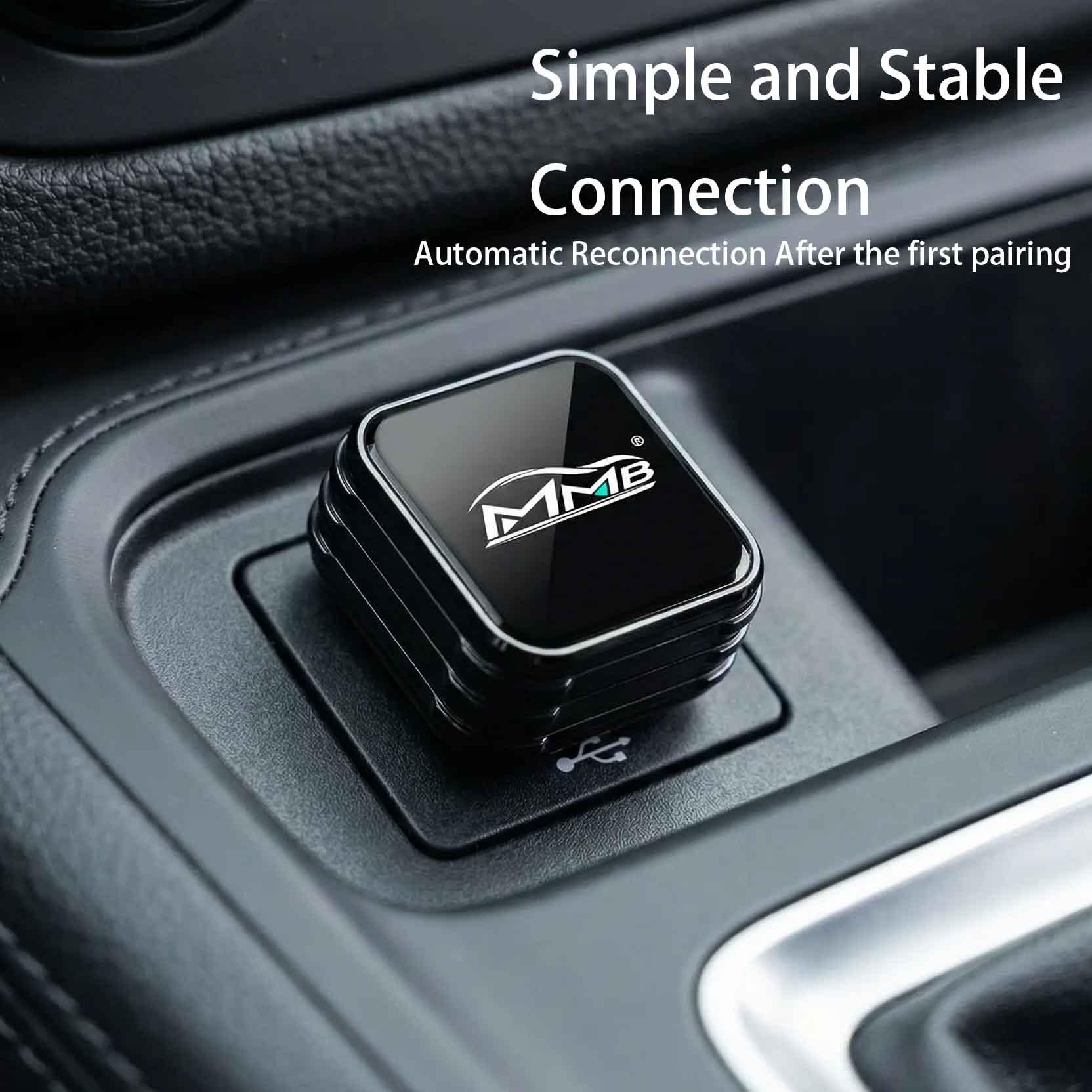
Connect the AI Box to the vehicle's USB port.
Step 2
Wait for the system to initialize.
Step 3
Connect to Wi-Fi or a mobile hotspot.
Step 4
Sign in to your Google account and download your favorite apps.
No coding, programming, or vehicle modifications are required.
Final Thoughts
For drivers looking to maximize the potential of their factory infotainment system, the BYD AI Box, POLESTAR 4 AI Box, and DENZA D9 AI Box upgrades offer one of the easiest ways to unlock modern Android functionality.
With support for YouTube, Netflix, Google Maps, Spotify, and thousands of apps from the Google Play Store, an AI Box transforms a standard factory display into a complete entertainment and productivity platform.
If your vehicle is equipped with factory wireless CarPlay, upgrading to an AI Box can dramatically improve both convenience and in-car entertainment while maintaining the original look and functionality of your vehicle.
Check Compatibility:
https://carplaymmb.com/products/wireless-carplay-ai-box-for-byd-polestar4
BYD Carplay AI Box: Turn Your Factory Wireless CarPlay into a Full Android System
How to Watch Netflix While Charging Your Car: A Complete Guide
Related Posts

Afraid of BMW MMB Box Battery Drain? What BMW Drivers Should Know Before Parked Streaming

Worried MMB Too Complicated? 7 Easy Things First-Time Users Should Know

Worried Your Car Screen Is Too Old for MMB? 7 Signs It May Still Work

Worried About MMB Mobile Hotspot? 7 Things Drivers Should Know Before Streaming

Parked Car Between Appointments: 7 Reasons MMB Makes Waiting Feel Better

Long Drive Alone: Why the Car Feels Different When Nobody Is Beside You

MMB AI Box Buying Guide: 7 Checks Before You Order