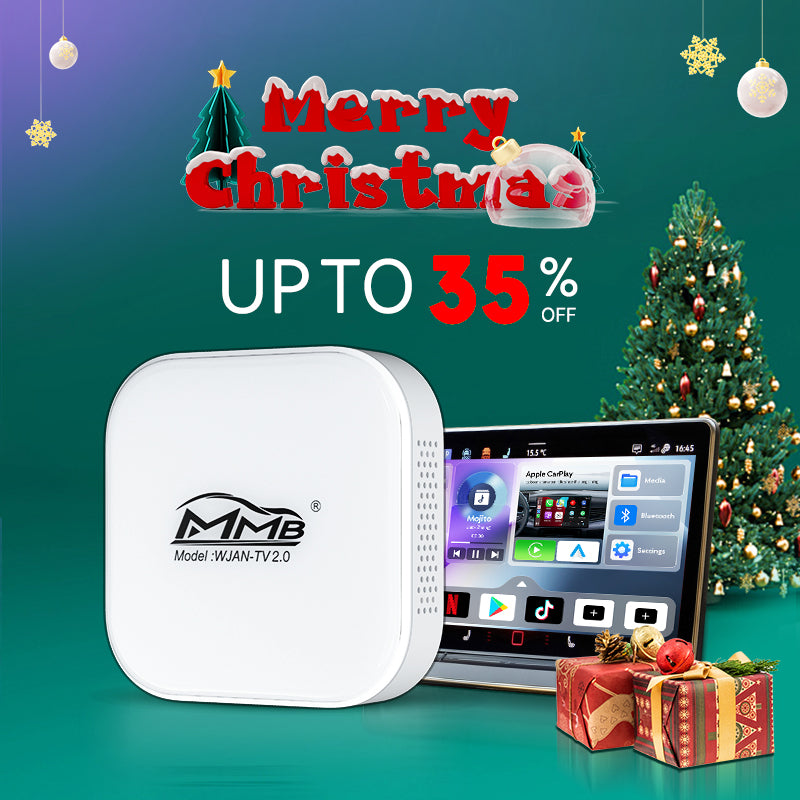
MMB Mini 2.0 Wired to Wireless Bluetooth WiFi CarPlay Adapter

$32.19
$89.00
SAVE $56.81

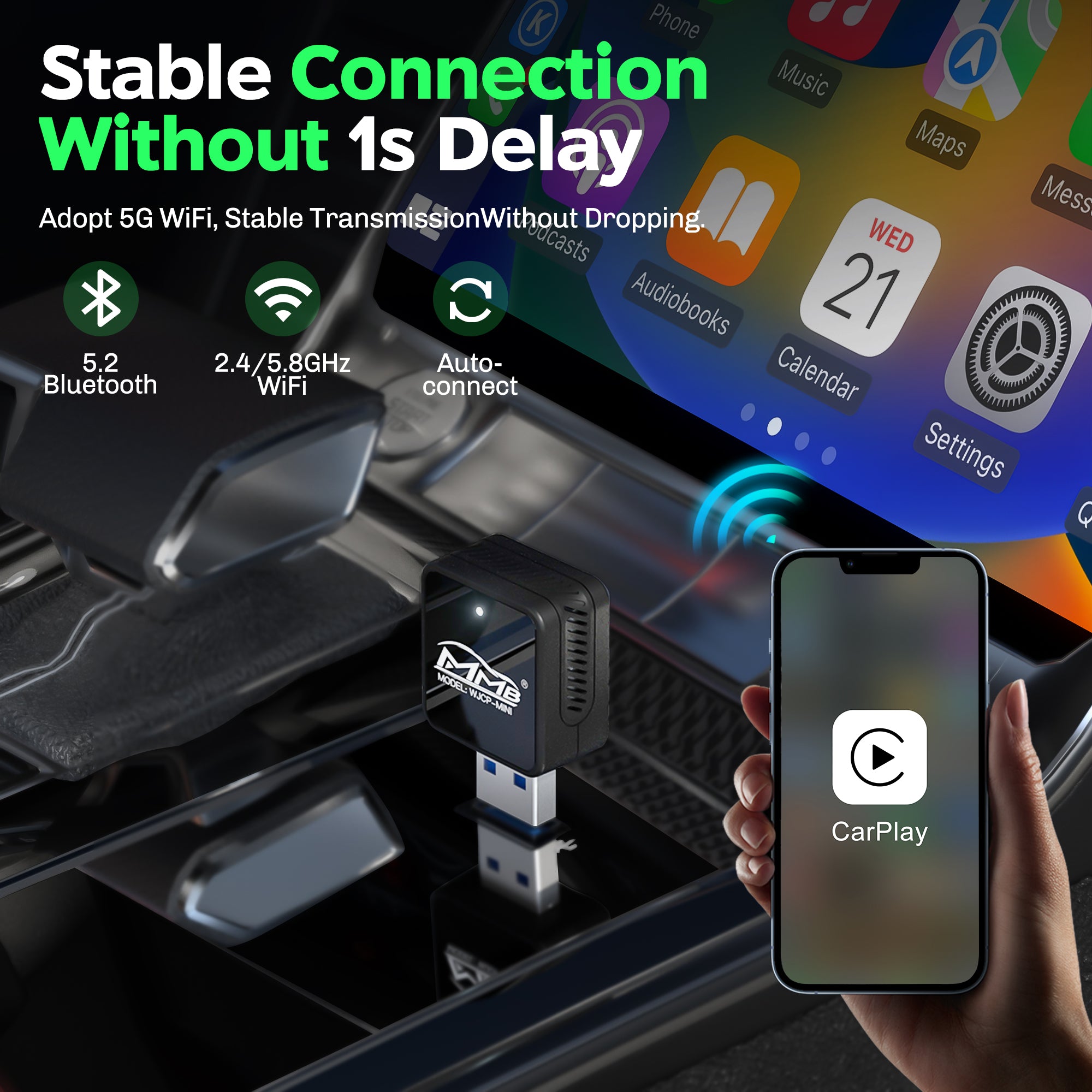
Ultra-compact design – 60% smaller MINI size, nearly invisible when plugged in
Plug & Play – Automatic wireless connection after first setup
Wired to Wireless CarPlay – Say goodbye to cables and clutter
Dual-Band Performance – 2.4GHz + 5.8GHz WiFi with upgraded A7 chip
Fast & Stable Connection – Near-zero latency for navigation, music, and calls
Supports Original Car Controls – Touchscreen, OEM knob, steering wheel & voice control
Apple CarPlay Only – Compatible with iOS 10 and above (Android not supported)
Wide Vehicle Compatibility – Works with 98% of wired CarPlay cars (2016–2026)
USB & Type-C Supported – Fits both USB and USB-C car ports
Lightweight & Portable – Only 0.04 kg, clean and seamless in your interior

Lorem ipsum

Lorem ipsum

Lorem ipsum

Lorem ipsum

Fast

Shipping

30 Days Return

One-on-one service

Update
Online

Description

Invisible Wireless CarPlay Adapter: 
2025 MMB Mini Wired to Wireless Carplay Adapter, featuring a sleek design with the longest side measuring just 1 inch. Easily concealable within your car for a clean and clutter-free setup!


From Wired to Wireless: 
Eliminate the hassle of constantly plugging and unplugging data cables with the MMB Mini Carplay Adapter. With just a single pairing, it automatically connects to your phone, providing a fast, convenient, and efficient experience.


Fast and Stable Connection: 
The MMB Mini Carplay Adapter supports advanced 5.8/2.4GHz WiFi and Bluetooth 2.4+4.2GHz. Simply plug it into your car's wired data port, and within 7-10 seconds, it automatically establishes a quick and seamless wireless CarPlay connection, eliminating any need for stopping and waiting.


Retains Original Controls: 
Supports all original car controls, including touchscreens, car knobs, and steering wheel buttons. Seamlessly integrates with Siri for voice control, delivering a true OEM-like experience.


Please Note: 
This adapter converts wired CarPlay to wireless and does not add CarPlay functionality to your car. Ensure your vehicle supports wired CarPlay before purchasing. Compatible with iPhone running iOS 10 or above. For Android users with wired Android Auto support, please refer to a different model available in the MMB Official Store.

Instructions

Follow the installation guide that comes with the MMB Mini Carplay Adapter, and it takes about 10 seconds to complete the automatic connection setup.


1. Take out the MMB Mini Adapter from the kit.

2. Connect by plugging into the car's USB or Type-C.

3. Use your phone to pair Bluetooth and wifi.

What's included

- Smart BoX
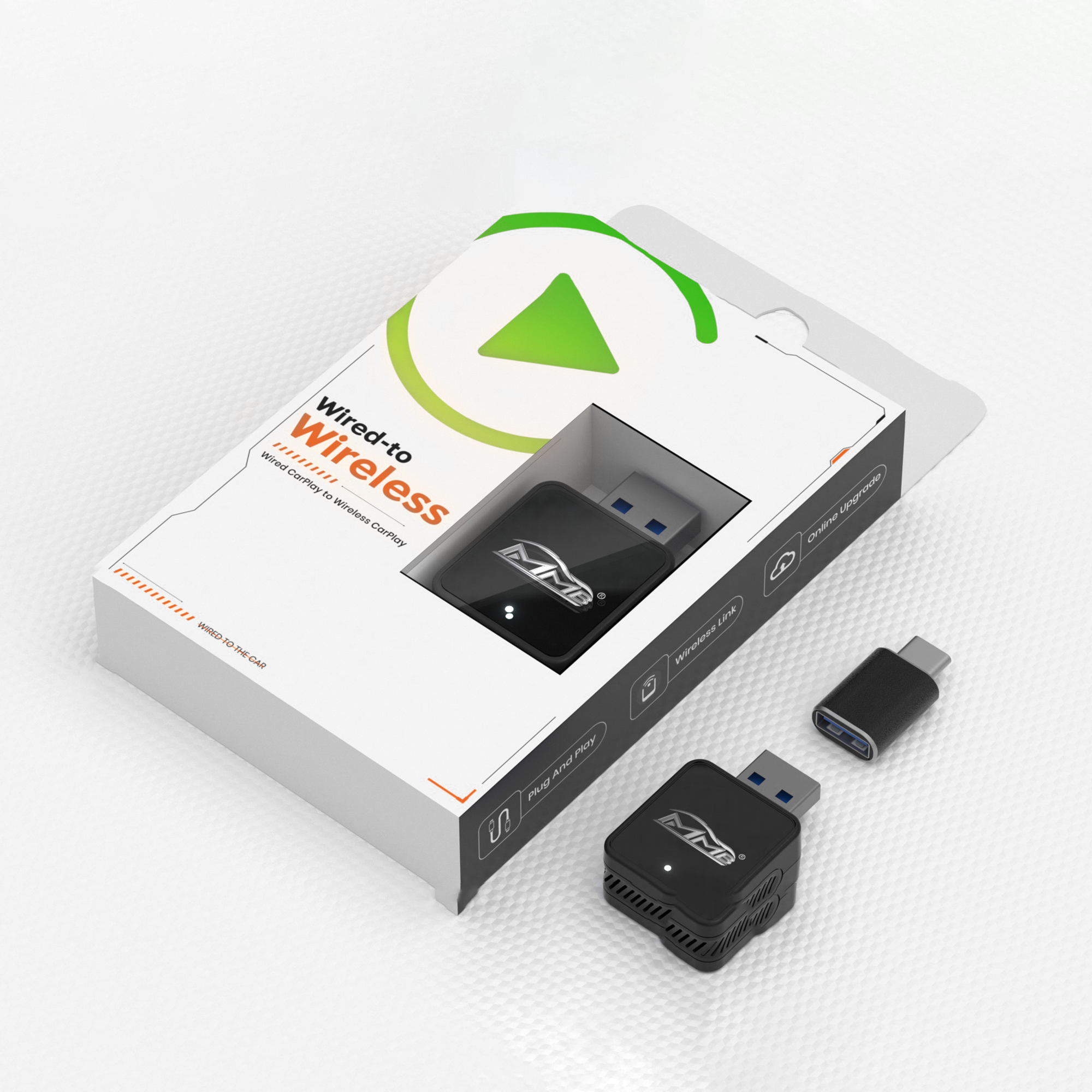
- Type-C to USB adapter
- User Manual

Fast & free shipping

Your order will be handled in within 24 hours. All other orders will ship the following day besides Saturday or Sunday. After your order has been in transit, you may receive an email noting that tracking information has been updated. Once the package has arrived, you should receive a physical confirmation of arrival.

*International orders vary based on the shipping carrier selected at checkout.

30 Days money back guarantee

Orders can be returned within 30 days from the date your order is delivered. To qualify for a full refund, returned items must be in their original condition with no evidence of wear and tear. All components included in the original order must also be returned.

Orders can be exchanged or returned for store credit within 60 days from the date your order is delivered. To qualify for an exchange, returned items must be in their original working condition with no evidence of wear-and-tear and purchased on the carplaymmb.com website. All accessories included in the original order must also be returned.

3 Easy Steps To Setup The MMB AI Box

Takes less time than setting up a new phone!

Step 1. Connect to car

Plug the MMB Mini Adapter into your car's CarPlay/Android Auto-enabled USB or Type-C port.

Step 2. Select wifi source

Select your preferred wifi source such as mobile hotspot. This is only necessary for the very first setup.

Step 3. Start streaming

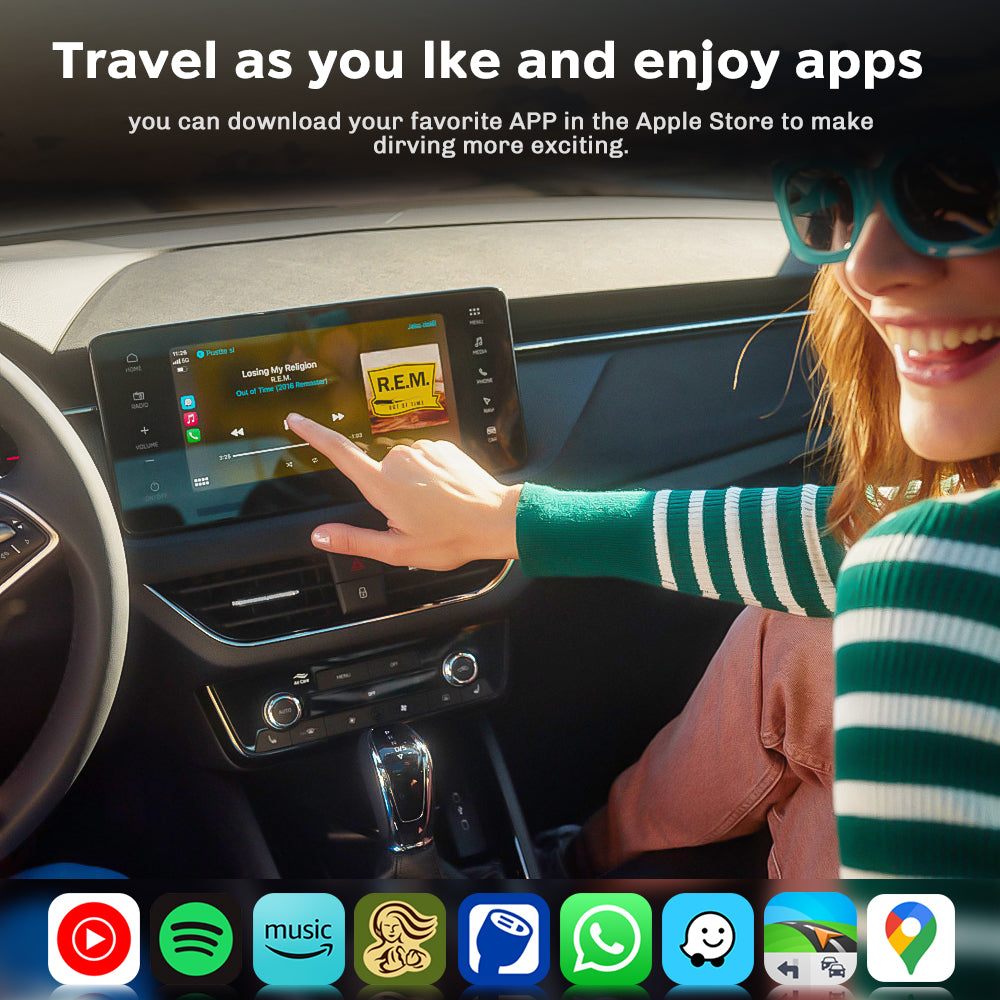
Download your favorite apps from the app store or use our pre-downloaded apps to start streaming!

Keeps The Same Functionality As Apple CarPlay

Alt image Alt image Alt image

HEY SIRI

Alt image Alt image Alt image

TOUCH SCREEN

Alt image Alt image Alt image

KNOBS

Compare our products

Transforming your car into a tech media hub is simple with our range of products. 

Check out our line below so you can get the perfect product based on your media preferences!

MMB Box 2.0

  • Works with iPhone & Android

  • Wireless CarPlay

  • Wireless Android Auto

  • YouTube & Netflix

  • App Store for additional apps

SHOP MMB BOX 2.0

MMB Max AI Box 5.0

  • Works with iPhone & Android

  • Wireless CarPlay

  • Wireless Android Auto

  • YouTube & Netflix

  • App Store for additional apps

SHOP MMB Max AI BOX 5.0

MMB AI Box

  • Works with iPhone & Android

  • Wireless CarPlay

  • Wireless Android Auto

  • YouTube & Netflix

  • App Store for additional apps

SHOP MMB AI BOX

You’re Not The First To Ask

To provide you with the best customer experience, your feedback is greatly encouraged. If you have any questions please send us an email at: support@carplaymmb.com

How quickly can I set it up?

Your time is your biggest asset. The MMB Max AI Box ensures that your phone will automatically connect to Carplay in less than 15 seconds (74% faster than the previous generation) when other devices often require 30-45.seconds.

Is The MMB Box compatible with my car?

Available only for vehicles with original carplay system, you can do so on our compatibility quiz.


If your car is a BMW, CLICK HERE to buy the right product for you.

Any Alpine, Kenwood or Pioneer aftermarket display screen with wired CarPlay or Android Auto will also work.

Do I need any additional apps to make it work?

Nope, we've pre-installed the most popular streaming apps to the box for you. The Google Play store is accessible from the box to download any app if you wish.

Will this work on aftermarket CarPlay devices?

Yes, any Aftermarket CarPlay Device with a USB Port also works with The MMB AI Box.

How to watch Netflix from Apple CarPlay?

Simply download the Netflix app within the Google Play Store within the MMB AI Box device. Log into your account and start streaming your favorite shows.

How to play videos on CarPlay?

Turn your cars display screen into a smart TV using The MMB AI Box. Simply plug the MMB AI Box into your car's USB port and the regular CarPlay or Android Auto screen will be replaced with ours. Download any app and start streaming with The MMB AI Box.

Do I need to buy a MMB Remote for my MMB Box?

No, you do not need to buy it but it definitely helps navigate the box more effectively. If you do not have touch screen in your vehicle, we strongly encourage you also buy a MMB Remote.

QUALITY GUARANTEED

EASY RETURNS

You can return any item(s) within 30 days of the delivery date. Exchanges and store credit are up to 60 day from delivery date.

1 YEAR WARRANTY

If your MMB Box does not work as expected, reach out to our support team who will assist with any issues. All MMB Boxes are backed by our 1 year warranty.

POWERED BY REAL USERS

With 100,000+ customers, we actively building the best in-car entertainment system. We value the feedback from our community.

Customer Reviews

Based on 26 reviews
100%
(26)
0%
(0)
0%
(0)
0%
(0)
0%
(0)
T
Travis Rath
Works like a champ!

I recently purchased a cheaper but similar product from another vendor and it was just okay. They say you get what you pay for, and this wireless carpal adapter is fantastic. It connects super fast and works like a champ! I would highly recommend this product.

R
Ryan Brown
Worth it.

Works great. Never drops signal and never needs to reconnect. Connects within seconds. Good bang for your buck. I highly recommend.2018 F150 XLT

C
Customer Review
Super easy to set up, very convenient to not have to plug in for CarPlay

I've used a few of this type of wireless CarPlay before, and this is one of the better ones - it's very small and compact, easy to set up, and reconnects very quickly every time you start the car. The connection to the phone is fast and stable and I've never had any latency issues. It's just as fast as when I plug the phone into the CarPlay USB port.I like how it's small enough to be out of the way, as I've used and seen some that are so huge they are just a hindrance and you'd be better off just using a wire. It's very convenient to be able to just leave the phone in my pocket and go when it's just around town and I'm not worried about battery consumption. That being said, if you're new to wireless CarPlay, it will drain the battery more than you'd think, so if you're going to be on a long trip or in the car for a while, you'll want to have a charger (preferably MagSafe) to keep topped up :)Great product. No complaints.

K
Ken Osowski
Worked without a hitch unlike the first version which did not.

Came up without any need for directions. Compatible with Cayman CarPlay.

P
PN
Has been working great so far!

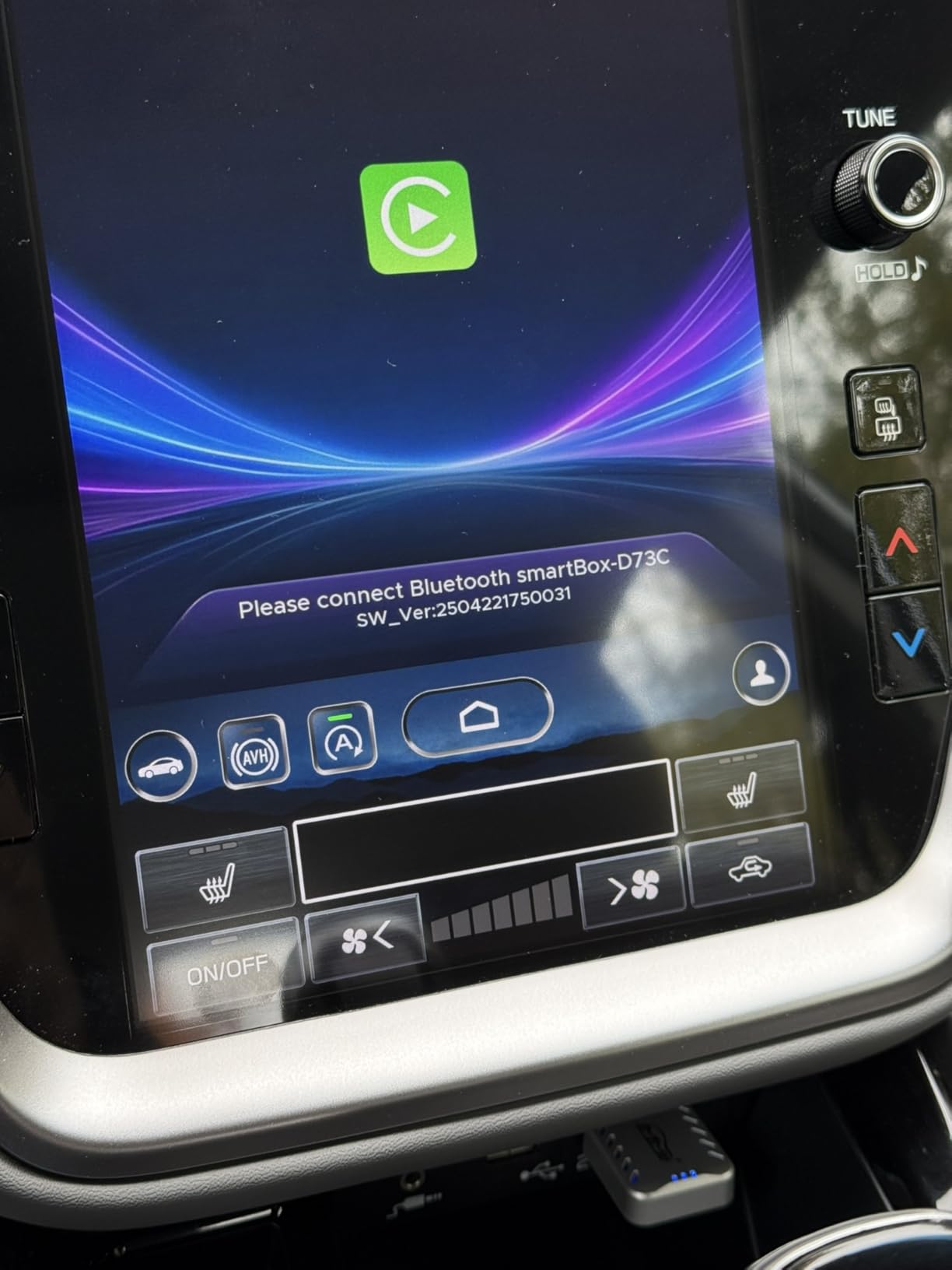
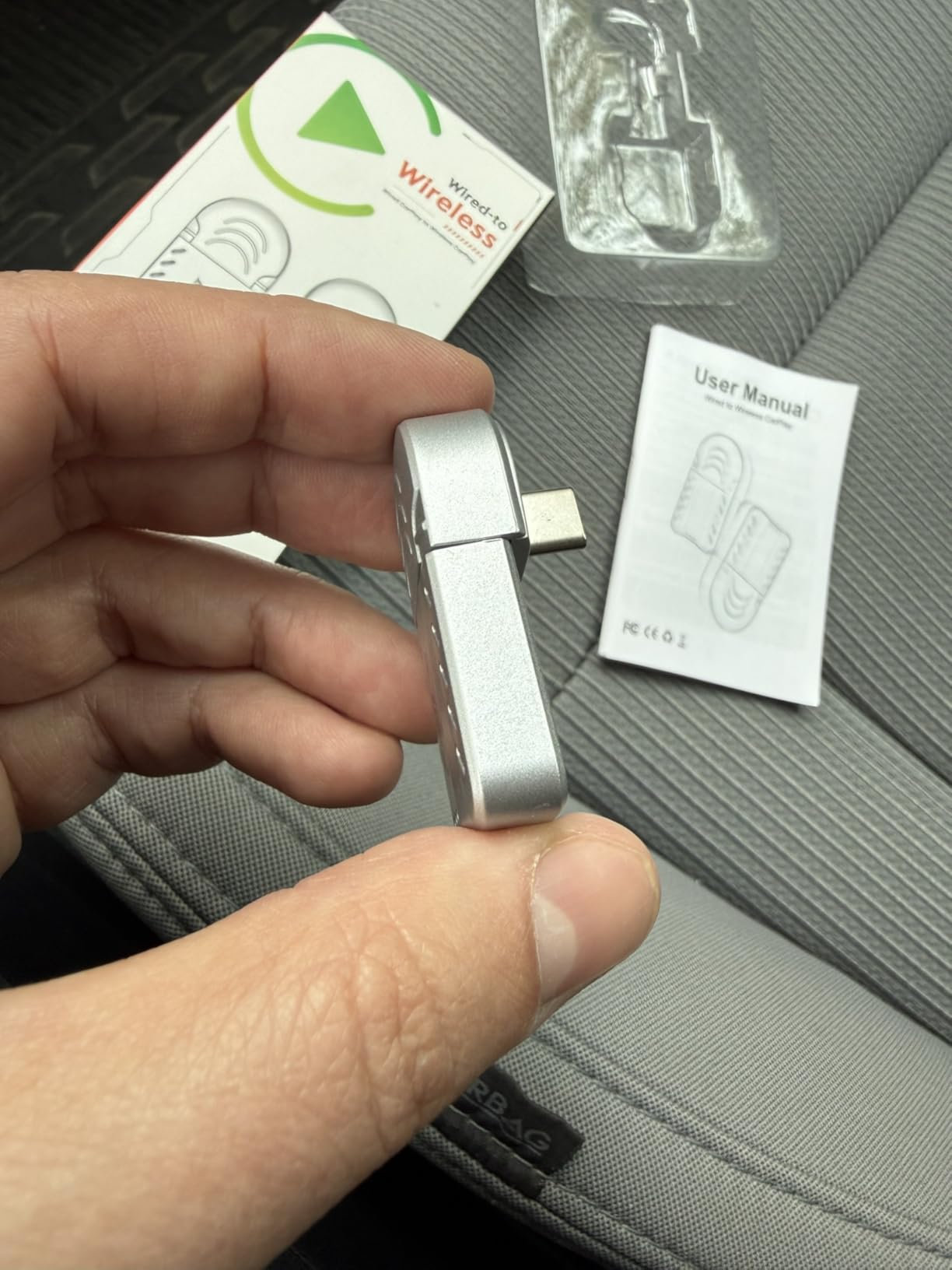
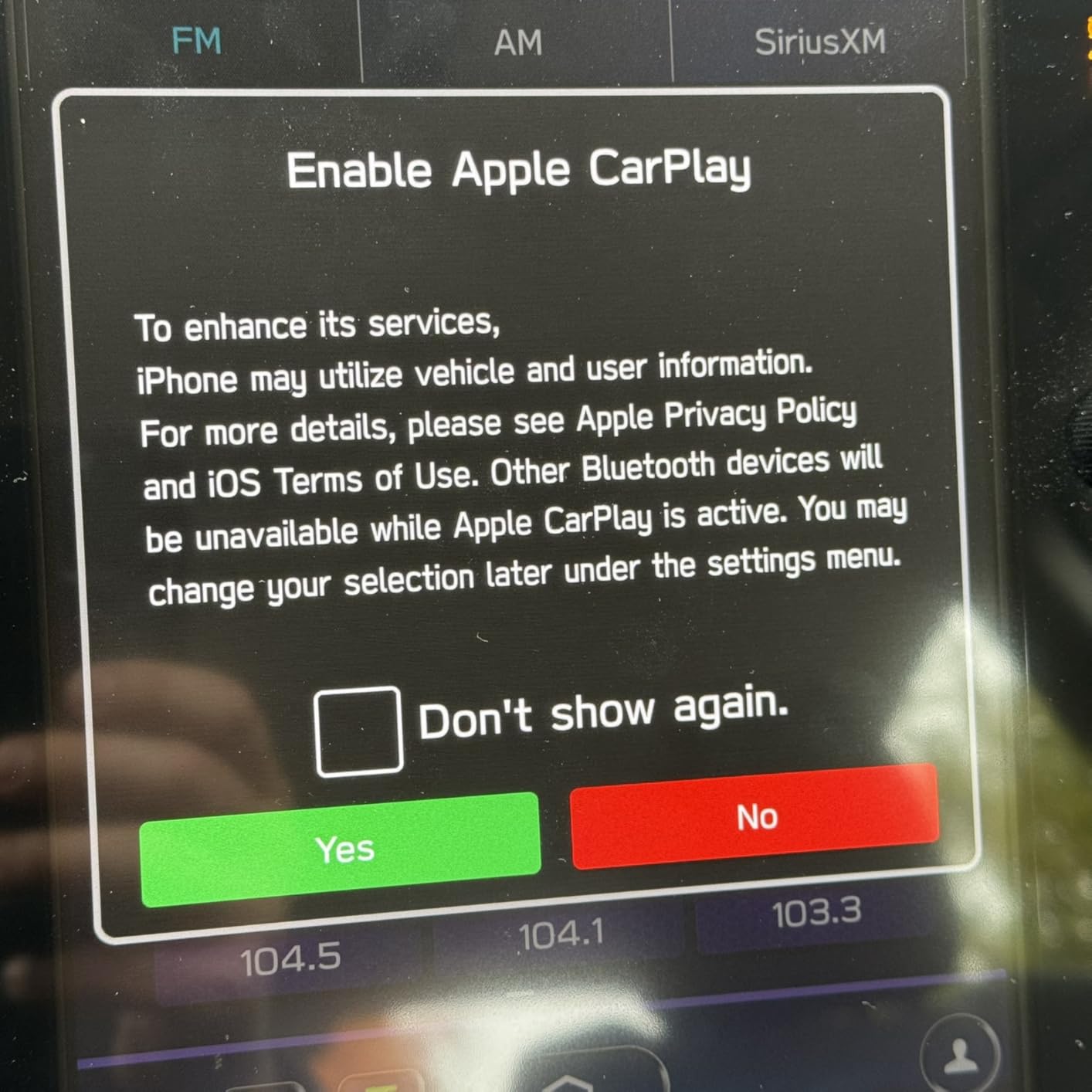
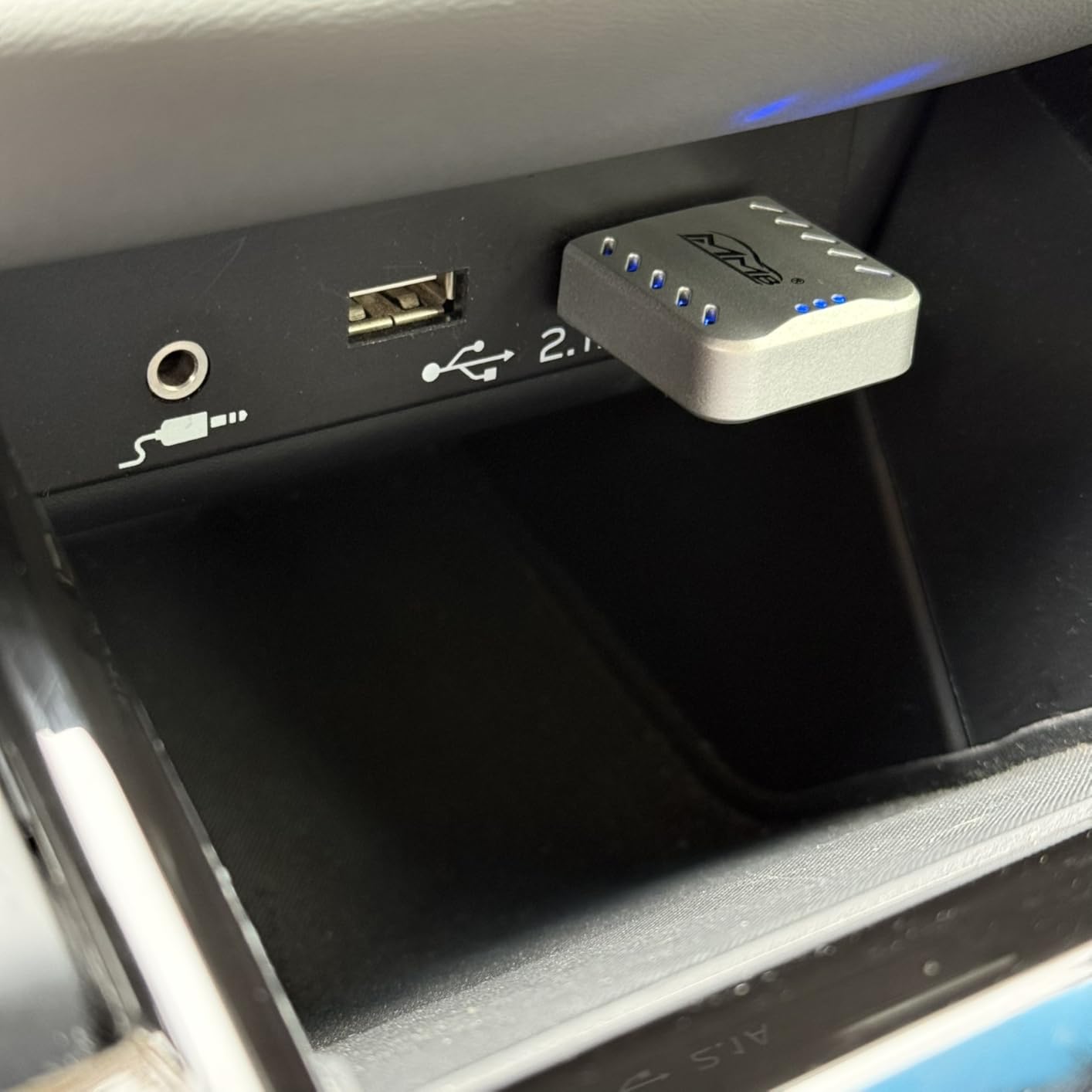
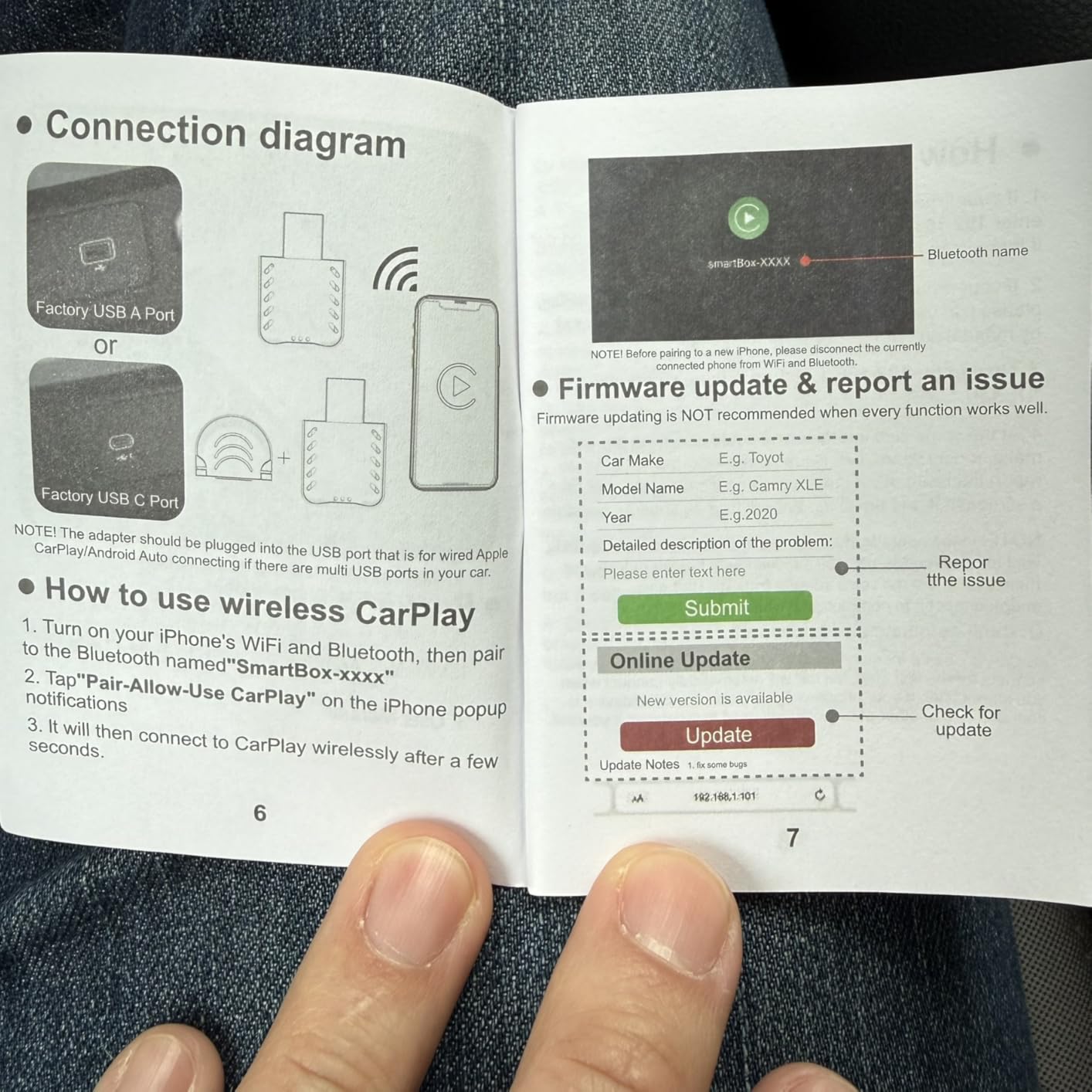
I didn‘t have my hopes up when I ordered it. But after using it for a little over two months now, I am very impressed. I now have wireless Apple CarPlay in my car. I have a 2020 Subaru Legacy which only came with wired Apple CarPlay via regular a USB port. This wireless MMB dongle has a regular USB-A plug and comes with an adapter to fit USB-C ports as well. One thing to keep in mind is the orientation of the dongle changes with C adapter, so make sure you have the space. It is very small however, similar to a compact USB drive. It is all made of silvery colored plastic and has a blue light on the inside which shines thought he vent ports while plugged in.The functionality is awesome and it works great overall. The initial setup was very simple and the instructions were easy to follow. Not much different than connecting to other Bluetooth devices. There is also a way to update the firmware on it (instructions also in the manual), but it’s a bit more involved. It does connect through Bluetooth and Wi-Fi so there are seldom occasions when your phone may try to connect to your home‘s Wi-Fi when returning home. But it’s not the adapter‘s fault, but rather the phone trying to re-connect to other known devices. Normal operation is very good and the audio quality is clear and not any different than when I used wired CarPlay. The only time when a minimal (half a second) delay is noticeable is when I use the keypad on my phone dialing numbers during a call. The only reason it’s noticeable is because we expect to hear the beep as soon as we press the button. When in reality when we talk on the phone that delay is also there for the other party because the signal / audio has to get back and forth. Hope it makes sense. If it sounds confusing, just know that the adapter works great overall and no delay is noticeable when on the phone or using navigation. The maps and voice directions work with no delay. I use an iPhone 16 Pro with it and so far have not had any unexplainable issues. Works great with phone calls, texts, navigation and music (Spotify) all at the same time. Steering wheel controls and Siri all work the same way as they should.Yes, I can recommend this adapter to anyone trying to convert from wired to wireless Apple CarPlay. There are many options out there for similar adapters and price is an important factor. While the prices fluctuate all the time, I would say that $45 or less is a good value.
Save 30% | Code: MMBNewYear30OFF