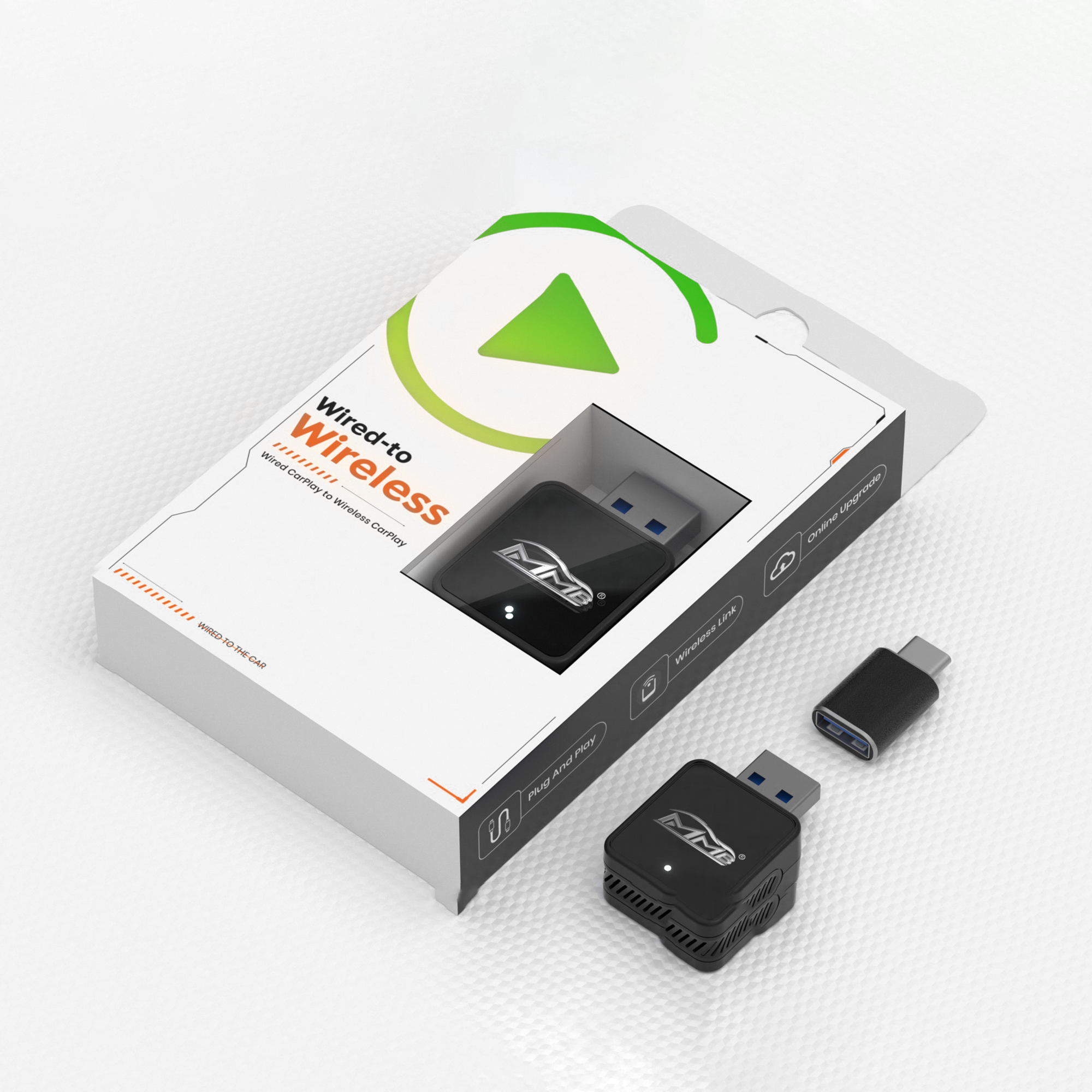
MMB Max Ultra Ai Box Multimedia Wireless Carplay Adapter

$202.30
$379.00
SAVE $176.70

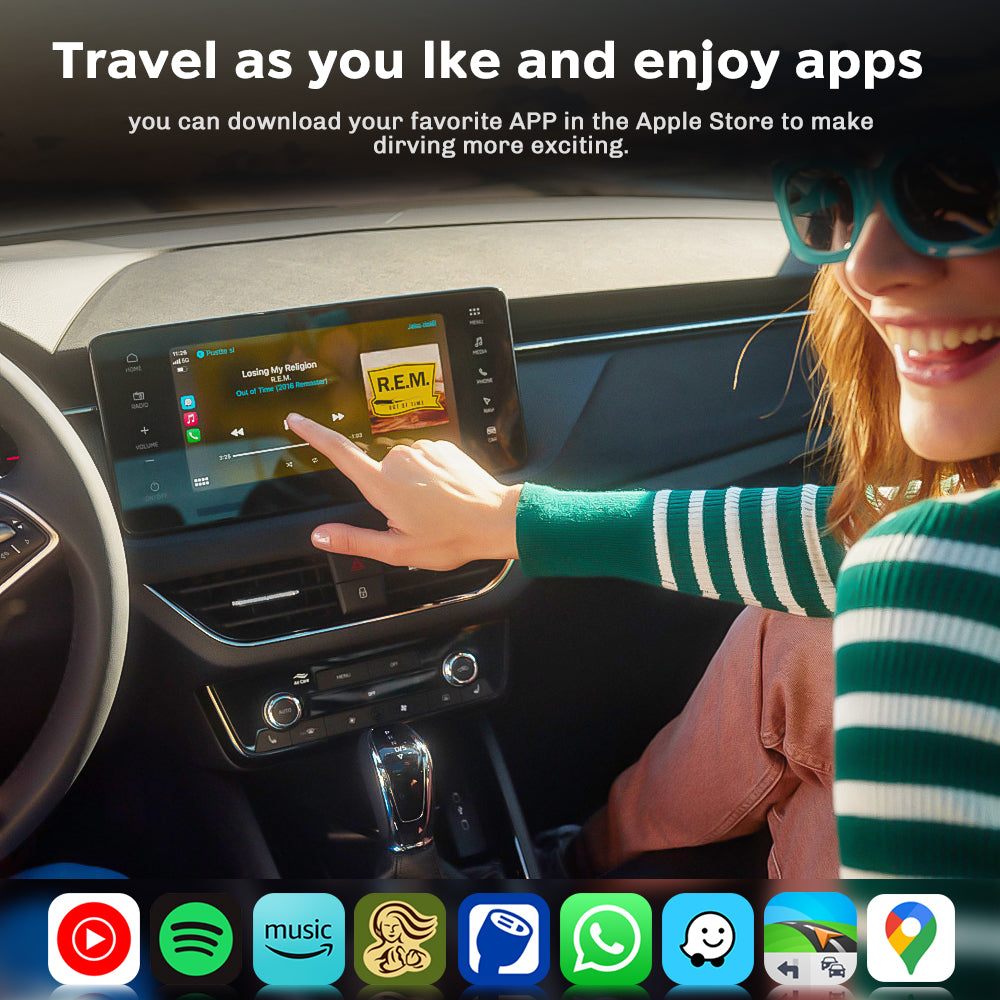
Entertainment & App Store — Watch your favorite shows and download the apps you use most, all directly on your car screen.

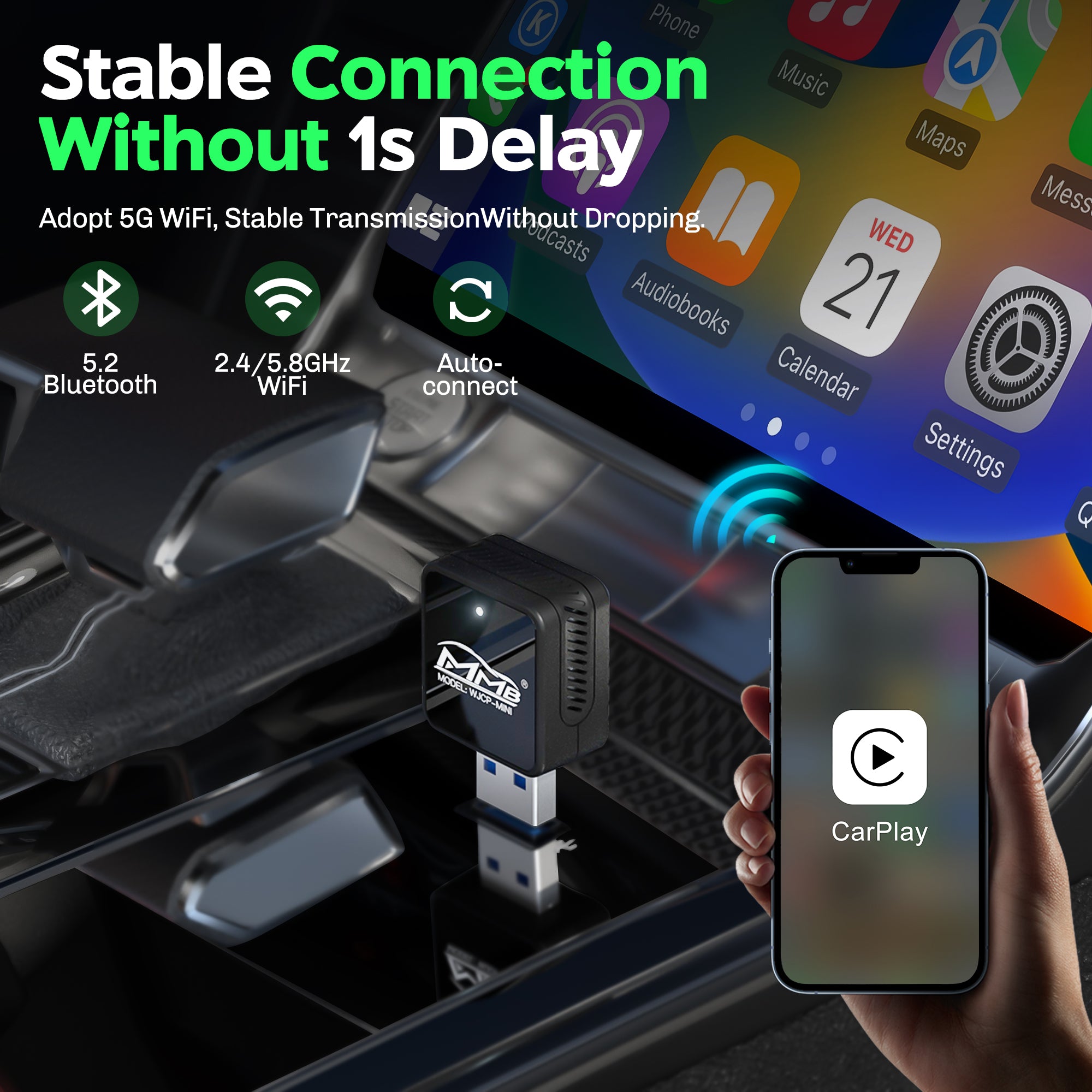
Wireless CarPlay & Android Auto — Connect automatically when you start the car. No cables needed. Easy access to calls, music, and navigation.

Smart Voice Assistant — Control navigation, music, and basic tasks by voice, helping you stay focused on the road.

Upgraded Performance — Powered by a high-performance chipset with 8GB RAM and 128GB storage for fast startup and smooth multitasking.

Android 15 Experience — A clean, intuitive interface designed for in-car use, delivering a stable and responsive driving experience.

Region

Lorem ipsum

Lorem ipsum

Lorem ipsum

Lorem ipsum

Fast

Shipping

30 Days Return

One-on-one service

Update
Online

3 Easy Steps To Setup The MMB AI Box

Takes less time than setting up a new phone!

Step 1. Connect to car

Plug the MMB Mini Adapter into your car's CarPlay/Android Auto-enabled USB or Type-C port.

Step 2. Select wifi source

Select your preferred wifi source such as mobile hotspot. This is only necessary for the very first setup.

Step 3. Start streaming

Download your favorite apps from the app store or use our pre-downloaded apps to start streaming!

Keeps The Same Functionality As Apple CarPlay

Alt image Alt image Alt image

HEY SIRI

Alt image Alt image Alt image

TOUCH SCREEN

Alt image Alt image Alt image

KNOBS

You’re Not The First To Ask

To provide you with the best customer experience, your feedback is greatly encouraged. If you have any questions please send us an email at: support@carplaymmb.com

How quickly can I set it up?

Your time is your biggest asset. The MMB Max AI Box ensures that your phone will automatically connect to Carplay in less than 15 seconds (74% faster than the previous generation) when other devices often require 30-45.seconds.

Is The MMB Box compatible with my car?

Available only for vehicles with original carplay system, you can do so on our compatibility quiz.


If your car is a BMW, CLICK HERE to buy the right product for you.

Any Alpine, Kenwood or Pioneer aftermarket display screen with wired CarPlay or Android Auto will also work.

Do I need any additional apps to make it work?

Nope, we've pre-installed the most popular streaming apps to the box for you. The Google Play store is accessible from the box to download any app if you wish.

Will this work on aftermarket CarPlay devices?

Yes, any Aftermarket CarPlay Device with a USB Port also works with The MMB AI Box.

How to watch Netflix from Apple CarPlay?

Simply download the Netflix app within the Google Play Store within the MMB AI Box device. Log into your account and start streaming your favorite shows.

How to play videos on CarPlay?

Turn your cars display screen into a smart TV using The MMB AI Box. Simply plug the MMB AI Box into your car's USB port and the regular CarPlay or Android Auto screen will be replaced with ours. Download any app and start streaming with The MMB AI Box.

Do I need to buy a MMB Remote for my MMB Box?

No, you do not need to buy it but it definitely helps navigate the box more effectively. If you do not have touch screen in your vehicle, we strongly encourage you also buy a MMB Remote.

QUALITY GUARANTEED

EASY RETURNS

You can return any item(s) within 30 days of the delivery date. Exchanges and store credit are up to 60 day from delivery date.

1 YEAR WARRANTY

If your MMB Box does not work as expected, reach out to our support team who will assist with any issues. All MMB Boxes are backed by our 1 year warranty.

POWERED BY REAL USERS

With 100,000+ customers, we actively building the best in-car entertainment system. We value the feedback from our community.

Customer Reviews

Be the first to write a review
0%
(0)
0%
(0)
0%
(0)
0%
(0)
0%
(0)